A simple Facebook ads strategy for a small business
Run one campaign with one goal and two ad sets: a broad one that finds new buyers with most of the budget, and a small one that retargets recent site visitors. Give it a handful of different ads, check it once a week, and avoid edits while an ad set is still in the learning phase.

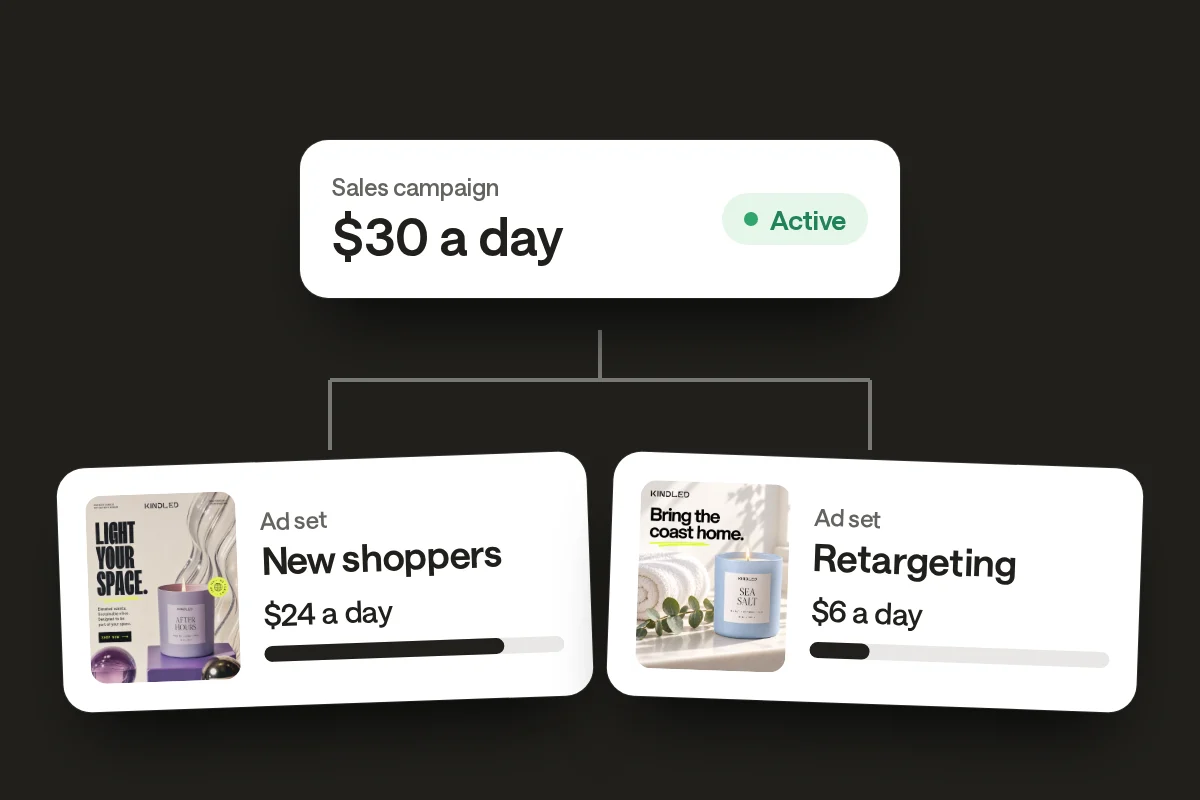
Step 1: Pick one goal and one campaign
Choose the result you want to pay for. Pick Sales if you sell online and have a Meta Pixel on your site, or Leads if you take bookings or quotes. Our guide to campaign objectives covers the rest.
Keep the structure small. Meta's learning phase page says an ad set usually leaves learning after about 50 results in the week after its last significant edit. The same page recommends combining similar ad sets so their learning is pooled, and warns against running a large number of ads. A small budget split across five ad sets may never reach that mark in any of them.
Meta's own all-in-one option is the Advantage+ sales campaign, which replaced Advantage+ shopping campaigns. Our Advantage+ guide explains when to use it. The plan below uses a manual campaign so you can control the split between new and returning visitors.
Step 2: Split the budget between new buyers and retargeting
Put most of the money into finding new people. Jon Loomer's long-running rule is to dedicate 80% of your budget to cold audiences and 20% to remarketing, which he calls a starting place. He also warns that a large budget burns through a small remarketing audience quickly.
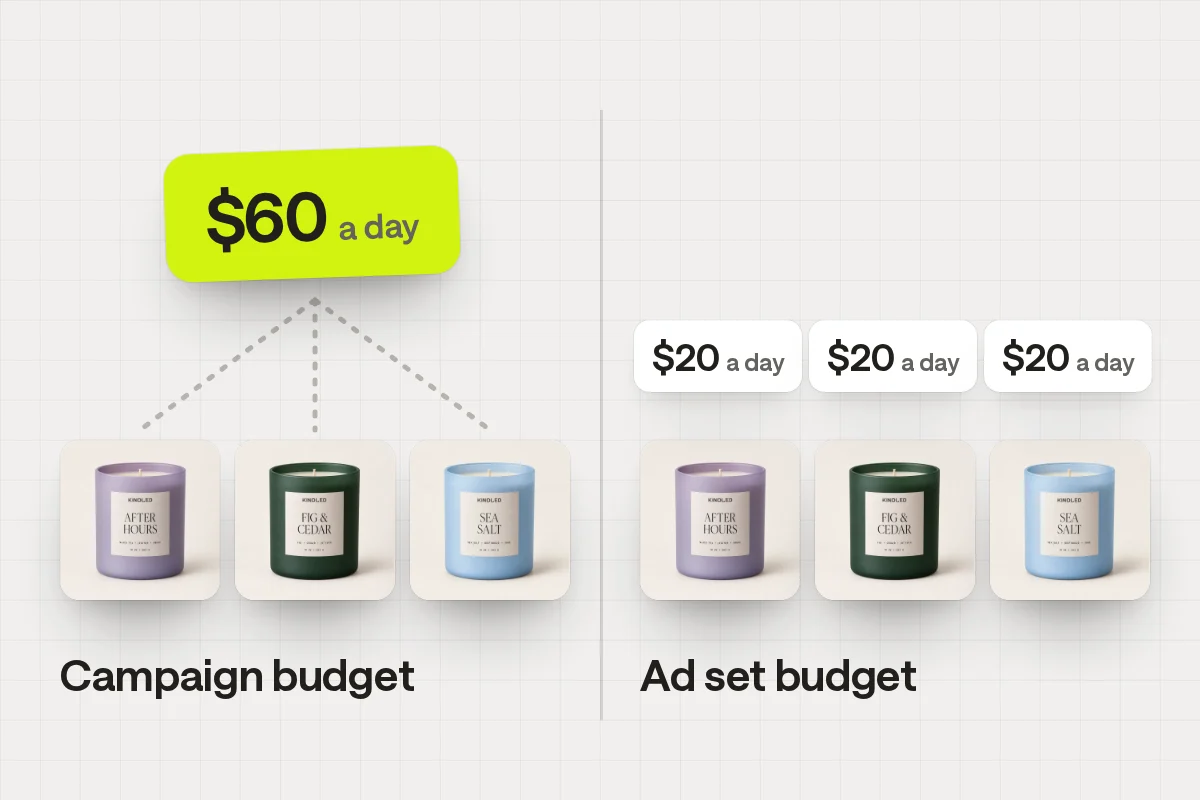
Set the budget on each ad set so you decide the split. Our CBO vs ABO guide explains the two budget options.
Worked example
Example: a dog treat brand can spend $30 a day.
- Ad set 1, new buyers: $24 a day, United States, broad targeting, with past buyers excluded.
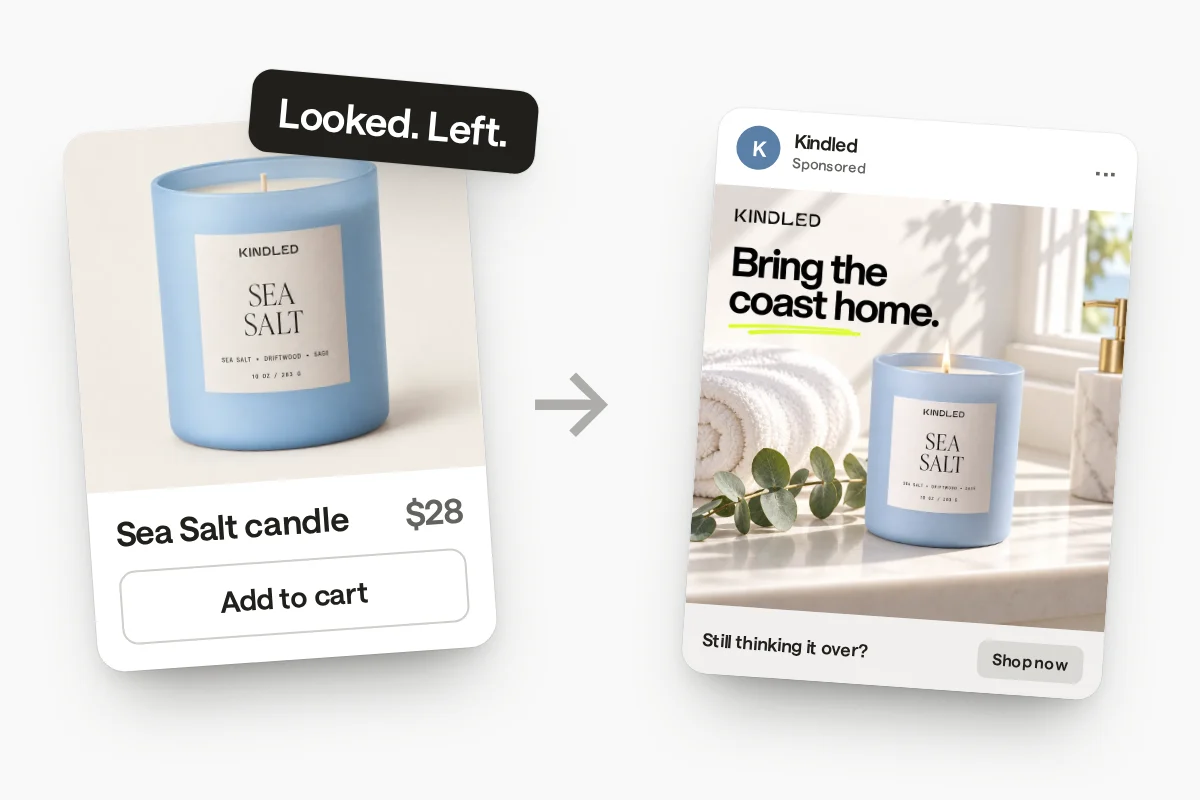
- Ad set 2, retargeting: $6 a day, aimed at people who visited the site in the last 30 days.
To build the retargeting audience, open Audiences in Ads Manager, click Create audience, choose Custom audience, select Website, pick your pixel, choose the events and set the Audience retention in days, then click Create audience. More on this in Facebook retargeting ads.
Step 3: How many ads to run
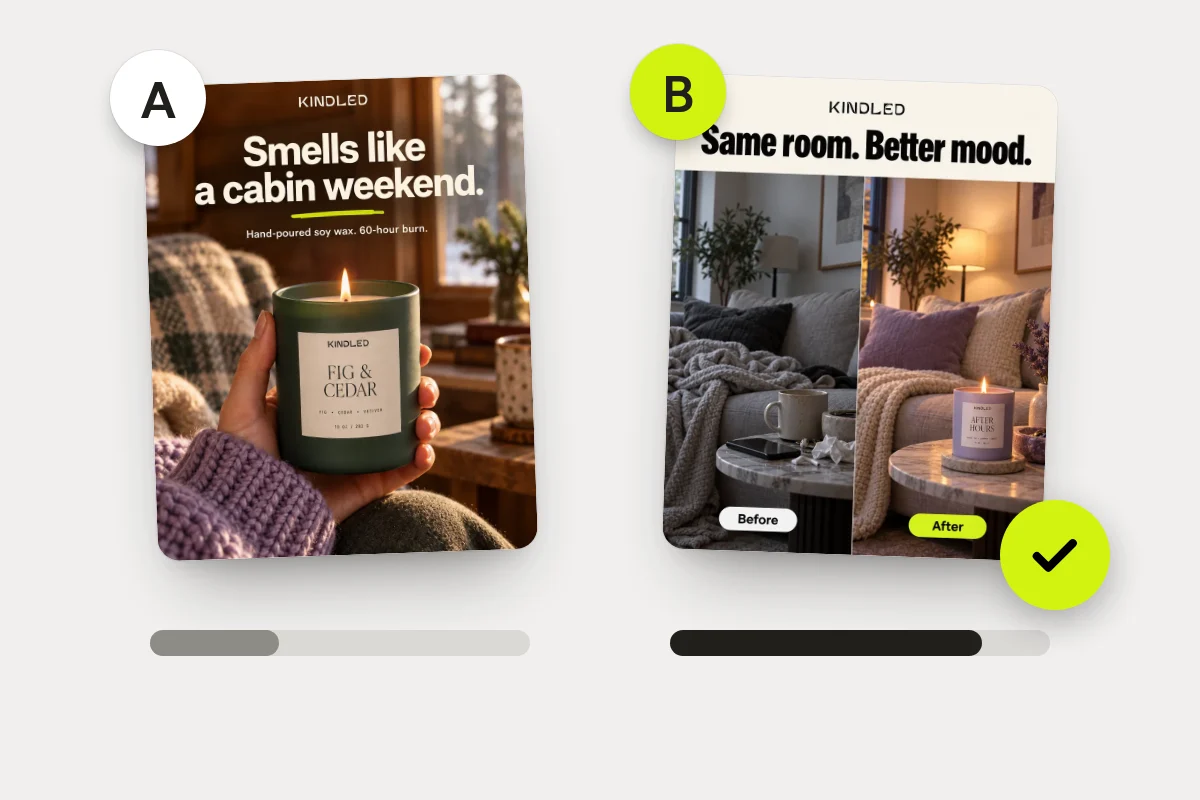
Start with four to six ads per ad set that look different from one another.
Meta's ad volume page says that when an advertiser runs too many ads at once, each ad delivers less often, and that too many ads can result in worse performance. It gives no fixed number. Jon Loomer notes Meta dropped its old advice of six or fewer creatives per ad set, and with a modest budget he still starts with about six ads per ad set and cuts back if some get no impressions.
Make each ad a different idea instead of the same photo with new text:
- A clean product photo with the price.
- A short video of the product in use.
- A customer review on screen.
- An offer, like free shipping over a set amount.
Our guides to ad angles and creative testing go further.

Step 4: A weekly routine
Check once a week, on the same day, and make at most one change.
- Open Ads Manager and look at the Delivery column. "Learning limited" means the ad set is not getting enough results to leave learning.
- Compare cost per result with the most you can pay. Our break-even ROAS guide shows how to work that number out.
- Turn off the ad with the worst cost per result once it has spent more than your target cost for one sale or lead.
- Add one new ad in its place, using a different angle.
- Write down what you changed and the date.
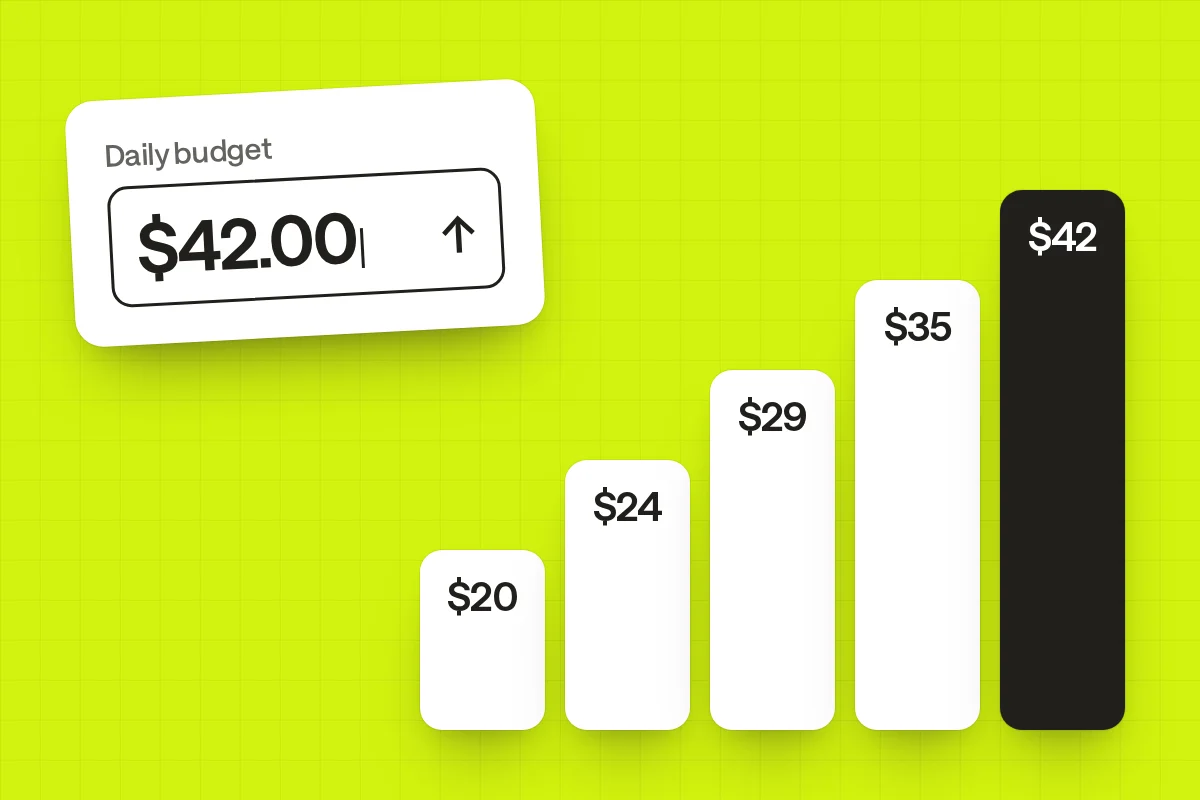
Leave the budget alone during the first week. Meta recommends waiting to edit an ad set until it is out of learning, and names frequent budget changes as an edit that can send it back.
Step 5: What to change after 30 days
After four weekly check-ins, you have enough to make one bigger decision.
- Both ad sets show Learning limited. Merge them into one ad set, or switch to a goal that happens more often, like leads or landing page views. Meta also recommends realistic budgets, since tiny budgets give the system a poor signal.
- Retargeting costs less per result and the audience keeps growing. Shift a little more money to it. Loomer warns this only works if the audience is big enough to sustain the higher budget.
- One or two ads take most of the spend and hit your target. Keep them, replace the rest, and raise the budget in small steps. See how to scale Facebook ads.
- Nothing comes close to your target. Fix the offer or the product page before spending more.
Running this plan with ScaleShot
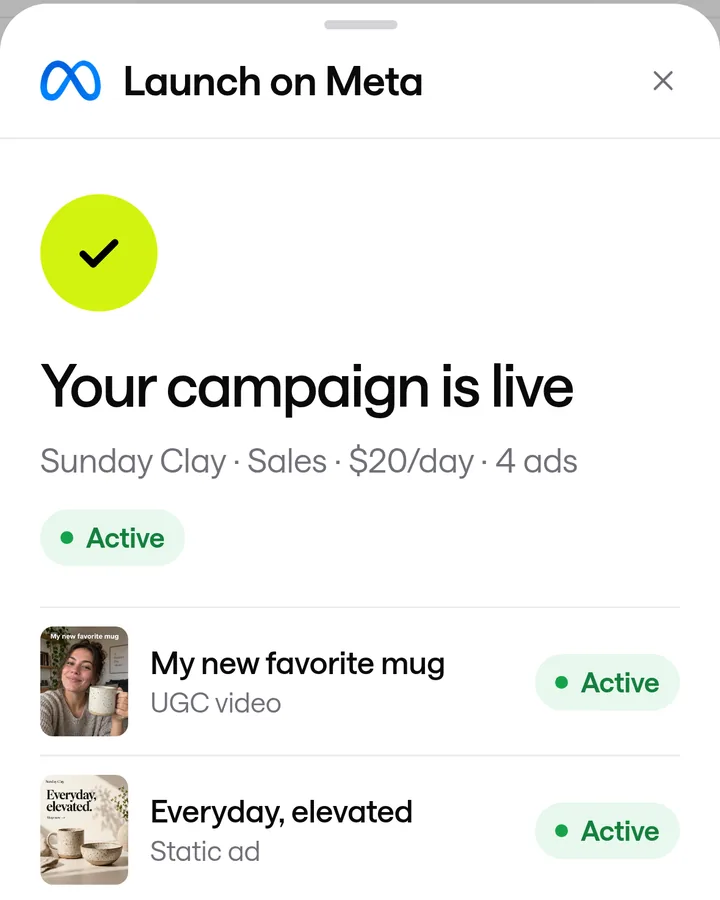
ScaleShot's Ads Agent can write the plan for you and saves it as a checklist, with each ad on the list made from the chat. Once your Meta ad account is connected, you launch a campaign by picking ads, a Sales, Leads or Visitors goal, the countries and a daily budget. The agent can then check results and pause ads or change budgets, and it always asks before it changes anything.
Facebook ads strategy questions
Should I use an Advantage+ sales campaign instead?
It is a reasonable option once you have sales data. Meta's developer docs say a sales campaign counts as Advantage+ when Advantage+ audience, Advantage+ campaign budget and Advantage+ placements are all on.
Do I need a pixel for this strategy?
For the retargeting ad set, yes. Meta's steps for a website custom audience start with making sure your Meta Pixel is active.
How long should I test a strategy before changing it?
Give each version at least a week, since learning is measured over the week after a significant edit. A month gives you four check-ins to compare.
Should I boost posts instead?
Boosting is quicker to set up from your Page. Our comparison of boosting versus Ads Manager explains the trade-off.
ScaleShot TeamWe build ScaleShot, an AI ad tool for small businesses on Facebook and Instagram. How we make our guides
Sources
- About the learning phase, Meta Business Help Center
- Advantage+ Campaign Experience for Sales, App, and Leads, Meta for Developers
- The 80/20 Rule: Facebook Ads Remarketing and Your Budget, Jon Loomer Digital
- How to create a website custom audience in Meta Ads Manager, Meta Business Help Center
- About managing ad volume, Meta Business Help Center
- No More Six Ad Limit Per Ad Set, Jon Loomer Digital