How to scale Facebook ads without wasting money
Scale an ad set once it is out of the learning phase and its cost per result is below what you can afford, then raise the budget in steps. Meta says small budget changes are unlikely to restart learning while big jumps may. Add fresh ads and widen the audience as spend grows.

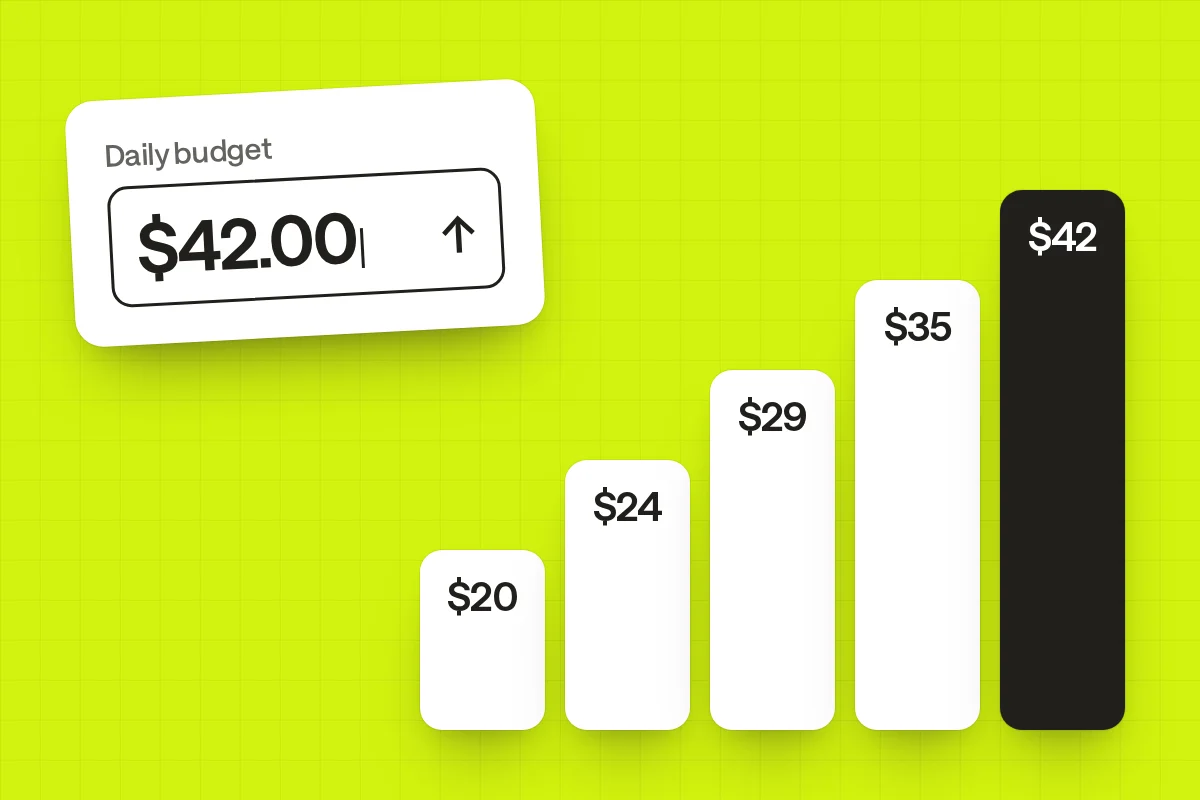
When an ad set is ready to scale
Two things should be true before you add money.
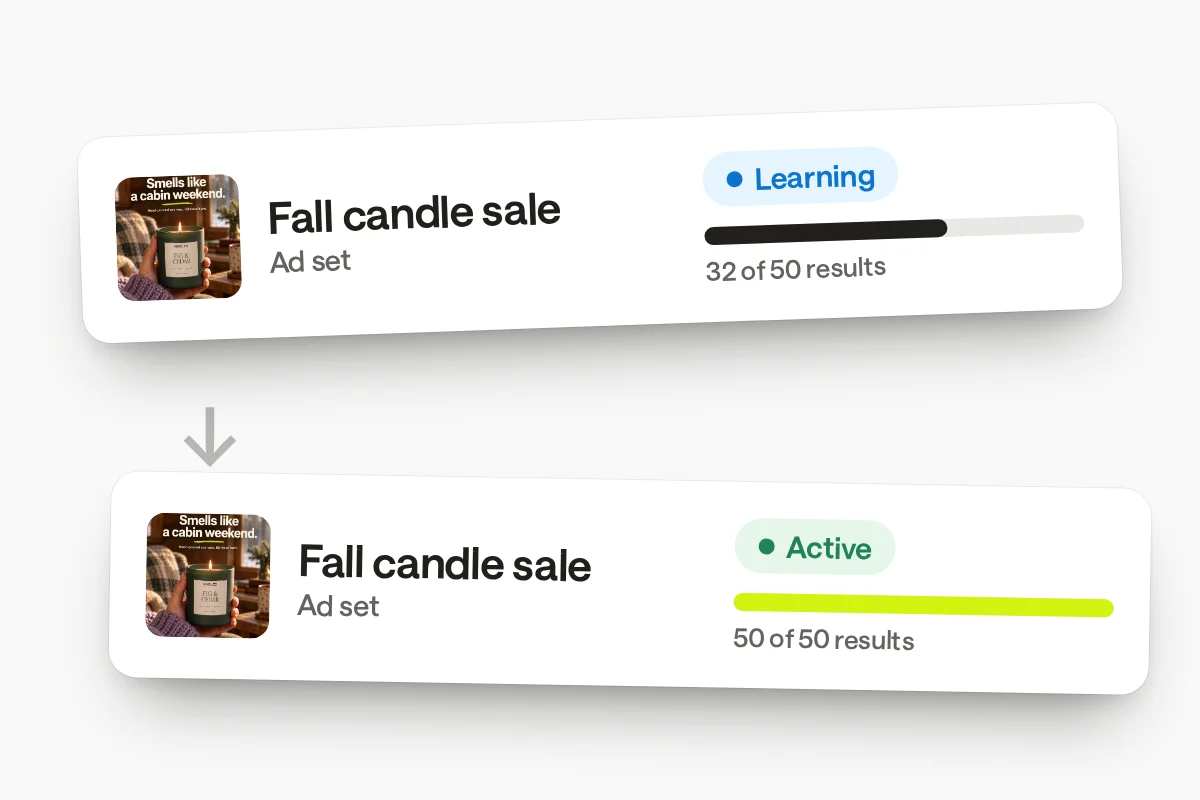
- It is out of learning. The Delivery column says Active, not Learning or Learning limited. Meta says ad sets usually exit after about 50 results in the week after the last significant edit.
- Its cost per result is below your limit. That limit comes from your profit per sale. Our guides to break-even ROAS and setting a Facebook ads budget show how to work it out.
Give it at least a week of steady numbers. One great day is noise.
Example: a dog treat brand
A made-up dog treat brand spends $30 a day. Its limit is $25 per order, and for two weeks it has paid about $16. That ad set has room to grow. A second ad set paying $28 per order should be fixed before it gets more money.
Raise the budget in steps
Meta's Significant Edits page says a budget change may or may not restart learning, depending on its size. Its example: $100 to $101 is unlikely to, while $100 to $1,000 may. Meta publishes no safe percentage.
Jon Loomer writes that advertisers used to raise budgets 20, 10 or even 5 percent at a time, and that Meta is more forgiving now. In a 2024 post, Loomer showed a Meta budget recommendation that suggested a dollar amount and said high-performing ad sets won't reenter learning.
Expect each result to cost more as you spend more. Meta says a much higher budget can raise cost per result because it buys the cheapest opportunities first, then moves on to pricier ones. Loomer puts it bluntly: costs almost always go up as budget increases.
How to change the budget
- Go to Ads Manager.
- Hover over the ad set, or the campaign if you use a campaign budget, and click Edit.
- Change the budget and click Publish.
The new budget takes about 15 minutes to apply, and Meta recommends waiting that long before you change a bid too. Then leave it for a week before the next step.
Raise the ad set that works instead of copying it
A common trick is to duplicate a winning ad set at a higher budget. Loomer doesn't do this. He points out that identical ad sets can compete with each other in the auction, and he raises the budget on the ad set that's working instead.
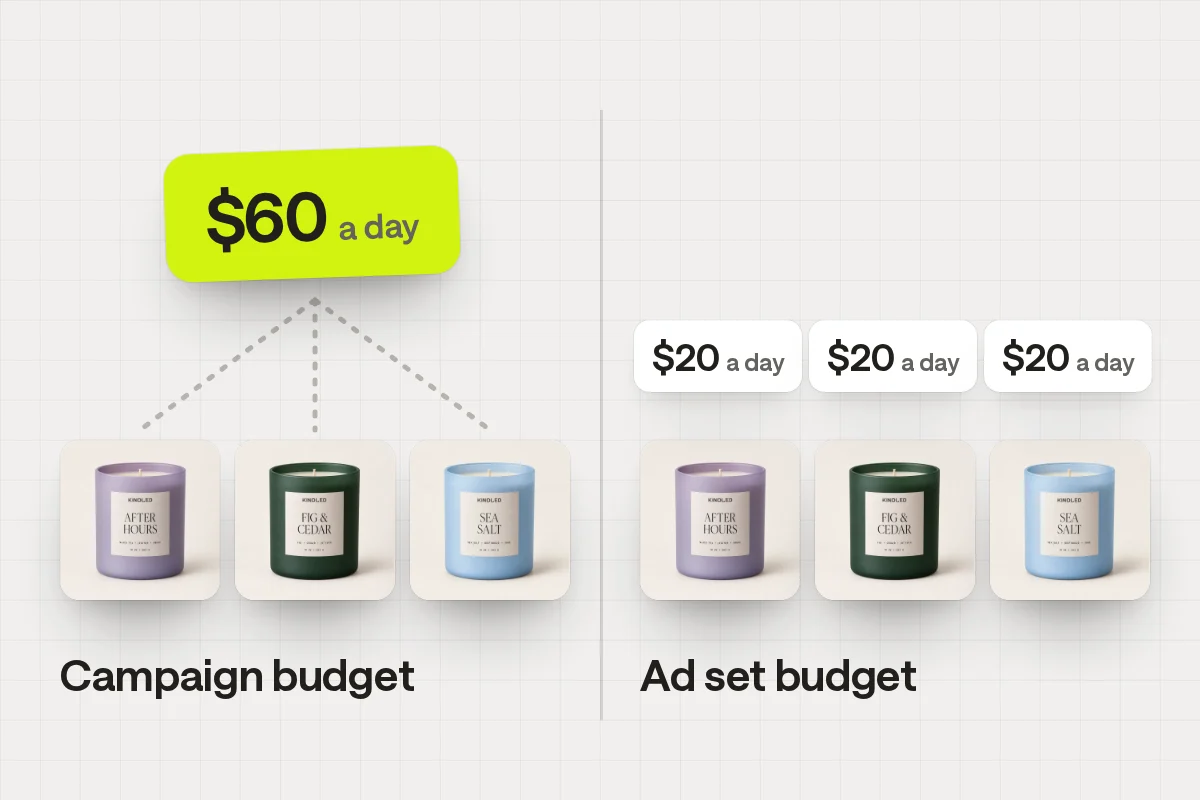
If you run two or more ad sets, Advantage+ campaign budget is another route. You set one budget on the campaign, and Meta moves money in real time toward the ad sets with the best opportunities. Meta says it is best suited to campaigns with at least 2 ad sets. A change to that campaign budget can send several ad sets back into learning at once. Our CBO vs ABO guide compares the two setups.
Add new ads as you spend more
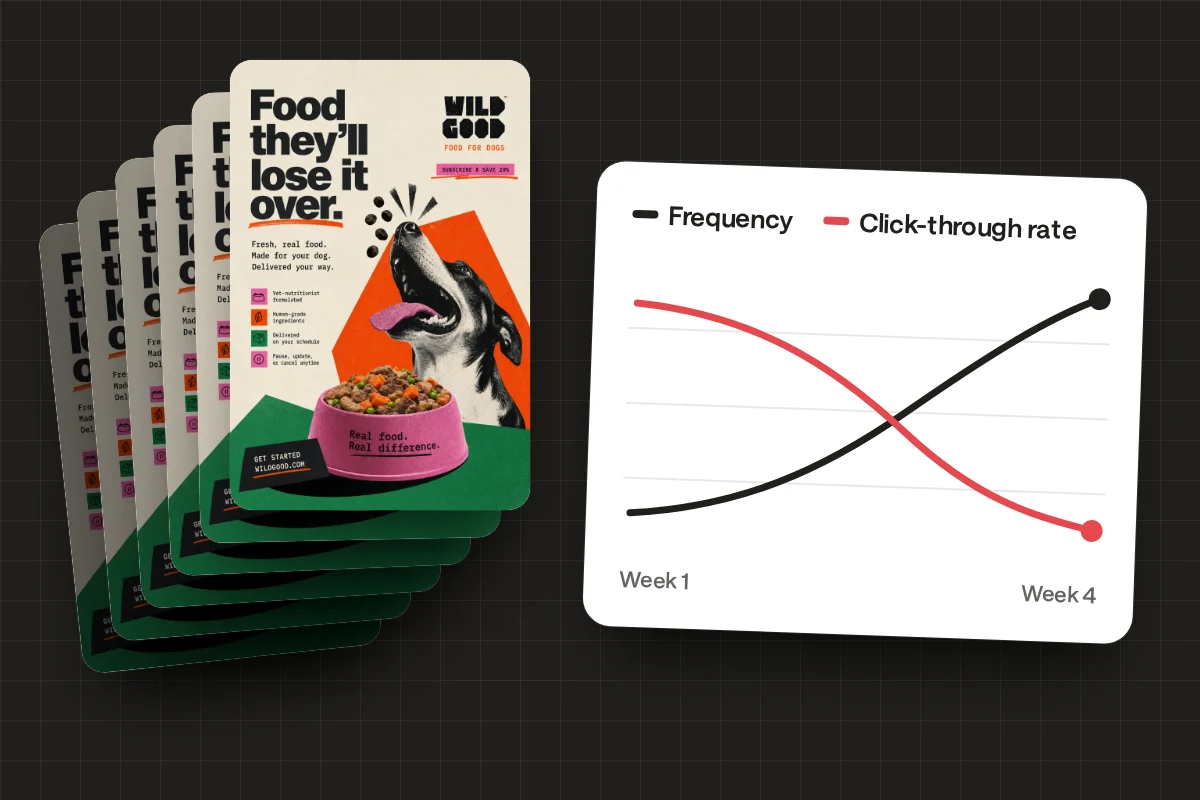
More budget means the same people see your ads more often. Watch for the signs of fatigue: frequency rising while click-through rate falls and costs climb. Meta's advice when creative wears out is to add a new ad with a materially different image or video, and to keep the original running instead of pausing it.
Adding a new ad counts as a significant edit and restarts learning, so add several at once. Our pages on ad fatigue and creative testing go further.

Widen the audience
A narrow audience gets expensive fast once you spend more. Meta's cost per result best practices recommend these changes:
- Make the audience broader. Turn on Advantage+ detailed targeting, or use detailed targeting as a suggestion, so Meta can reach beyond your interests or lookalike.
- Combine similar ad sets so the delivery system has one larger pool to work with.
- Use Advantage+ placements, which Meta calls typically the most efficient use of your budget.
Any change to targeting is a significant edit. Make targeting changes in the same edit as a budget step, so learning restarts once. See Facebook ad targeting and lookalike audiences for setup.
What to watch as you go
- Delivery column. If an ad set drops back to Learning or Learning limited, wait or consolidate before adding more.
- Last significant edit column. Shows when you last reset learning, so you know how long the current numbers have been building.
- Cost per result against your limit. Check it weekly, not daily.
- Frequency and CTR. A rising frequency with falling CTR means you need new ads more than more money.
If results slip below what you can afford, lower the budget. Loomer's advice is short: scale up when results are good and lower the budget when they aren't. If you pause to make a big budget cut, Meta recommends waiting until the new budget applies before unpausing, so the ad set doesn't run on the old one.
Scaling with ScaleShot
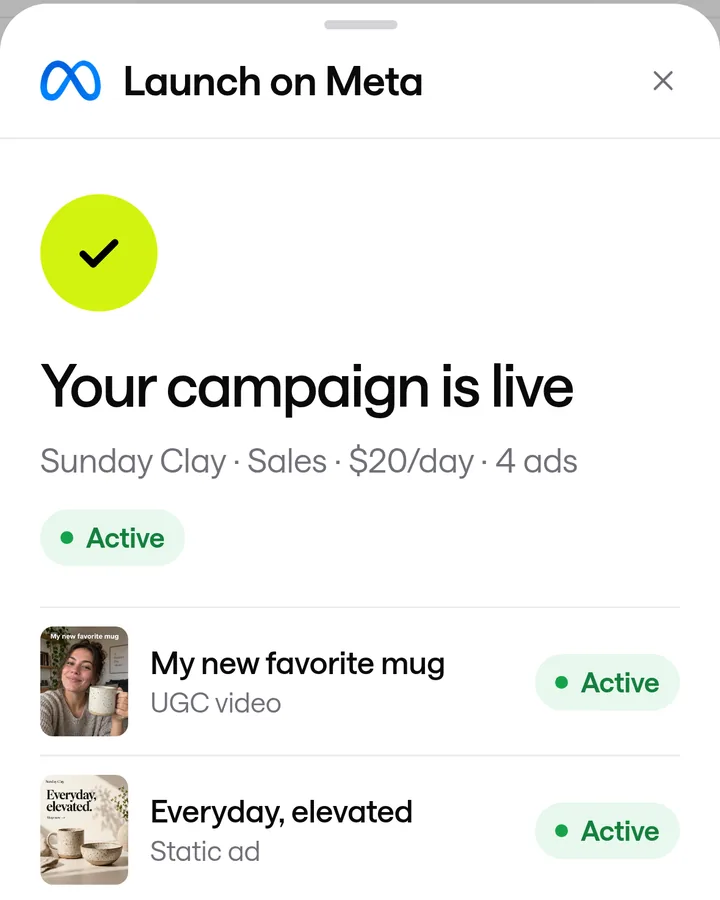
If you launched your campaigns from ScaleShot, you can open a campaign to see results and change its budget or end date. You can also ask the Ads Agent how your ads are doing; it can change budgets or pause ads, and it always asks before it changes anything. When frequency climbs, ask it for a new batch of image or video ads to add in one edit.
Common questions about scaling Facebook ads
How much should I increase my Facebook ad budget at once?
Meta gives no fixed percentage. It says small changes are unlikely to restart learning and large ones may. If you're worried, raise in modest steps and judge each one over a week.
Why does Meta spend more than my daily budget?
Meta treats a daily budget as an average over the week. Meta may spend up to 75% over your daily budget on a good day, but never more than 7 times it in a Sunday to Saturday week.
How long should I wait between budget increases?
Meta measures learning over the week after your last significant edit, and it advises letting a campaign exit learning before making more changes. A week per step is a sensible minimum.
Can I scale on a small budget?
Slowly. Meta's rule of thumb is a daily budget of at least 10 times the average cost of your performance goal. Below that, consolidate into one ad set before you add money.
ScaleShot TeamWe build ScaleShot, an AI ad tool for small businesses on Facebook and Instagram. How we make our guides
Sources
- About the Learning Phase, Meta Business Help Center
- Significant Edits and Learning Phase, Meta Business Help Center
- Change Your Budget in Meta Ads Manager, Meta Business Help Center
- About daily budgets, Meta Business Help Center
- Best practices to potentially reduce cost per result for Meta ads, Meta Business Help Center
- How to Approach Scaling, Jon Loomer Digital
- Should You Duplicate Ad Sets when Scaling?, Jon Loomer Digital
- Update to Recommended Budget Increases, Jon Loomer Digital
- About Advantage+ campaign budget, Meta Business Help Center
- About creative fatigue recommendations in Meta Ads Manager, Meta Business Help Center
- Troubleshoot ad delivery: your campaign hasn't delivered enough since it started, Meta Business Help Center