How to calculate your break-even ROAS
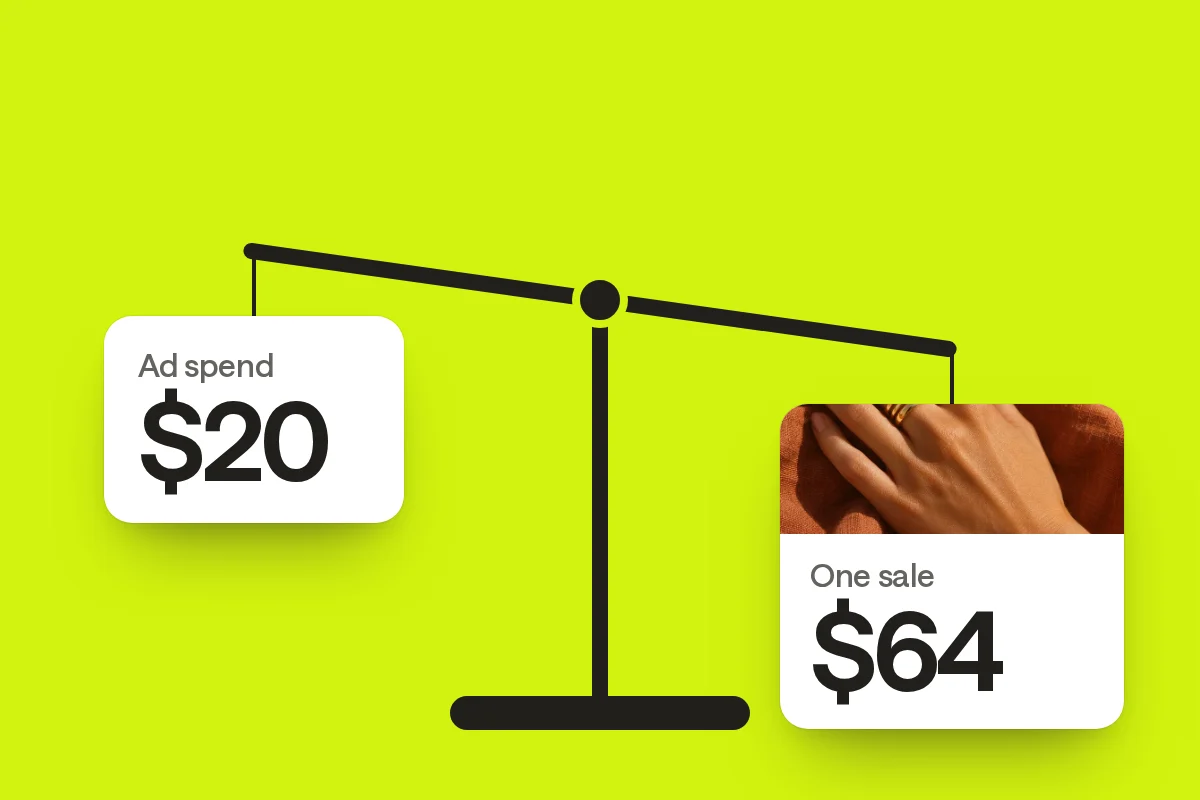
Break-even ROAS is 1 divided by your profit margin per order, before ad costs. A store keeping 40% of each sale after product, shipping and fees breaks even at 2.5, meaning $2.50 in sales for every $1 of ads. Below that number your ads lose money. Above it they make some.

The break-even ROAS formula
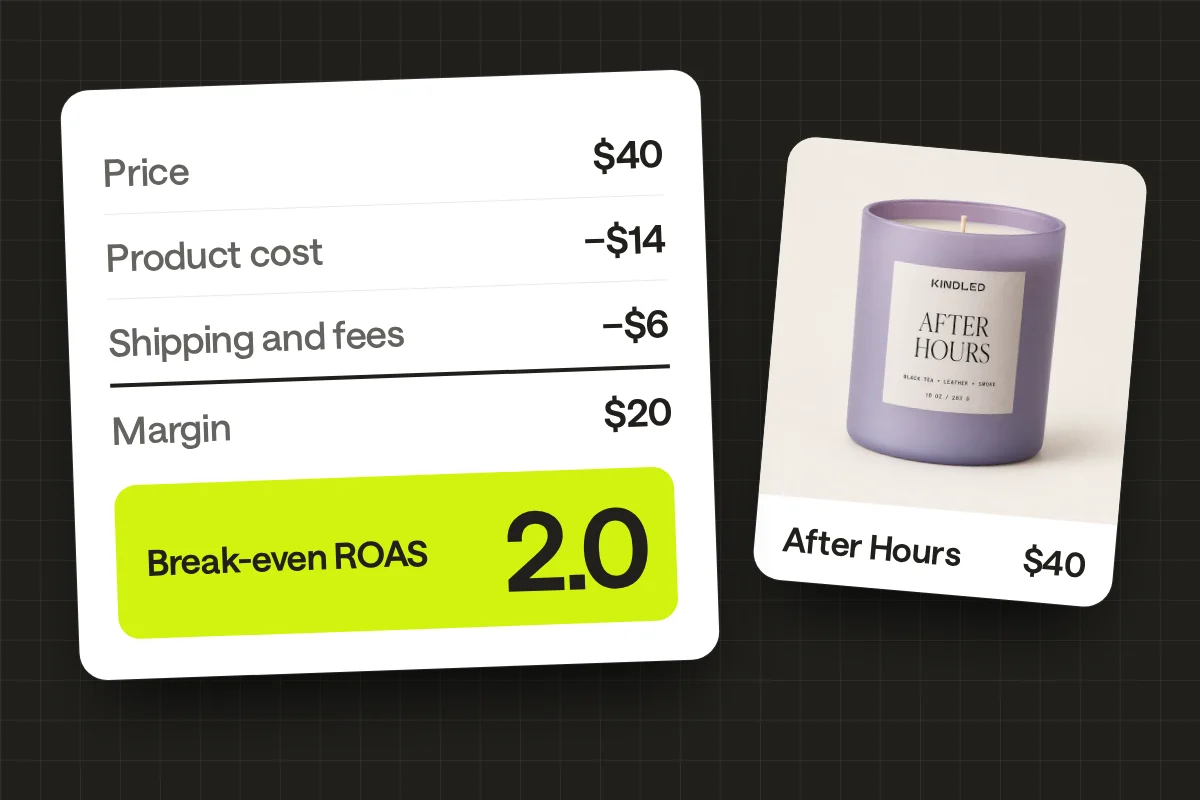
ROAS (return on ad spend) is the sales your ads bring in divided by what you spent on them. Break-even ROAS is the ROAS where those sales cover the ad spend and every cost of the order, leaving zero profit.
Shopify's break-even guide gives it in two steps:
- Margin = (revenue minus variable costs) divided by revenue.
- Break-even ROAS = 1 divided by margin.
If you'd rather work in dollars per order, divide your order value by what you keep from it. Funnelytics shows this with an $80 order that keeps $39.98 after product, shipping, card fees and a 3% refund rate, which gives a break-even of 2.00. Both methods land on the same number.
What to count as cost
Count every cost that rises with each order. Leave out costs you pay whether you sell or not.
Include
- Cost of goods, shipping, payment processing fees and pick and pack fees, per Shopify's list.
- Packaging and a per-order share of your software bills. Cometly's example adds both, plus card fees at an example rate of 2.9% + $0.30.
- Refunds and returns. Funnelytics builds a refund rate into its example.
Leave out
- Rent and staff salaries, which Shopify keeps out of the formula.
- Other overhead. Triple Whale points out that break-even ROAS doesn't capture costs like salaries, legal fees, banking fees, taxes and interest.
That second list still has to be paid from somewhere, which is why your target should sit above break-even.
Worked examples at three margins
The three shops below are invented examples.
60% margin: a candle shop
The average order is $40. Wax, jars, labels, packaging, shipping and card fees add up to $16, so the shop keeps $24, a 60% margin. Break-even ROAS is 1 ÷ 0.60 = 1.67. The shop can spend up to $24 in ads per order before it loses money.
40% margin: a dog treat brand
The average order is $56 and the order costs come to $33.60. The brand keeps $22.40, a 40% margin. Break-even ROAS is 1 ÷ 0.40 = 2.5.
25% margin: a phone case store
The average order is $30 and costs run $22.50, leaving $7.50, a 25% margin. Break-even ROAS is 1 ÷ 0.25 = 4. Every $1 of ads must bring in $4 of sales to stay even, which is a hard bar to clear.
The lower the margin, the faster the bar climbs. Raising the price, or bundling items into a bigger order, lowers it. Dropshipping margins are often thin, as our dropshipping ads guide shows.
Target ROAS vs break-even ROAS
Break-even is the floor. Your target is break-even plus the profit you want to keep. Funnelytics writes it as 1 ÷ (margin minus desired profit).
Using the examples above, with each shop wanting to keep 15% of every sale as profit after ads:
- Candle shop: 1 ÷ (0.60 − 0.15) = 2.22.
- Dog treat brand: 1 ÷ (0.40 − 0.15) = 4.
- Phone case store: 0.25 − 0.15 leaves 10%, so the target is 10. That shop needs a better margin before ads make sense.
A simpler rule from Top Growth Marketing is to aim for 1.3 to 1.5 times your break-even ROAS.
Repeat buyers change the picture. Top Growth Marketing's lifetime value version multiplies order value by how often a customer buys and by margin, then divides by the cost to get that customer. A coffee subscription can accept a first-order ROAS below break-even if most buyers reorder.
Where to find ROAS in Ads Manager
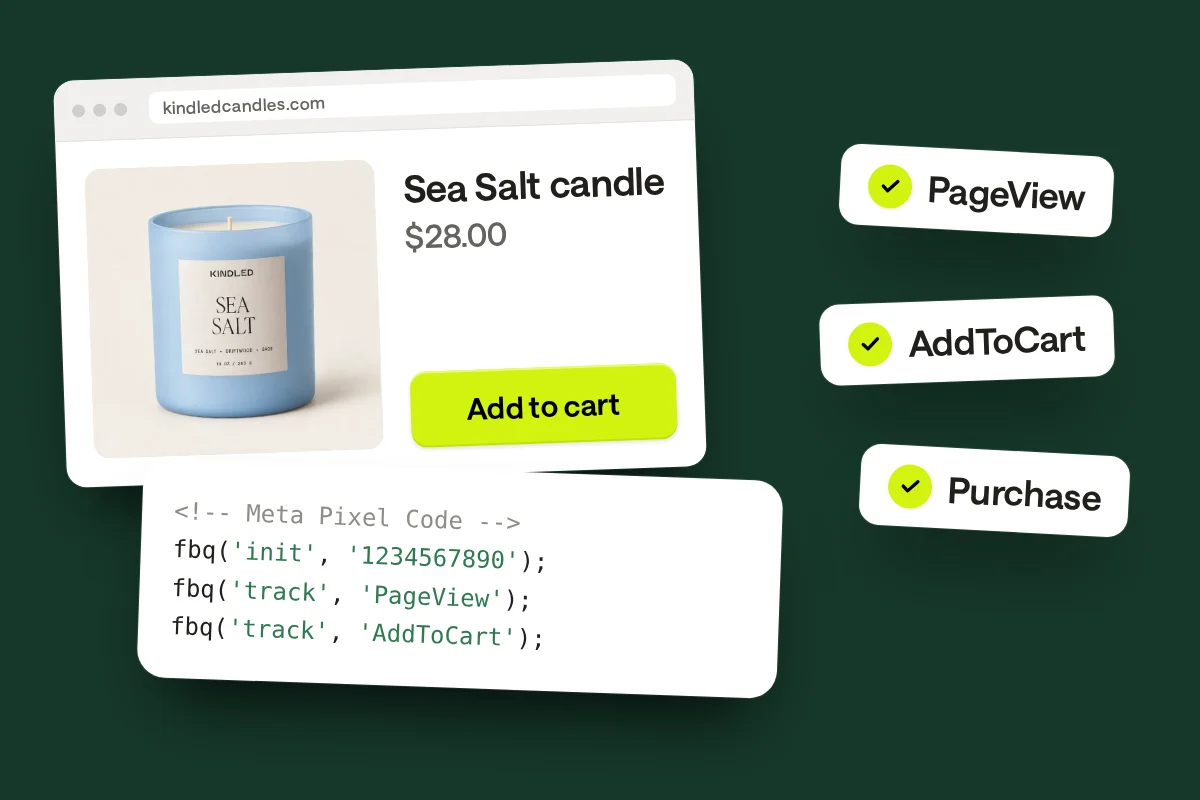
Meta reports it as Purchase ROAS: purchase conversion value divided by amount spent, built from Shop sales and data from connected Meta Business Tools. On a website, that data comes from the Meta Pixel, code that reports actions such as purchases back to Meta so you can measure your ads. See our Meta Pixel guide.
To add the column, follow Meta's Customize columns page:
- Pick the Campaigns, Ad sets or Ads tab.
- Open the Columns dropdown and choose Customize columns.
- Find and tick the ROAS column, and check Save as a column preset so it stays.
- Click Apply.
Meta notes the figure may sometimes be estimated or modeled, so compare it with the sales in your store now and then. For what a good result looks like across industries, read what is a good ROAS for Facebook ads.
Checking live campaigns against your number
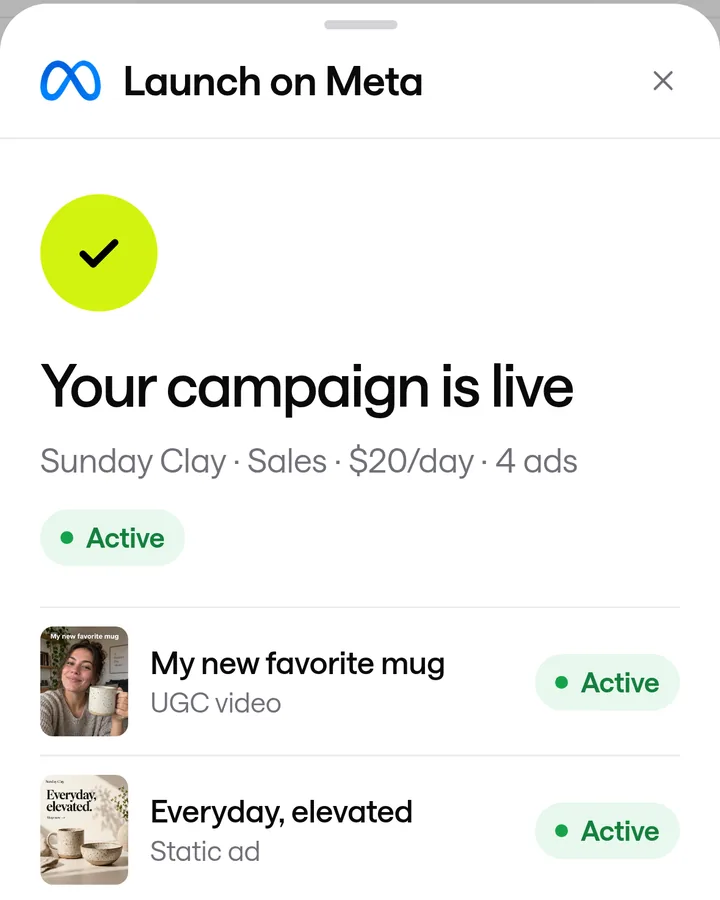
Write your break-even and target ROAS somewhere you will see them every time you open your ads. ScaleShot shows results for each campaign you launch through it, and its Ads Agent can check how your Meta ads are doing and pause ads after asking you.
Break-even ROAS questions
What is a break-even ROAS of 2?
It means $2 of sales for every $1 of ads covers your costs exactly. That happens at a 50% margin, as in Triple Whale's $50 order example.
Should I use gross margin or net margin?
Use the margin after every per-order cost: product, shipping, payment fees and fulfillment. Leave fixed overhead like rent out of the formula and cover it with your target ROAS.
Is break-even ROAS the same as ROI?
No. ROAS compares sales to ad spend only, while ROI looks at profit against everything you invested. Break-even ROAS is the ROAS at which profit from the order is zero.
Why is my ROAS in Ads Manager different from my store's numbers?
Meta counts purchases it can tie to your ads, and it may estimate some of them. Your store counts every order from every source, so the two rarely match exactly.
Does break-even ROAS change over time?
Yes, whenever your prices or costs change. A higher shipping rate or a new discount code lowers your margin and raises the number, so redo the math when either moves.
ScaleShot TeamWe build ScaleShot, an AI ad tool for small businesses on Facebook and Instagram. How we make our guides
Sources
- Break-Even ROAS Calculator: How To Measure Break-Even ROAS (2026), Shopify
- Break-even ROAS calculator, Funnelytics
- Break-Even ROAS Calculator, Cometly
- Breakeven ROAS: Definition, Formula & Why It's Essential, Triple Whale
- Purchases ROAS (return on ad spend), Meta Business Help Center
- Customize columns in Meta Ads Manager, Meta Business Help Center
- How to Set a Realistic ROAS Target for Your eCommerce Brand, Top Growth Marketing
- About Meta Pixel, Meta Business Help Center