How do you run Facebook ads for a Shopify store?
Run a Sales campaign that sends traffic to your product pages, with a few image ads and one short video, and give it a budget you can leave alone for a week. Meta needs Purchase events from your store's pixel first. At the retail median of $0.86 per click, $500 buys roughly 580 clicks.

What works for Shopify stores on Facebook and Instagram?
Start with the Sales objective, pointed at your best-selling product pages. It optimises for purchases, so Meta needs Purchase events from your store's pixel. If you only want visitors, a Visitors campaign needs no pixel, but you will be paying for clicks, not orders.
Shopify lists two ad types in its Facebook and Instagram channel: audience-building ads that bring traffic to your store, and dynamic retargeting ads that show customers products from your store. Retargeting is the one to add second, once the pixel has visitors to retarget. One guide says dynamic product ads often perform best for warm audiences.
Seasonality and order value
Shopify merchants sold $14.6 billion over Black Friday-Cyber Monday 2025, at an average order of $114.70. Clicks follow that rush. Superads data shows retail CPC peaking at $1.12 in November 2025 and falling to $0.65 in December. Build your creative and let the pixel collect data before November, not during it.
Creative and offers
A store usually needs three kinds of ad: a clean product image, a short video of the product in use, and an offer line. Pick an offer that fits your order value: a first-order discount, a bundle, or free shipping above your usual basket. Your products also have to comply with Meta's Commerce Policy and Advertising Standards, and every product goes through Facebook's review.
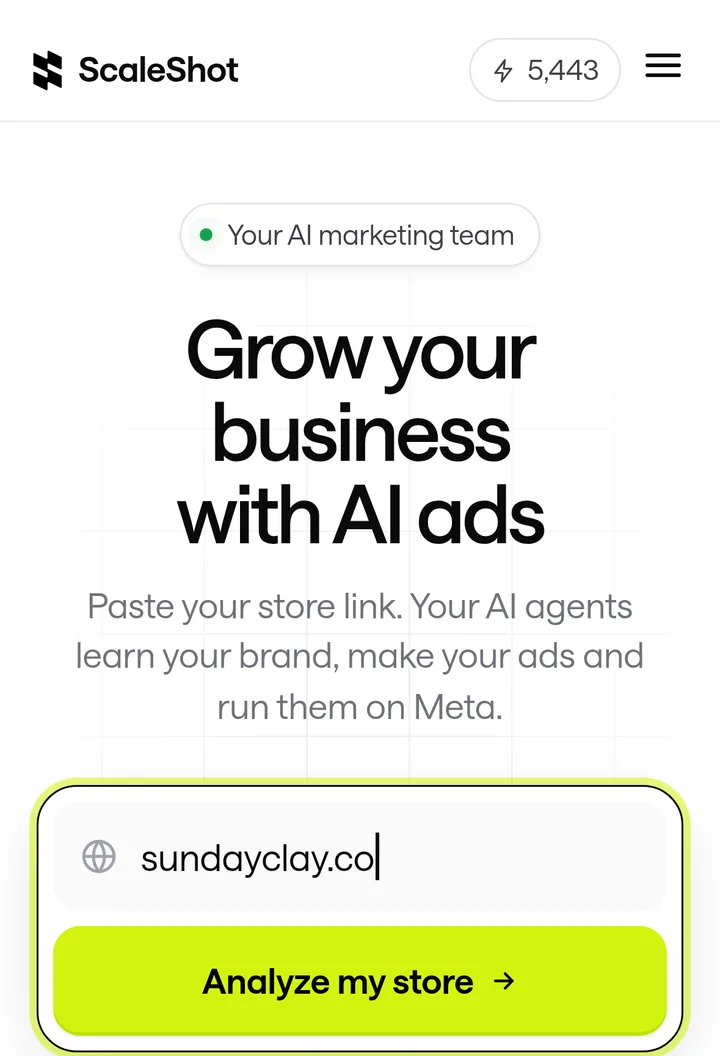
We built ScaleShot's Ads Agent for this job. It reads your store link, logo, colours, fonts and voice, writes a 30-day plan, and makes image ads and 4-10 second video ads, including AI UGC creator videos and claymation, 3D, paper cutout or stop-motion styles.
How to set up Facebook ads for a Shopify store
- Install the channel. Add Facebook & Instagram by Meta in Shopify. Your store can't be in private mode, and you need a published Facebook Page, a business portfolio and an ad account.
- Choose the data-sharing level. Standard uses the Meta pixel only, and ad blockers can stop it. Enhanced adds the Conversions API, which sends purchase events server to server and can't be blocked by browser ad blockers. Our guide to setting up the Meta pixel on Shopify covers the checks.
- Confirm the events. One guide lists View Content, Add to Cart, Initiate Checkout and Purchase as the events to track. A Sales campaign needs Purchase to show up.
- Make 3-5 ads. Use your product photos and one short video. In ScaleShot you pick a template or write a prompt for images, and the result lands in a Library where you can Remix or Edit it.
- Launch, then wait. Shopify says to wait 4-5 days after launching before making optimization decisions. ScaleShot's agent shows results and can pause ads or change budgets, and it asks before any change.
Is $500 enough for Shopify Facebook ads?
It is enough to test, not to scale. Superads reports a median retail CPC of $0.86, so $500 buys about 580 clicks. At November's $1.12 it buys about 450. Whether those clicks pay back depends on your margin, so work out your break-even cost per purchase before you spend.
Creative is the smaller cost. Our plans start at $19.95 for the first 2 weeks, then $42 every 2 weeks, with 500 credits. A Fast image costs 10 credits, an HQ image 20, and video 10 credits per second, so a 5-second video is 50 credits. Meta bills ad spend separately, and ScaleShot only runs Facebook and Instagram and does not guarantee sales.
What mistakes do Shopify stores make with Facebook ads?
- Running Sales without purchase data. With only the Standard pixel, ad blockers can hide purchases from Meta.
- Editing in the first days. Shopify's advice is to wait 4-5 days before optimizing.
- Buying hard in November. Retail clicks peaked at $1.12 that month, against $0.65 in December.
- Ignoring product review. Products that break Meta's Commerce Policy or Advertising Standards can be rejected.
- Sending traffic to the homepage. Link each ad to the product page it shows.
- Skipping the other formats. Our guides to Facebook ads for dropshipping and Facebook ads for ecommerce cover stores with different margins.
Common Shopify ads questions
Why do most Shopify stores fail with Facebook ads?
We found no reliable public figure behind that claim. The causes that recur on this page are missing purchase tracking, no break-even margin and judging results too early.
Does Shopify's Meta channel share customer data?
At Enhanced and Maximum levels it shares name, location, email address and phone number alongside browsing behaviour, and you must keep your privacy policy up to date.
Do I need a Facebook Page?
Yes. Shopify requires a published Facebook Page tied to a business portfolio you control.
Does ScaleShot work with Shopify?
It learns your business from your store link and launches to your own connected Meta ad account. Shopify's Facebook & Instagram channel is still where your pixel and catalog come from.
Can I cancel ScaleShot?
Yes, any time in Settings -> Billing, and there is a 14-day money-back guarantee.
ScaleShot TeamWe build ScaleShot, an AI ad tool for small businesses on Facebook and Instagram. How we make our guides
Sources
- Facebook & Instagram by Meta: requirements and considerations, Shopify Help Center
- Facebook data sharing levels, Shopify Help Center
- Shopify merchants generate record-breaking $14.6 billion in Black Friday Cyber Monday sales, Shopify
- Facebook Ads CPC Benchmarks for Retail, Superads
- Marketing on Facebook and Instagram (Shopify Help Center), Shopify Help Center
- Facebook Ads for Shopify: A Beginner's Guide, OptiMonk