What is the Meta Conversions API and do you need it?
The Conversions API sends your sales and sign-ups to Meta from a server, as a second line next to the pixel in your visitor's browser. Meta says this data is less affected by browser loading errors, connectivity issues and ad blockers. If you run sales or lead ads, turn it on. Many setups need no developer.

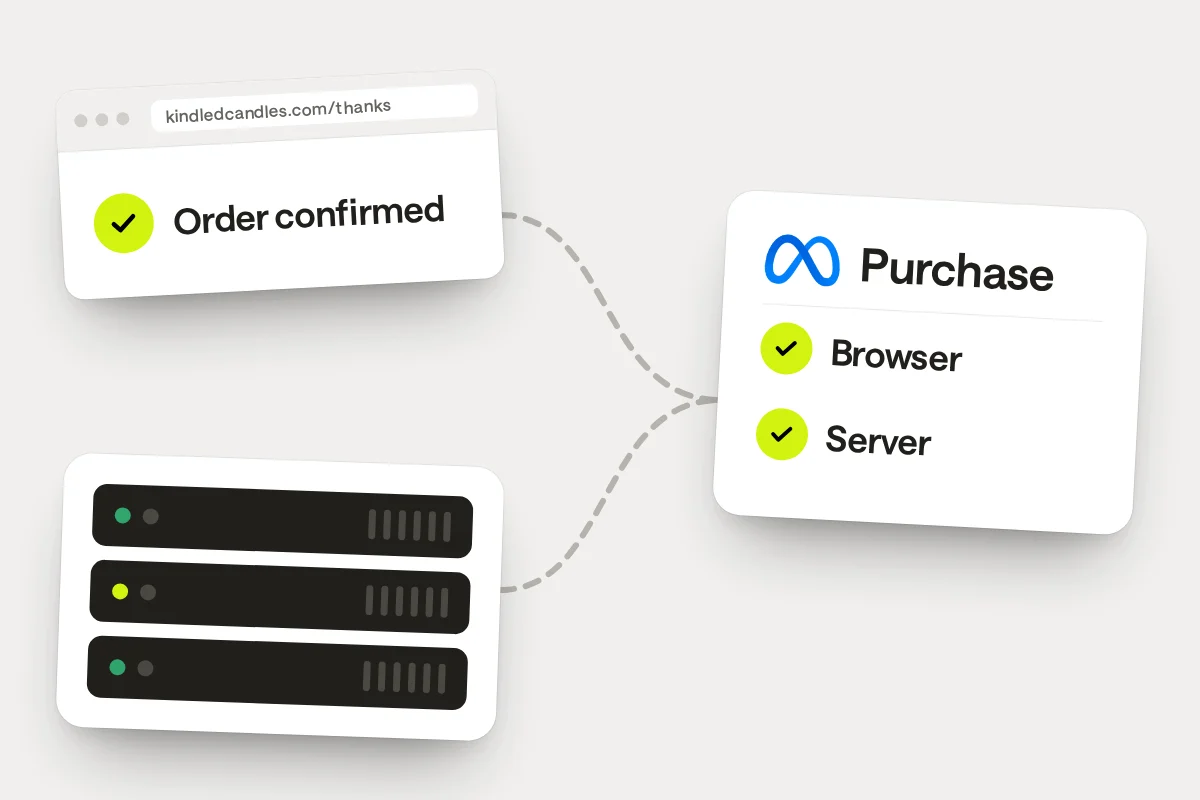
What the Conversions API does
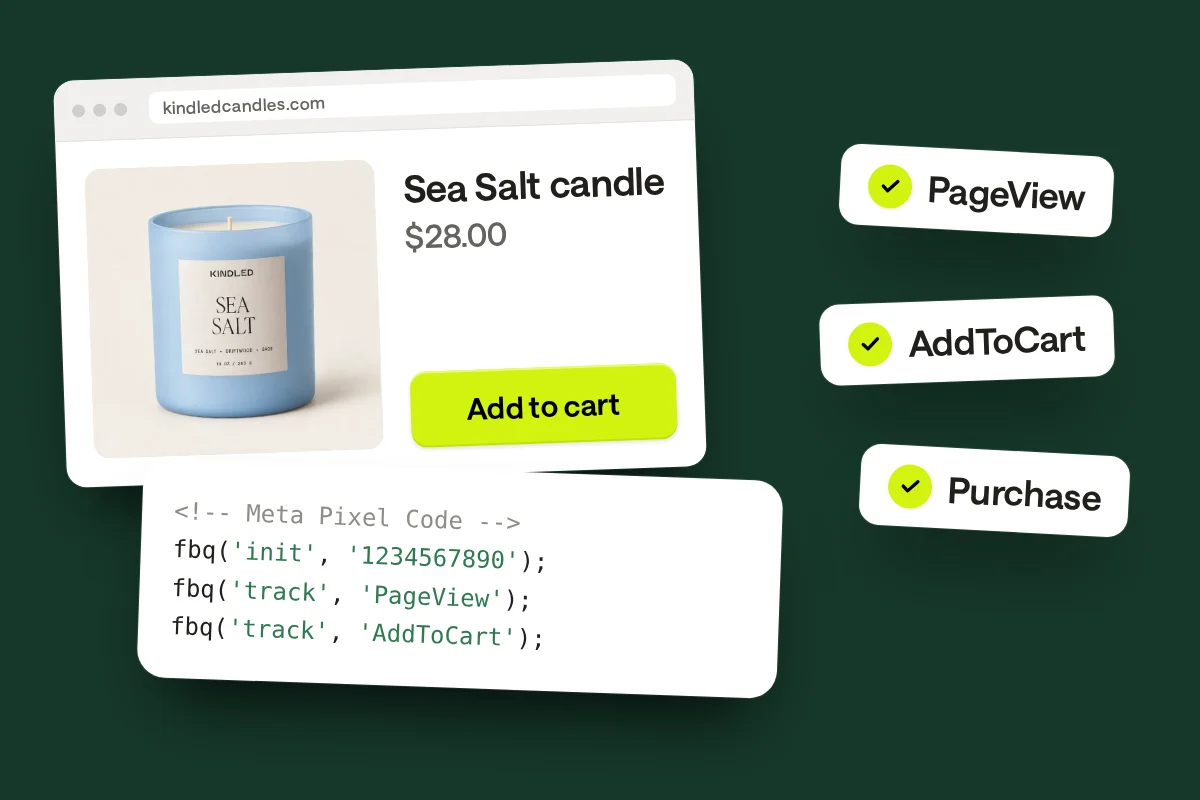
The Meta pixel runs inside your visitor's browser. When something on that phone or laptop blocks it, the sale never reaches Meta. The Conversions API, often shortened to CAPI, is a separate connection that sends the same events from your server, website platform, app or CRM.
Server events are linked to a dataset ID, the record in Events Manager that holds your event data, and Meta processes them like pixel events. Meta's About Conversions API page says that running it alongside the pixel creates a more reliable connection that helps the delivery system decrease your cost per result.
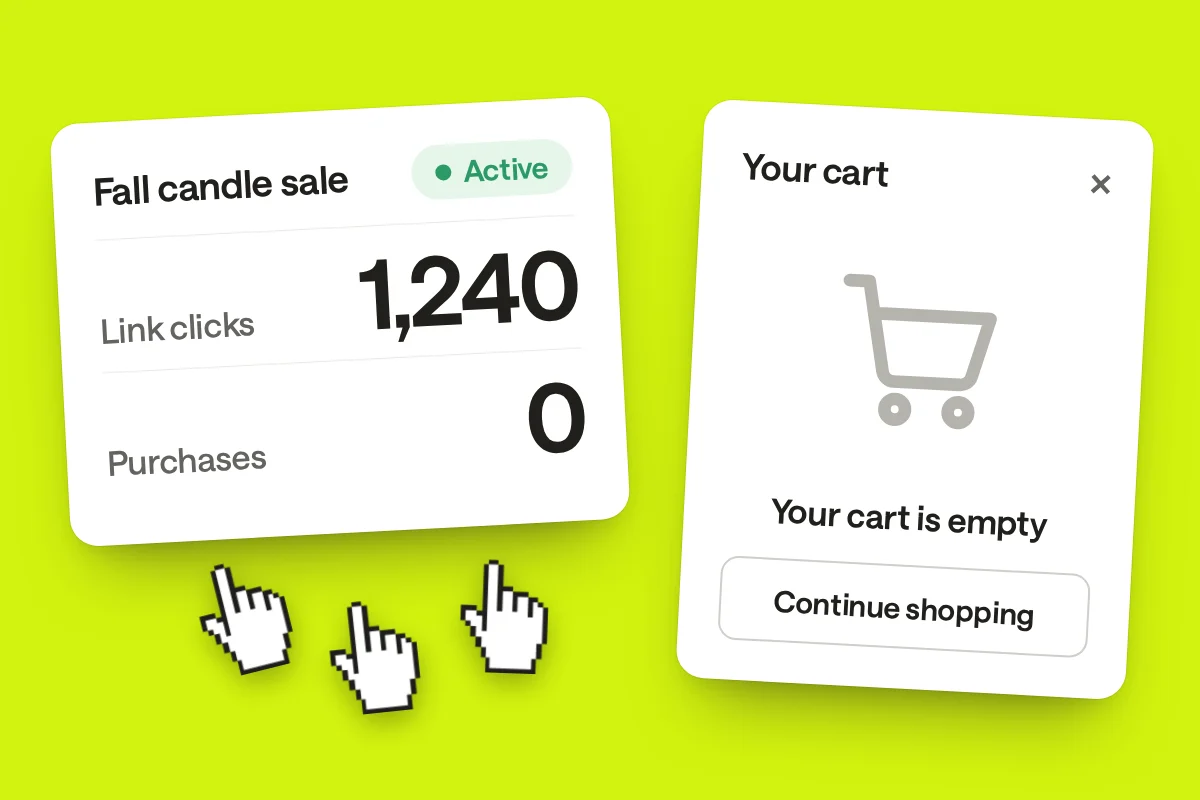
Example: a dog treat shop gets 20 orders from a Facebook ad, and a few of those buyers use an ad blocker. With the pixel alone, Meta never sees those orders. With the Conversions API on, your store's server reports them anyway, so Ads Manager credits the ad with more of the sales it drove.
Do you need it as a small business?
If your campaigns optimize for purchases or leads, yes. Meta's developer docs recommend the Conversions API alongside the pixel for best ad performance.
If you only run campaigns for link clicks, it matters less. You can add it later.
It does not replace the pixel. Keep both running.
The easy ways to set it up
Meta's comparison of setup options lists three routes:
- Meta-enabled Conversions API: free, one click, needs only the Meta pixel, and covers website events.
- Partner integrations: cost and setup time depend on the partner.
- Direct integration with code: needs a developer and takes 2 to 4 weeks for a new integration. Skip this one.
Shopify
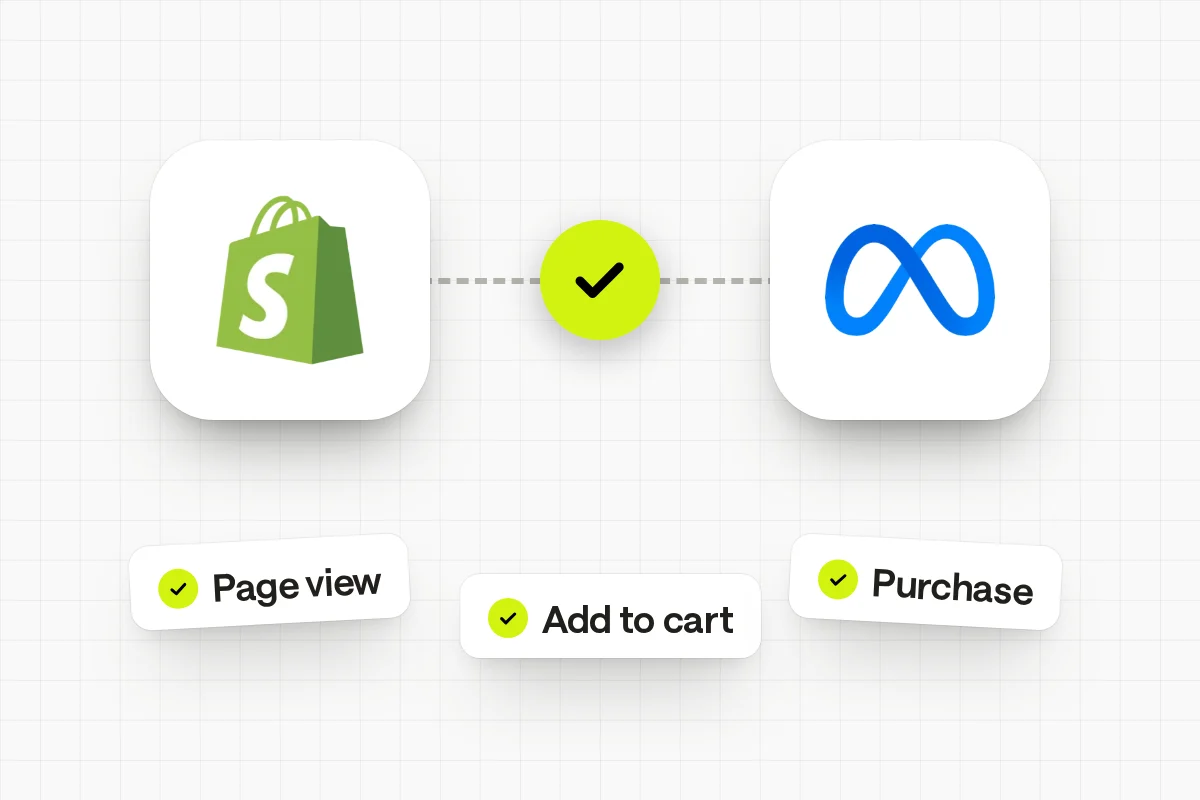
In Shopify admin, go to Sales channels > Facebook & Instagram > Settings > Data sharing settings. Standard uses the pixel only. Enhanced and Maximum add the Conversions API. Our Shopify pixel guide walks through the rest.
WooCommerce and WordPress
Use the official Meta for WooCommerce plugin, which has the Conversions API built in. After installing it, go to Marketing > Facebook in WordPress and click Get Started to run the setup wizard.
Wix
In your Wix dashboard, open Marketing Integrations and click Connect under Meta Pixel & CAPI, which connects both the pixel and the Conversions API. It needs an upgraded site with a connected domain, verified on Facebook first.
Any other site
In Events Manager, start the setup flow, choose Conversions API and Meta Pixel, then Set up with Meta-enabled, web-only Conversions API. Meta's developer docs describe this as a one-click setup from Events Manager.
Conversions API Gateway
The Gateway is a self-serve option in Events Manager that runs inside a cloud account your business owns, on AWS EKS, AWS ECS Express or GCP. No coding is needed, and the only cost is the cloud resource or partner fees. It suits owners who are comfortable with a cloud account. Everyone else should use their platform's integration.
Deduplication: why each sale should count once
With both running, a single purchase reaches Meta twice: once from the browser and once from your server. Meta merges them when they carry the same ID. Per Meta's deduplication docs, the pixel's eventID must match the server's event_id, and the event names must match too. Meta only merges events that arrive within 48 hours of the first one with that ID.
With a single platform integration you rarely have to touch this. Meta for WooCommerce, for example, deduplicates pixel and server events with a unique event ID.
Where it goes wrong is stacking setups. A hand-pasted pixel plus a plugin plus a third-party tracking app can each send their own copy without a shared ID. Pick one route and remove the others. If your reported sales jump with no change in real orders, look here first, then read how to read your Facebook ads results.
Event Match Quality: what the score means
Event Match Quality (EMQ) is a score out of 10 showing how well the customer details you send can match events to a Meta account. It depends on which details you send, how good they are, and what share of events end up matched. Once server events are flowing, you can see the score in Events Manager.
The details that count are called customer information parameters. Email, phone, first name and last name must be hashed (scrambled into a code) before sending, while IP address, browser user agent and Meta's click and browser IDs (fbc and fbp) are sent as they are. The user agent is required for website events.
On a platform integration, the main lever is its data-sharing setting, such as Shopify's Standard, Enhanced and Maximum levels. Choose the level your privacy policy and consent setup allow.
How this fits with ScaleShot
Sales and Leads campaigns in ScaleShot need a selected pixel that is installed on your site. Our setup help suggests turning on the Conversions API too if your website platform supports it, after updating your privacy and consent settings. On Shopify, the Enhanced and Maximum levels add it next to the pixel.
Conversions API questions
Is the Conversions API free?
Meta's own Meta-enabled option is free. Partner integrations cost whatever the partner charges, and the Gateway costs only the cloud resources or partner fees behind it.
Does the Conversions API replace the Meta pixel?
No. Meta recommends running the Conversions API alongside the pixel.
Is Facebook CAPI the same thing?
Yes. CAPI is short for Conversions API, and it is the same tool whether people call it Facebook or Meta.
What is a good Event Match Quality score?
Meta's docs define it as a score out of 10 that rises as more of your events match a Meta account. It depends on which customer details you send, so adding email and phone where consent allows is the usual way to raise it.
Do I need a developer to set up the Conversions API?
Only for a direct integration, which takes 2 to 4 weeks. The Meta-enabled option needs only the pixel, and Meta says many integrations don't require a developer.
ScaleShot TeamWe build ScaleShot, an AI ad tool for small businesses on Facebook and Instagram. How we make our guides
Sources
- About Conversions API, Meta Business Help Center
- Compare Conversions API Setup Options, Meta Business Help Center
- Handling Duplicate Pixel and Conversions API Events, Meta for Developers
- Dataset Quality API, Meta for Developers
- Customer Information Parameters, Meta for Developers
- Conversions API Gateway, Meta for Developers
- Meta data sharing, Shopify Help Center
- Meta for WooCommerce, WooCommerce
- Conversions API, Meta for Developers
- How to set up a Meta Pixel and events on your website, Meta Business Help Center
- Connecting a Meta Pixel and the Conversions API to your Wix site, Wix Help Center