How to add the Meta pixel to Shopify
Add Shopify's Facebook & Instagram sales channel, connect your Meta accounts, then pick your pixel under Share data settings. Choose Enhanced or Maximum data sharing so Shopify sends events through Conversions API as well as the pixel. Then check that events arrive in Meta's Test Events tool and remove any old pixel code from your theme.

What the Meta pixel does
The Meta pixel is a snippet of JavaScript that loads on your store and reports what visitors do, such as viewing a product or buying. Meta uses that activity to aim your ads, lower your cost per result and measure what the ads bring in.
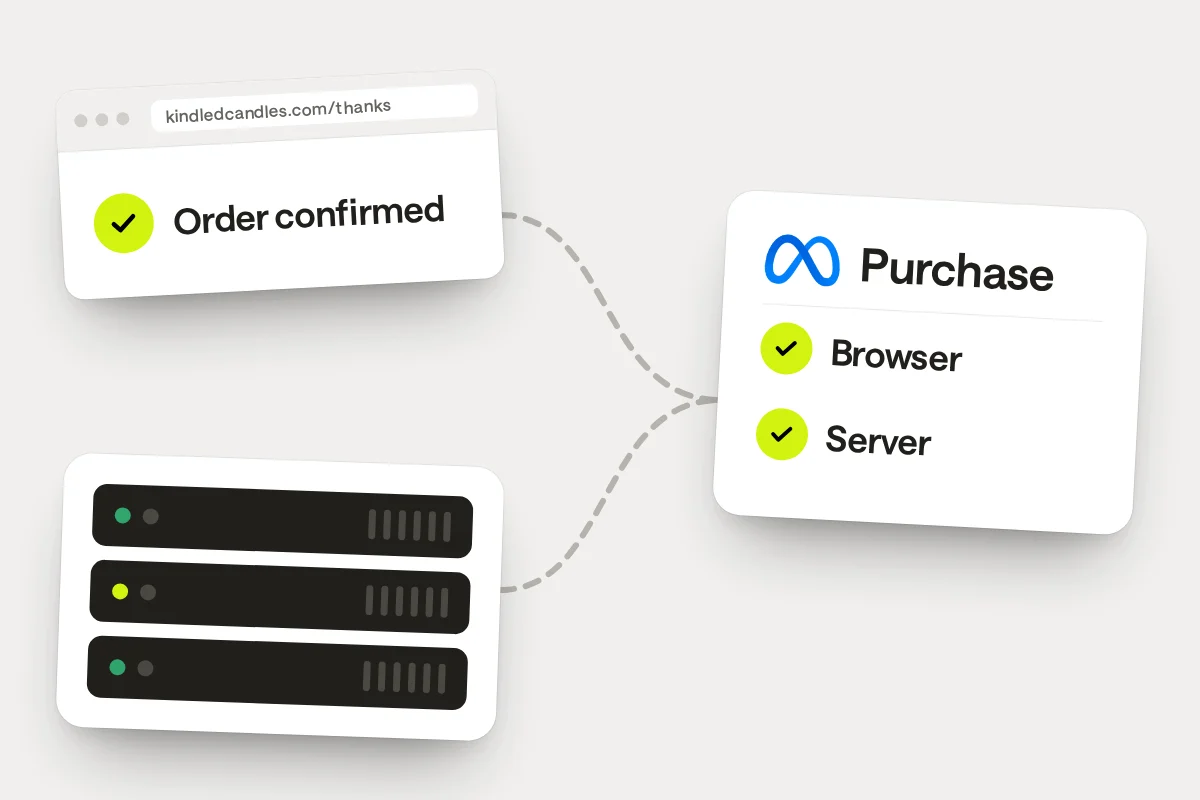
Conversions API is the server side of the same idea. Shopify sends events from its servers straight to Meta. A browser ad blocker can stop the pixel, and server-to-server data can't be blocked that way. Running both gives Meta a fuller count of your sales.
In newer Meta menus your pixel appears as a dataset under Data sources > Datasets, while Shopify's screens still say pixel.
What you need before you start
- A Facebook Page and a business portfolio you fully control. The business portfolio has to own the Page during setup. If a staff member connects the channel, their Facebook account needs full control of both.
- An ad account. Shopify says some features need one to finish setup.
- No leftover pixel code. If someone pasted pixel code into your theme, Shopify asks you to remove it before you add a pixel through the channel. Keeping it puts more than one pixel on the store, which can cause duplicate or incorrect data.
If you don't have a Page or ad account yet, our Facebook ads for beginners guide covers the setup.
How to add the Meta pixel to Shopify, step by step
Add the Facebook & Instagram sales channel
- In your Shopify admin, go to Settings > Sales channels and click Shopify App Store.
- Search for Facebook, then click Add channel or Add app. Once installed, it appears under Sales channels in your Shopify admin.
- Click Start set up, then Connect account, and sign in to Facebook.
- Connect your business portfolio, Page and ad account, accept the terms and click Finish setup.
Turn on data sharing and pick the pixel
- Go to Sales channels > Facebook & Instagram, click Settings, then open Share data settings.
- Turn on the Enable data-sharing toggle.
- Choose a data-sharing level, select your pixel and click Confirm.
Example: a made-up candle shop had a pixel pasted into its theme by a freelancer years ago. Before step 5, the owner deletes that code between the <head> tags in theme.liquid, or removes it under Online Store > Preferences > Meta pixel.
Which data-sharing level to pick
Shopify's Facebook data sharing page lists three levels:
- Standard uses the pixel alone and sends browsing behavior.
- Enhanced adds Conversions API and shares customer name, location, email and phone number so Meta can match buyers to their accounts.
- Maximum shares the same data as Enhanced and, in Shopify's words, is updated with Facebook's latest advertising technology.
If you plan to run ads for sales, pick Enhanced or Maximum so Meta gets server events too. Shopify also asks you to update your privacy policy to say how you share customer data.
How to check the pixel works
Meta Ads Data Advisor
Meta renamed its Pixel Helper extension. It is now Meta Ads Data Advisor, a free extension for Chrome and Edge, and an installed Pixel Helper updates to it on its own.
- Turn off your ad blocker for your store, since it can hide pixel events.
- Open a product page. A badge on the icon shows the events that fired. No badge means no pixel was found.
- Click the icon to open the side panel, add something to your cart and check the event shows as successful.
Test Events in Events Manager
- In Events Manager, go to Data Sources, choose your pixel and open Test Events.
- Browse your store in another tab. A new PageView event means the pixel is installed. If nothing shows, wait a few minutes and refresh.
- Place a test order to confirm the Purchase event. Our guide to getting your first sales on Shopify shows how to run one in test mode.
Common pixel problems and fixes
- Duplicate pixel. Data Advisor flags duplicate pixel code as a problem to fix. On Shopify it usually means old theme code is still there next to the app. Remove the theme code.
- Wrong pixel. The store sends events to one pixel while your ads use another. In Events Manager, find the pixel showing recent events and select that same one everywhere you launch ads.
- Ad blockers. A browser ad blocker can stop the pixel from sharing data. Enhanced or Maximum adds server events, which those blockers can't touch.
- Warning or Inactive status. In Data Advisor, Warning means the pixel isn't set up correctly and Inactive means it isn't sending events correctly.
- Custom server code counting twice. If a developer sends extra server events, each needs an
event_id. Meta keeps only the first copy when the same event ID and name arrive more than once.
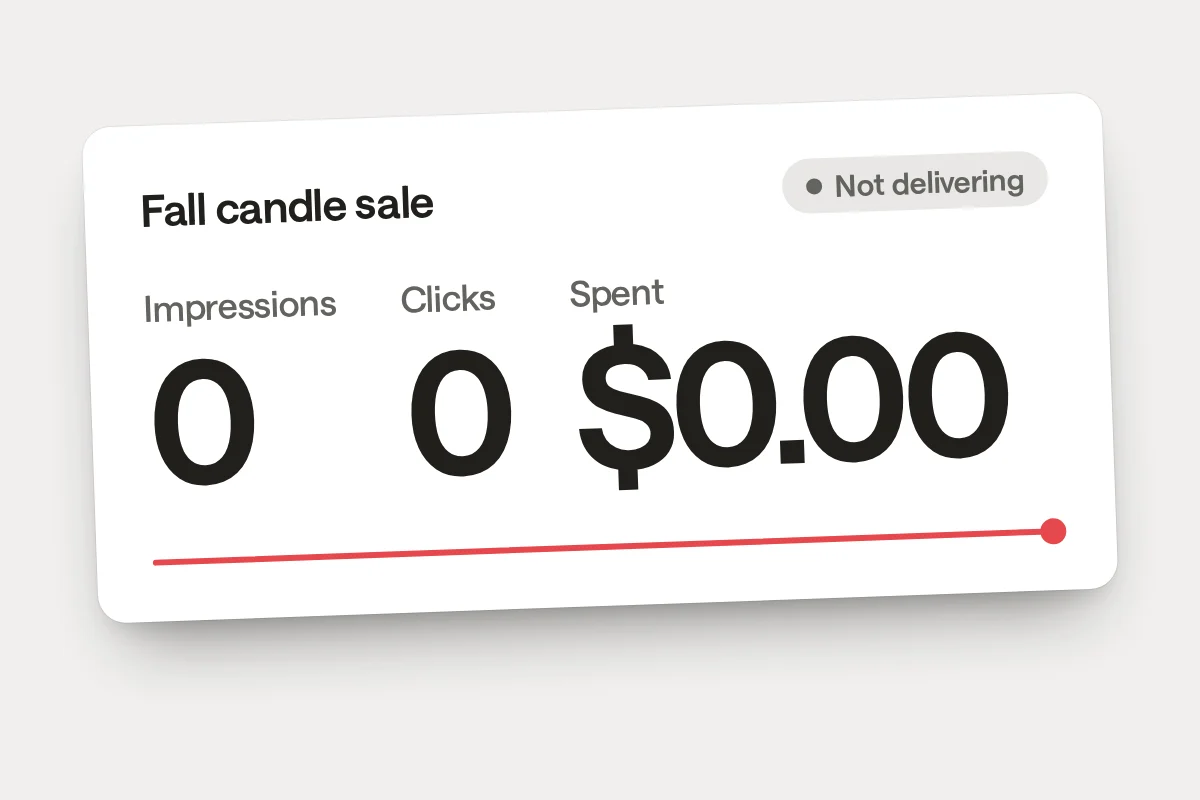
Once events flow, the next step is running Facebook ads. If they run but spend nothing, see why Facebook ads stop delivering.
How ScaleShot uses your pixel
ScaleShot launches Facebook and Instagram campaigns from your connected Meta ad account. Sales and Leads campaigns need a pixel that is installed on your site, while Visitors campaigns run without one. For a Shopify store, check which pixel shows recent events in Events Manager, then pick that same pixel in ScaleShot under Settings > Integrations.

Meta pixel on Shopify questions
Can I paste the pixel code into my Shopify theme instead?
Shopify's current method is the Facebook and Instagram by Meta sales channel. If pixel code is already in your theme, Shopify says to remove it before adding a pixel ID through the channel.
Why does Events Manager show no events?
Meta's own setup guide says to wait a few minutes and refresh before assuming the install failed. If it stays empty, check that the pixel selected in Shopify is the one you are looking at.
Do I need a pixel to run Facebook ads?
It depends on the goal. In ScaleShot, a Visitors campaign needs no pixel, and Sales or Leads campaigns do. A new store with no sales yet can still run Sales, because Meta learns from the first purchases.
Which browsers does Meta Ads Data Advisor work in?
Google Chrome and Microsoft Edge. On other browsers, use Test Events in Events Manager instead.
ScaleShot TeamWe build ScaleShot, an AI ad tool for small businesses on Facebook and Instagram. How we make our guides
Sources
- Meta pixel, Shopify Help Center
- Facebook data sharing, Shopify Help Center
- Setting up Facebook and Instagram by Meta, Shopify Help Center
- Meta Ads Data Advisor, Meta for Developers
- Get started with the Meta Pixel, Meta for Developers
- Using the API (Conversions API), Meta for Developers
- Conversions API, Meta for Developers