Why are my Facebook ads not delivering?
Check the Delivery column in Ads Manager first, then work down this list in order. Hover over the status for more detail. The usual causes are an ad still in review, a billing problem, a spending limit, an audience or bid that is too tight, learning limited, the schedule, or a switched-off campaign.

Start with the Delivery column
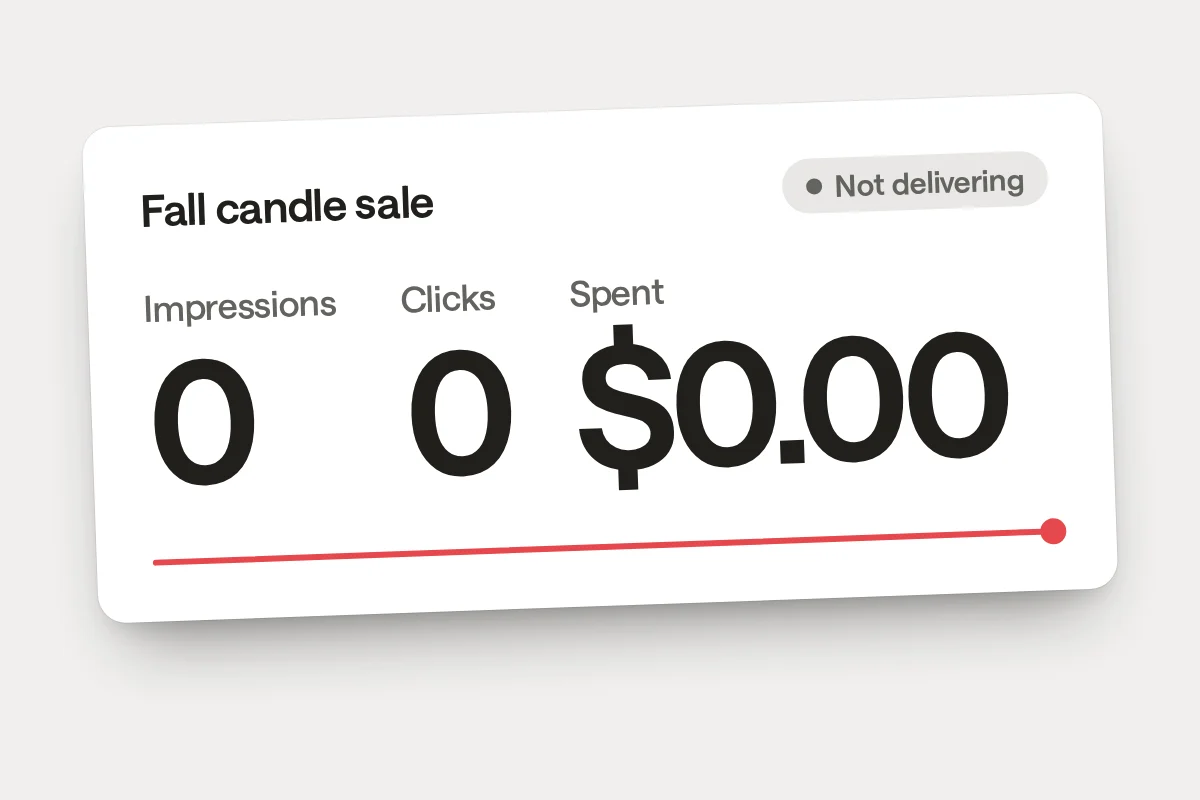
Open Ads Manager and look at the Delivery column for your campaign, ad set and ad. The status there points to the cause, and hovering over the icon shows more detail. Bïrch's Meta ad status guide explains the common ones:
- In review: Meta is checking the ad against its policies.
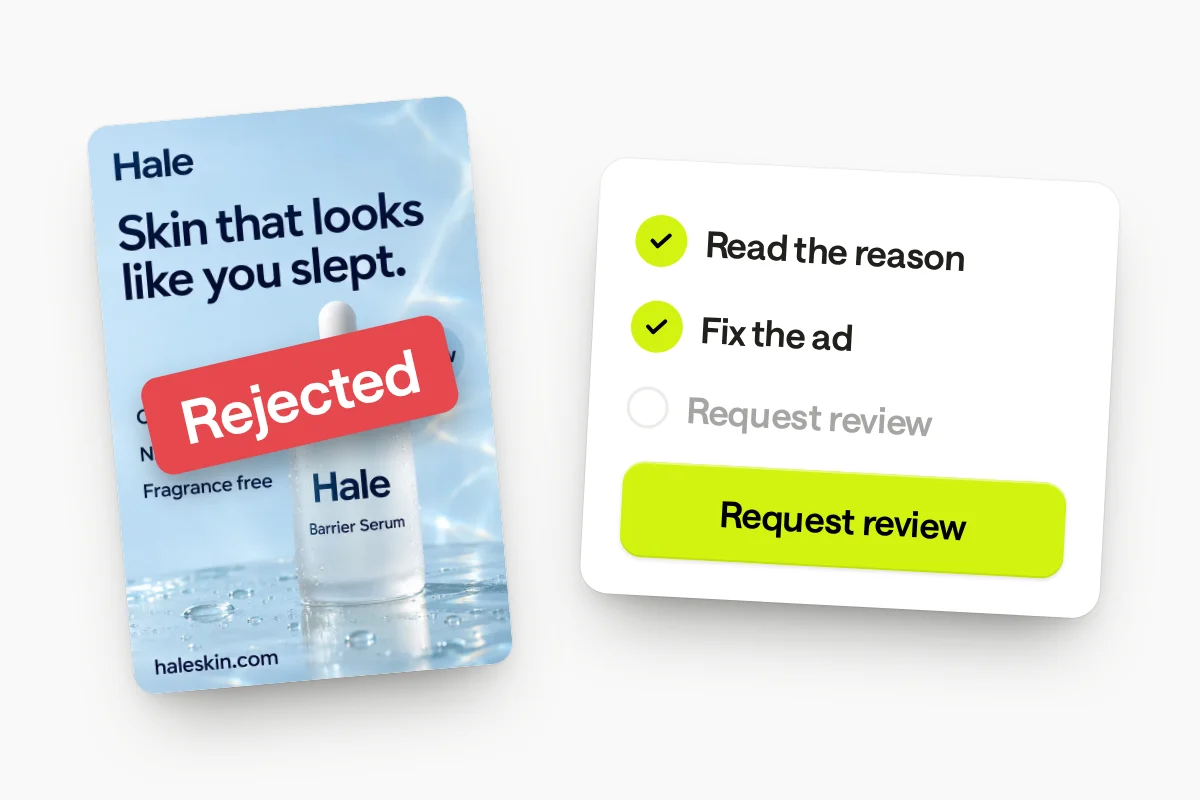
- Rejected: the ad breaks a policy and won't run until it is edited and approved.
- Learning: Meta's delivery system is still learning how to deliver the ad set, so results are less stable.
- Learning limited: the ad set isn't getting enough results to leave the learning phase.
- Off or Ad set off: something was switched off by hand, by a rule, or ended.
- Scheduled: approved, waiting for a start date you picked.
- Completed: the end date has passed.
The sections below follow the order to check them in.
1. The ad is still in review
New ads don't run until Meta approves or rejects them. Meta says review is typically completed within 24 hours, though it can take longer. Wait out the first day before changing anything.
If the status turns to Rejected, follow our guide on fixing a rejected Facebook ad.
2. A payment problem
When the payment method on your ad account fails, Meta pauses your ads and disables the ad account until you pay the amount due.
- Go to Billing & payments and select the ad account.
- Click Payment methods, then Pay now, and pay with a saved card or a new one.
- Check that the card hasn't expired, has a security code and is enabled for online payments.
Example: a made-up plumber's ads stop on the first of the month. The card on file expired at the end of the last one. Swapping in the new card and paying the balance is the whole fix.
If ads stay paused after you pay, you may have hit the daily spending limit Meta sets. The FAQ below covers it.
3. A spending limit was reached
An ad account spending limit is a cap you set on total spend across every campaign in the account. When spending reaches it, your ads pause but are still listed as active in Ads Manager, according to Meta's help page.
To check it, open Payment settings in Billing & payments, where you can track spend toward the limit. To restart ads, adjust or remove the limit there, or reset the amount spent.
A campaign spending limit works the same way for one campaign: every ad set and ad in it stops once the campaign reaches the limit.
4. The audience is too small or the bid cap too low
A small audience with a budget sized for a larger one may not spend, and spend can slow over time. Widen the audience or lower the daily budget. Our guide to Facebook ad targeting covers how broad to go.
Bid caps and cost per result goals cause the same symptom. Setting one below what the market will bear leads to under-delivery. If you set a cap to keep costs down, raise it or remove it and compare a week of results. See how much Facebook ads cost for a sense of normal prices.
5. The ad set is learning limited
Learning limited means the ad set is unlikely to get about 50 optimization events in the week after its last significant edit, so it can't leave the learning phase. Meta says it isn't a penalty, but your budget isn't being spent effectively.
Meta's fixes:
- Combine ad sets and campaigns.
- Expand your audience.
- Raise your budget, or your bid or cost control if you set one.
- Optimize for a more frequent event, such as add to cart instead of purchase.
Avoid unnecessary edits as well, since a significant edit sends the ad set back into learning. Our Facebook ads budget guide shows how to size a budget around that target.
6. The schedule, end date or a switch is off
First check that the ad set is supposed to run today. Ads scheduled for certain hours or days won't spend outside those windows. Scheduled means the start date is still ahead, and Completed means the end date has passed.
Then check every level. An ad can be switched on while its ad set or campaign is paused, and Meta tracks those as separate statuses.
Policy problems can also appear late. Meta can review ads again after they go live, so an ad that delivered yesterday can show Rejected today. If nothing above explains it, the whole account may be restricted. See how to fix a disabled Facebook ad account.
Checking delivery in ScaleShot
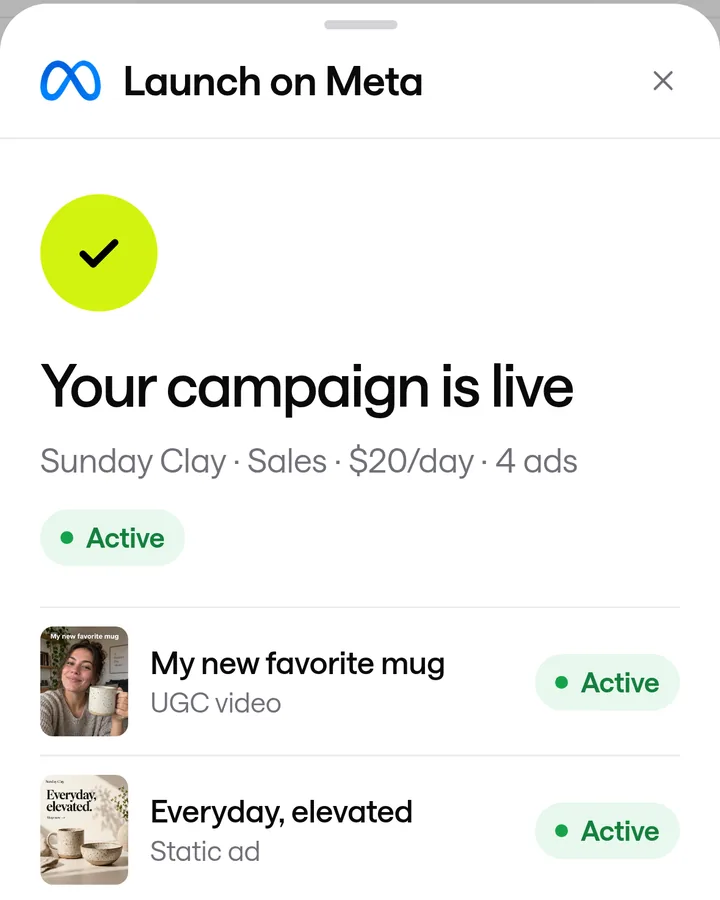
If you launched from ScaleShot, check the campaign status in ScaleShot first. Meta may still be reviewing the ads, or the ad account may have a billing or account-status issue. From the campaign page you can see results, pause or resume it, and change its budget or end date.
Facebook ad delivery questions
How long can a Facebook ad stay in review?
Meta's typical figure is 24 hours, with some reviews taking longer. An ad stuck well past that is worth checking against your account status in Business Support Home.
Why does my ad say Active but spend nothing?
A limit or a bid control is the usual reason. An account spending limit pauses ads while Ads Manager still lists them as active, and a cost goal set too low holds delivery back.
Can Meta limit my spend even if I didn't set a limit?
Yes. Meta sets a daily spending limit for most advertisers, based on their advertising and payment history. When you reach it, your ads pause and resume the next day.
Are Instagram ads checked the same way?
Instagram ads run from the same Ads Manager campaigns, so the same checklist applies. Our guide to running Instagram ads covers the setup.
ScaleShot TeamWe build ScaleShot, an AI ad tool for small businesses on Facebook and Instagram. How we make our guides
Sources
- Meta Ad Status Guide: What They Mean and What to Do, Bïrch
- Introduction to the Advertising Standards, Meta Transparency Center
- Ad (Marketing API reference), Meta for Developers
- Why Won't Meta Spend My Advertising Budget?, Jon Loomer Digital
- About ad account spending limits, Meta Business Help Center
- About campaign spending limits, Meta Business Help Center
- About Learning Limited, Meta Business Help Center
- About the learning phase, Meta Business Help Center
- Fix a failed payment issue on Meta, Meta Business Help Center
- About daily spending limits set by Meta, Meta Business Help Center