How to fix a rejected Facebook ad
Open Business Support Home, read the policy Meta named, then either edit the ad or request a review. Edit it when the rejection is fair, and request a review when you think Meta got it wrong. The causes that trip up small shops, from personal attributes to landing pages, are covered below.

Where to see why your ad was rejected
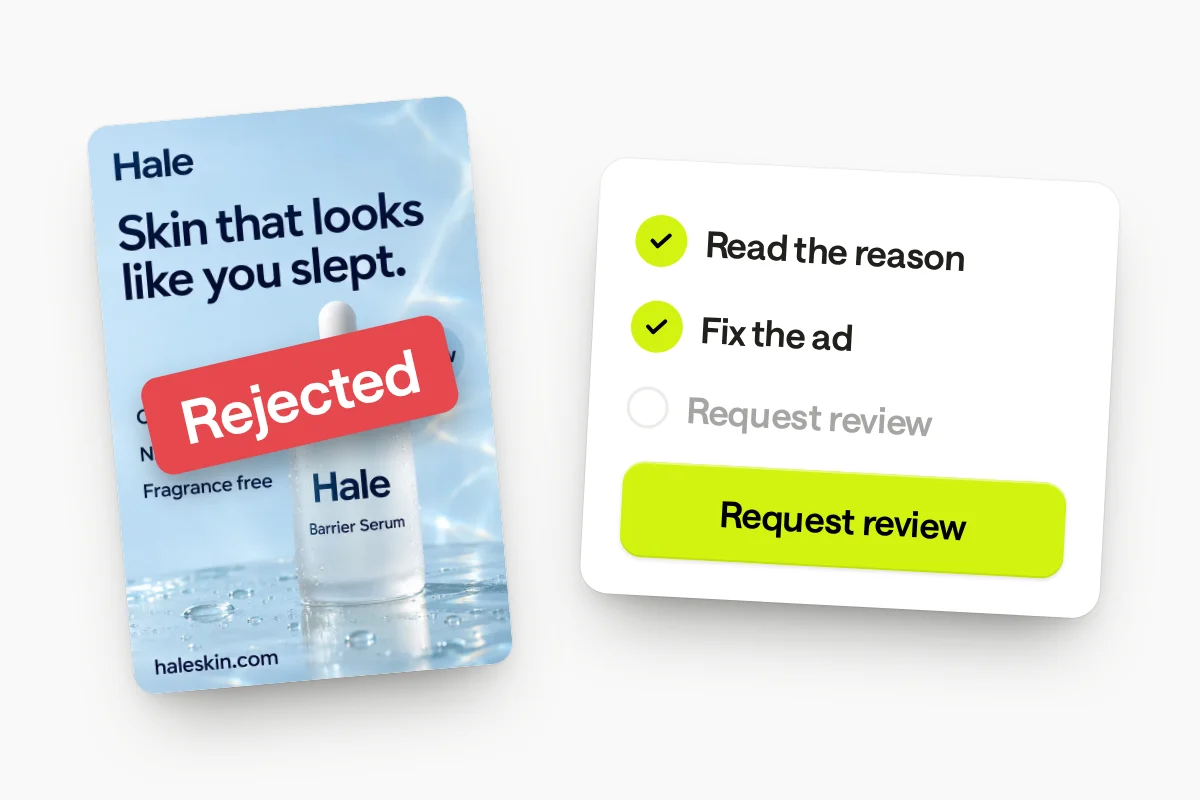
Meta emails you a link to Business Support Home, which shows the reason for the rejection. Meta's help pages link to Business Support Home at the old Account Quality address, and its policy pages still say Account Quality in places. You can open it directly at facebook.com/business-support-home.
Pick the ad account, find the rejected ad and note the exact policy named next to it. That name tells you which fix below applies.
How Meta reviews ads and how long it takes
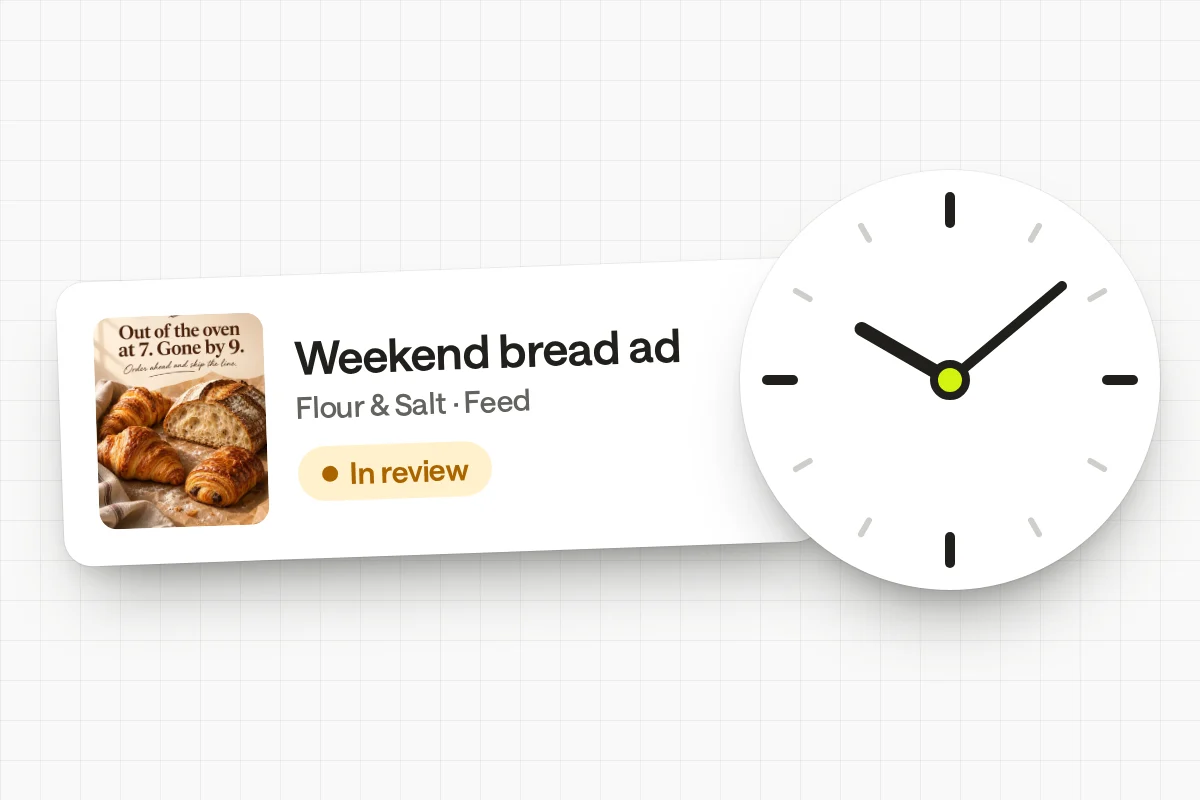
Meta's ad review relies mostly on automated tools. It checks images, video, text and targeting, plus the landing page the ad sends people to. Meta says review is typically completed within 24 hours, though some ads take longer, and the ad shows In review while it waits.
Common reasons small shops get ads rejected
Personal attributes
Meta's privacy and personal attributes policy bans ads that assert or imply something about the viewer, including age, religion, health, vulnerable financial status or name. Meta's own examples: "Are you Christian?" is rejected while "Date Christian singles!" passes, and "Depression getting you down? Get help now." is rejected while "Depression counseling" passes.
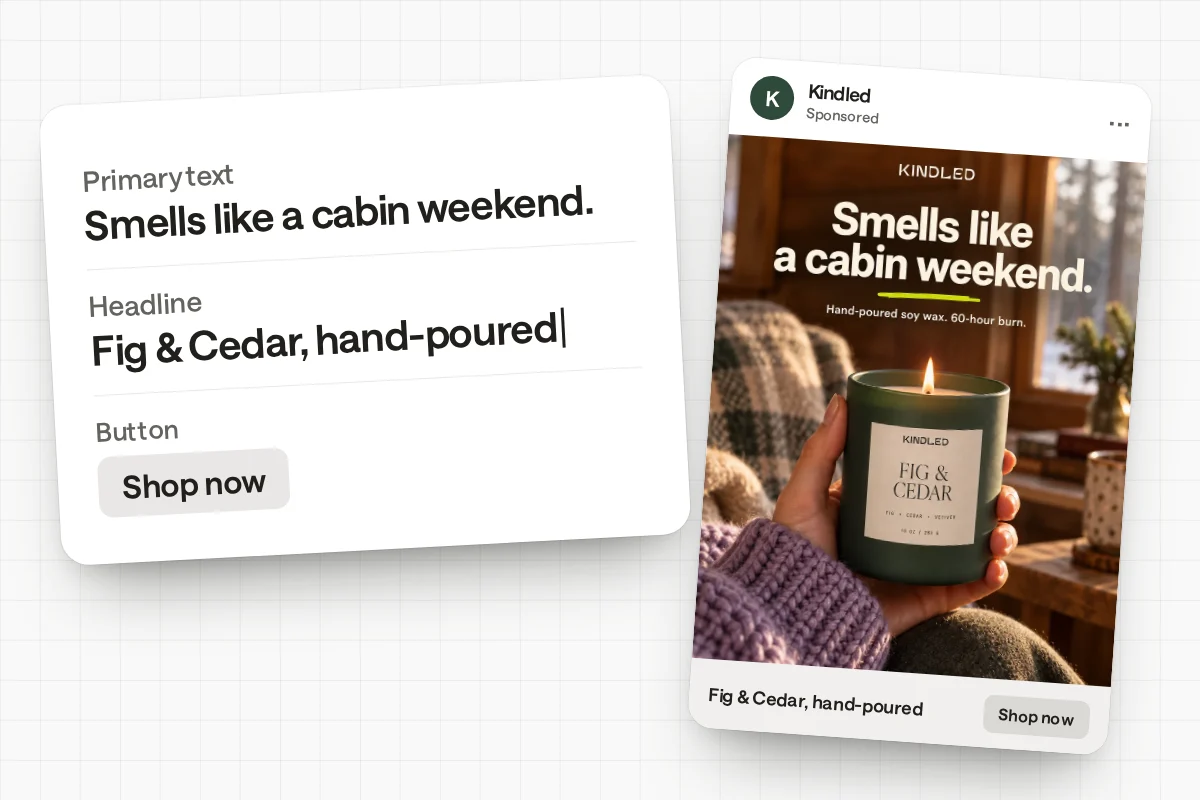
Example: a made-up skincare shop rewrites "Struggling with acne?" as "A gentle cleanser for acne-prone skin." The second line describes the product and says nothing about the reader.
Health claims and before-and-after images
Meta's health and wellness policy says this as of November 10, 2026:
- Weight loss ads must target people 18 or older.
- Weight loss ads can't show a close-up of someone pinching fat, or claim results come from a wearable product alone.
- Ads can't claim to cure, heal or eliminate incurable diseases such as diabetes or cancer.
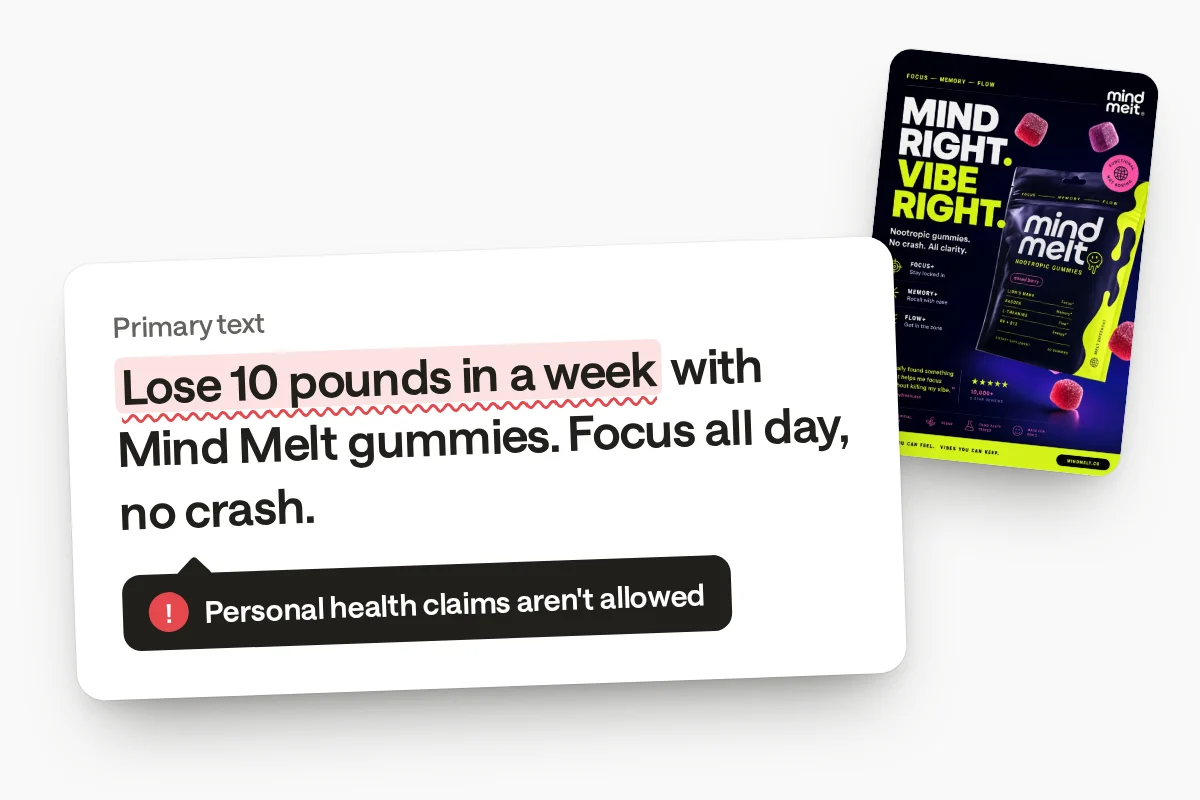
- Health and weight loss ads can't promise specific outcomes within a set time without disclaimers or qualifiers.
The policy's change log keeps an earlier version dated July 22, 2026 that also banned side-by-side weight loss comparisons. Today's version no longer lists that line. Meta edits this page, so check it before you run any before-and-after image.
Landing page mismatch
The products and services in your ad must match the ones on the landing page. Send a sale ad to the product page that shows the sale, and make sure the page loads.
Restricted products
Meta's restricted goods and services rules cover alcohol, tobacco, weapons, drugs and pharmaceuticals, and online gambling, among others. Some of these are banned outright, such as selling tobacco or weapons. Others need age targeting or Meta's written permission. Read the matching page in Meta's Advertising Standards before you launch one of these.
Edit and resubmit, or request a review?
If the rejection is fair, edit the ad. Meta suggests checking the image, video, text, targeting and landing page, fixing the part that broke the rule and publishing again, after which the ad is reviewed again. If an ad can't be edited, you can create a new one.
Example: a made-up supplement shop's ad says "Lose 10 pounds in 2 weeks." That is a promised outcome within a set time, so a review request would be arguing for a line that breaks the rule. The owner cuts the deadline, keeps the product photo and publishes the edit.
If you think Meta got it wrong, request a review:
- Go to Business Support Home and select the account with the rejected ads.
- Select the ads, ad sets or campaigns you think were rejected by mistake.
- Click Request review, then Submit.
Meta says it aims to decide within 48 hours, and that asking for a review won't hurt your standing. Keep the rejected ad while you wait. Deleting it may cost you the ability to request a review, and editing or deleting it doesn't remove the violation from your account.
For help rewriting the text, see our guide to Facebook ad copy.
Why repeated rejections matter
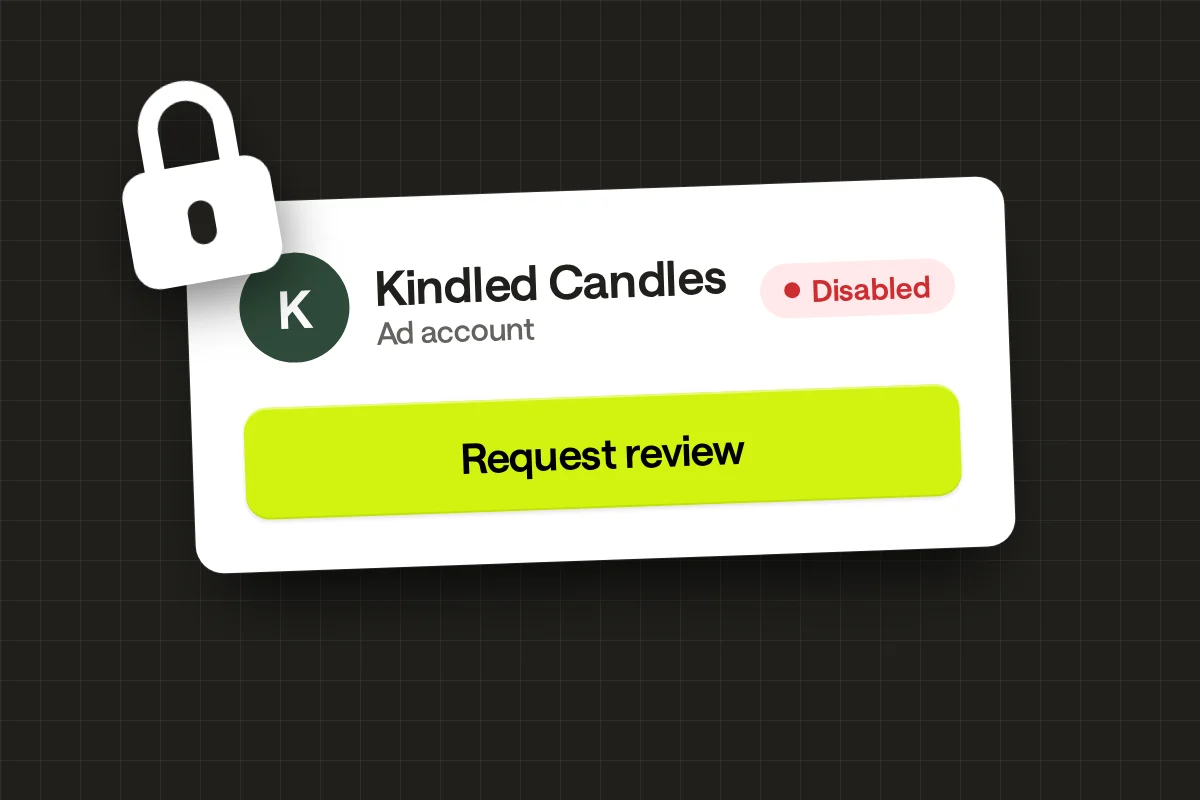
Rejections add up. Meta can restrict your ad account, Page or business account from advertising for severe or repeated ad violations, and a restricted account can't be used to advertise. If that happens, our guide on fixing a disabled Facebook ad account covers the review steps.
Run this check before each launch:
- The ad describes the product and doesn't pair "you" with a personal trait.
- The landing page sells the item the ad shows.
- Health or weight copy has no cure claim and no deadline promise.
- If the product is in a restricted category, you've read that category's rules.
Our guide on how to make an ad covers the creative side of the same check.
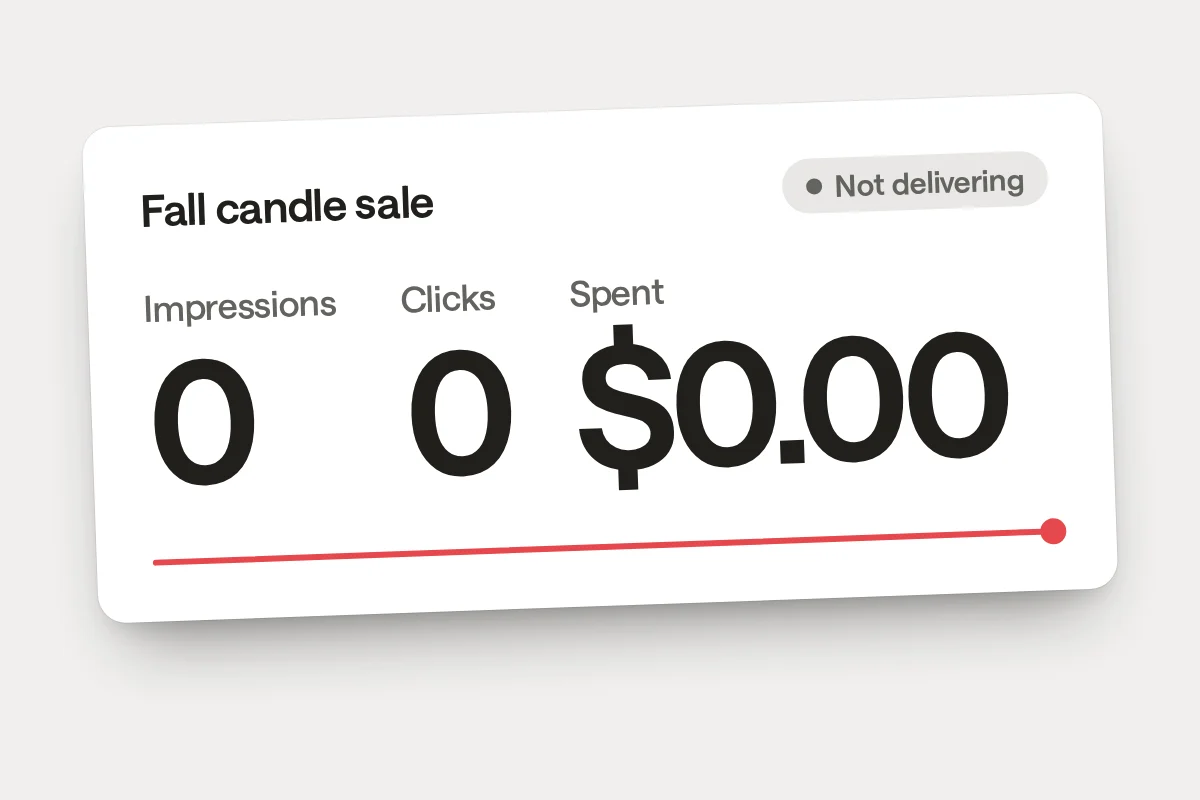
An approved ad that still gets no impressions has a different problem. See why Facebook ads stop delivering.
Reviewing ads before they reach Meta
In ScaleShot, the Ads Agent shows each new ad as a card you can edit, approve or cancel before any credits are spent. When you launch, Meta still reviews new ads before delivery, and you can create the campaign paused instead of starting it after approval. After launch, you can edit ads from the campaign page.
Rejected Facebook ad questions
How long does Facebook take to review an ad?
Typically within 24 hours, per Meta, though some take longer. Ads can also be reviewed again after they go live, so an approved ad can be rejected later.
Can I say "you" in a Facebook ad?
Yes. Meta's policy allows "you" and "your" language without a personal attribute, as in "We print customizable t-shirts and stickers with your name." What gets rejected is tying "you" to a personal trait or naming a real person, as in "Billy Taylor, get this t-shirt with your name in print!"
Why was my ad rejected when the ad itself looks fine?
Meta reviews targeting and the landing page as well as the ad. A page that sells something different from the ad, or shows a restricted product, can be the cause.
Can I request a second review?
No. If the re-review rejects the ad again, it stays rejected and you can't submit another review request for that ad. Your options then are to edit it or create a new ad.
ScaleShot TeamWe build ScaleShot, an AI ad tool for small businesses on Facebook and Instagram. How we make our guides
Sources
- Introduction to the Advertising Standards, Meta Transparency Center
- Health and Wellness, Meta Transparency Center
- Privacy Violations and Personal Attributes, Meta Transparency Center
- How to troubleshoot a rejected ad, Meta Business Help Center
- About Meta Business Support Home, Meta Business Help Center