How long does Facebook ad review take?
Meta says most ads are reviewed within 24 hours, though some take longer. While an ad shows In review, leave it alone, because editing its creative or targeting starts a new review. If it's still waiting after 48 hours, check Business Support Home for alerts, then contact Meta support.

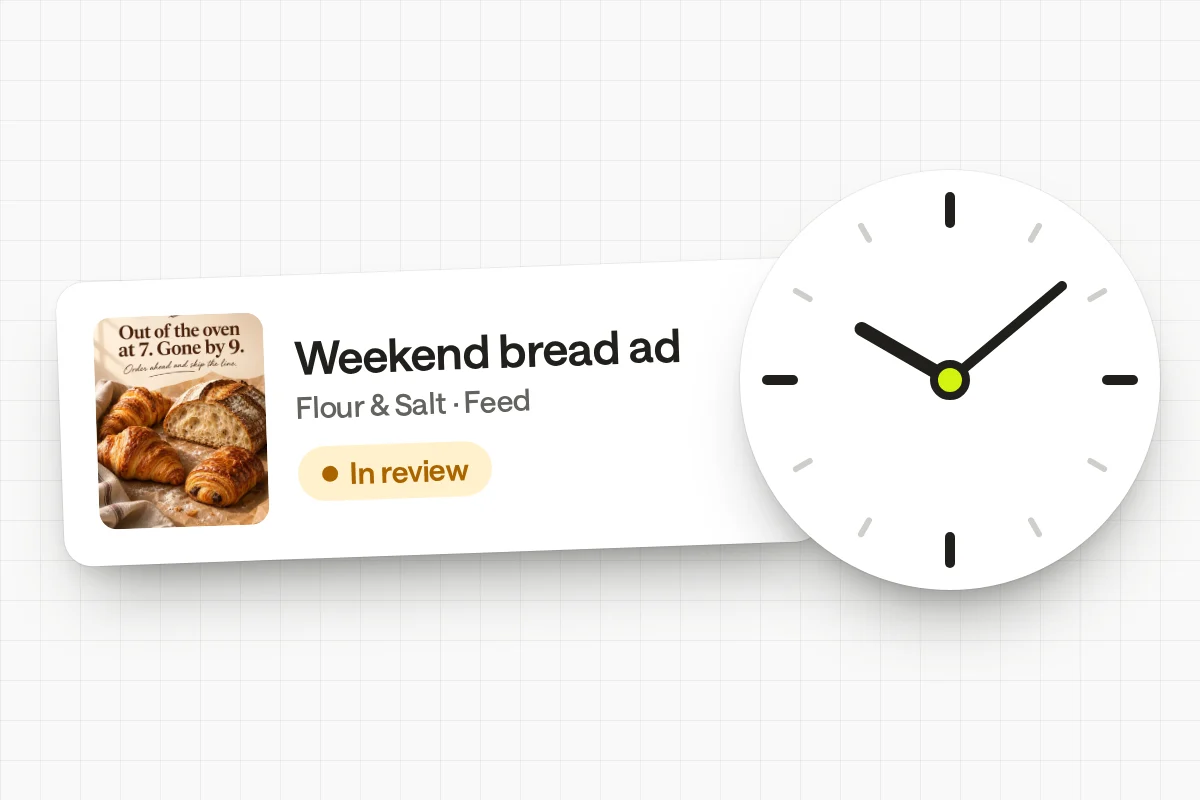
How long Facebook ad review takes
Meta's About Ads In Review page says "Most ads are reviewed within 24 hours, although in some cases it may take longer". Its Advertising Standards say the same, and add that review "starts automatically before ads begin running".
A few things that catch owners out:
- Scheduled ads still need review. A scheduled ad goes through review once you submit it, but won't deliver until its start date.
- Approval isn't final. Meta says ads "may be reviewed again, including after they are live".
- Review can cover more than the picture. Meta says it may include the images, video and text, the targeting, the destination the ad links to, advertiser permissions and special ad categories.
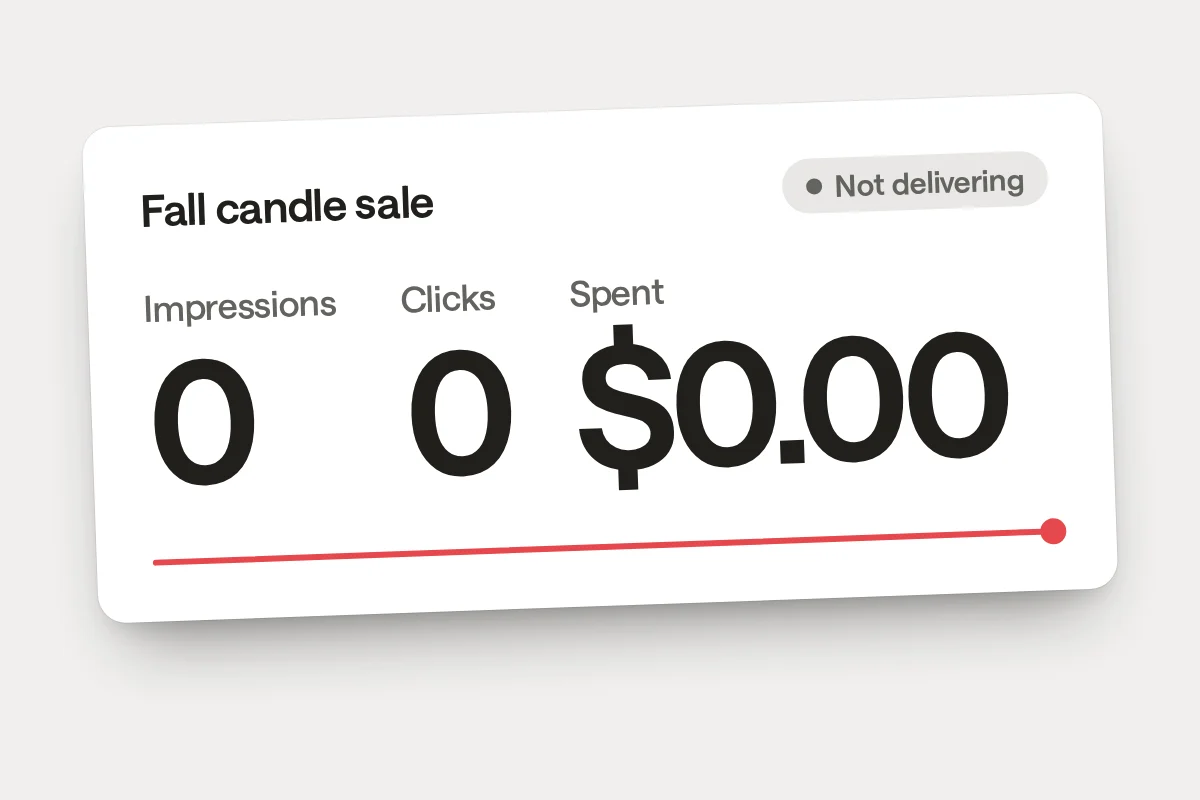
Example (made up): a candle shop plans a Friday morning sale. Submitting the ads on Wednesday leaves a full day of slack if review runs long. Submitting at 8 a.m. on Friday does not.
What In review, Processing and Preparing mean
You'll see the status in the Delivery column of Ads Manager. Jon Loomer notes that four statuses share the same Pending icon there: In review, Processing, Scheduled and Preparing.
- In review: Meta is checking the ad against its policies. A new ad stays pending and doesn't run until Meta approves or rejects it.
- Processing: Meta is applying a change you made. Bir.ch says this "usually takes just a few minutes, but can take up to a few hours".
- Preparing: the ad "successfully passed review and the delivery system is now matching it to the right bid and audience".
- Scheduled: the ad is waiting for the start date you set.
Preparing is good news. Processing that lasts a few hours is normal. In review past two days is the one to act on.
Why some ads take longer to review
Meta doesn't publish a list of delay causes. Bir.ch names the common ones in its guide to ads in review:
- Content that breaks Meta's rules slows review down.
- Social issue topics, such as immigration, can mean a longer wait and possible manual checks.
- An ad that promises something the landing page doesn't show.
- Accounts with past violations may get longer reviews.
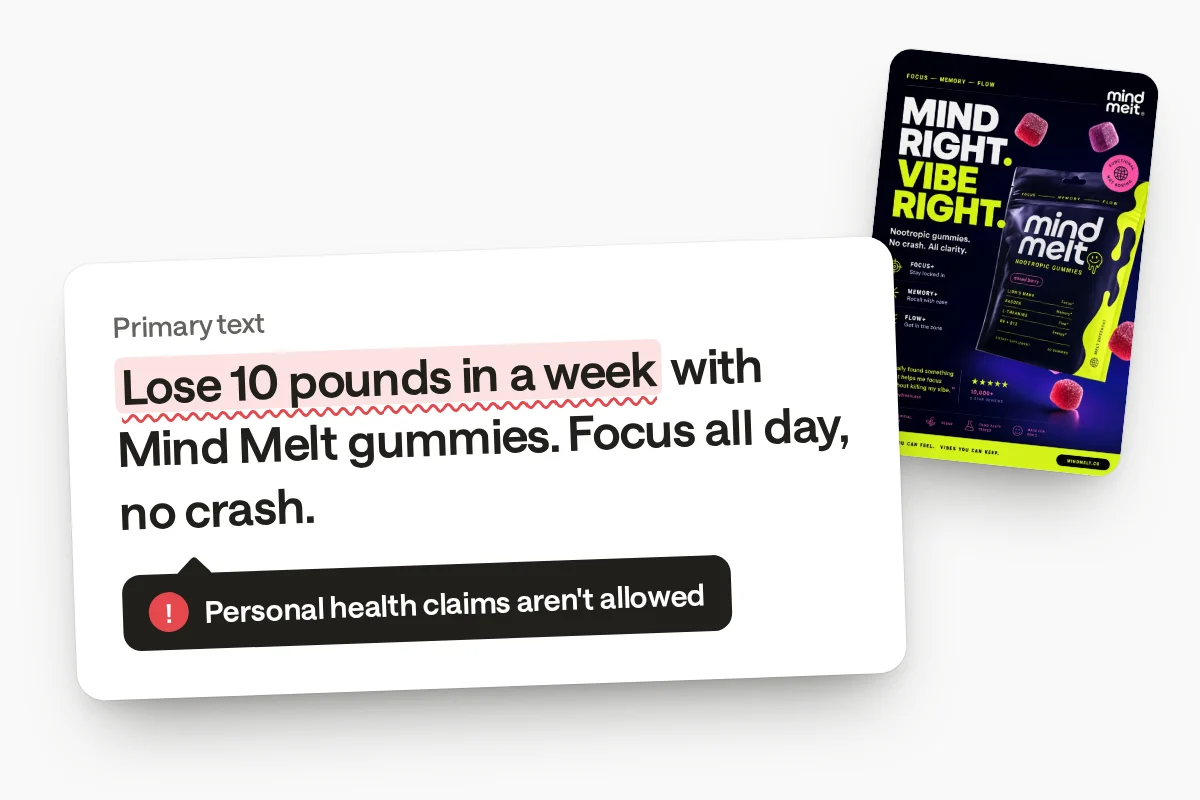
The same guide says reviews can take up to a week in rare cases, when there's a backlog or an ad needs extra scrutiny. If you sell in a sensitive category, such as supplements or skincare with health claims, read our Facebook ad policies guide before you submit.
What to do if your ad is stuck after 24 to 48 hours
Bir.ch treats more than 48 hours as unusual and suggests checking notifications or contacting Meta support. Work through it in this order:
- Check the Delivery column again. Confirm the ad still says In review and hasn't changed to Rejected.
- Look for account alerts. Open Meta Business Support Home and check the Outstanding tab under Recent account issues.
- Check the landing page. Make sure the link works and the page shows what the ad promises.
- Contact Meta. The About Ads In Review page links to a chat with Meta's AI business assistant. Our guide on how to contact Facebook ads support covers the other routes.
If the ad isn't delivering for a reason other than review, see why Facebook ads are not delivering.
What not to do while you wait
- Don't edit the ad. Meta says that editing a scheduled or running ad or ad set starts a new review process.
- Do change budget or schedule if you need to. Changes to the bid amount, budget or ad set schedule won't trigger review.
- Don't flood the account with copies. A replacement ad is treated as a new ad and reviewed by Meta's ad review system, so it joins the queue too.
- Don't try to get around review. Meta's Advertising Standards say helping anyone "evade or circumvent our enforcement" of its policies is prohibited.
If the review ends in a rejection
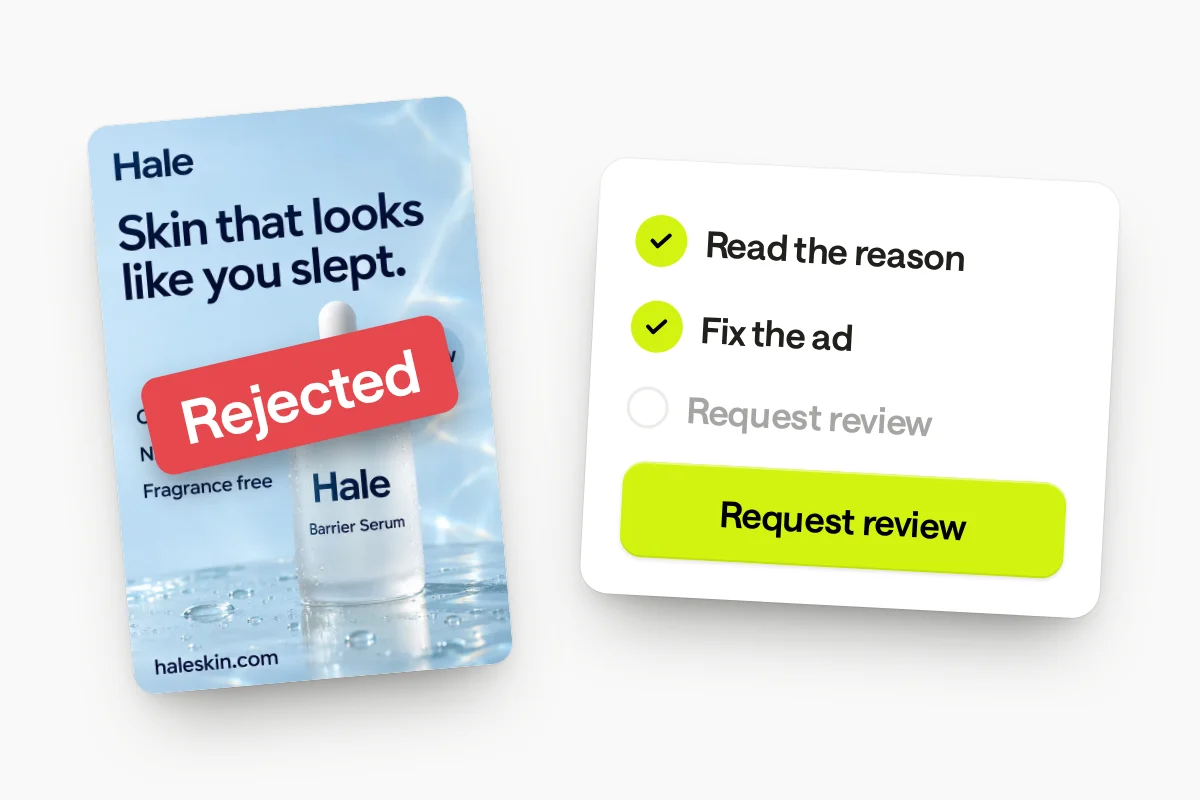
An ad either gets rejected or is allowed to run. If you believe it was rejected by mistake, you can request another review in Meta Business Support Home. Our guide to rejected Facebook ads explains how to read the reason and when to edit instead.
Ad review when you launch from ScaleShot
Ads launched from ScaleShot go through the same Meta review before delivery. On the launch summary, leave Start running after Meta approves the ads checked to go live as soon as they pass, or clear it to create the campaign paused. If a campaign isn't spending, check its status in ScaleShot first, since Meta may still be reviewing the ads.

Facebook ad review: common questions
Does editing an ad restart Facebook ad review?
Yes, for most edits. Changes to the bid, budget or ad set schedule are the exceptions and won't trigger a new review.
Is Facebook ad review done by a person or a computer?
Mostly by software. Meta says its ad review system relies primarily on automated tools, with manual review in some cases.
Can an approved ad be rejected later?
Yes. Meta's Advertising Standards say ads stay subject to review and re-review at all times.
Do scheduled ads get reviewed before the start date?
They're reviewed after you submit them, then wait for the start date to deliver. Submit a few days early for a timed sale.
Is it normal for an ad to be in review for a week?
Bir.ch says a week-long review happens only in rare cases, such as a backlog or extra scrutiny. Past 48 hours, start checking for account alerts and contact support.
ScaleShot TeamWe build ScaleShot, an AI ad tool for small businesses on Facebook and Instagram. How we make our guides
Sources
- About Ads In Review, Meta Business Help Center
- Meta Advertising Standards, Meta Transparency Center
- Meta ad status explained, Bir.ch
- What the Preparing status means, Jon Loomer Digital
- Ad (Marketing API reference), Meta for Developers
- Facebook ad in review, Bir.ch
- About Meta Business Support Home, Meta Business Help Center