How to contact Facebook ads support
Start at Meta Business Support Home, where you can check account issues and contact support, or chat with Meta's AI business assistant. For a restricted account, request a review there. Meta has no general public phone number for customer service, so treat any number claiming to be Meta support as a likely scam.

Start with Business Support Home
Business Support Home is Meta's central place to "monitor and resolve issues you might encounter". Go to facebook.com/business-support-home while logged in to the Facebook account that manages your ads.
From there you can:
- See the status of your business portfolios, ad accounts, catalogs and Pages.
- Track rejected ads.
- Check your feedback score.
- Contact support.
Check the overview first. Under Recent account issues, the Outstanding tab lists current problems and the actions available for each.
Chat with Meta's AI business assistant
Meta's business help pages, including the one for Business Support Home, have a Start chat button for Meta's AI business assistant, which Meta says "can help resolve account issues and unblock your business". In April 2026, Social Media Today reported that Meta was widening the assistant's rollout to advertisers in major markets, after launching it in Ads Manager the year before. Meta said businesses in beta testing resolved common account issues at a 20% higher rate.
Use it for routine problems: a paused ad, a billing question, where a setting lives. Describe the problem in one or two plain sentences and include the ad account ID.
How to reach a person
Meta's own help pages point to Business Support Home for human help. Its failed payment article, for example, says to go to Business Support Home and click Contact support at the bottom of the page.
Whether you get a live chat with a person depends on your account. PPC Land reported in January 2026 that larger advertisers seem to get better access while smaller ones mostly meet automated systems, and that "Meta has not publicly disclosed the criteria for accessing premium support or the spending levels required". If you don't see a chat option, the AI assistant and the review flows below are your routes.
Have this ready before you start
- Your ad account ID and the ID of any ad involved.
- Screenshots of the error or status message.
- The date the problem started and what you changed right before it.
- For billing, the date and amount of the charge.
If your account is restricted, request a review
A restricted or disabled ad account has its own route. Meta's steps:
- In Business Support Home, select Account status overview in the left menu.
- Select the restricted account.
- In the What you can do section, select Request review.
- Complete the on screen steps.
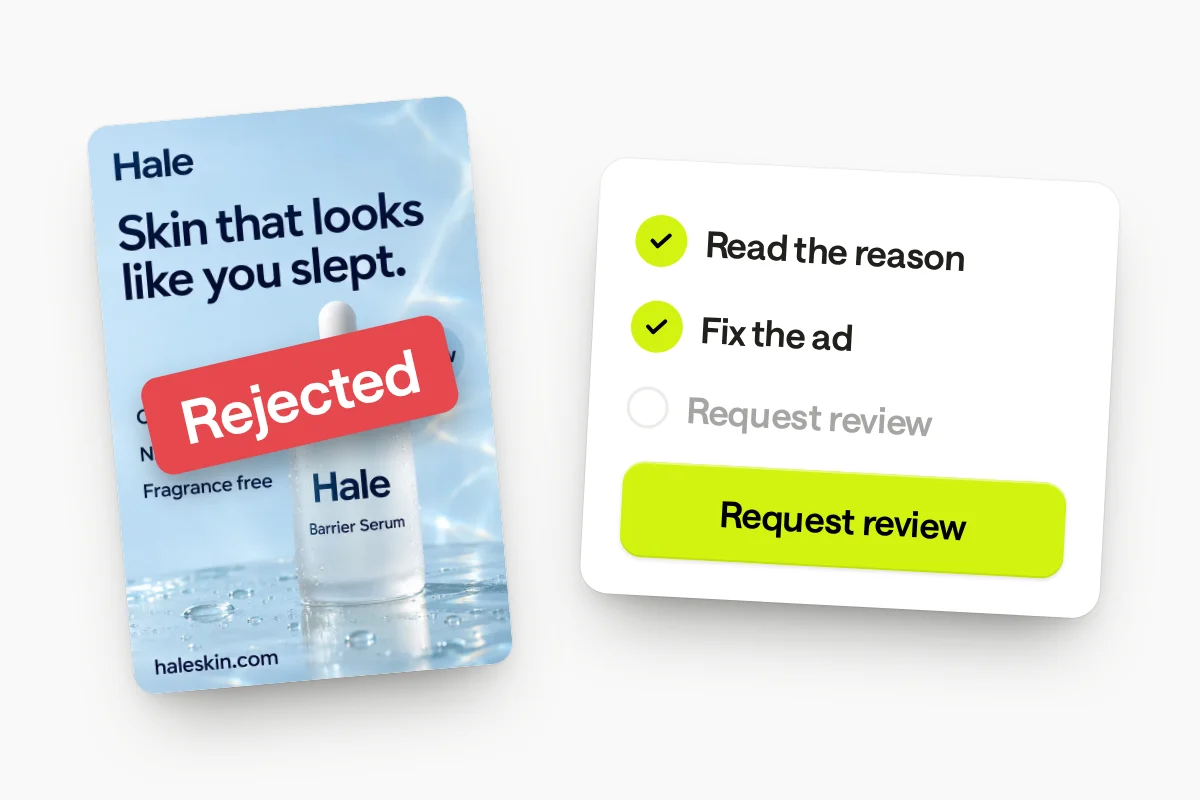
You must be an admin on the account to request a review. Meta says the review is typically done in 48 hours, though it may take longer. There's a limited number of review requests, and once a review is done the decision is final. Fix the cause first. Our guide to a disabled Facebook ad account covers that, and a single rejected ad is handled in how to fix a rejected Facebook ad.
Meta Verified and Meta One
Meta Verified is a paid subscription for creators and businesses. Its features are now offered inside Meta One, a newer subscription that Meta says builds on Meta Verified. Meta says nothing changes for current Meta Verified subscribers right now.
Meta's Meta Verified page lists Enhanced Support, described as 24/7 email and chat with support agents, but says it "may not be available to all subscribers at this time". Start the sign-up to see which features your account gets before you pay. Our guide to Meta Verified for business covers the plans.
What doesn't work
- Calling a phone number. Meta has no general public phone line for customer service.
- Sending review after review. You get a limited number of review requests for a restriction, so a rushed one wastes a turn.
- Opening a new ad account to get around a restriction. Meta's Advertising Standards prohibit helping anyone "evade or circumvent our enforcement" of its policies.
- Paying someone who promises to restore your account. Only Meta can lift a restriction, through the review flow above.
Watch out for fake Facebook support
Meta's phone support policy page says: "Phone numbers claiming to be for Meta customer support are potentially scams and should be avoided".
Signs you're dealing with a scammer:
- A phone number from a search ad, a comment or a direct message.
- A message saying your Page will be deleted unless you click a link.
- Anyone asking for your password, a login code or remote access to your computer.
- A request to pay a fee to restore your account.
Go to Business Support Home yourself by typing the address. If someone already has your login, follow what to do if your Facebook ad account is hacked.
Getting help with ads launched from ScaleShot
If your campaigns run through ScaleShot, you can email our support team, and we usually reply within a few hours during US Pacific business hours. For billing questions, include your team name and the email on your account. Problems inside your Meta ad account itself, like a restriction, still go through Meta's routes above.
Facebook ads support: common questions
Is there a phone number for Facebook ads support?
Meta has no general public phone number for customer service, though it may offer specialized phone support in some places or for some products. A number you found online is likely a scam.
Why can't I find the live chat option?
Meta doesn't publish who gets live chat or what spend it takes. Use Meta's AI business assistant instead, which you can open from Meta's business help pages.
How long does a Meta account review take?
Meta says it's typically done in 48 hours, though some take longer.
Does Meta Verified guarantee I can talk to a person?
No. Meta says its enhanced support may not be available to all subscribers.
ScaleShot TeamWe build ScaleShot, an AI ad tool for small businesses on Facebook and Instagram. How we make our guides
Sources
- About Meta Business Support Home, Meta Business Help Center
- Fix a failed payment issue on Meta, Meta Business Help Center
- Request a review if you are restricted from advertising on Meta platforms, Meta Business Help Center
- Phone support availability on Meta Platforms Technologies and other Meta Company Products, Meta Help Center
- Meta Verified, Meta
- Meta Expands Access to AI Business Assistant, Social Media Today
- Meta One plans, Meta
- Meta's disappearing support act leaves advertisers stranded, PPC Land
- Meta Advertising Standards, Meta Transparency Center