Meta Verified for business: what you get and what it costs
Meta now offers business verification through Meta One, a subscription that builds on Meta Verified for business, with business plans from $14.99 a month. All four business plans include the option to apply for a verified badge and impersonation protection. Higher plans at $49.99, $149 and $499 add scheduling, analytics and more Business Agent capacity.

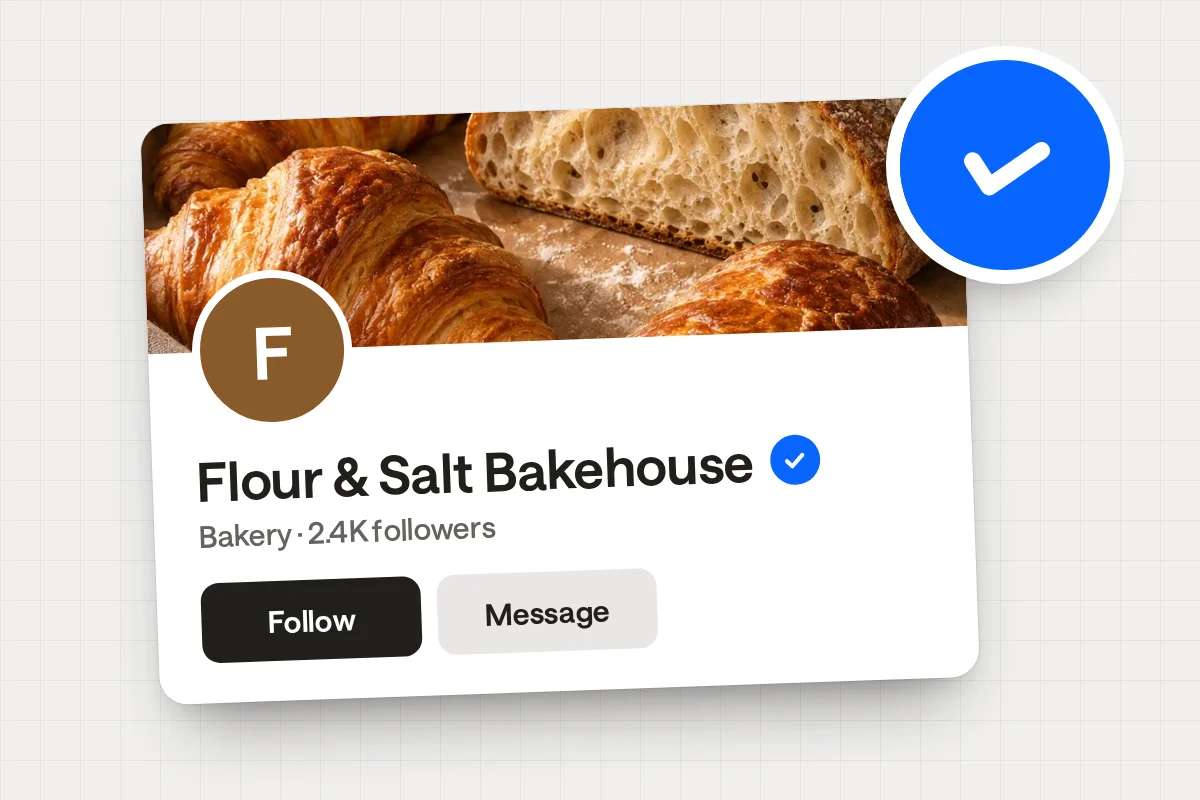
Meta One builds on Meta Verified
Meta launched Meta One on September 15, 2026 and describes it as building on Meta Verified with more benefits across its apps. The business plans in Meta One include the option to apply for a verified badge and impersonation protection, if you meet the eligibility rules.
Already paying for Meta Verified? Meta's Meta One plans page says nothing changes for current subscribers right now and that Meta will tell you when you can switch.
Meta One business plans and US prices
These are the starting monthly prices from Meta's launch announcement. Jon Loomer, who writes about Meta ads, notes the price applies per Facebook Page, Instagram profile or WhatsApp Business number.
Essential, from $14.99
A verified badge, impersonation protection once verification succeeds, a verified channel on the WhatsApp Business app, and more access to Meta Business Agent, Meta's AI that replies to customers on WhatsApp.
Advanced, from $49.99
Adds scheduling Stories up to 30 days ahead, links in organic posts and Reels, exportable analytics, deeper audience insights and team access without sharing your password.
Expert, from $149, and Max, from $499
Meta pitches these at teams managing at scale, with its highest feature access and Business Agent capacity.
Loomer's breakdown lists no support cases on Essential, one a month on Advanced, five on Expert and unlimited on Max. He calls Essential "essentially Meta Verified".
What the badge and protection do
- The badge. Meta says it means your profile "was verified by Meta based on your activity across Meta technologies". Meta's subscription terms say every subscription includes the badge.
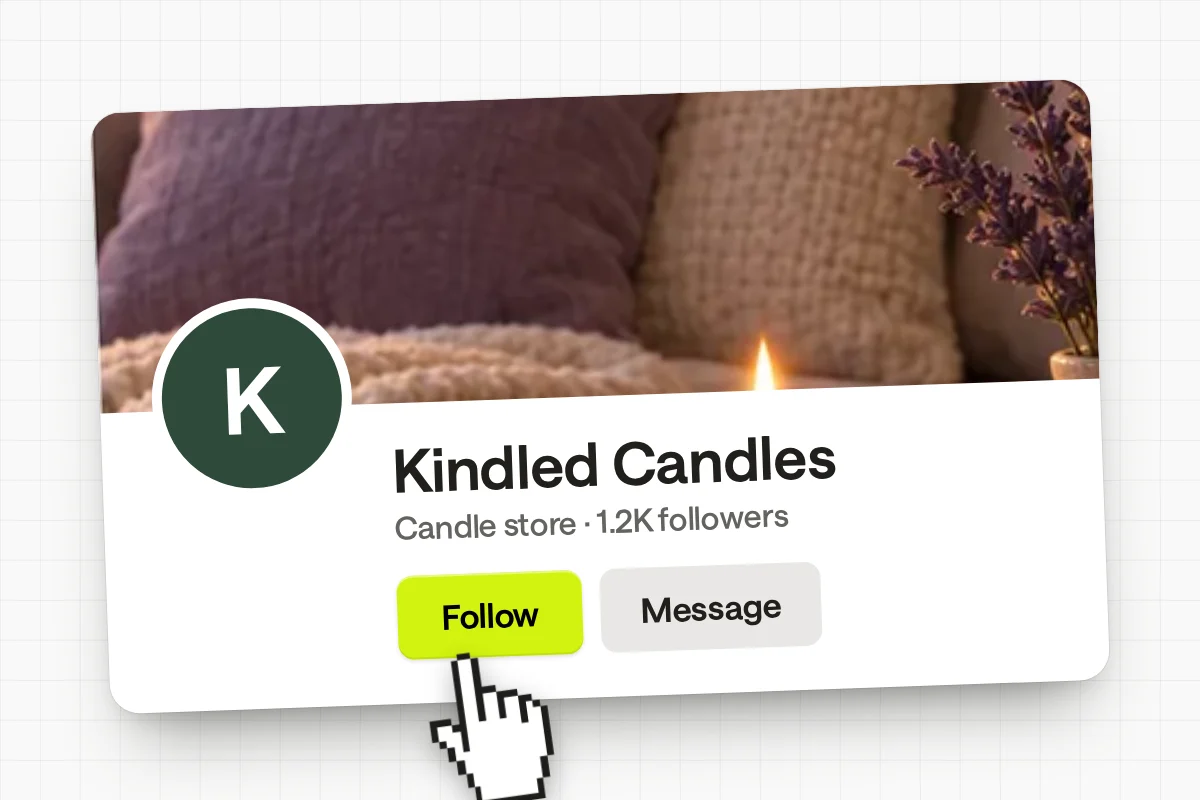
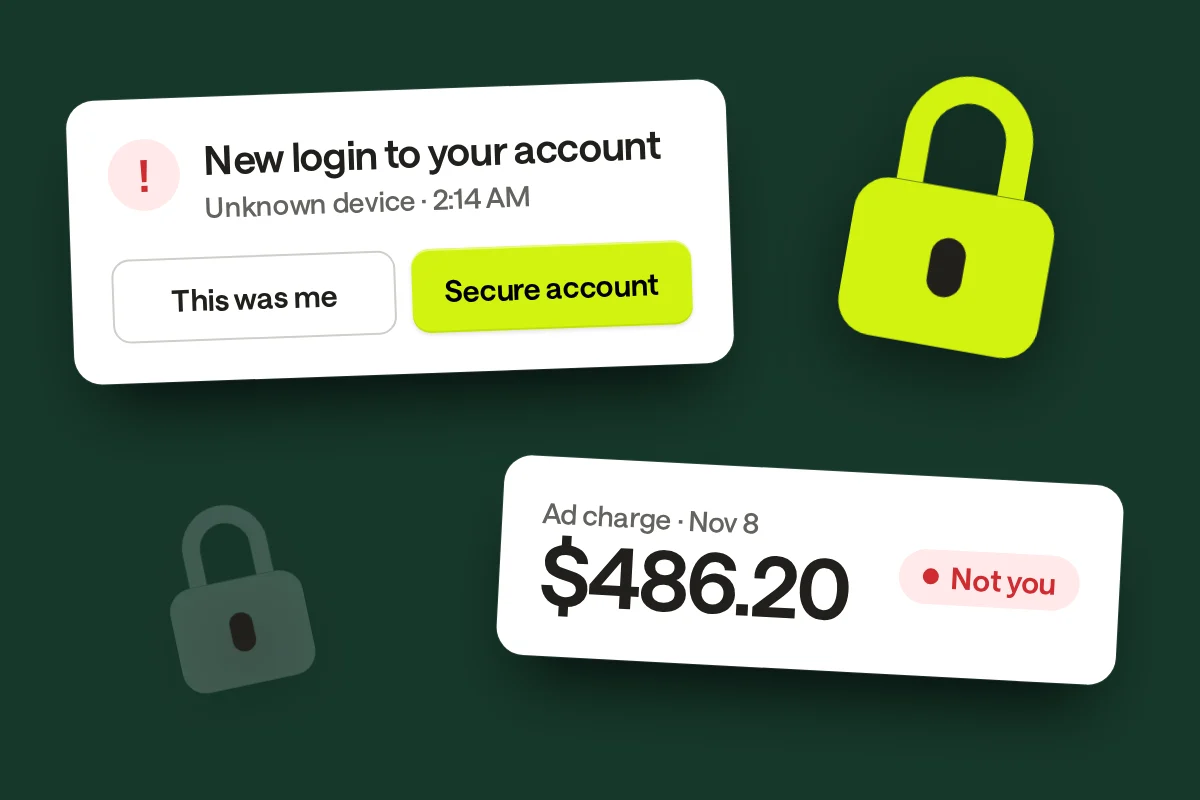
- Impersonation protection. Meta says it "will remove accounts that we determine are pretending to be you". A candle shop with copycat Instagram accounts asking followers for payment is the kind of case this targets (example).
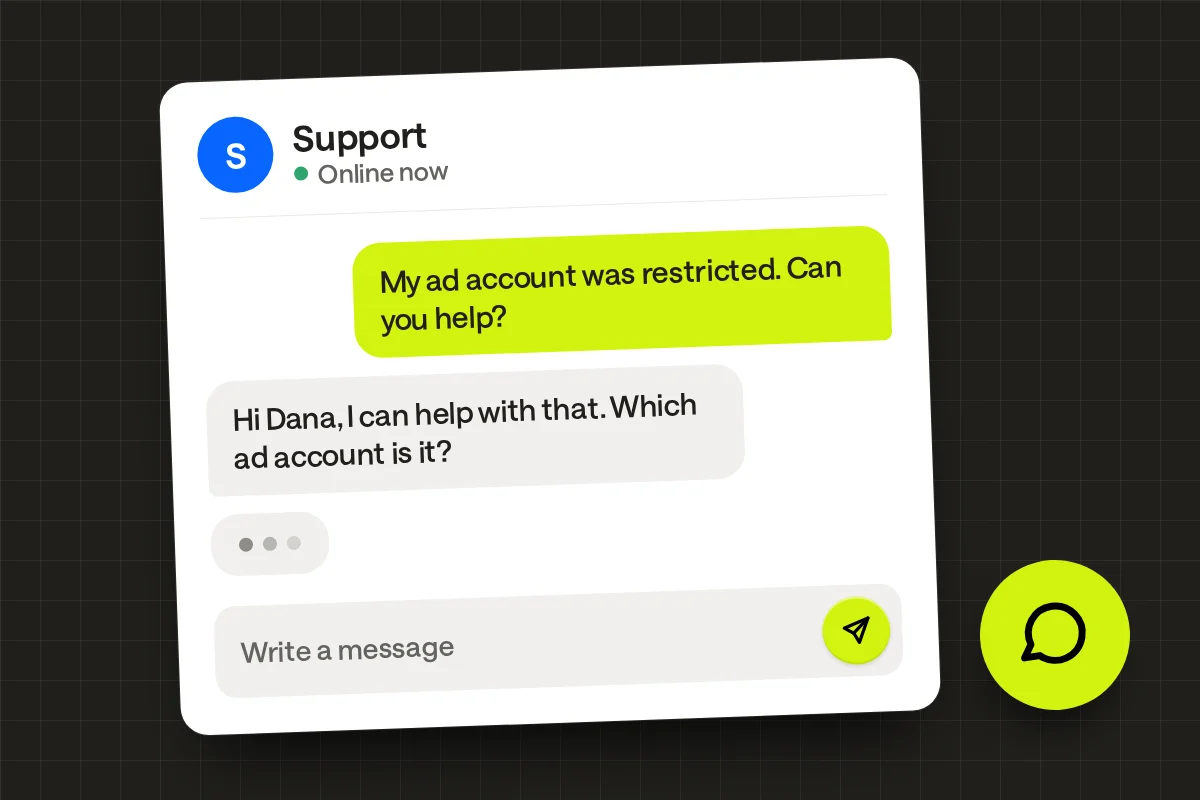
- Support. The terms list account support as a benefit that "may be included," so check your plan before counting on it.
- Visibility. The terms also list prioritization and increased visibility on some surfaces as a possible benefit, and say the effect varies with audience size and post topic.
None of these benefits mention ad review or ad prices. Your ads still go through the normal process, covered in our guides to Facebook ad policies and what Facebook ads cost.
Who qualifies
Meta's Meta Verified terms set the rules:
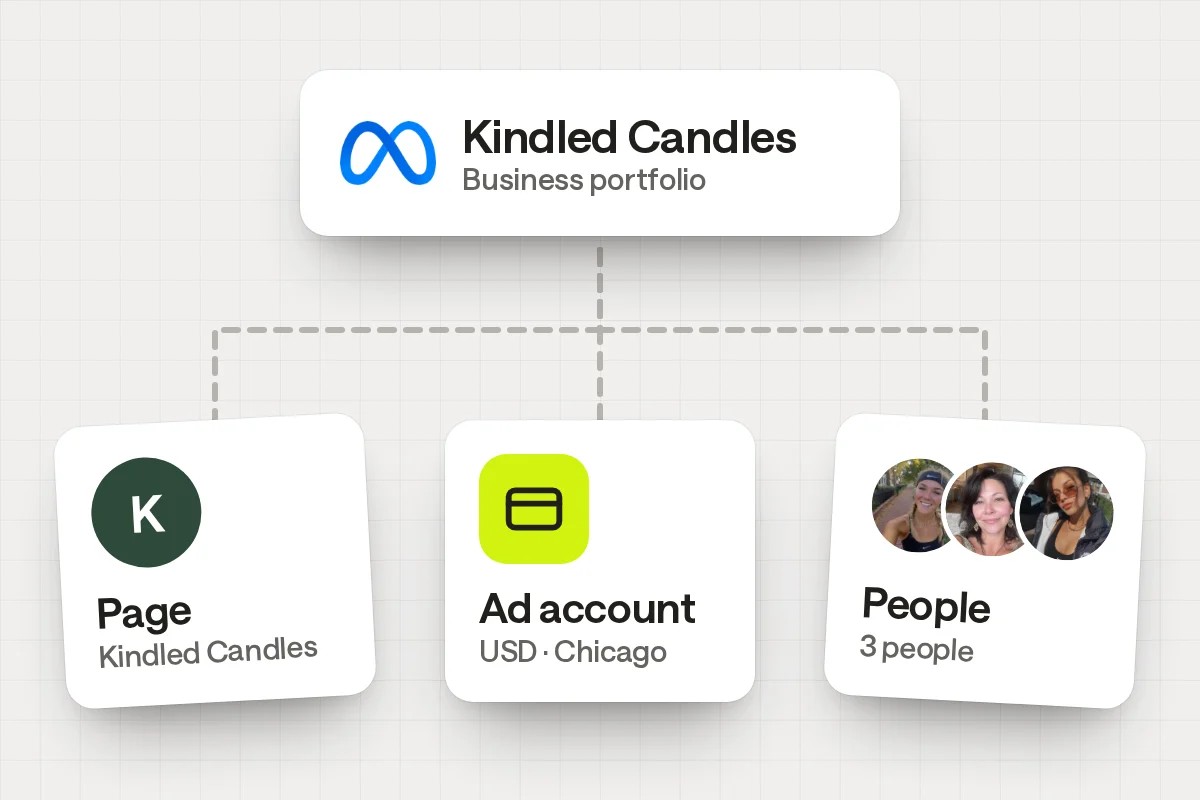
- An existing business portfolio in Meta Business Suite, the account that holds your Page and ad account (once called Business Manager).
- You must be 18 or older and in a country where the service is offered.
- An Instagram account must be a professional account with a complete profile, including a photo and category.
- A Facebook Page needs a complete profile with a photo, cover photo and category.
- Advanced Protection turned on where it applies.
The terms also mention activity and tenure requirements without giving numbers, and say the criteria can change. New to these accounts? Start with our guides to the Facebook business Page and Meta Business Suite.
How to sign up
Meta says to subscribe in the mobile app: Instagram, Facebook, WhatsApp or the Meta AI app.
- Log in to your professional Instagram account or your business Page on Facebook.
- Open the subscription offer in the app and start the process to see which features your account gets.
- Pick a plan and pay.
- Complete verification of your business details, which Meta says can take up to three business days. Impersonation protection depends on it passing.
If verification fails, Meta refunds purchases made on Android or the web. Purchases made through the iPhone app have to be refunded through Apple.
Canceling and price changes
You can cancel any time and keep the benefits until the end of the billing period. The terms put the button under Manage Subscription in Account Center, labeled Cancel subscription. Purchases are generally non-refundable, and Meta promises at least 30 days' notice before a price increase. If you don't want the new price, cancel before the next period starts.
Meta can also revoke a subscription over integrity concerns, for example if the verified Page is deleted, your admin access to the business portfolio is downgraded or the business phone number changes. Once you pay, you also can't change the business name, handle, bio or category without canceling and reapplying.
Who Meta One for business suits
Essential fits a shop that keeps getting copied or wants the badge on its profile. Loomer doubts many small businesses will sign up for anything beyond Essential. A team that schedules Stories or runs WhatsApp support all day may get use out of Advanced. A plumber who mostly gets calls from local ads gets little from any tier (example). Before paying, open the offer in the app and check which features Meta lists for your account, since plans differ by region, app and account. Meta One is not available in every region.
The badge sits on your profile and does nothing for your ad creative. When ads launch from ScaleShot, they run under your Page's identity on Facebook and Instagram. The Ads Agent makes the image and video ads and, with a connected Meta account, launches campaigns after you approve them.
Meta Verified for business questions
Does Meta Verified for business include support?
Meta's terms say account support may be included. In Jon Loomer's breakdown, support cases start on the Advanced plan.
Is Meta Verified going away?
Meta says nothing changes for current subscribers right now and that it will notify them once they can switch to Meta One.
Do I pay separately for Facebook and Instagram?
According to Jon Loomer, the price is per Facebook Page, Instagram profile or WhatsApp Business number.
Do I need a business portfolio to get verified?
Yes. Meta's terms require an existing business portfolio in Meta Business Suite.
Can I get a refund?
Generally no, though Meta refunds failed verifications. Android and web purchases go back through Meta, and iPhone purchases through Apple.
ScaleShot TeamWe build ScaleShot, an AI ad tool for small businesses on Facebook and Instagram. How we make our guides