How to set up Meta Business Suite and a business portfolio
Go to business.facebook.com, open the dropdown below Home, and click Create a business portfolio. The portfolio is the container that holds your Page, Instagram account, ad account and team. Meta Business Suite is the free workspace where you manage them. Ads Manager is where you build detailed ad campaigns.

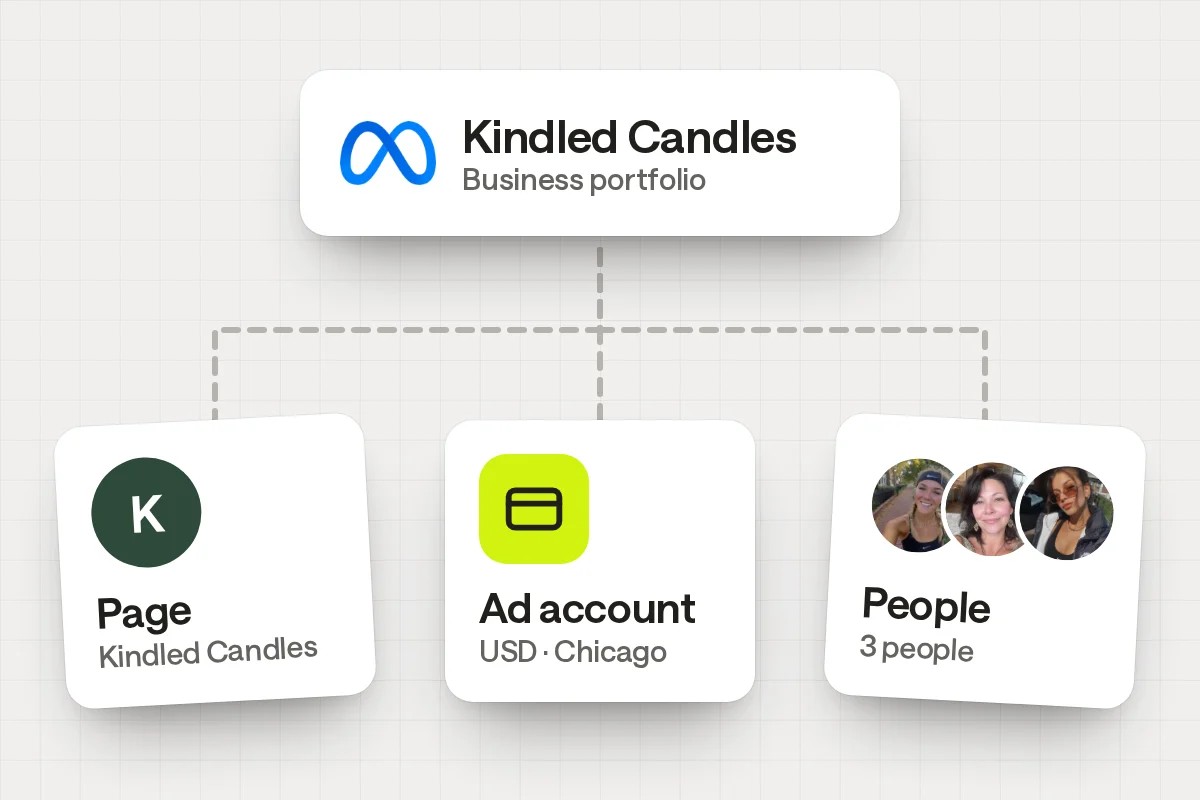
Business Suite, business portfolio and Ads Manager: what each one is
Meta uses three names that sound alike. Here is what each one does today.
Business portfolio
A business portfolio brings your Facebook Pages, Instagram accounts, Threads accounts, ad accounts and catalogs together, along with the people who can access them. You need one to use Meta Business Suite. It used to be called Business Manager, and Meta renamed it in 2024, per Leadsie's guide to business portfolios.
Meta Business Suite
Business Suite is the workspace on top of the portfolio. Meta describes it as a place to manage your presence across Facebook, Instagram, Threads and WhatsApp, free on desktop and in its mobile app.
Ads Manager
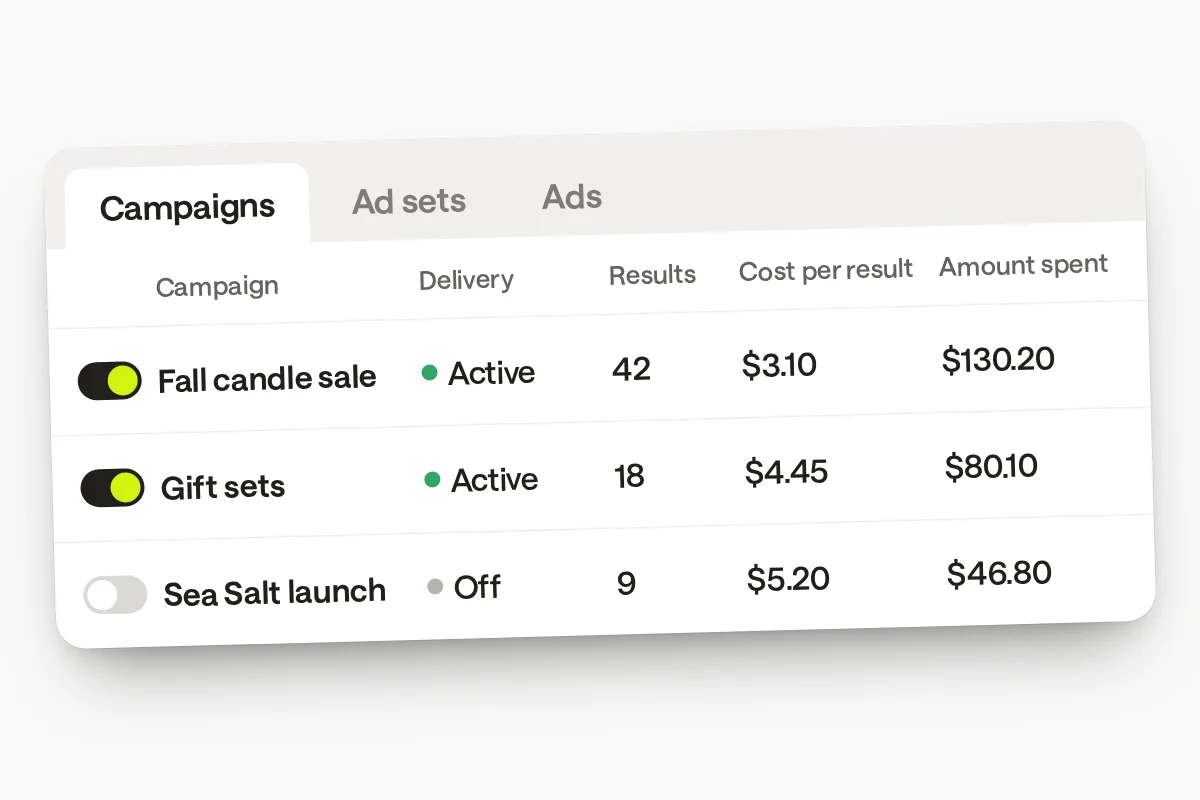
Business Suite can create simple ads and boost posts. For campaigns with detailed targeting, Meta points you to Ads Manager. You can open Ads Manager from the All tools section of Business Suite on desktop. Our Facebook Ads Manager guide gives a tour.
What you can do in Meta Business Suite
Meta's How Meta Business Suite works page lists the main jobs:
- Plan content. Create and schedule Facebook and Instagram posts, stories and reels, and see them in a calendar.
- Answer messages. Read and reply to messages and comments from your Page, Messenger, Instagram and WhatsApp Business in one inbox.
- Check insights. See trends, how your content performs and who your audience is.
- Make ads. Create quick single ads or boost a post, and track them in the Ads tab.
- Reach other tools. The All tools section links to Ads Manager, Events Manager and Billing & payments.
How to create a business portfolio
These are Meta's steps:
- Go to business.facebook.com and log in with your Facebook profile or a managed Meta account.
- Click the dropdown menu below Home in the top left.
- Click Create a business portfolio.
- Enter a name that matches your business's public name. It can't contain special characters.
- Enter your first and last name and your business email.
- Click Create or Create portfolio, then confirm your business email from the message Meta sends.
A few limits to know. You can personally create up to 2 business portfolios. A new portfolio may not get every advertising feature right away, since Meta grants some only after an advertiser meets certain requirements.
How to add your Facebook Page
Once the Page is in your portfolio, your business owns it. You need full access to the portfolio first.
- Go to Meta Business Suite and open Settings.
- Under Accounts, click Pages.
- Click + Add, then Add an existing Facebook Page.
- Enter the Page name or URL and click Next.
- Agree to the terms, click Add Page, then Done.
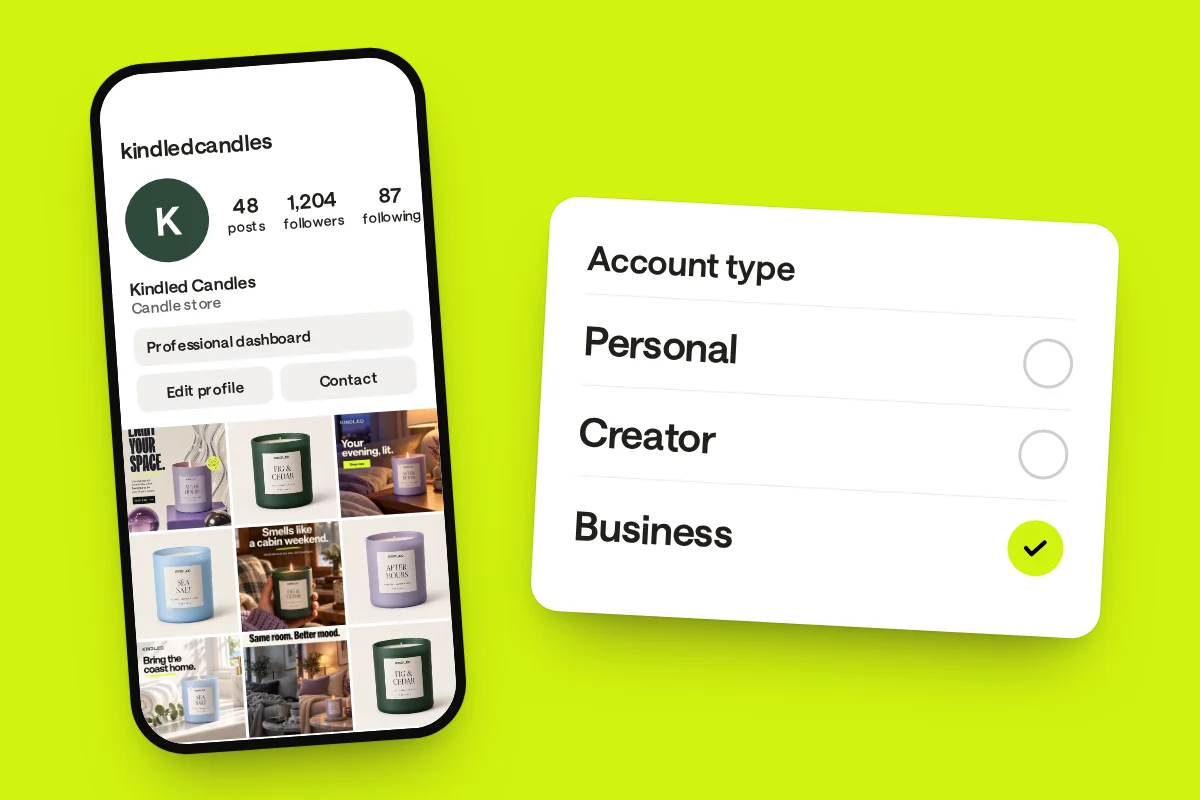
If you don't have a Page yet, the same + Add menu has Create a new Facebook Page, or follow our guide to creating a Facebook business page. If the Page is linked to Instagram, Meta says to add the Instagram account to the portfolio too.
How to add an ad account
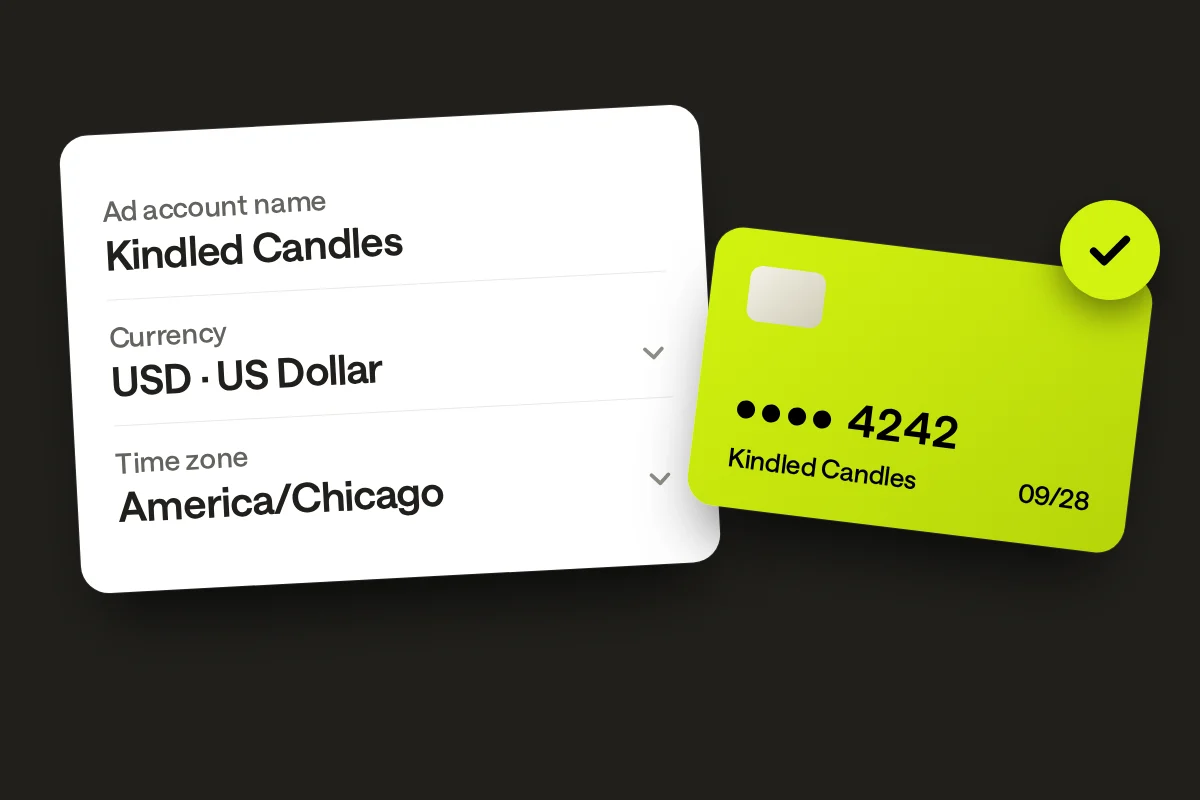
In Settings, go to Accounts, then Ad accounts, then + Add. You get three choices: create a new ad account, claim one you already have, or request access to someone else's.
Two rules catch people out. An ad account you create inside a portfolio stays there for good and can't be moved. And a new portfolio can create only one ad account, which goes up to 3 once a campaign delivers and a payment is made.
Our guide to creating a Facebook ad account covers time zone, currency and payment settings step by step.
How to add people and set their access
Meta's add people page has these steps:
- In Business Suite Settings, click People.
- Click Invite people.
- Enter the email address the person uses for Facebook, then click Next.
- Pick their portfolio permissions and click Next.
- Pick the Pages, ad accounts or Instagram accounts they can work on, then click Invite.
They need to accept the invite, and it can take a few days before every feature works for them.
Meta now has two levels of access. Full access, once called full control, lets someone manage everything and even delete the portfolio. Partial access limits a person to the assets or tasks you assign. People start with basic access by default, and you can also grant temporary access that lasts from 3 to 75 days.
Example: a made-up plumber, Reyes Plumbing, gives the office manager partial access to the Page for messages, and keeps full access for the owner alone.
Connecting your portfolio to an ad tool
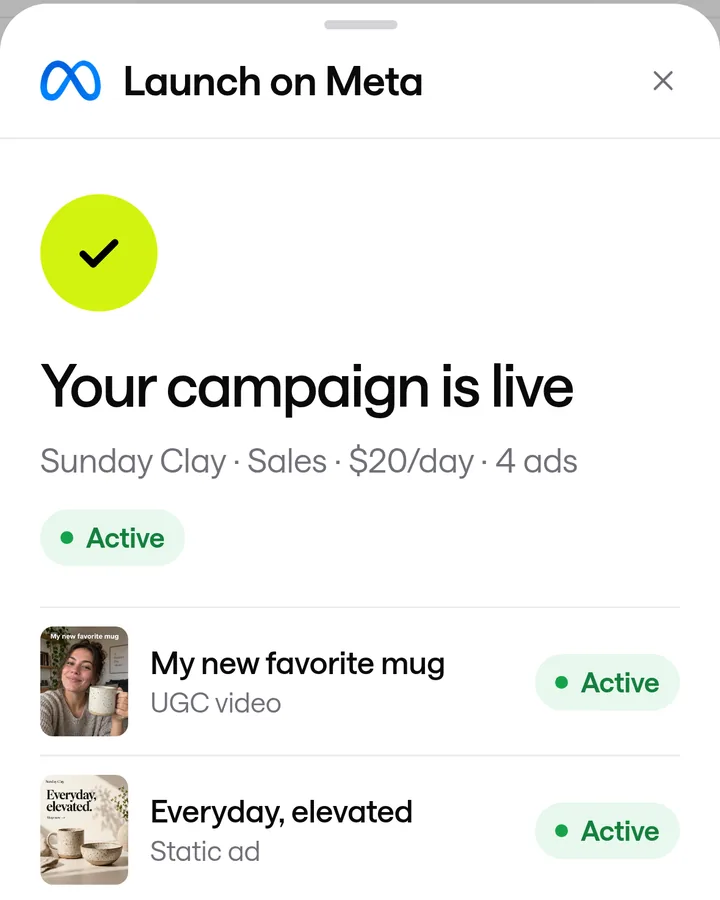
ScaleShot's own setup checklist follows the same order: a business portfolio, then a Page and an ad account under Accounts, then access for your Facebook login and a payment method. When you connect Meta, ScaleShot picks the ad account and Page if your login has one of each, and asks you to choose if there are several. If one is missing, the fix is in Business Settings: give your login access, then reconnect. After that, the Ads Agent can launch Facebook and Instagram campaigns from the portfolio's ad account.
Meta Business Suite questions
Is Meta Business Suite free?
Yes. Meta says it is free to use on desktop and in the Meta Business Suite mobile app.
Is Business Manager the same as a business portfolio?
Yes. Business portfolio is the 2024 name for what used to be Business Manager. You manage it inside Meta Business Suite.
How many business portfolios can I have?
You can create up to 2 yourself. There is no limit on how many you can belong to.
Do I need a business portfolio to run ads?
Meta lists running ads across Facebook, Instagram and Threads as one of the things a portfolio is for, and you need one to use Business Suite. Many ad tools that connect to Meta, ScaleShot included, ask for one.
ScaleShot TeamWe build ScaleShot, an AI ad tool for small businesses on Facebook and Instagram. How we make our guides
Sources
- How Meta Business Suite works, Meta Business Help Center
- About Business Portfolios, Meta Business Help Center
- What is a Meta Business Portfolio, Leadsie
- How to create a business portfolio in Meta Business Suite, Meta Business Help Center
- Add a Facebook Page to your business portfolio, Meta Business Help Center
- Add an Ad Account to Your Business Portfolio in Meta Business Suite, Meta Business Help Center
- Add People to a Business Portfolio and Assign a Business Asset, Meta Business Help Center
- About Business Portfolio and Business Asset Permissions in Meta Business Suite, Meta Business Help Center