How to create a Facebook ad account
You already have one: Meta gives every Facebook account a personal ad account by default, which you open in Ads Manager. For a business, create a new one in Meta Business Suite under Settings, Accounts, Ad accounts. Either way, add a payment method before your first ad.

Personal ad account or one in a business portfolio
Every Facebook account comes with an ad account and an ad account ID. You can use it to publish, manage and measure your ads.
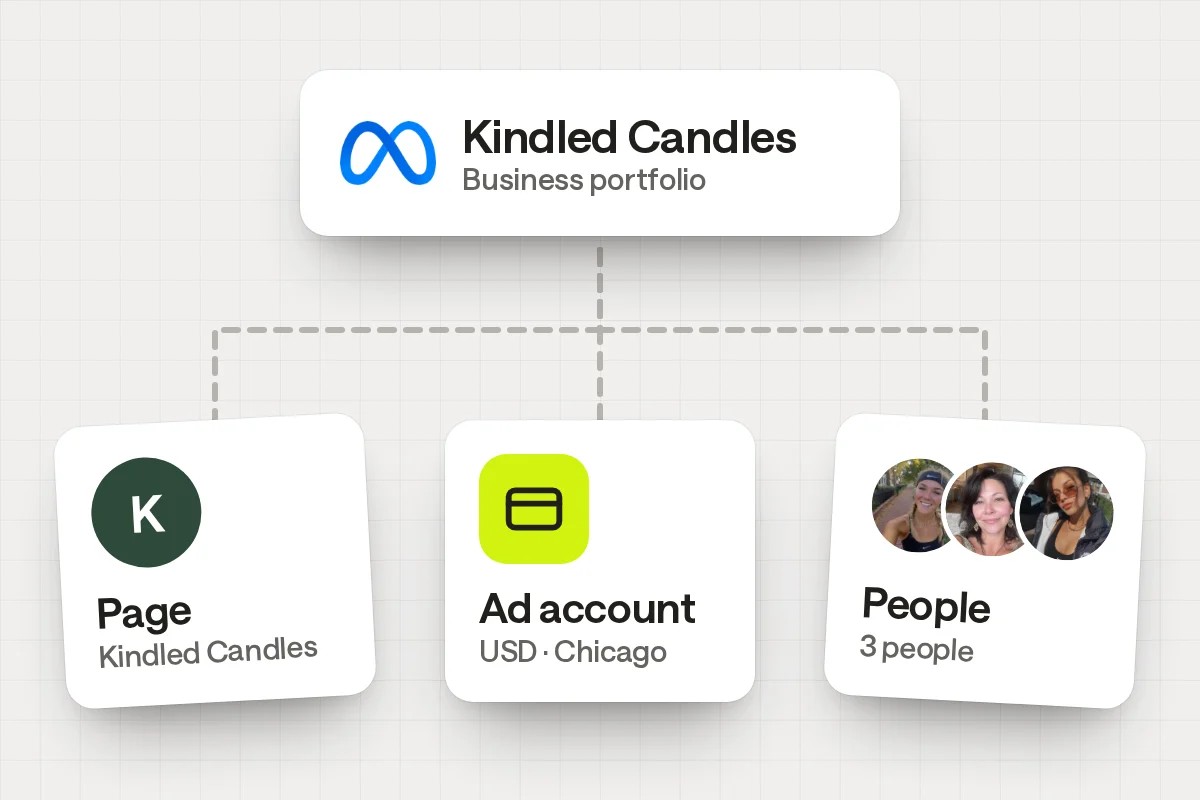
Meta encourages a business portfolio if you manage ads for several clients or projects, and says ad accounts in a portfolio get access to its "most sophisticated ad solutions". A business portfolio is the 2024 name for what used to be Business Manager.
How to choose:
- Personal ad account. Fine for testing a boost or a first campaign on your own.
- Portfolio ad account. Better once someone else helps with ads, or you connect an outside ad tool, since you can give each person their own access.
One thing to know first: an ad account you create inside a portfolio stays in that portfolio for good. It can't be deleted or moved to another one.
How to find and set up your personal ad account
Meta's ad account setup page lists these steps:
- Log into Facebook and go to Ads Manager at adsmanager.facebook.com. If you have one ad account, it is selected by default.
- Make sure you have a Facebook Page, or an admin, editor or advertiser role on someone else's Page.
- Set up a valid payment method.
Your ad account ID sits in the dropdown menu at the top of Ads Manager, and also after act= in the browser's address bar. You'll need it when someone asks to add the account to a portfolio.
How to create an ad account in a business portfolio
You need full control of the portfolio to do this. Steps from Meta's add an ad account page:
- In Meta Business Suite, go to Settings.
- Select Accounts, then Ad accounts.
- Click the + Add dropdown and choose Create a new ad account.
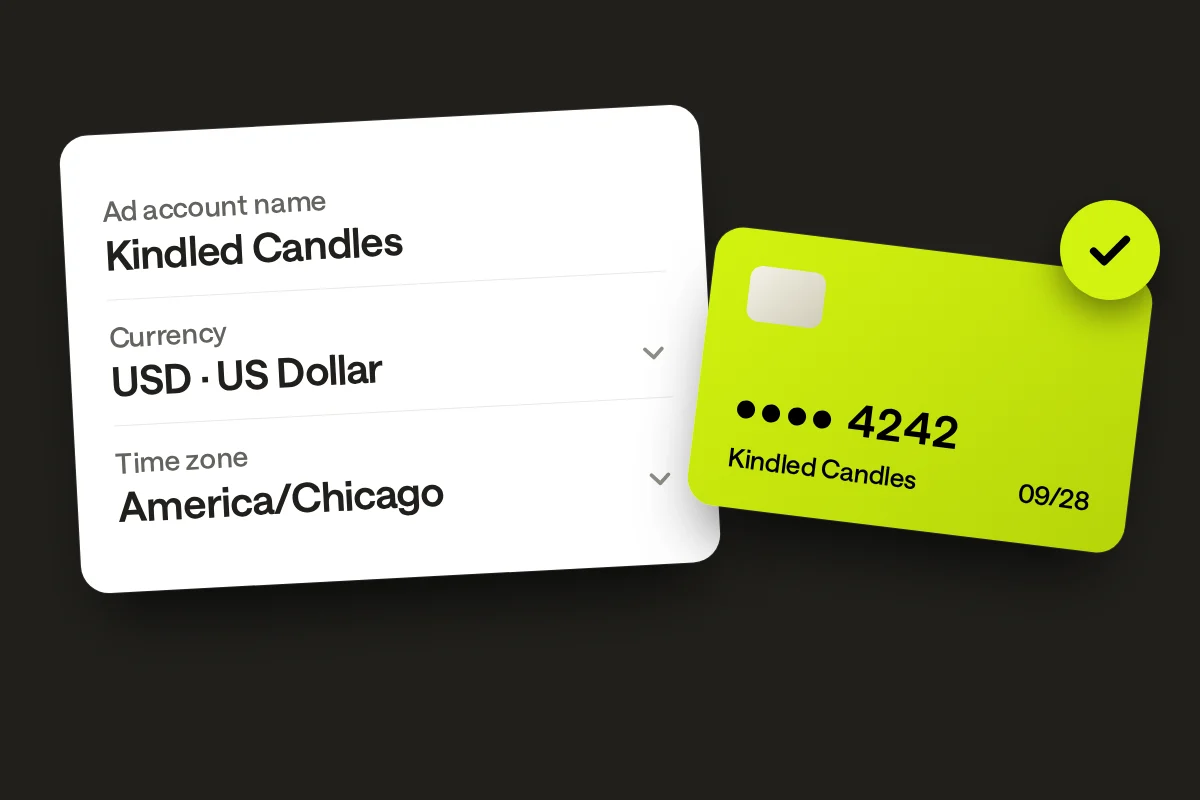
- Enter the ad account name, time zone and currency, then click Next.
- Choose the portfolio. Select My business if the account is for your own business.
- Agree to Meta's terms and click Create ad account.
- Click Add payment info, or Done to add it later.
If you don't have a portfolio yet, our guide to setting up Meta Business Suite walks through creating one.
Pick your currency and time zone carefully
These two settings decide how you're billed and which clock your reports use. Meta says that choosing a new currency and time zone later creates a new ad account. The old one is closed and every ad on it stops running.
More rules from Meta's currency change page:
- You can change currency once every 60 days, and only with no current balance.
- If you pay by monthly invoice, you can't change currency at all.
- The payment methods you see depend on the currency you choose.
Example: a made-up candle shop in Ohio that sells to US buyers should pick US dollars and the Eastern time zone. If it picked euros by mistake, fixing it would mean a new ad account and losing the old one's running ads.
How to add a payment method
You can't publish an ad until the ad account has a payment method.
- Go to Billing & payments.
- Click Payment settings in the left menu.
- Click Add payment method.
- Pick the method, click Next, and follow the prompts.
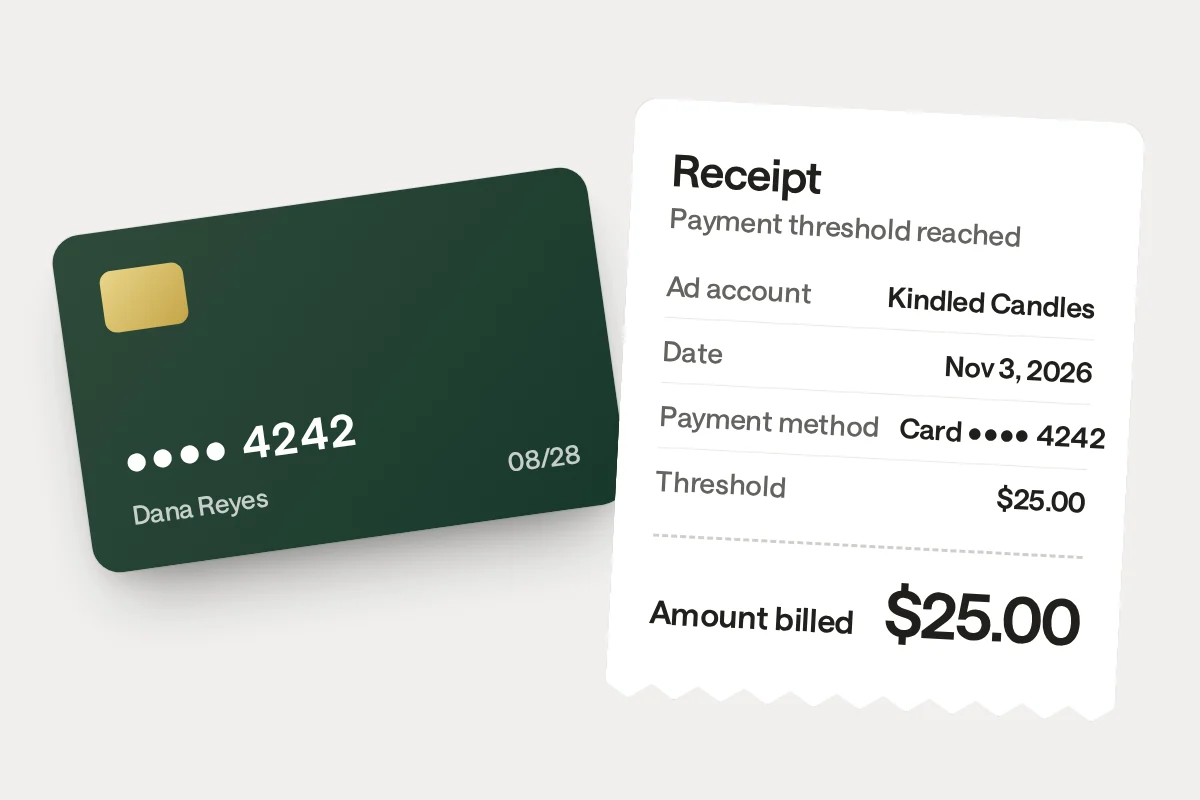
Meta lists American Express, Discover, Mastercard, Visa and JCB cards, PayPal, and bank direct debit, with the exact options depending on your account's country and currency. The method you pick when you create your first ad sets how you pay. A card that supports recurring charges, or PayPal, puts you on automatic payments, charged after ads run. Every other first payment method sets up available funds, where you add money before ads run. Our guide to Facebook ads billing covers thresholds and charges.
How many ad accounts you can have, and other limits
New advertisers get one ad account until they make a confirmed payment. After that, Meta adjusts your limit based on your spending history and how you use the accounts you already have. In a new business portfolio, the first account becomes three once a campaign delivers and a payment goes through.
Meta's ad account limits page adds a few more:
- One person can manage up to 25 ad accounts.
- One ad account can be assigned to up to 25 people.
- A closed ad account still counts toward your limit.
You can also set your own cap. An ad account spending limit is a lifetime cap on what the whole account can spend, and ads pause when it is reached. It isn't available on accounts that use available funds. Separately, Meta sets a daily spending limit of its own that resets each day.
Using your ad account with an ad tool
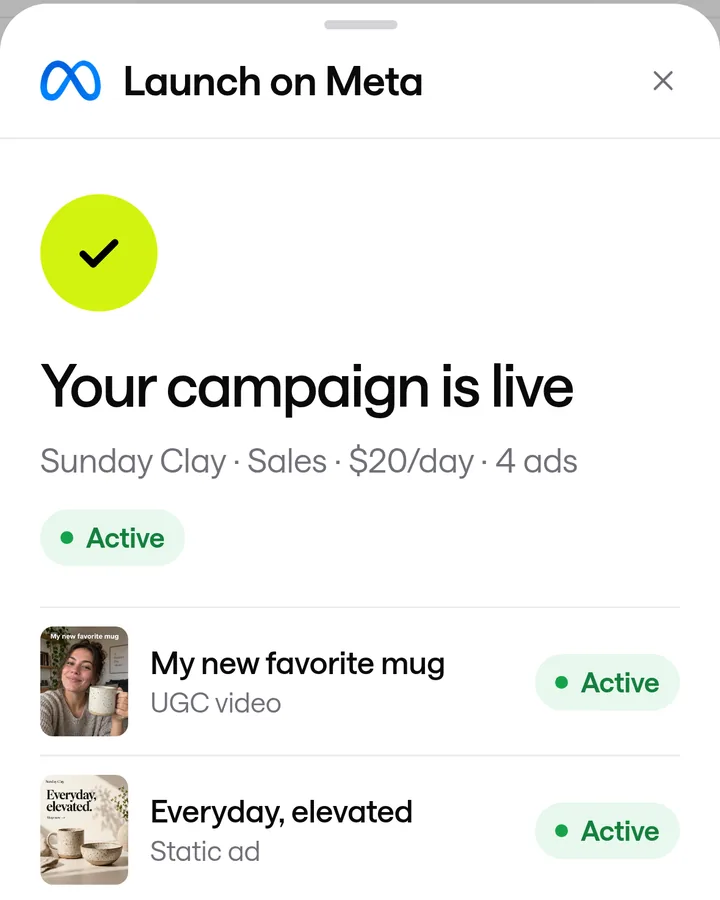
ScaleShot needs an active Meta ad account with a payment method, plus a Facebook Page you can advertise from. When you connect, it picks the ad account for you if only one is eligible, and asks you to choose if there are several. Meta then bills your ad spend straight to the payment method on that ad account, separate from your ScaleShot plan. If the account has an unpaid balance, ScaleShot asks you to fix it in Meta before launching. To build a campaign by hand instead, follow how to run Facebook ads.
Facebook ad account questions
Do I need a business portfolio to run Facebook ads?
No. Your personal ad account can run ads once you have a Page and a payment method. A portfolio helps when other people or tools need access.
Can I change my ad account's time zone?
Only by making a new account. Choosing a new currency and time zone creates a new ad account, and the old one is closed.
Why can't I create another ad account?
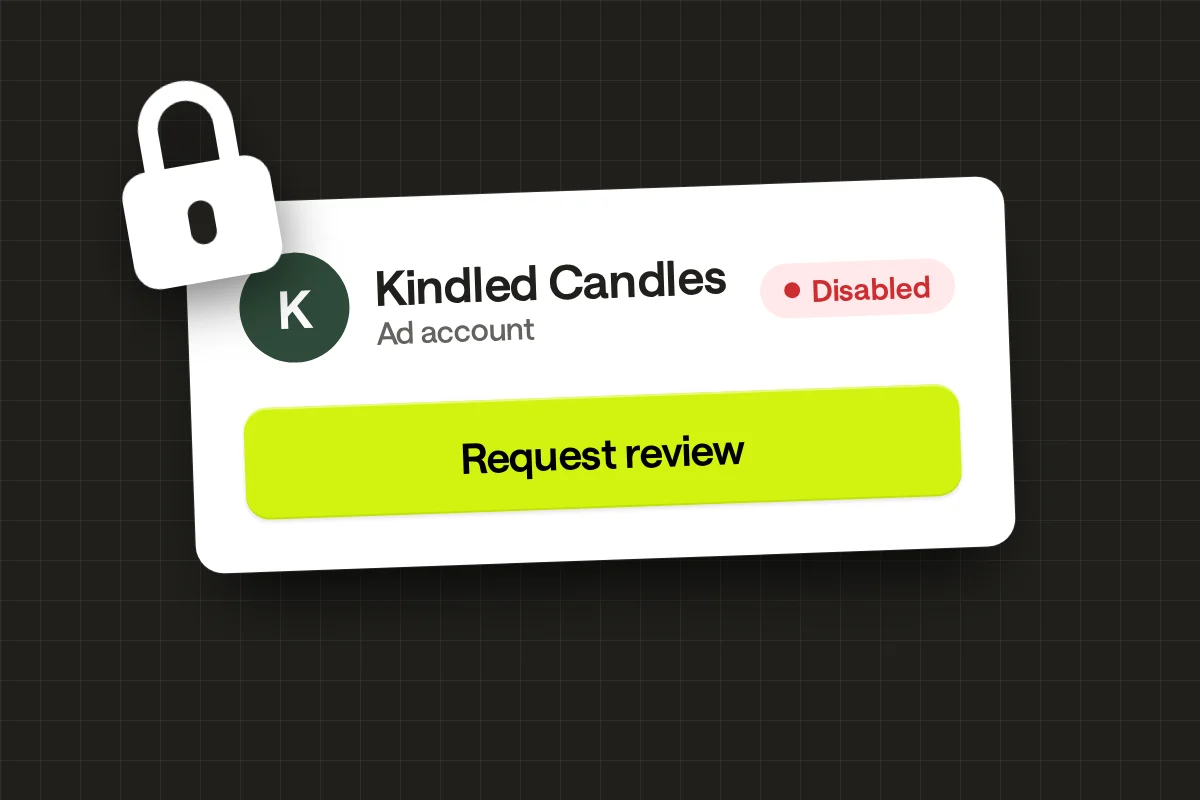
The usual causes are hitting your ad account limit, an existing account in bad standing, or missing permissions in the portfolio. Accounts Meta disabled after 60 days without use also count toward the limit. If Meta disabled your account for a policy reason, see what to do when your ad account is disabled.
Where do I find my ad account ID?
Open Ads Manager. The name and ID number show in the dropdown menu at the top of the page.
Can I run ads with no ad account?
Meta lets you boost a post from an Instagram professional account for the first time without a Facebook account, though you miss some ad account features.
ScaleShot TeamWe build ScaleShot, an AI ad tool for small businesses on Facebook and Instagram. How we make our guides
Sources
- How to create an ad account in Meta Ads Manager, Meta Business Help Center
- Add an Ad Account to Your Business Portfolio in Meta Business Suite, Meta Business Help Center
- How to change the currency you use for Meta ads, Meta Business Help Center
- Add a payment method to a Meta ad account, Meta Business Help Center
- Accepted payment options for Meta ads, Meta Business Help Center
- Ad account limits, Meta Business Help Center
- How to troubleshoot ad account creation in Meta Business Suite, Meta Business Help Center
- About ad account spending limits, Meta Business Help Center
- What is a Meta Business Portfolio, Leadsie
- Find your Facebook ad account ID number in Meta Ads Manager, Meta Business Help Center