How Facebook ads billing works
Meta bills ads in one of two ways: automatic billing charges your card each time spend reaches a payment threshold and on a monthly bill date, while available funds lets you prepay. If a payment fails, your ads pause until you pay the amount due in Billing & payments.

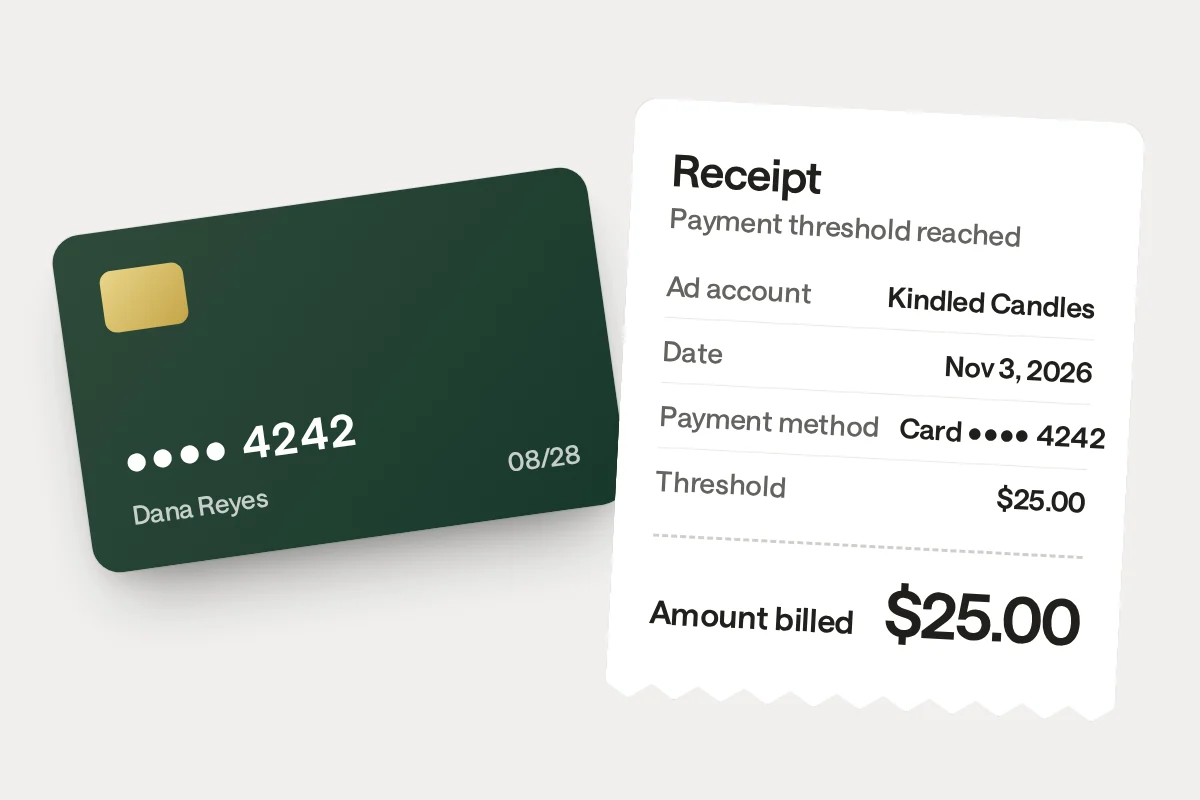
Automatic billing vs available funds
Meta's How Meta Charges for Ads page describes two ways to pay.
- Automatic billing. You're charged when spend reaches your payment threshold, and again on your monthly bill date for anything left over. This is how PayPal and most credit and debit cards work.
- Available funds. You add money first, and Meta deducts from that balance up to once a day as your ads run. You can set up auto reload with a recurring payment method. These accounts usually have no payment threshold.
If you pay by card, you're most likely on automatic billing. Available funds suits owners who want spending tied to money they've already put in.
Meta usually charges based on the impressions your ad receives, unless you chose something else when creating the ad.
How payment thresholds and the monthly bill date work
Meta defines a payment threshold as "an amount you can spend on Meta ads before you're charged". New accounts start low: Meta sets it to a small amount, and its own example uses $25. As your payments go through, Meta may raise the threshold step by step.
You can hit the threshold once, several times or not at all in a monthly billing period. Each time you reach it, Meta charges that amount. Anything you spent below the threshold is charged on the monthly bill date.
Worked example
A made-up plumber spends $10 a day with a $25 threshold. Spend reaches $25 every two and a half days or so, so while the threshold stays at $25, the card sees a $25 charge about 12 times a month, plus a smaller charge on the bill date for the remainder. That's normal. Meta notes that reaching the threshold more than once in a period is why you may see several charges.
To plan the spend itself, see how to set a Facebook ads budget.
Spending limits: the one Meta sets and the one you set
Two different limits can stop your ads, and they behave differently.
Daily spending limit (set by Meta)
Most advertisers get a daily spending limit from Meta, based on their advertising and payment history. New business portfolios, ad accounts or Pages can see it readjusted. It usually rises on its own as you build history, follow the ad policies and spend up to or near it. When you hit it, your ads pause and start again at midnight in your ad account's time zone. To see yours, go to Payment settings and open the Current balance section.
Account spending limit (set by you)
This is "a flexible lifetime cap on the total money your ad account can spend across all ad campaigns," per Meta's spending limits page. When spending reaches it, your ads pause, though they still show as active in Ads Manager. You track it, change it or remove it in Payment settings. You may also get the option to reset it on the 1st of each month. Accounts that pay with available funds can't set one.
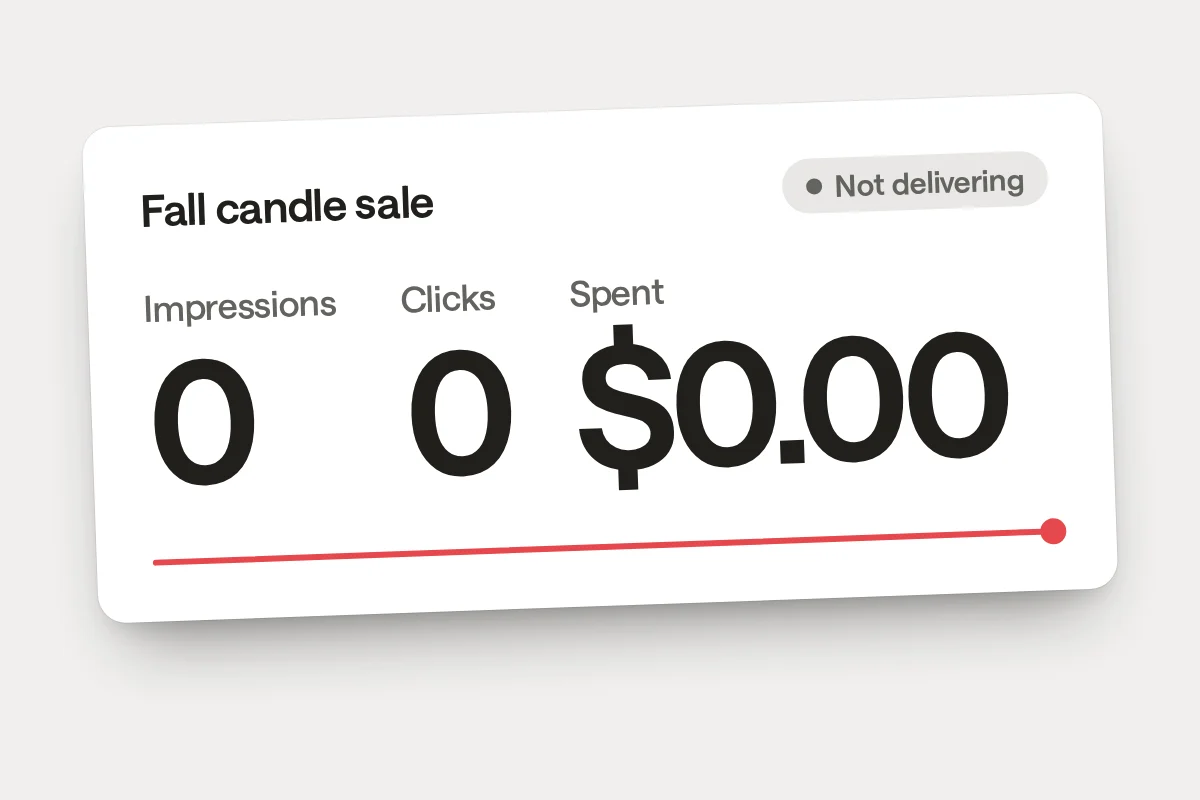
If your ads stopped and you can't tell why, our guide to Facebook ads not delivering walks through every cause.
What to do when a payment fails
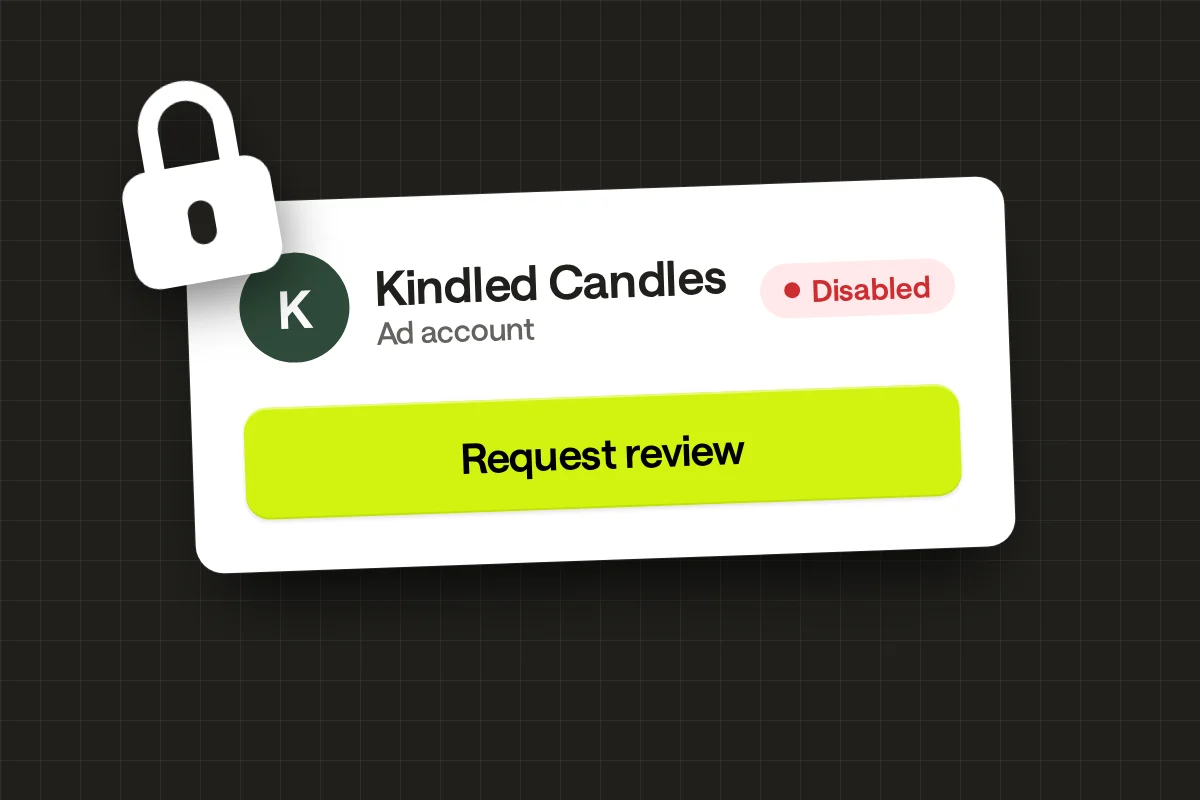
When a payment fails, Meta says "your ads are paused and your ad account is disabled until you pay the amount due". Fix it here:
- Go to Billing & payments and select the ad account.
- Click Payment methods, then Pay now.
- Choose a saved payment method or add a new one.
- If it fails again, try later with a different card.
Accounts on available funds can click Add funds in the same place instead. Once you pay, Meta resumes active and scheduled ads.
Common reasons a card fails, from Meta's list:
- The card expired or the expiration date on file is wrong.
- The bank declined it or couldn't verify it, for example after a wrong security code or one-time code.
- Not enough money on the card.
- The same payment method is added to more than 10 ad accounts, which Meta may limit.
If ads stay paused after you pay, you may have hit the daily spending limit. A disabled account that stays disabled after payment needs the steps in how to fix a disabled ad account.
Where to find receipts, fees and taxes
Everything final lives in Billing & payments: ad charges, fees and any applicable taxes. Day-to-day, the Amount spent column in Ads Manager shows what you've used.
Three things confuse people when they compare numbers:
- Receipts can differ from Ads Manager. Your receipt shows the clicks and impressions you're charged for, which may not match the totals in Ads Manager.
- Location fees. Meta adds fees when impressions are delivered to audiences in certain places.
- One bill covers every ad. A bill can be higher than a single ad's budget because it includes all ads and location fees for the period.
Did Meta stop taking credit cards in 2026?
Only for some advertisers. In March 2026, Payments Dive reported that Meta was moving some advertisers from credit cards to monthly invoicing or direct bank debit from April 1. A Meta spokesperson said "Smaller advertisers aren't affected by the change".
How ad spend is billed when you use ScaleShot
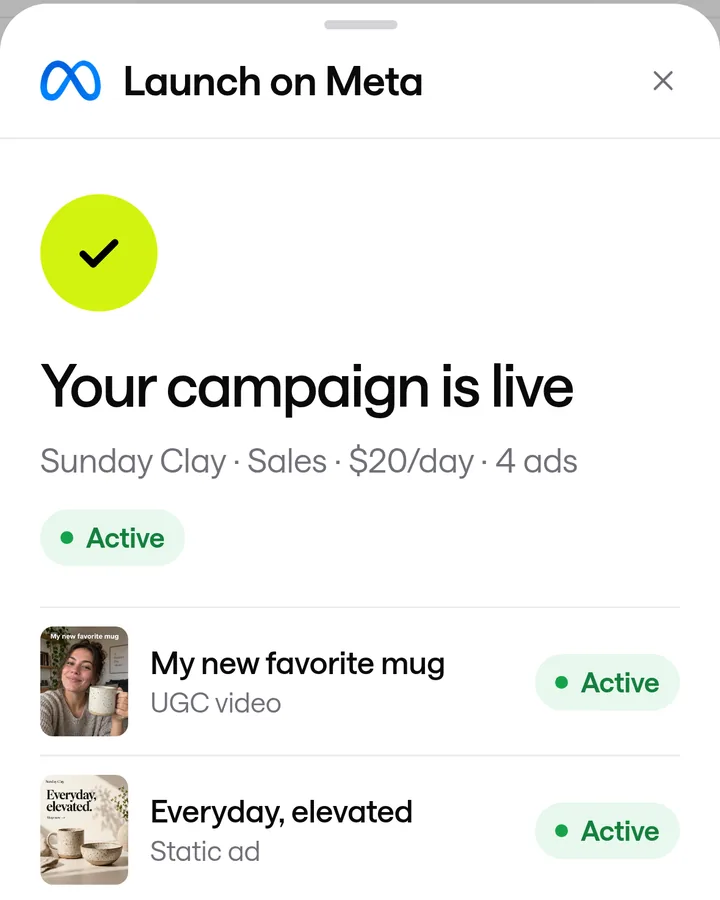
ScaleShot's plan and credits pay for making ads. Meta charges the ad spend straight to the payment method on your Meta ad account, so it never shows up on your ScaleShot bill. If the account has an unpaid balance or can't spend, ScaleShot asks you to fix it in Meta before you launch.
Facebook ads billing: common questions
Why was I charged more than my daily budget?
Your bill covers every ad in the account plus location fees for the period, so it can be higher than one ad's budget. Check the Amount spent column for each ad.
Can I choose when Meta charges me?
Automatic billing charges at your threshold and on the bill date. Paying with available funds means you decide when money goes in.
Why did my ads stop even though my payment went through?
You may have hit the daily spending limit Meta sets, which resets at midnight in your ad account's time zone. An account spending limit you set can also pause ads while they still look active.
Who do I contact about a Meta billing problem?
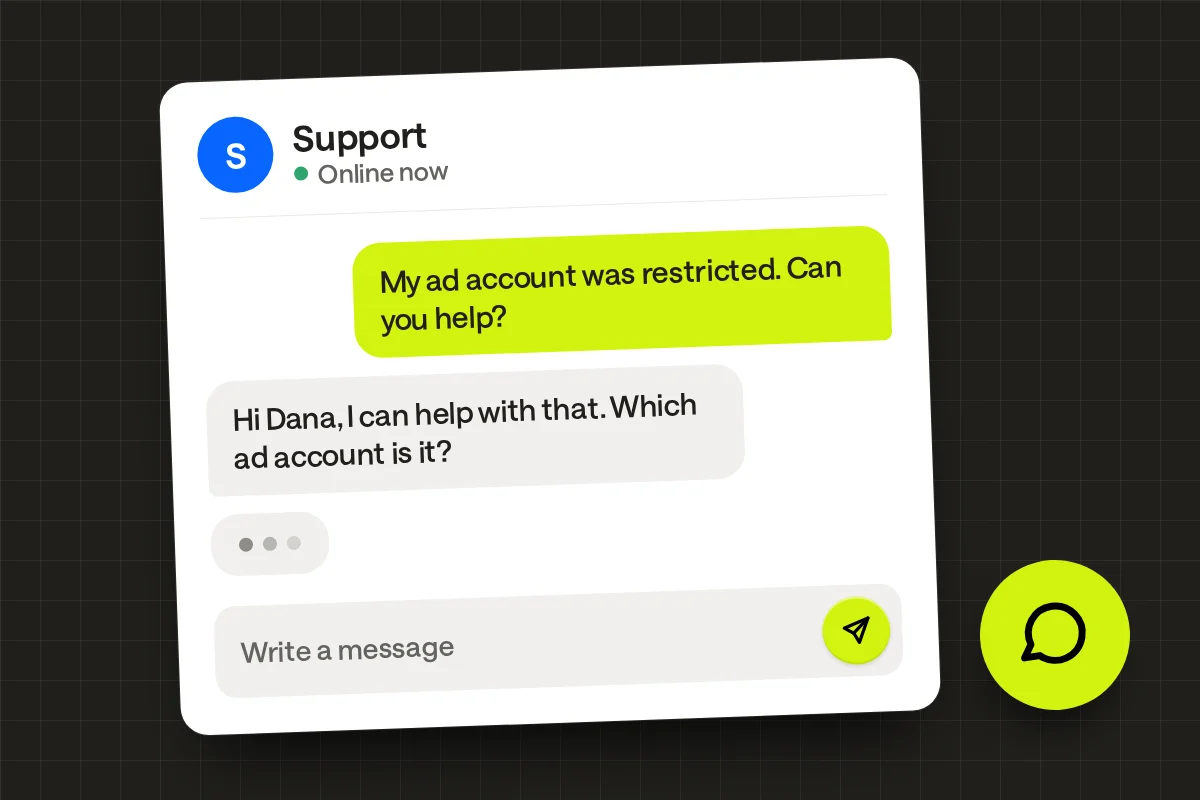
Meta's failed payment page points to Business Support Home, where you click Contact support at the bottom of the page. Our guide to contacting Facebook ads support covers the other routes.
ScaleShot TeamWe build ScaleShot, an AI ad tool for small businesses on Facebook and Instagram. How we make our guides
Sources
- How Meta Charges for Ads, Meta Business Help Center
- About payment thresholds for Meta ads, Meta Business Help Center
- About daily spending limits set by Meta, Meta Business Help Center
- About ad account spending limits, Meta Business Help Center
- Fix a failed payment issue on Meta, Meta Business Help Center
- Meta revamps ad payment policy, Payments Dive