How to fix a disabled Facebook ad account
Open Business Support Home, complete every step Meta lists under What you can do, then request a review as an admin. Meta may ask you to confirm your identity, complete verification or secure your account first. Don't open a new ad account to get around it, since Meta can disable accounts created to evade an earlier removal.

What a disabled or restricted ad account means
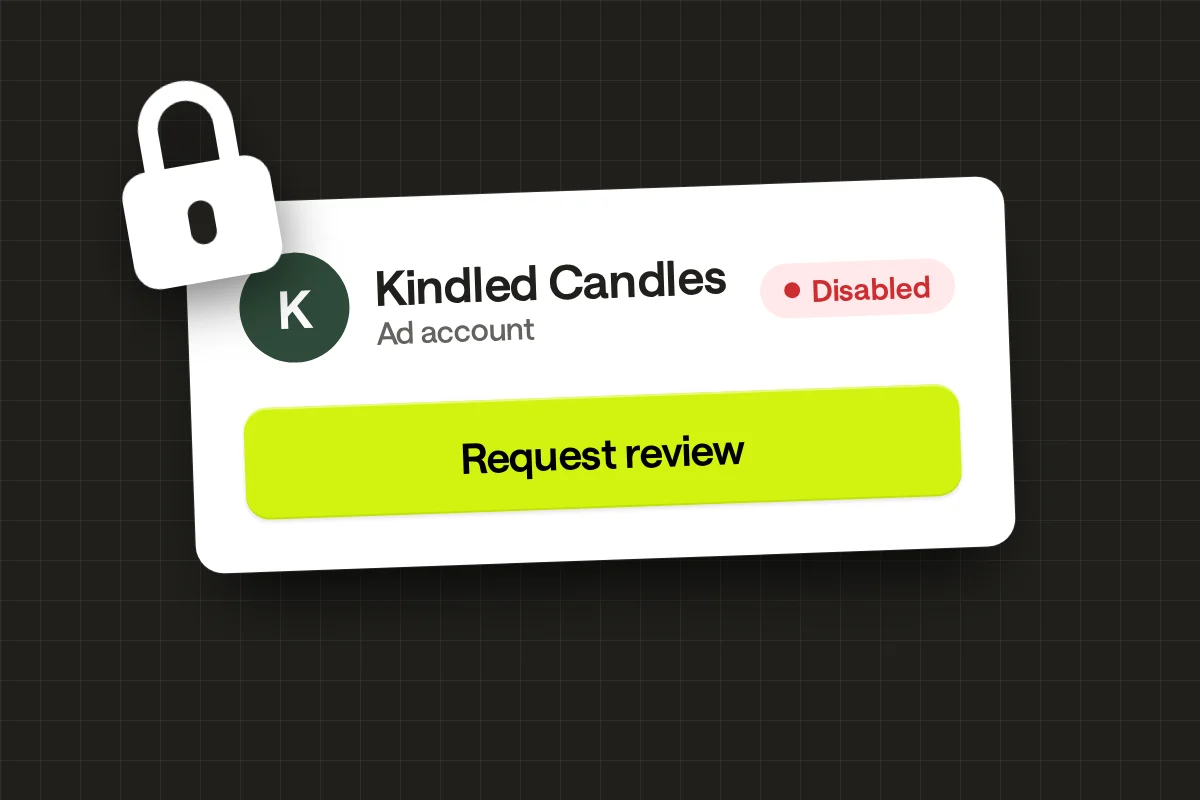
If your ad account is restricted for a policy violation, the account, its ads and some of its advertising assets are disabled. A restricted account can't be used to advertise on Facebook, Instagram or Meta's other apps.
Business Support Home is where you see it. Its account overview shows whether your ad accounts or business portfolios are disabled or restricted, along with the issues you can act on. Read that page before doing anything else, because the fix depends on the reason listed there.
Why Meta disables ad accounts
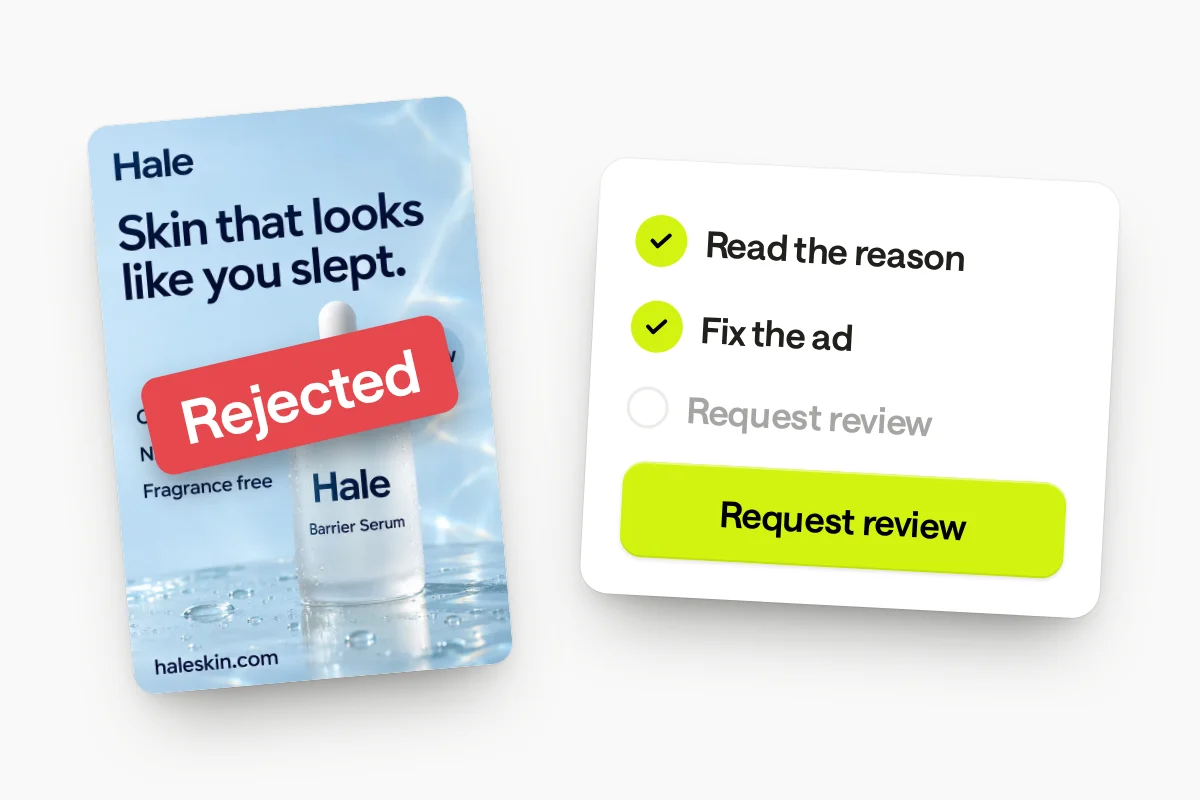
- Policy violations. Advertisers who don't follow the Advertising Standards can be restricted. Our guide to rejected ads covers fixing those before they pile up.
- Suspicious activity. If Meta sees signs of misrepresentation, suspicious activity or inauthentic behavior, it may ask you to complete verification. Ad accounts must belong to a legitimate business or individual.
- Payment problems. Unusual payment activity or high rates of failed or disputed payments can trigger a restriction. When a payment fails, Meta pauses your ads and disables the ad account until you pay the amount due.
- A hacked account. Meta restricts advertising when it suspects a business portfolio or its assets have been compromised.
- Your name. Facebook asks you to use the name your friends call you in everyday life, and that name should also appear on an ID.
Fix the cause before you ask for a review
A review request goes better when the problem behind it is already gone. Match your fix to the reason Business Support Home gives:
- Payments: open Billing & payments, select the ad account and pay the amount due, or add a valid payment method.
- Policy: read each rejected ad and the policy named next to it, then edit or remove the ads that break it.
- Security: turn on two-factor authentication. Meta may restrict users of business portfolios older than 90 days who don't have it on.
- Identity: make sure your profile name matches your ID before you upload it.
If you share the ad account with a freelancer or agency, check who else has admin access. Remove anyone you don't recognize, since a hacked account is one of the reasons Meta restricts advertisers.
How to request a review
Only an admin on the account can request a review. Then:
- On a computer, go to Business Support Home and click the restricted account.
- Finish the steps under What you can do first. Meta may ask you to confirm your identity, complete verification, secure your account or request a review.
- Select Request review and complete the on-screen steps.
You get a limited number of review requests for an advertising restriction, and once a review is done the decision is final. Fix the cause before you submit.
Example: a made-up dog treat brand's ads stop after a failed card payment. The owner opens Billing & payments, pays the amount due with a new card, then checks Business Support Home for anything left to do.
How identity confirmation works
Meta may ask for the email on your account, your mobile phone for a text code, a photo of an ID such as a passport or driver's license, and the payment method on the account.
Get your ID and phone ready before you start. Once you begin, you may need to finish within a set time. If there are more steps after that, Business Support Home shows them under What you can do.
How long a review takes
Meta says a review of a restricted advertising account is typically completed in 48 hours, though it can take longer.
The deadline matters more. If an ad account disabled for a policy violation stays ineligible for reinstatement for 6 months, Meta says it can't be reinstated after that, and Meta can disable it permanently before then. Start the review the week it happens.
There is no promise the account comes back. Plan your marketing as if it might not, and keep organic posts and email running in the meantime. If Meta does lift a restriction, ads that were running before won't restart on their own. You turn them back on in Ads Manager.
What not to do
- Don't open a new ad account to get around it. Meta's Account Integrity policy lets it restrict or disable ad accounts owned by the same person as a disabled account, or created to evade an earlier removal. Its Advertising Standards also ban helping anyone evade enforcement.
- Don't buy, rent or borrow an ad account. Meta bans selling, renting, buying or exchanging admin access to assets.
- Don't ignore it. Leaving a disabled account alone for months can run out the reinstatement window.
- Don't trust messages that claim to be from Meta. Check any email, text or call about account problems against your account overview in Business Support Home.
Disabled accounts and ScaleShot
ScaleShot creates campaigns inside your own Meta ad account, and Meta delivers and bills them. If that account has an unpaid balance or can't spend, ScaleShot asks you to fix it in Meta before launching. If Meta lifts the restriction, start again with a small test using our guide to running Facebook ads.

Disabled ad account questions
Who can request a review of a disabled ad account?
Only an admin on the account. If you aren't one, ask whoever created the ad account or manages your business portfolio to submit it.
Will I get my ad account back?
Meta doesn't promise it. If the review finds the restrictions shouldn't apply, Meta removes them and reinstates the account. If they should apply, they stay and the account remains blocked.
What is Business Support Home?
It is Meta's page for checking whether your business portfolios, ad accounts and Pages are restricted, fixing those issues and tracking rejected ads. Some Meta policy pages still call it Account Quality.
Why did my ads stop but the account isn't disabled?
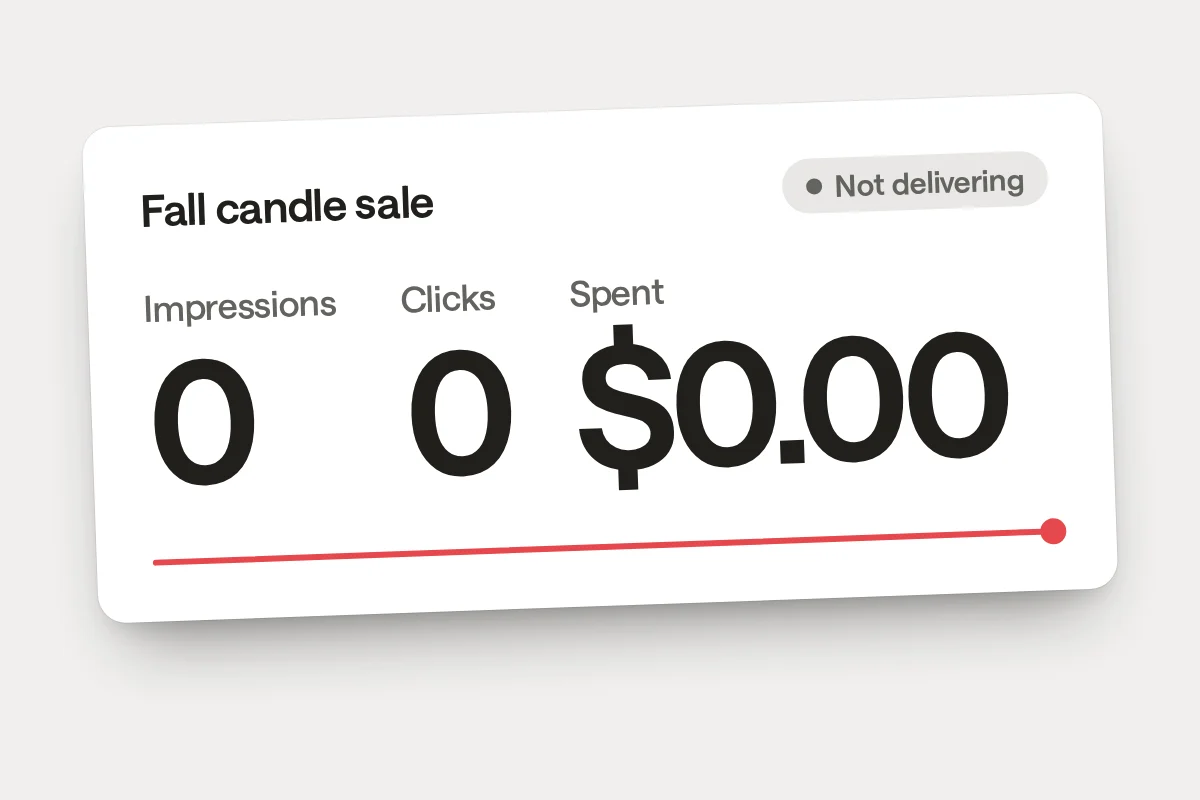
Check the ads themselves. A rejected ad, a billing problem or a spending limit can all stop delivery, and our guide on Facebook ads not delivering walks through each one.
ScaleShot TeamWe build ScaleShot, an AI ad tool for small businesses on Facebook and Instagram. How we make our guides
Sources
- Troubleshoot a disabled or restricted account, Meta Business Help Center
- Request a review for a restricted advertising account, Meta Business Help Center
- About advertising restrictions, Meta Business Help Center
- Account Integrity, Meta Transparency Center
- Meta Advertising Standards, Meta Transparency Center
- Names allowed on Facebook, Facebook Help Center
- About Meta Business Support Home, Meta Business Help Center
- Fix a failed payment issue on Meta, Meta Business Help Center