What to do if your Facebook ad account is hacked
Act in this order: secure your Facebook login, pause every campaign, remove people and cards you don't recognize, then report the hack to Meta and your card issuer. A hijacked ad account can keep spending on your card, so speed matters. Afterward, turn on two-factor authentication and add a second trusted admin.

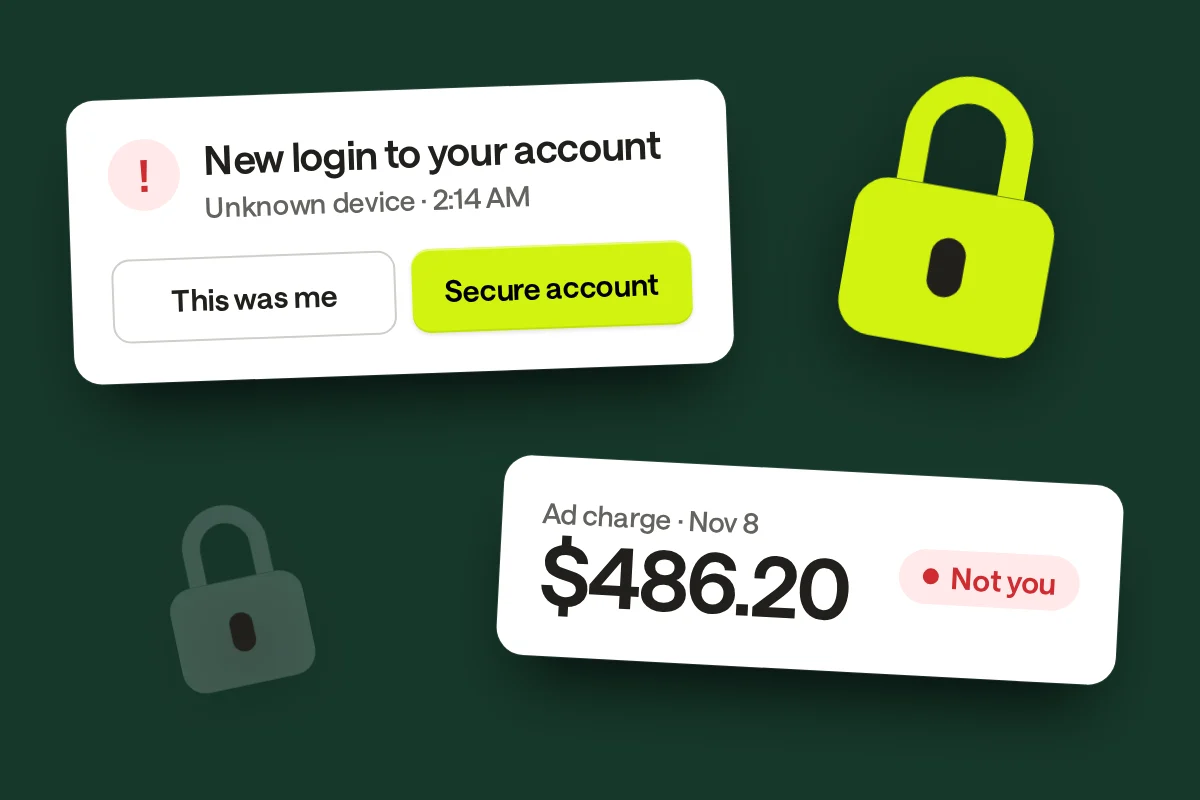
Step 1: Secure your Facebook login
Your ad account is only as safe as the personal Facebook login that controls it. Start there.
- If you're locked out, Meta's Recover a Hacked Account page says to visit facebook.com/hacked on a device you've used to log in to Facebook before. It has a separate path if you've also lost access to the email or phone on the account.
- If you can still log in, change your password right away and turn on two-factor authentication (a second check, like a code, on top of your password). Never share those codes with anyone.
Then change the password on the email account tied to Facebook. Whoever controls that inbox can reset everything else.
Step 2: Pause ads and lock down your card
Every minute a hijacked campaign runs, it spends your money.
- Open Ads Manager and turn off every active campaign, including ones you didn't create.
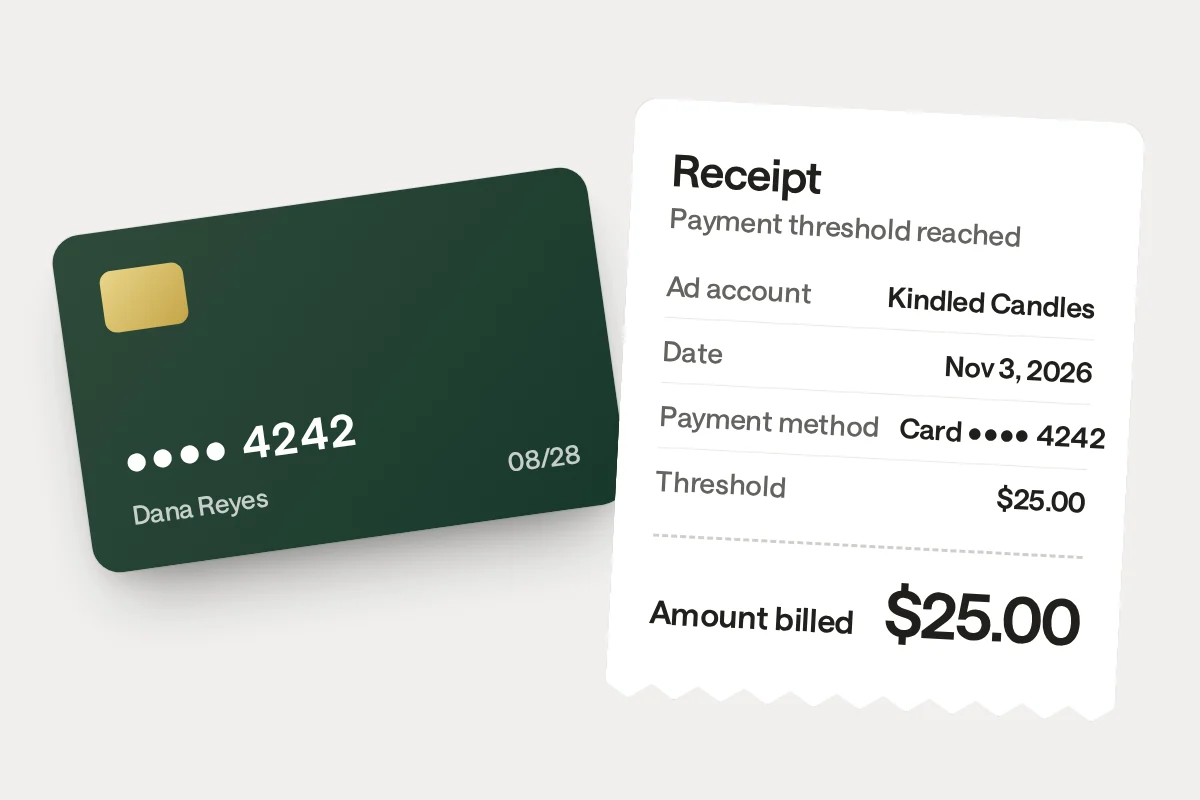
- Go to Billing & payments, select the ad account and click Payment methods. Remove any card you don't recognize.
- Call your bank and replace any debit or credit card connected to the account, as the National Cybersecurity Alliance advises.
Example (made up): a dog treat brand's owner wakes up to $900 of charges from ads promoting something she's never sold. She turns the campaigns off, then calls her bank to cancel the card before she does anything else.
Step 3: Remove people you don't recognize
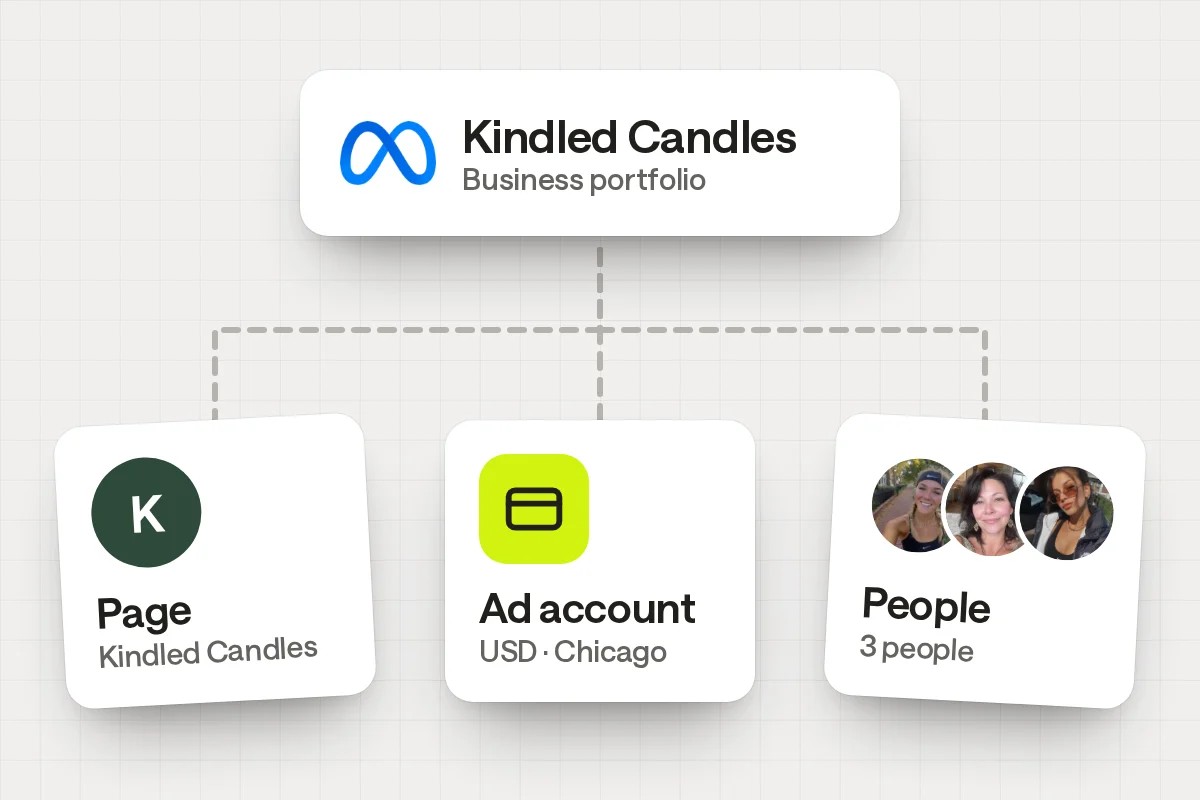
Anyone left with access can get back in after you change your password. Meta's steps for a business portfolio:
- Go to Settings in Meta Business Suite for your business portfolio.
- Click People in the left menu.
- Click the name of the person you want to remove.
- Click Remove, then confirm.
You need full control of the business portfolio to do this. If you can't see People, you may not have it. Removing someone also ends their access to any Page, Instagram account or ad account they had through the portfolio.
For an ad account outside a portfolio, go to Ad account settings in Ads Manager, find Ad account roles, and select Remove user next to the person. If you're not sure what a business portfolio is, our Meta Business Suite guide explains the setup.
Step 4: Report the hack to Meta
Report it through Meta's own pages, and nowhere else.
- For your login: use facebook.com/hacked.
- For your ad account: open Business Support Home, check the status of your ad accounts, and contact support from there.
- For charges you didn't make: Meta's payments help says to visit the Meta Business Help Center if you see a charge on your ads account you don't recognize.
Before you report, take notes and screenshots of what the hacker changed and what they spent. You'll need them for Meta and for your bank.
Watch out for fake help. Meta says "Phone numbers claiming to be for Meta customer support are potentially scams". Our guide on contacting Facebook ads support lists the real routes.
Step 5: Dispute the charges
Raise the charges with Meta through Business Support Home, and with your card issuer at the same time.
For a consumer credit card, the FTC's guide to disputing charges says federal law limits your responsibility for unauthorized charges to $50. To dispute a billing error in writing, your letter must reach the issuer within 60 days after the first bill with the error was sent to you. The issuer must resolve it within 90 days of receiving your complaint. Business cards can have different terms, so ask your issuer how its fraud process works.
Keep a simple record for both disputes: the ad account ID, each charge with its date and amount, and your screenshots.
Step 6: Make it harder to happen again
Turn on two-factor authentication for your Facebook login. Meta's steps:
- Click your profile picture in the top right, then Settings and privacy, then Settings.
- Click Accounts Center, then Password and security.
- Click Two-factor authentication, then the account you want to update.
- Choose a security method and follow the on-screen instructions.
Meta offers a security key, codes from an authentication app, or text message codes.
A few more habits
- Add a second trusted admin, such as a business partner, so one lost login doesn't lock you out.
- Remove people who no longer work with you.
- Ignore links in messages about your account and go to the website directly in a new tab.
If Meta disabled your account after the hack
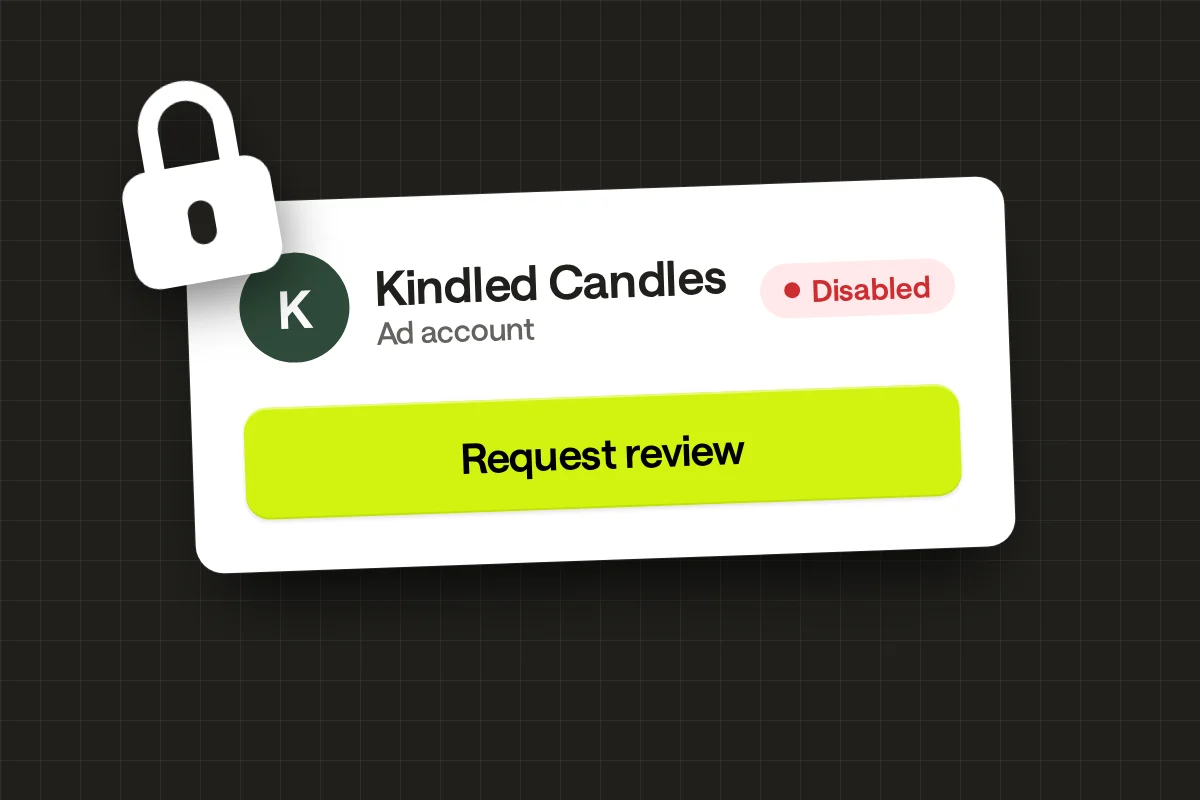
Business Support Home shows whether your ad accounts are disabled or have advertising restrictions. Once your login is secure, check it for any restriction and the steps Meta lists for it. Our guide to a disabled Facebook ad account covers the review process.
If your ads run through ScaleShot
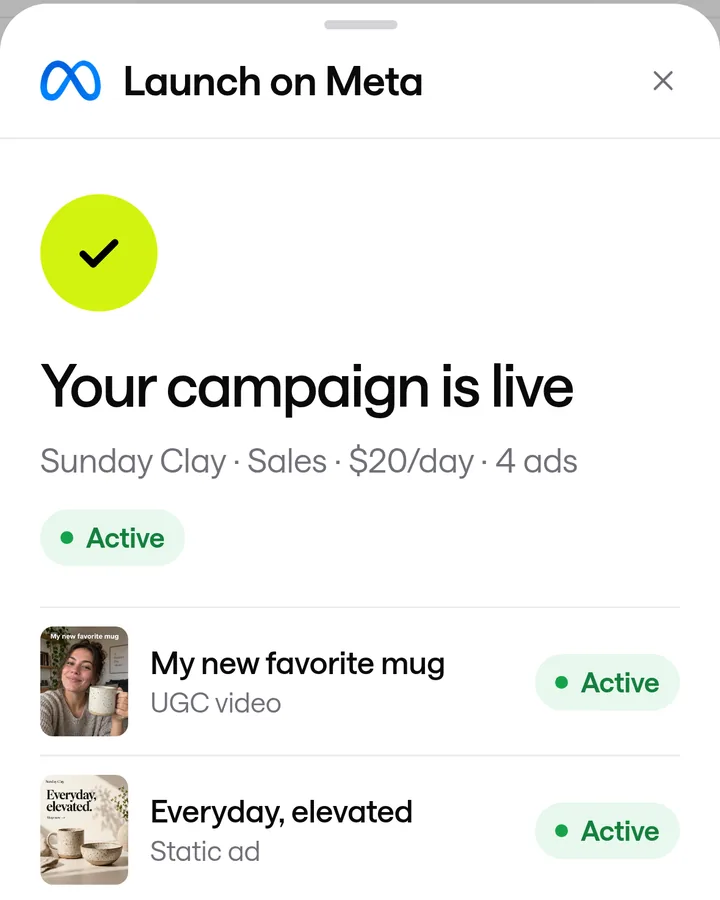
If you connected Meta to ScaleShot, disconnecting it makes ScaleShot try to pause every campaign it launched first. If one can't be paused, follow the link to Meta Ads Manager and pause it there. Ads already running on Meta may keep spending while ScaleShot's access is cut off, so check Ads Manager too.
Hacked Facebook ad account: common questions
Will Meta refund charges from a hacked ad account?
Meta doesn't publish a refund rule for this. Report the charges through the Meta Business Help Center, and dispute them with your card issuer as well.
How do I know if my Facebook ad account was hacked?
Signs include ads or campaigns you didn't create, charges you don't recognize, and new people or payment methods on the account. Check Business Support Home for warnings too.
Should I call the Facebook support number I found online?
No. Meta says it doesn't have a general public phone number for customer service.
Can I still get in if the hacker changed my email?
Meta has a separate recovery path for when you can't reach the account's email or phone. Start at facebook.com/hacked on a device you've used before.
ScaleShot TeamWe build ScaleShot, an AI ad tool for small businesses on Facebook and Instagram. How we make our guides
Sources
- Recover a Hacked Account, Facebook Help Center
- How two-factor authentication works on Facebook, Facebook Help Center
- Fix a failed payment issue on Meta, Meta Business Help Center
- About Meta Business Support Home, Meta Business Help Center
- Report an unauthorized Meta Pay charge, Meta Help Center
- Using Credit Cards and Disputing Charges, Federal Trade Commission
- What to Do if Your Business Facebook Is Hacked, National Cybersecurity Alliance
- Remove people from your business portfolio in Meta Business Suite, Meta Business Help Center
- Phone support availability on Meta Platforms Technologies and other Meta Company Products, Meta Help Center
- How to manage permissions for someone on your ad account in Meta Ads Manager, Meta Business Help Center