The best Facebook ads tools for a small store
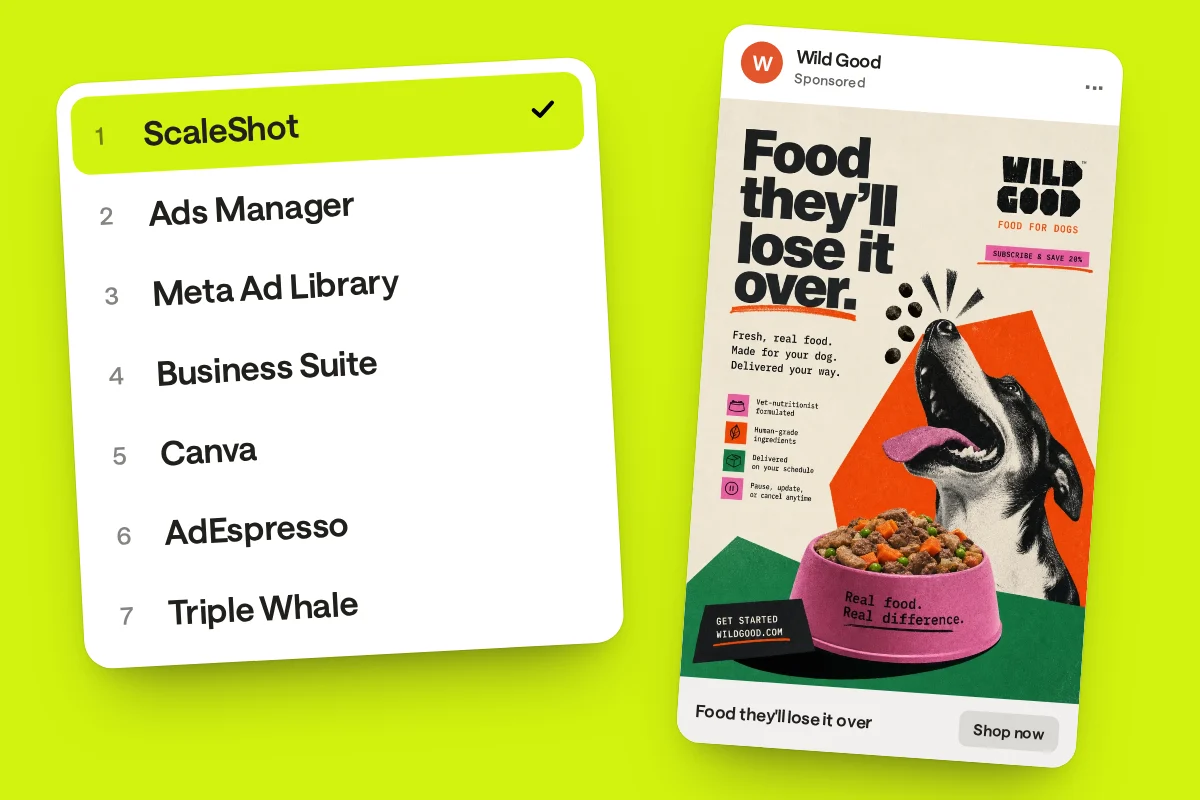
A small store can cover most Facebook ads work with Meta's own tools: Ads Manager runs the ads, the Ad Library shows competitors' ads and Business Suite handles posts and messages. Pay only for the slow jobs. ScaleShot makes the ads and launches them, Canva helps you design, AdEspresso tests and Triple Whale tracks sales.

Which Facebook ads tools does a small store need?
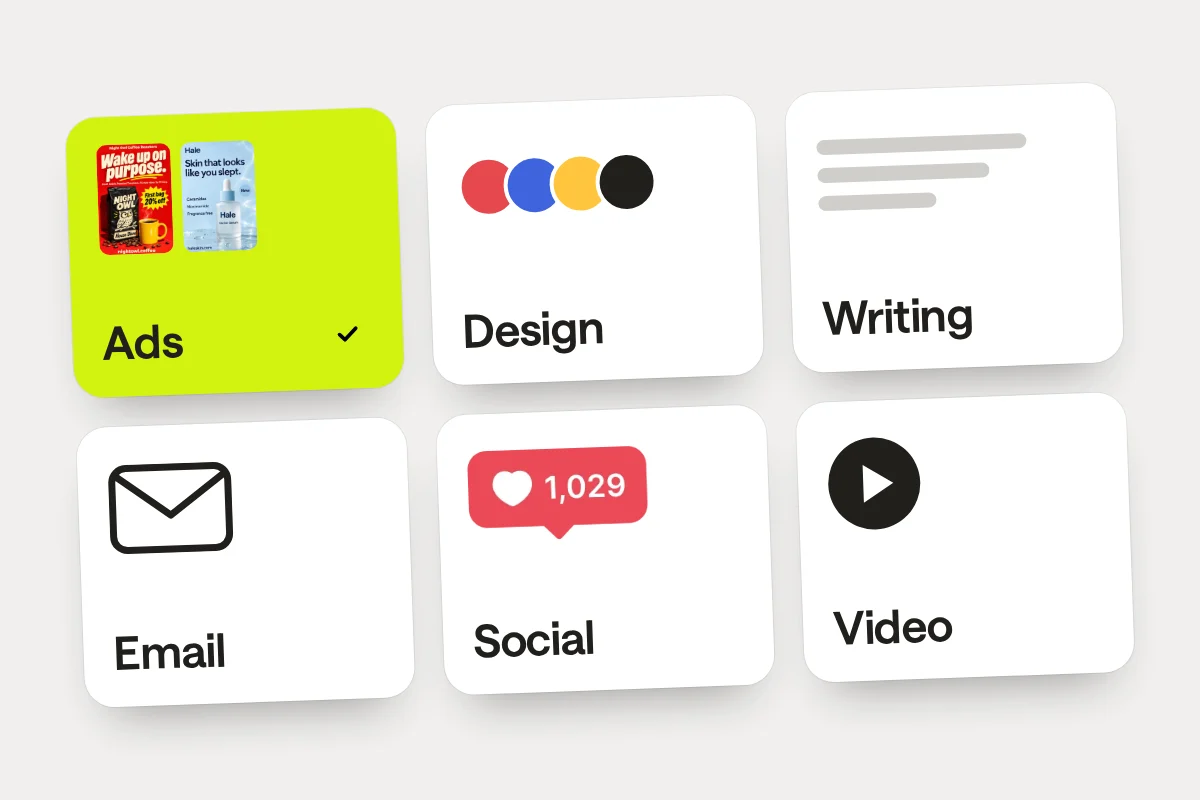
Sort tools by the job you need done, then pay only for the job that eats your week. A small advertiser has four jobs: making the ads, launching and managing them, checking results, and researching competitors. Meta's own tools cover most of the running and research.
| Tool | Job it does | Starting price | Paid plans | Runs your Meta ads? |
|---|---|---|---|---|
| ScaleShotUs | Makes image and video ads and launches them on Meta | $19.95 for the first 2 weeks (500 credits) | $42 every 2 weeks; 4-week $83; 8-week $167 | Yes, on Facebook and Instagram |
| Meta Ads Manager | Launching, editing and reporting on campaigns | Free app | None; you pay for ad spend | Yes, it is Meta's own ad tool |
| Meta Ad Library | Researching competitors' active ads | Anyone can view and search | None | No, research only |
| Meta Business Suite | Posts, inbox and insights | Free | None | Not its job; use Ads Manager |
| Canva | Designing ads yourself | Free plan | Pro US$144 a year | Lists AI ad creation on all plans |
| AdEspresso | Testing and reporting on Facebook and Instagram ads | $49 a month, 14-day trial | Plus $99 a month | Yes, Facebook and Instagram |
| Triple Whale | Tracking which channels drive sales | Free plan | Not listed | The paid Automate plan lists actions on ad accounts |
- Job it does
- Makes image and video ads and launches them on Meta
- Starting price
- $19.95 for the first 2 weeks (500 credits)
- Paid plans
- $42 every 2 weeks; 4-week $83; 8-week $167
- Runs your Meta ads?
- Yes, on Facebook and Instagram
- Job it does
- Launching, editing and reporting on campaigns
- Starting price
- Free app
- Paid plans
- None; you pay for ad spend
- Runs your Meta ads?
- Yes, it is Meta's own ad tool
- Job it does
- Researching competitors' active ads
- Starting price
- Anyone can view and search
- Paid plans
- None
- Runs your Meta ads?
- No, research only
- Job it does
- Posts, inbox and insights
- Starting price
- Free
- Paid plans
- None
- Runs your Meta ads?
- Not its job; use Ads Manager
- Job it does
- Designing ads yourself
- Starting price
- Free plan
- Paid plans
- Pro US$144 a year
- Runs your Meta ads?
- Lists AI ad creation on all plans
- Job it does
- Testing and reporting on Facebook and Instagram ads
- Starting price
- $49 a month, 14-day trial
- Paid plans
- Plus $99 a month
- Runs your Meta ads?
- Yes, Facebook and Instagram
- Job it does
- Tracking which channels drive sales
- Starting price
- Free plan
- Paid plans
- Not listed
- Runs your Meta ads?
- The paid Automate plan lists actions on ad accounts
Prices from each tool's own page on November 10, 2026; they change, so check before you buy.
Example (made up): a two-person candle shop spends $15 a day on ads. They run campaigns in Ads Manager and look up other candle brands in the Ad Library. The slow part is making fresh ads every couple of weeks, so that is the job worth paying for.
- Making the ads: ScaleShot, Canva
- Launching and managing: Meta Ads Manager, ScaleShot, AdEspresso
- Checking results: Ads Manager reports, Triple Whale
- Researching competitors: Meta Ad Library
- Posts and messages: Meta Business Suite
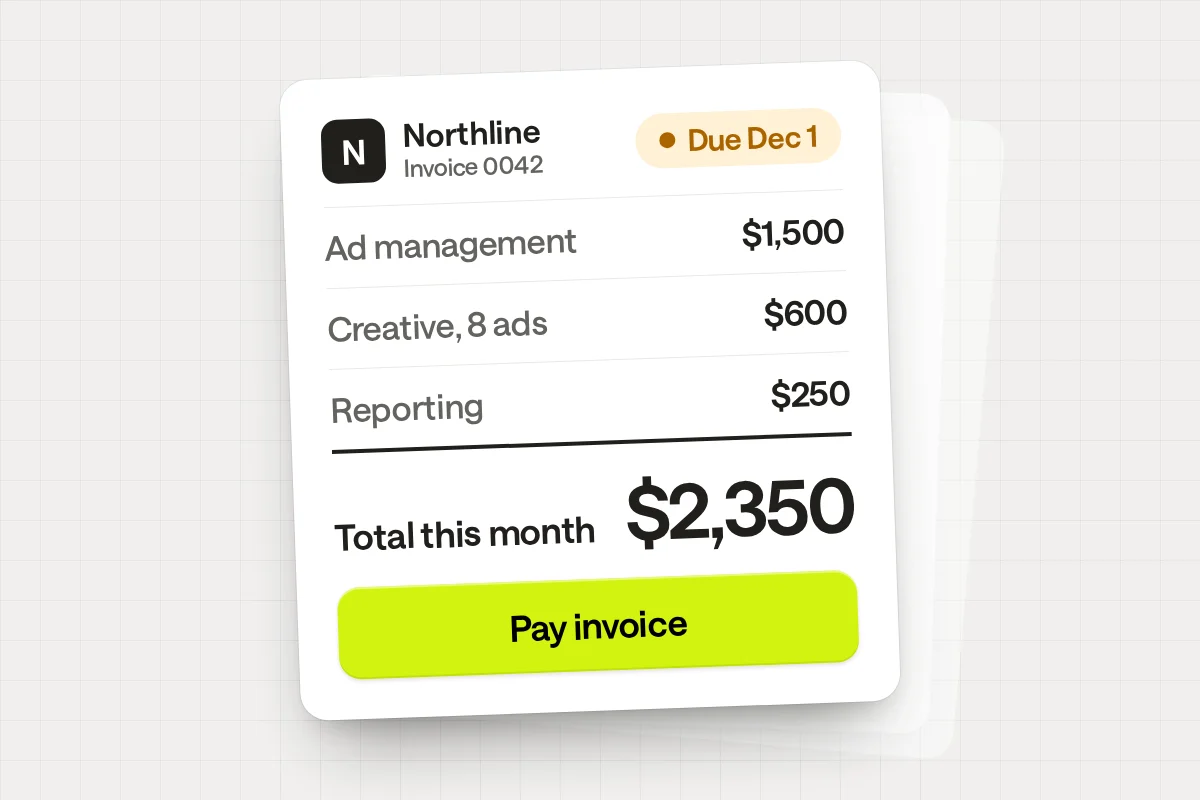
We took every price from the tool's own pricing page on November 10, 2026. Whichever tool you use, Meta charges your ad spend to your ad account based on the budgets you set.
1. ScaleShot: makes the ads and launches them on Meta
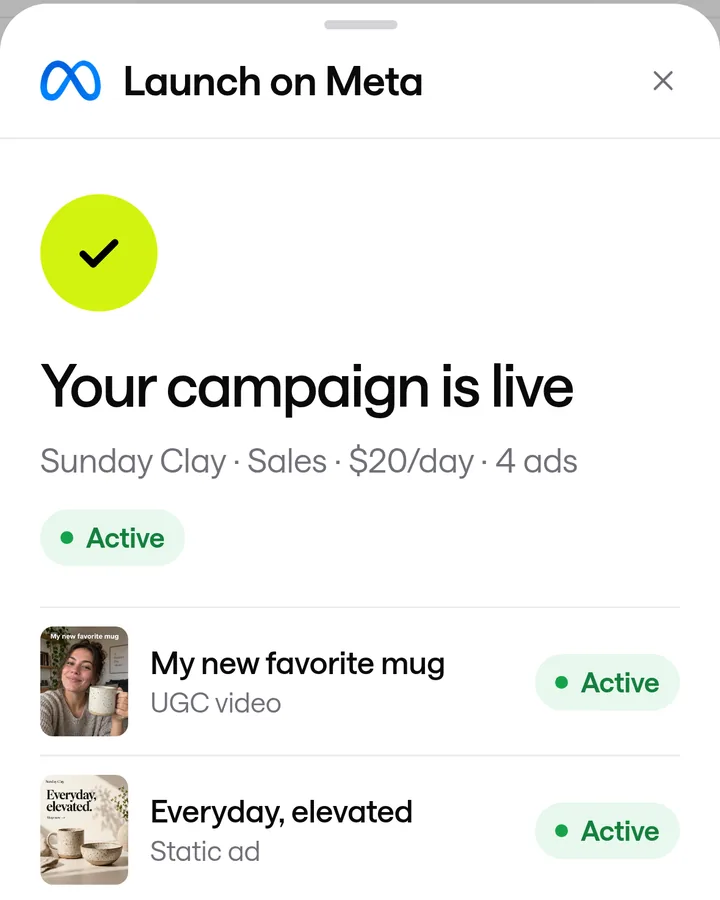
We built ScaleShot for owners without a designer. It learns your business from your website or store link, and its Ads Agent chat writes a 30-day plan and makes image ads and short video ads. Videos run 4 to 10 seconds. With a connected Meta ad account it launches Facebook and Instagram campaigns with a Sales, Leads or Visitors goal. It also shows results and can pause ads or change budgets, and it asks you before it changes anything.
Pricing
Plans start at $19.95 for the first 2 weeks with 500 credits, then $42 every 2 weeks. A Fast image costs 10 credits and video costs 10 credits a second.
Where it falls short
- Meta only: no Google or TikTok ads.
2. Meta Ads Manager: launching and managing your campaigns
Ads Manager is Meta's own tool for creating and managing ads on Facebook, Instagram and Meta's other apps. You pick the goal, the people you want to reach, the placements and the ad format, then edit budgets across many ads at once and schedule reports. Our guide to running Facebook ads walks through the first campaign.
Pricing
The Ads Manager app is listed as free on the App Store. What Meta bills is the ads themselves, usually by impressions, meaning each time your ad is shown.
Where it falls short
- Not every Ads Manager feature works in the mobile app.
- You supply the images and videos, or make them in another tool.
3. Meta Ad Library: researching what competitors run
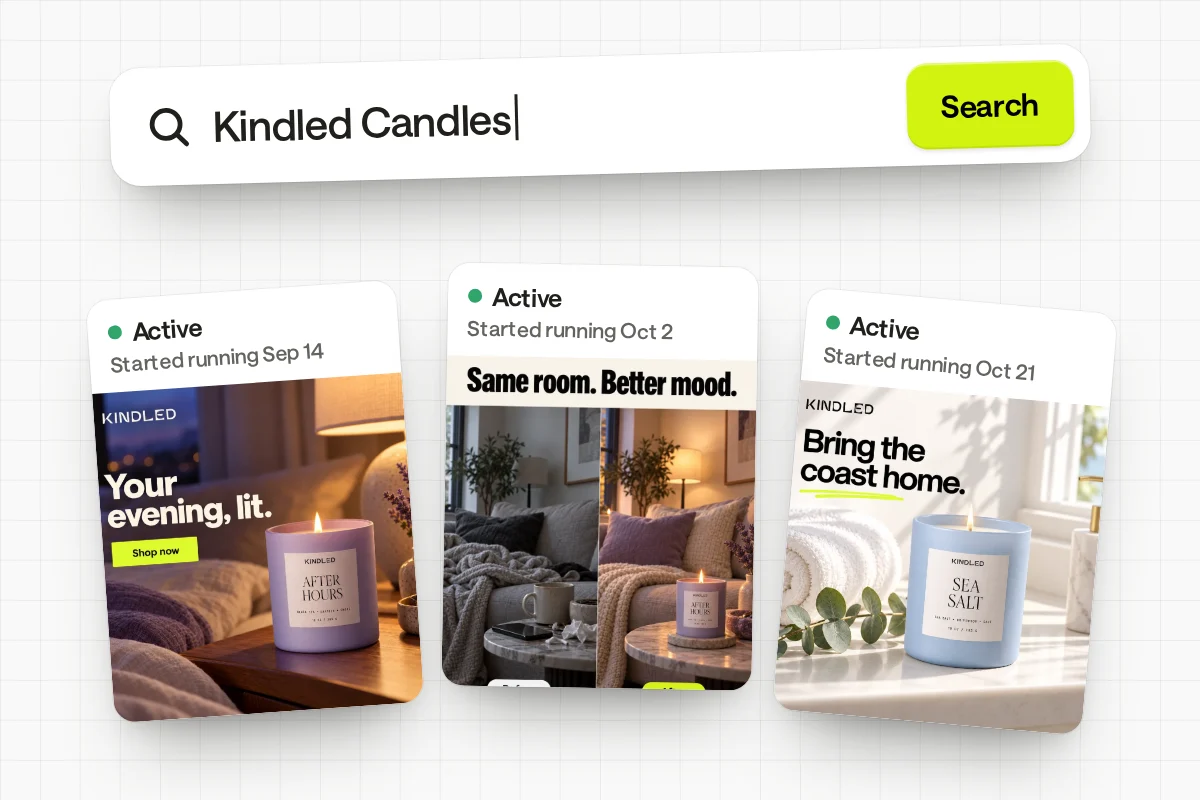
The Meta Ad Library holds every active ad running across Meta's apps. Type a competitor's name or a product word and you see each matching ad, the Page that ran it and the date it started. Our Meta Ad Library guide shows how to read what you find.
Pricing
Meta says anyone can view and search the Ad Library. Downloading your searches requires a Facebook login.
Where it falls short
- For an ordinary product ad it shows no amount spent; spend appears only on ads about social issues, elections or politics.
4. Meta Business Suite: posts, messages and insights
Business Suite manages your Facebook Page, Instagram account, Threads and WhatsApp from one screen. Use it to schedule posts and reels, reply to messages and comments in a single inbox, and read insights about your audience. It can also suggest content ideas with AI. Our list of AI marketing tools covers more options.
Pricing
Free on desktop and in the Business Suite mobile app.
Where it falls short
- You need a business portfolio set up before you can use it.
5. Canva: designing ad images and videos yourself
Canva is a drag-and-drop design tool with templates and stock photos. Every plan also lists ad insights and AI ad creation, which Canva runs through its Canva Grow feature. It suits an owner who likes to design and will upload the finished files to Ads Manager.
Pricing
The Free plan is US$0. Pro is US$144 a year for one person and adds AI tools for resizing, translating and removing backgrounds, premium templates, 5 Brand Kits, social content scheduling and 10 times the AI use of Free. Business is US$250 a year per person.
Where it falls short
- Free comes with one Brand Kit limited to 3 colors and only limited access to Canva's Standard and Premium AI tools.
6. AdEspresso: testing and reporting on Facebook and Instagram ads
AdEspresso creates, manages and analyzes Facebook and Instagram campaigns. Every plan includes split-testing analysis, automatic promotion of Facebook posts, scheduled reports and performance triggers. Pick it if you want to compare several ad versions without building each one by hand. Our guide to testing ad creative covers the method.
Pricing
AdEspresso lists Starter at $49 a month with a $1,000 monthly ad spend limit, Plus at $99 a month with no spend limit, and Enterprise from $259 a month. Each plan has a 14-day free trial, and Facebook still bills your ad spend.
Where it falls short
- Its plans list no image or video generation.
7. Triple Whale: checking which ads led to sales
Triple Whale is an analytics tool for online stores that puts paid, owned and organic results in one view. Its free plan includes the Triple Pixel for tracking, first and last click attribution, and Moby AI, an assistant you can ask about your numbers. Attribution means deciding which ad or channel gets credit for a sale. Before you judge the results, read what a good ROAS is; ROAS is revenue divided by ad spend.
Pricing
The Free plan costs nothing. Prices for the paid Foundation, Automate and Enterprise plans are not listed. Triple Whale says they depend on your store's yearly sales and the plan you pick, and paid plans are 12-month subscriptions.
Where it falls short
- Multi-touch attribution and the SQL editor start on the paid Foundation plan.
Common questions about Facebook ads tools
Are Meta's ad tools free?
Mostly. Business Suite is free on desktop and mobile, and the Ads Manager app is listed as free on the App Store. Meta says anyone can view and search the Ad Library. What you pay Meta for is the ads themselves, based on the budgets you set.
Do I need a paid tool to run Facebook ads?
No. Ads Manager handles building campaigns, editing budgets and reporting. Paid tools earn their price by saving time on one job, most often making the ads or testing them.
How can I see the ads my competitors are running?
Search their brand name in the Meta Ad Library. Each active ad shows its creative and its start date.
Does ScaleShot use my own Meta ad account?
Yes. ScaleShot creates and manages campaigns in your Meta ad account, and Meta bills your payment method for the spend.
ScaleShot TeamWe build ScaleShot, an AI ad tool for small businesses on Facebook and Instagram. How we make our guides
Sources
- How Meta Business Suite works, Meta Business Help Center
- About Meta Ads Manager, Meta Business Help Center
- Meta Ads Manager app listing, Apple App Store (Meta Platforms)
- How Meta Charges for Ads, Meta Business Help Center
- About the Meta Ad Library, Meta Business Help Center
- Canva pricing, Canva
- AdEspresso pricing, AdEspresso
- AdEspresso homepage, AdEspresso
- Triple Whale pricing, Triple Whale