How to use Facebook Ads Manager
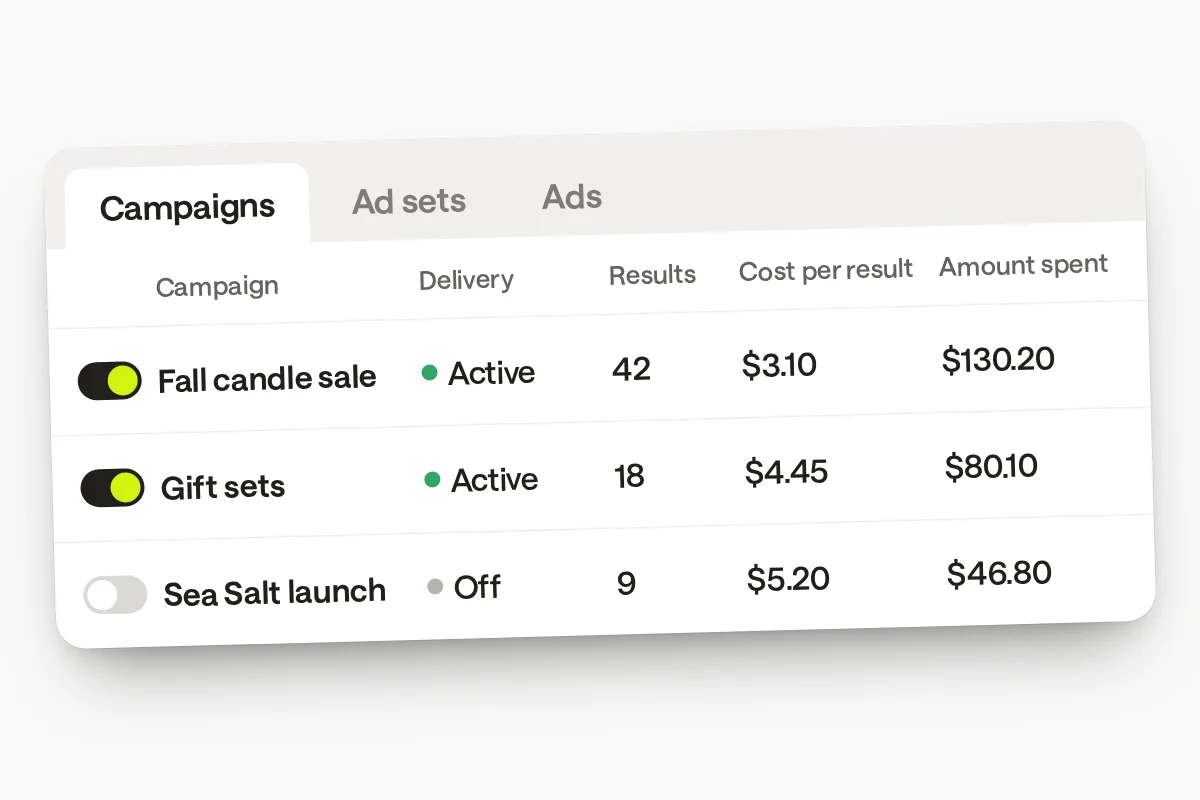
Ads Manager is Meta's tool for creating, editing and tracking your Facebook and Instagram ads, all in one table. Pick the Campaigns, Ad sets or Ads tab, tick a row, then use Edit or Duplicate above the table. The toggle beside each row turns it on or off.

Where to find Ads Manager
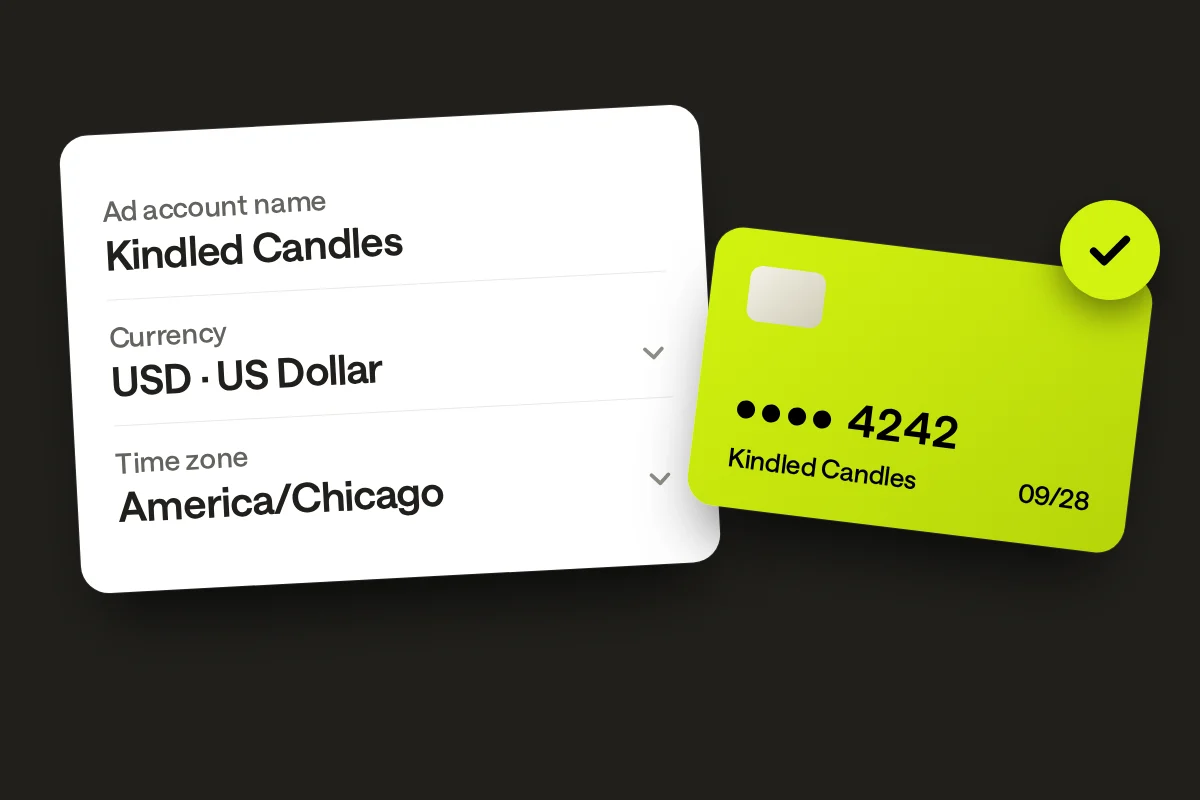
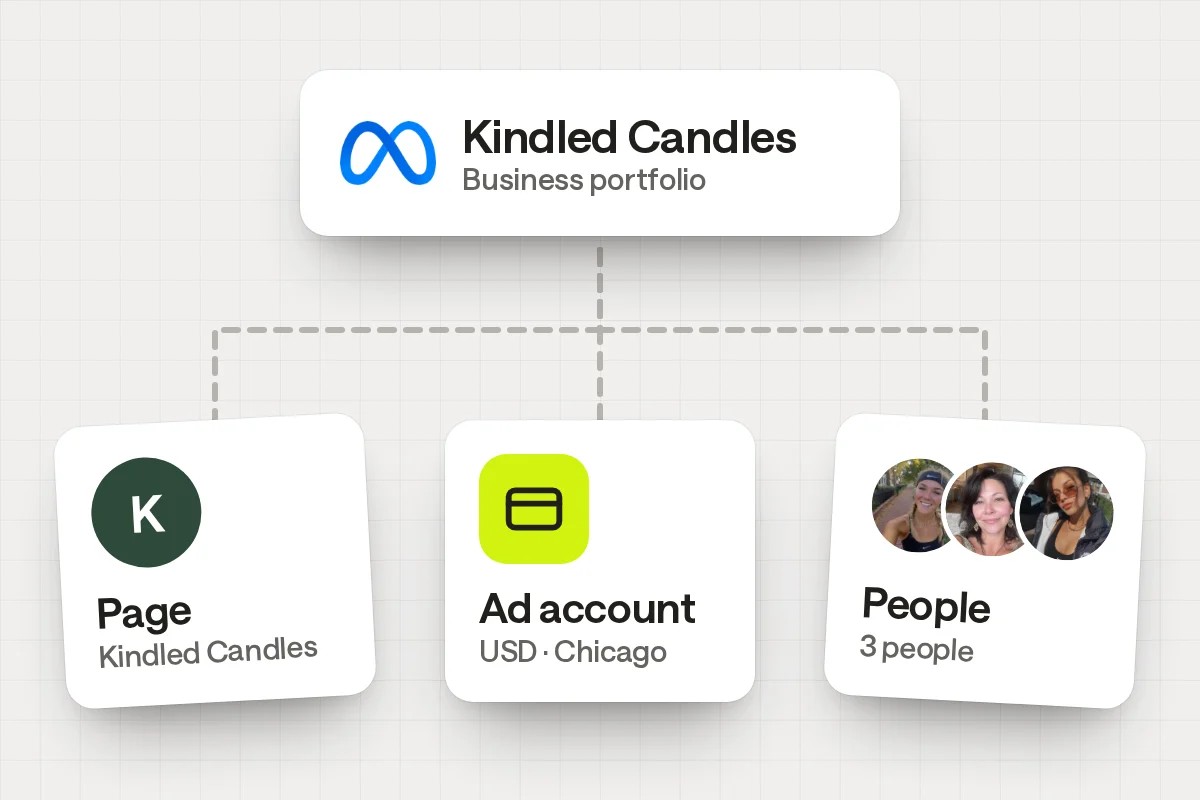
Go to adsmanager.facebook.com while logged into Facebook. Click Create to start a campaign. If you're brand new, Meta's Account overview page walks you through setting up the ad account first.
There's also an Ads Manager app for Android and iOS, but Meta says not every feature is on mobile. It works for checking results and making quick changes on the go.
If you don't have an ad account yet, start with how to create a Facebook ad account.
Campaigns, ad sets and ads: the three levels
Everything in Ads Manager sits on three levels. Meta's advertising levels page explains what each one controls:
- Campaign. Your goal, called the objective, such as website traffic, leads or brand awareness. One campaign holds one or more ad sets.
- Ad set. Who sees the ads, where they appear, the budget and the schedule. Every ad inside shares these settings.
- Ad. What people see: the format, the image or video, the text and headline, and which Page and Instagram account it runs under.
Example: a made-up dog treat brand runs one Sales campaign. Inside is one ad set aimed at US dog owners on $15 a day, holding three ads with different photos. To test a second audience, it would add a second ad set to the same campaign.
Picking the right goal is its own topic. See Facebook campaign objectives and CBO vs ABO for where the budget lives.
How to read the main table
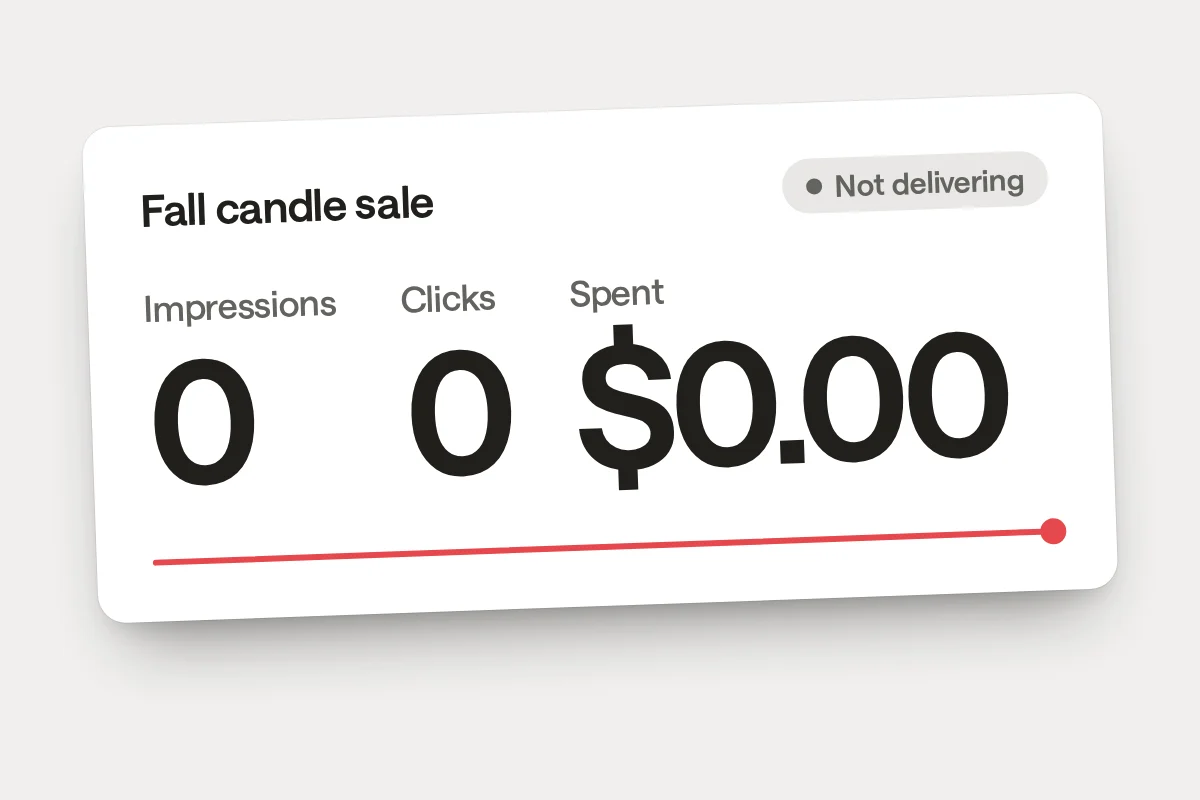
The table shows one row per campaign, ad set or ad, depending on the tab you pick at the top. The Delivery column is where you check each one's status. The ones you'll see most:
- In review. Meta is checking the ad against its Advertising Standards.
- Learning. The ad set is still in the learning phase, so performance is less stable.
- Learning limited. The ad set didn't get enough results to finish learning.
- Active. Running normally.
- Rejected. The ad doesn't comply with Meta's standards and can't run.
- Ads off or Ad set off. The campaign is on but something below it is off.
Statuses can differ by level. A campaign can look active while one of its ads is still in review, so check all three tabs when something seems stuck.
The columns worth watching
To pick what the table shows, click Columns, then Customize columns. Tick the ones you want, check Save as a column preset to reuse them, and click Apply.
For a small shop, start with these:
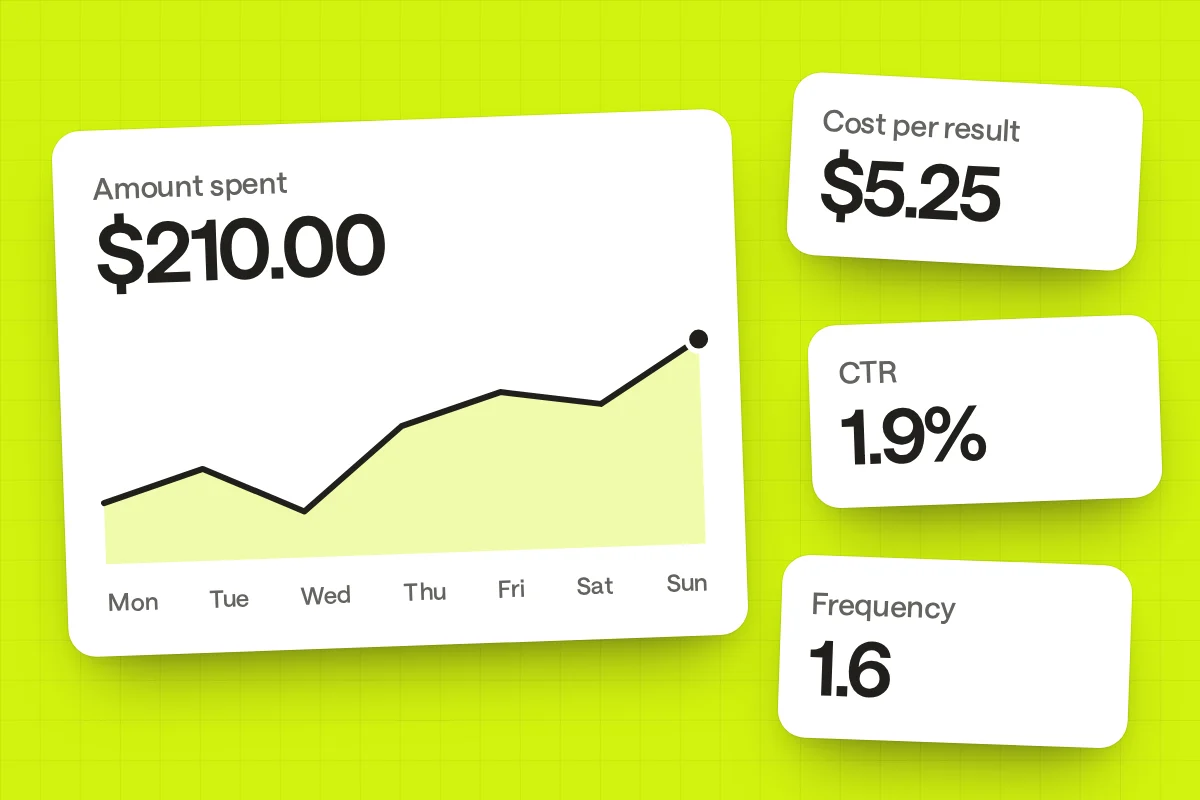
- Results. The count of whatever your campaign goal is, like purchases or leads.
- Cost per result. Amount spent divided by results. This is the number to compare across ads.
- Amount spent. What you've paid so far.
- Frequency. Impressions divided by reach, so the average number of times each Meta account saw your ad. Meta says that if results drop as frequency rises, your audience may be tiring of the ad.
- CTR (link click-through rate). Link clicks divided by impressions. It shows how well the ad gets people to tap through.
Our Facebook ads reporting guide goes further into breakdowns and reports.
How to edit a campaign, ad set or ad
Steps from Meta's edit campaigns page:
- In Ads Manager, click Campaigns on the left.
- Pick the Campaigns, Ad sets or Ads tab.
- Tick the box next to what you want to change.
- Click Edit above the table.
- Click Publish to apply the change, or Close to keep it as a draft.
Read this before you edit a live ad. The new version replaces the old one, with no undo and no way to split the before and after numbers. Some edits restart the learning phase or send the ad back to review. You also can't change a published campaign's objective. You'd stop it and make a new campaign instead.
How to duplicate a campaign, ad set or ad
Duplicating copies the settings so you don't rebuild from scratch. It's the safe way to test a change without touching an ad that works.
- Go to the Campaigns tab and pick the level you want.
- Tick the rows to copy and click Duplicate.
- For an ad set or ad, choose Original campaign, Existing campaign or New campaign.
- Choose the Number of copies.
- To keep the likes and comments, tick Show existing reactions, comments and shares on new ads.
- Click Duplicate, make your changes, then click Publish.
How to turn an ad off
Click the toggle next to the campaign, ad set or ad on any of the three tabs. Blue means on. It can take a few minutes for delivery to stop.
Turning something off doesn't delete it, so you can switch it back on later. Turning off a campaign also turns off every ad set and ad inside it.
Seeing ads launched from other tools
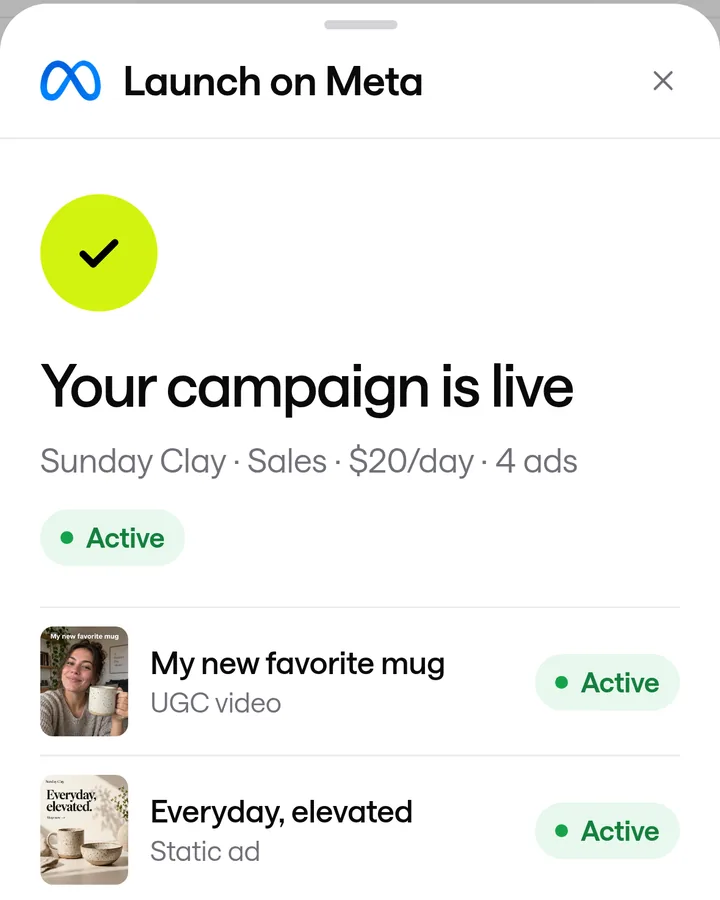
ScaleShot creates its campaigns inside your own Meta ad account, the same account you open in Ads Manager. You can also check results, pause ads or change budgets by asking the Ads Agent, which always asks before it changes anything. If you ever disconnect and a campaign can't be paused from ScaleShot, its help page points you to Ads Manager to pause it there.
Facebook Ads Manager questions
Can I use Ads Manager on my phone?
Yes. The Ads Manager app for iPhone and Android lets you monitor results and create or edit campaigns, though not every desktop feature is there.
What's the difference between Ads Manager and Meta Business Suite?
Business Suite handles posts, messages and simple ads or boosts, and points you to Ads Manager for detailed campaigns with advanced targeting. See our Meta Business Suite guide.
Why is my ad stuck on Processing?
Processing means Meta is applying your changes. It usually takes a few minutes, but some updates take up to 8 hours.
Can I edit a boosted post in Ads Manager?
You can see its results there, but you can't edit the text, images or video once it has been reviewed and published as an ad.
ScaleShot TeamWe build ScaleShot, an AI ad tool for small businesses on Facebook and Instagram. How we make our guides
Sources
- About Meta Ads Manager, Meta Business Help Center
- What are the advertising levels in Meta Ads Manager?, Meta Business Help Center
- How to Edit Ad Campaigns in Meta Ads Manager, Meta Business Help Center
- Duplicate Ad Campaigns in Meta Ads Manager, Meta Business Help Center
- Customize columns in Meta Ads Manager, Meta Business Help Center
- How to turn an ad on or off in Meta Ads Manager, Meta Business Help Center
- View campaign, ad set or ad delivery status in Meta Ads Manager, Meta Business Help Center
- Cost per result, Meta Business Help Center
- About Meta Ads Manager app, Meta Business Help Center
- Frequency, Meta Business Help Center
- CTR (link click-through rate), Meta Business Help Center
- How Meta Business Suite works, Meta Business Help Center