How to read your Facebook ads results
Start with amount spent, results and cost per result, then use CTR, CPM and frequency to work out why your cost is what it is. Shops add ROAS, which Meta calculates as purchase value divided by spend. Check once a week, over seven days of data, and change one thing at a time.

The numbers to check, in order
Ads Manager can show hundreds of columns. These are the ones a small business needs, in the order to read them.
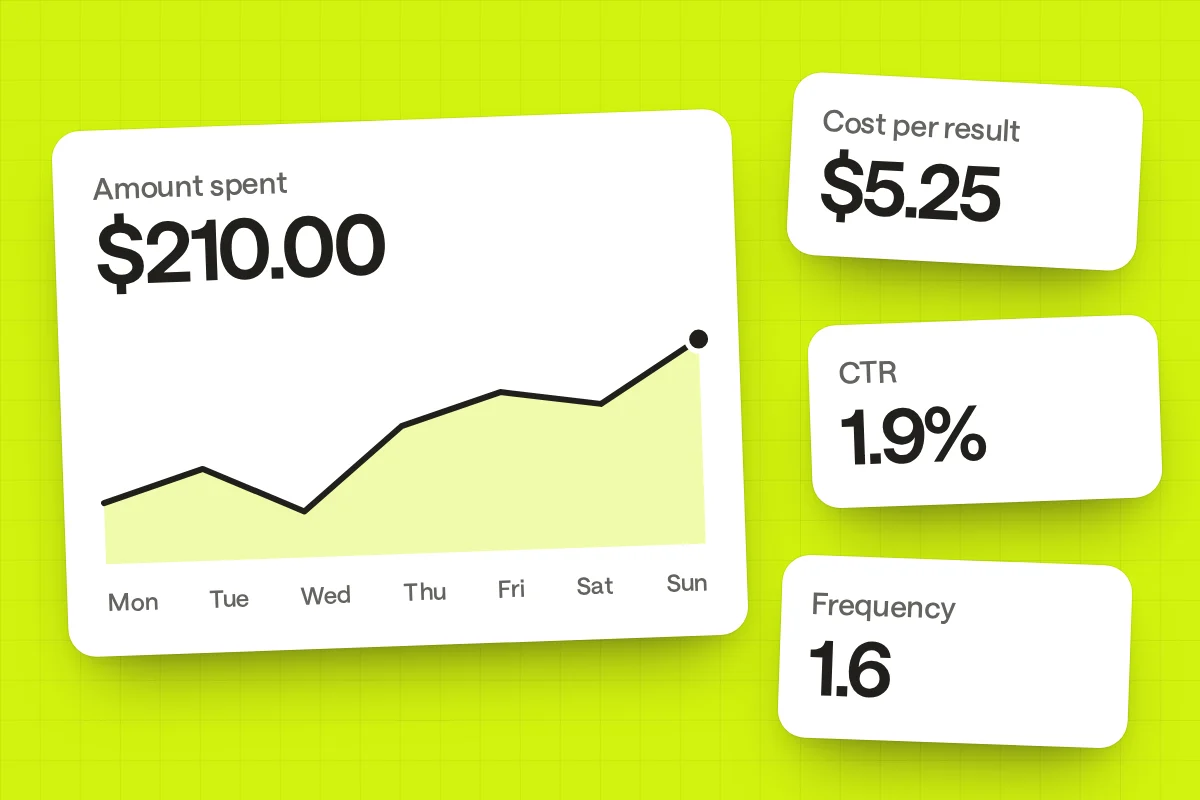
- Amount spent. Is Meta spending roughly what you set? If spend is far under budget, the ad isn't delivering, and the other numbers won't mean much yet.
- Results. The count of whatever your campaign is set to get: purchases, leads or link clicks.
- Cost per result. Meta defines it as the average cost per result from your ads. This is the number to compare against the most you can afford to pay for a sale or lead. Our break-even ROAS guide shows how to work that out.
- CTR (link click-through rate). The share of impressions that got a link click. A low CTR means people scroll past the ad.
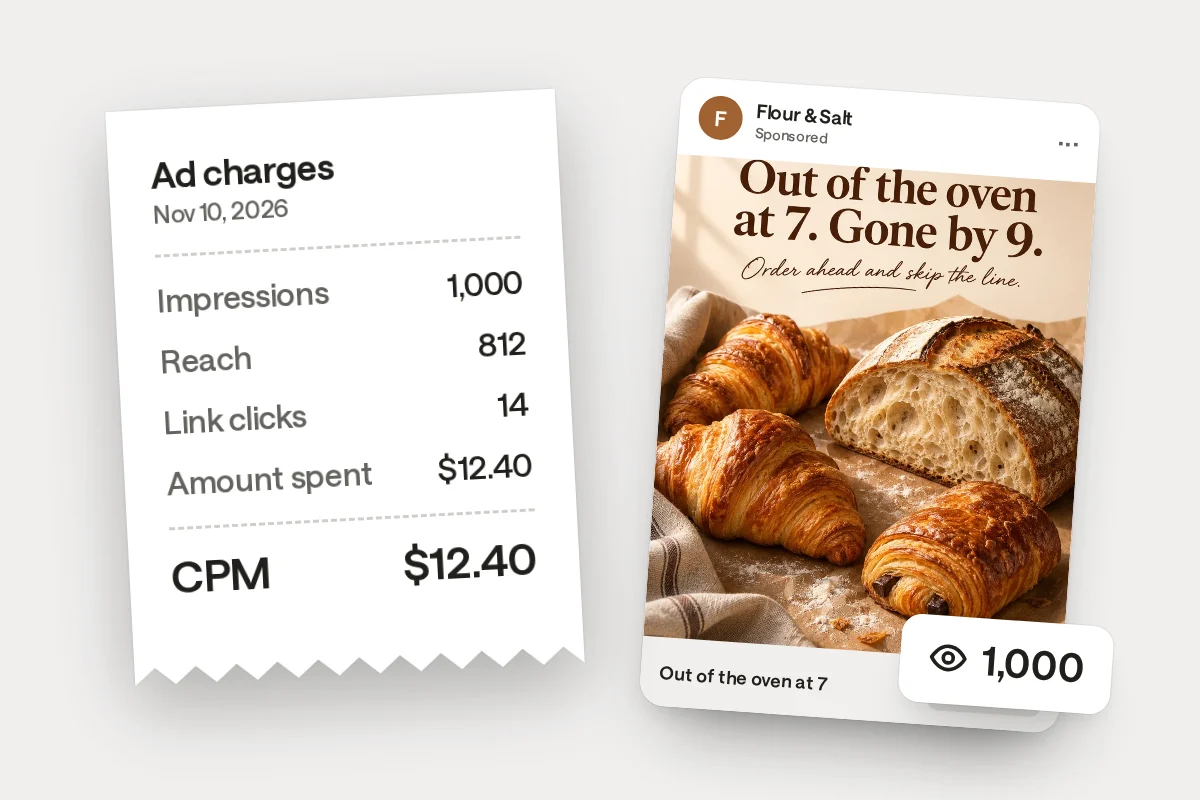
- CPM. What you pay for 1,000 impressions. It tells you whether reaching people got more expensive, which our CPM guide covers in detail.
- Frequency. The average number of times each account saw your ad, worked out as impressions divided by reach.
For online shops, add Purchase ROAS (return on ad spend). Meta calculates it as purchase conversion value divided by amount spent, and the figure may be estimated. See what a good ROAS is before you judge it.
Example: a candle shop spends $140 in a week and gets 7 purchases. Cost per result is $20. If each order brings in $45 of sales, Purchase ROAS is 2.25.
How to read the numbers together
One number alone rarely tells you what to fix. Read them in pairs:
- High cost per result and low CTR: the ad isn't stopping people. Try a new image, video or first line.
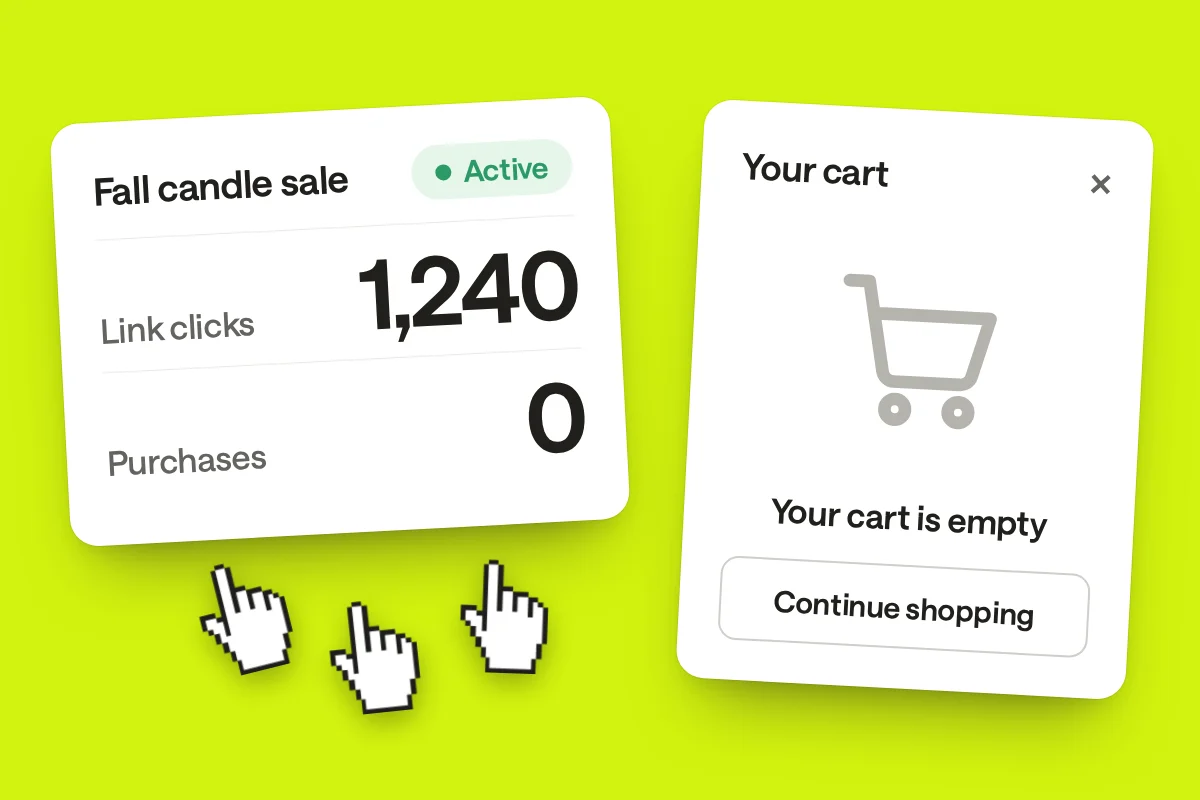
- Good CTR but few results: people click and then leave. Look at the landing page, price and checkout. Our guide on Facebook ads that get clicks but no sales walks through it.
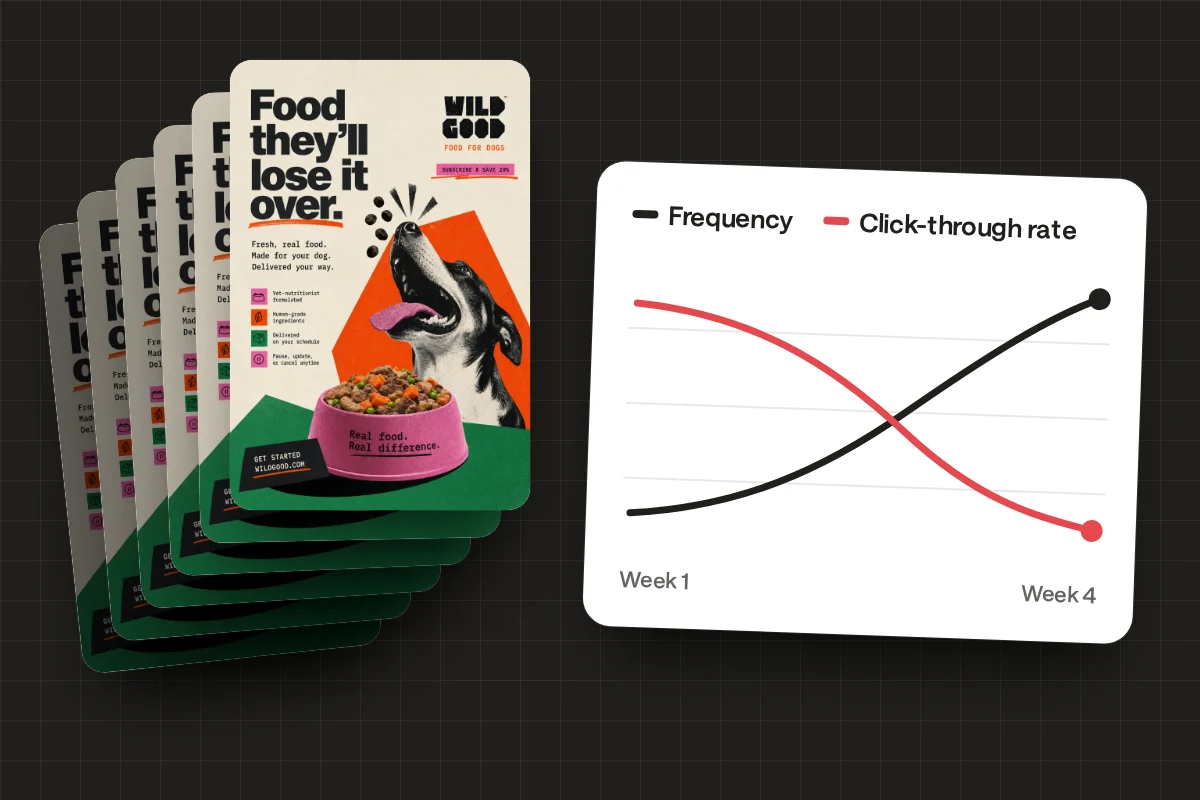
- Rising cost per result and rising frequency: the same people are seeing the ad over and over. Meta's Frequency page says that when performance drops as frequency rises, your audience may be tired of the ad. Swap in fresh creative, as covered in ad fatigue.
- CPM jumps with nothing else changed: often more advertisers are bidding for the same people.
How to set up your columns
Set this up once and reuse it. The Columns menu in Ads Manager holds the column presets, the option to customize columns and the compare attribution feature.
- In Ads Manager, open the Columns dropdown above the table.
- Click Customize columns.
- Search for and tick: Amount spent, Results, Cost per result, CTR (link click-through rate), CPM (cost per 1,000 impressions), Frequency and, for shops, Purchase ROAS.
- Save the layout as a custom preset so it loads next time. Jon Loomer's walkthrough saves it from the Custom section of the same dropdown.
Watch for two CTR columns. CTR (all) is based on all clicks on the ad, so it looks higher. Use the link version.
Use breakdowns to see where results come from
Breakdowns split one row into pieces, such as by day or by placement. The Breakdowns dropdown sits between Columns and Reports on the right side of Ads Manager, per Jon Loomer's guide to breakdowns.
Three are worth knowing:
- By Time > Day shows whether a bad week was one bad day.
- By Delivery > Placement shows whether Reels, Stories or Feed did the work.
- By Demographics > Age and gender shows who bought.
Treat what you find as a lesson for your next ad. Loomer warns against letting an age or gender breakdown push you into micromanaging targeting. Placement choices are covered in Facebook ad placements.
What the attribution setting changes
The attribution setting decides how long after someone interacts with your ad a purchase still counts toward it. Meta's attribution settings page lists the windows: click-through counts events within 1 or 7 days after a link click, engage-through within 1 day after a non-link action such as a like or save, and view-through within 1 day after someone sees the ad. You pick it in the ad set, and it changes how Meta delivers your ads as well as which conversions get credited. Jon Loomer's 2026 guide gives the default for website sales as 7-day click-through, 1-day engage-through and 1-day view-through.
In March 2026 Meta changed click-through attribution to count only link clicks and moved likes, shares and saves into engage-through, as PPC Land reported. If your click-through results dropped around then, that change may be why.
A ten-minute weekly check
Do this on the same day each week:
- Set the date range to the last 7 days and note last week's numbers beside it.
- Check amount spent against your budget.
- Check results and cost per result against your target.
- Sort ads by cost per result. Look at the CTR of the worst one.
- Check frequency on each ad set.
- Make one change, at most: pause the weakest ad, add a new one, or nudge the budget.
- Write down what you changed and why.
Daily numbers swing a lot on small budgets, so resist checking every morning. New ad sets also go through a learning phase when results are less stable.
Checking results in ScaleShot
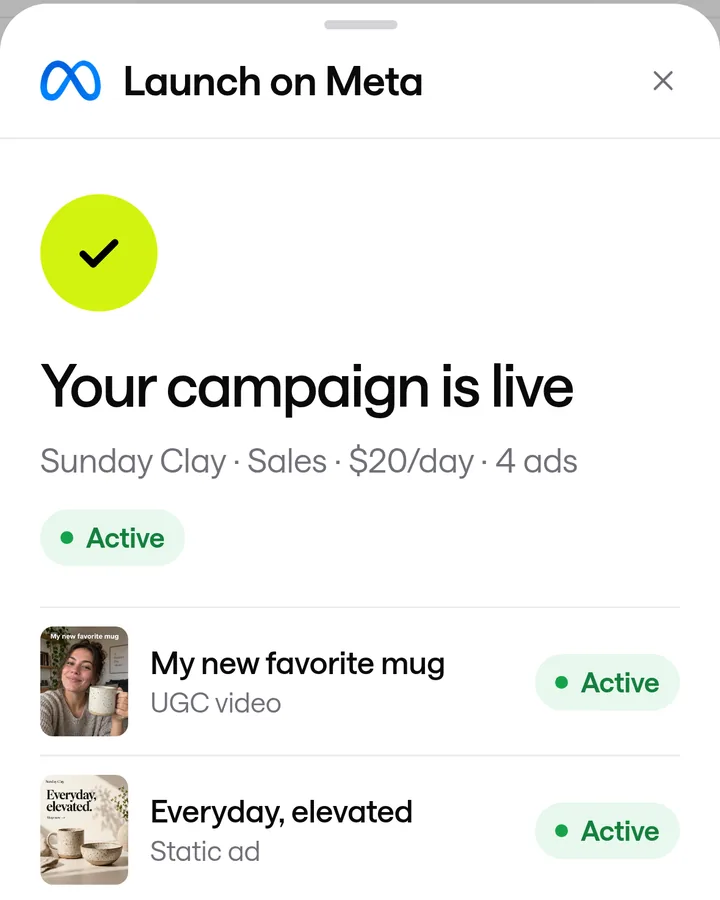
If you launch through ScaleShot, open any campaign to see its results, pause or resume it, or change its budget. You can also ask the Ads Agent a plain question like "How are my Meta ads doing?" and it will check your results. If it suggests pausing an ad or changing a budget, it asks you first.
Facebook ads reporting questions
What is a good frequency for Facebook ads?
Meta's help page says frequency often averages 1 to 2 per ad set but can run much higher depending on budget, audience size and schedule. Watch the trend more than the number.
Why don't Ads Manager sales match my store's orders?
Ads Manager counts purchases inside your attribution window, and Purchase ROAS can be estimated. Your store counts every order, from any source.
What is the difference between CTR (all) and CTR (link click-through rate)?
CTR (all) divides every click by impressions, while the link version only counts clicks through to your website or other destination.
Where do I find reports I can download?
The Reports dropdown sits next to Breakdowns on the right side of Ads Manager. Most small shops get what they need from a saved column preset instead.
ScaleShot TeamWe build ScaleShot, an AI ad tool for small businesses on Facebook and Instagram. How we make our guides
Sources
- Cost per Result, Meta Business Help Center
- CTR (link click-through rate), Meta Business Help Center
- CPM (glossary), Jon Loomer
- Frequency, Meta Business Help Center
- Purchases ROAS (Return on Ad Spend), Meta Business Help Center
- Big update to Columns dropdown menu in Meta Ads Manager, Jon Loomer
- The Facebook Ads Metrics That Matter, Jon Loomer
- A Guide to Breakdowns in Meta Ads Manager, Jon Loomer
- About attribution settings, Meta Business Help Center
- Meta rewrites click attribution rules, finally aligning with Google Analytics, PPC Land
- CTR (all), Meta Business Help Center
- How Meta Ads Attribution Works in 2026, Jon Loomer