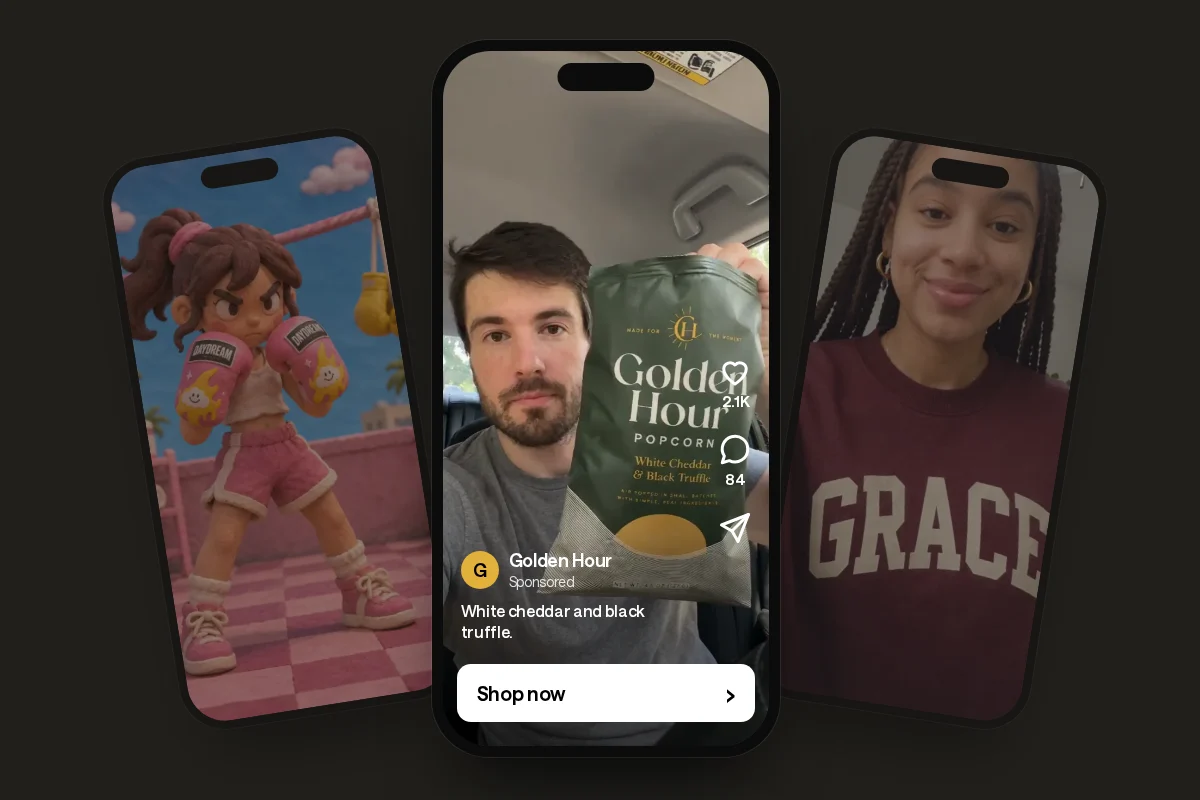
Facebook ad placements: where your ads show up
Placements are the spots where Meta shows your ad: Facebook, Instagram, Messenger, Threads, WhatsApp and apps in the Audience Network. Meta is rolling out a change that removes manual placements from Sales, Leads and App promotion campaigns. Leave them all on unless you have a clear reason, and give each ad a square and a vertical version.

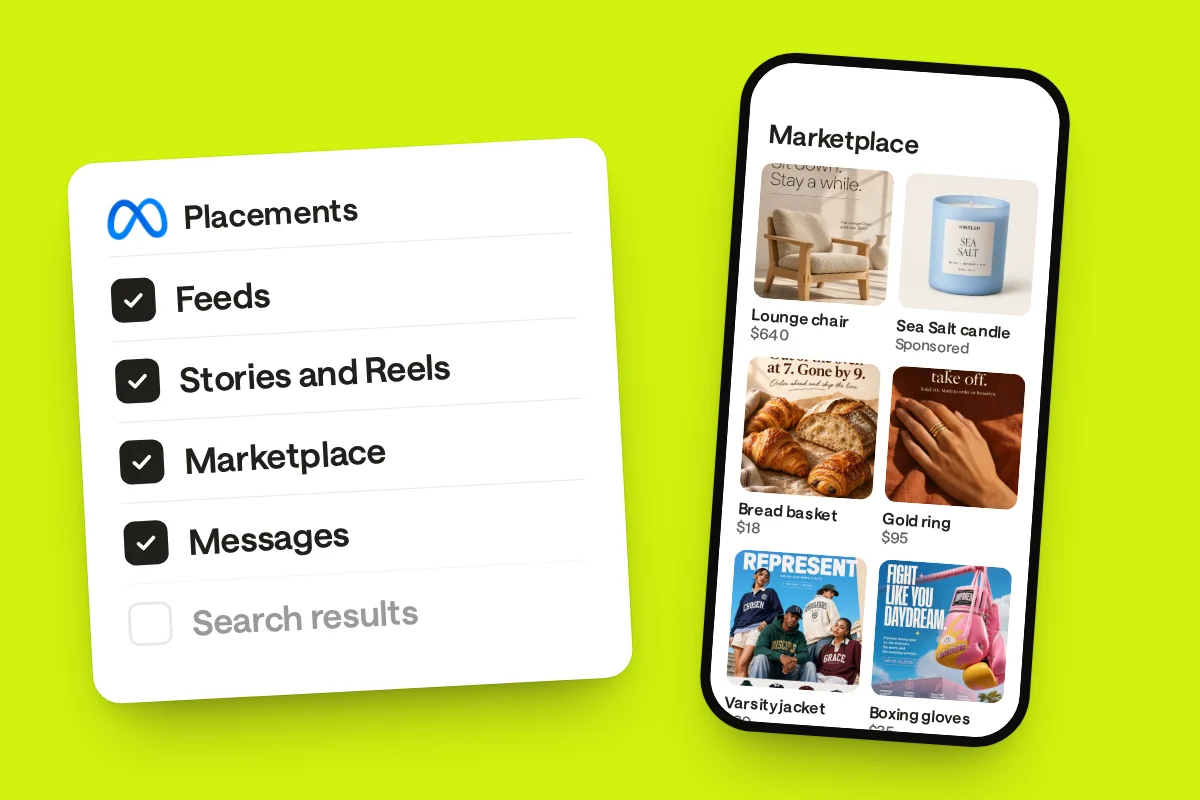
The full list of Facebook ad placements in 2026
Meta's placement targeting reference lists each platform and the spots inside it. In plain words:
- Facebook: feed, right column (desktop), Marketplace, video feeds, Stories, search results, in-stream video (ads inside videos), Reels, overlays on Reels, profile feed and notifications.
- Instagram: feed, Stories, Explore, Explore home, Reels, profile feed, search results and profile Reels.
- Messenger: Stories and sponsored messages.
- Threads: the Threads feed. It only runs when the Instagram feed is also on.
- WhatsApp: Status and marketing messages. Status only runs when Instagram Stories is also on.
- Audience Network: ads inside other companies' apps, including rewarded videos.
Threads is the newest. Meta announced on January 21, 2026 that it was expanding Threads ads to all markets, gradually, and adding Threads placements to both Advantage+ and manual campaigns automatically. Image, video and carousel ads all run there.

Advantage+ placements vs manual placements
Advantage+ placements (many guides still say automatic placements) lets Meta look at every open spot across all placements and pick the cheapest ones that meet your goal. Manual placements means you tick which spots to use.
Meta's own example shows why it pushes the first option. Say your budget is $27 and there are 11 chances to show your ad:
- Facebook spots cost $3 per result. Instagram spots cost $5. Audience Network has three at $1 and two at $7.
- With every placement on, you get 9 results at $3 each.
- Instagram looks expensive, so you turn it off. Now you get 8 results at $3.25 each.
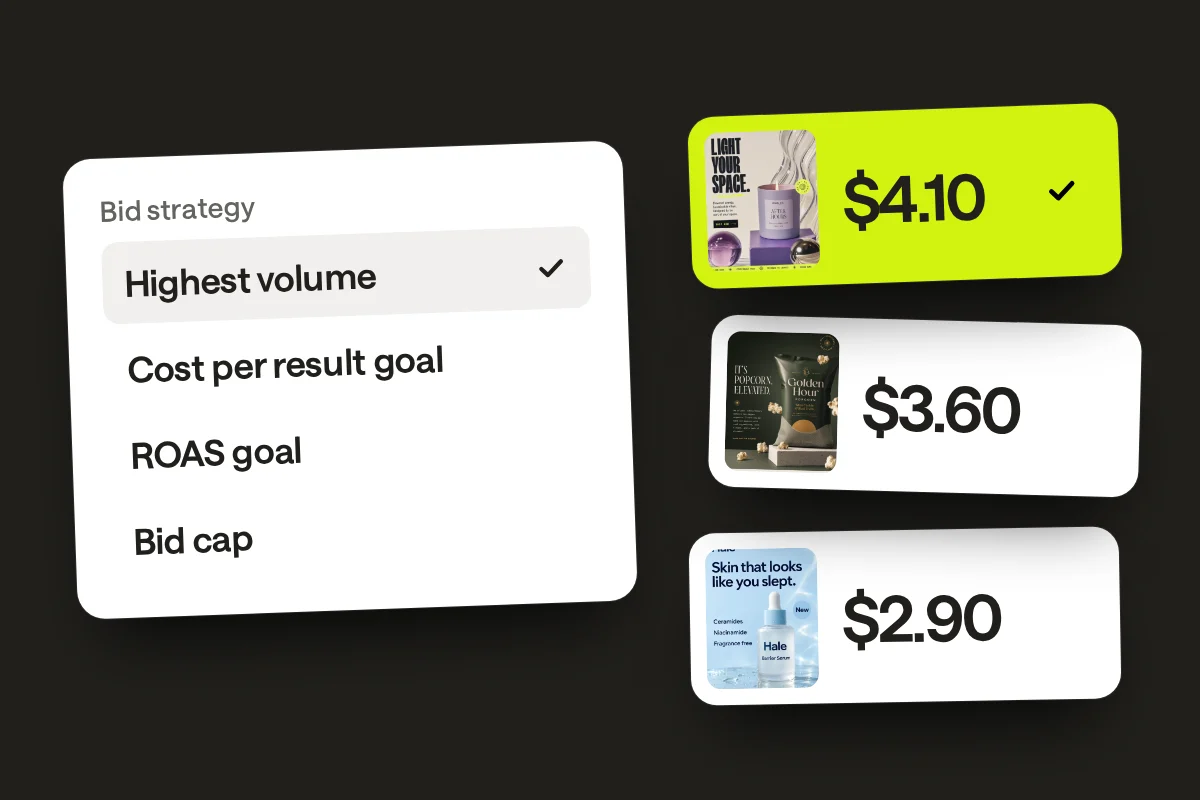
Turning off the pricey-looking placement made every result cost more. Meta recommends Advantage+ placements when you use the Highest volume bid strategy, the strategy our bid strategies guide suggests for small budgets. WordStream's September 2026 placement guide reaches the same place: automatic placements are the right move for the vast majority of advertisers.
New rules: Sales and Leads use Meta's placements
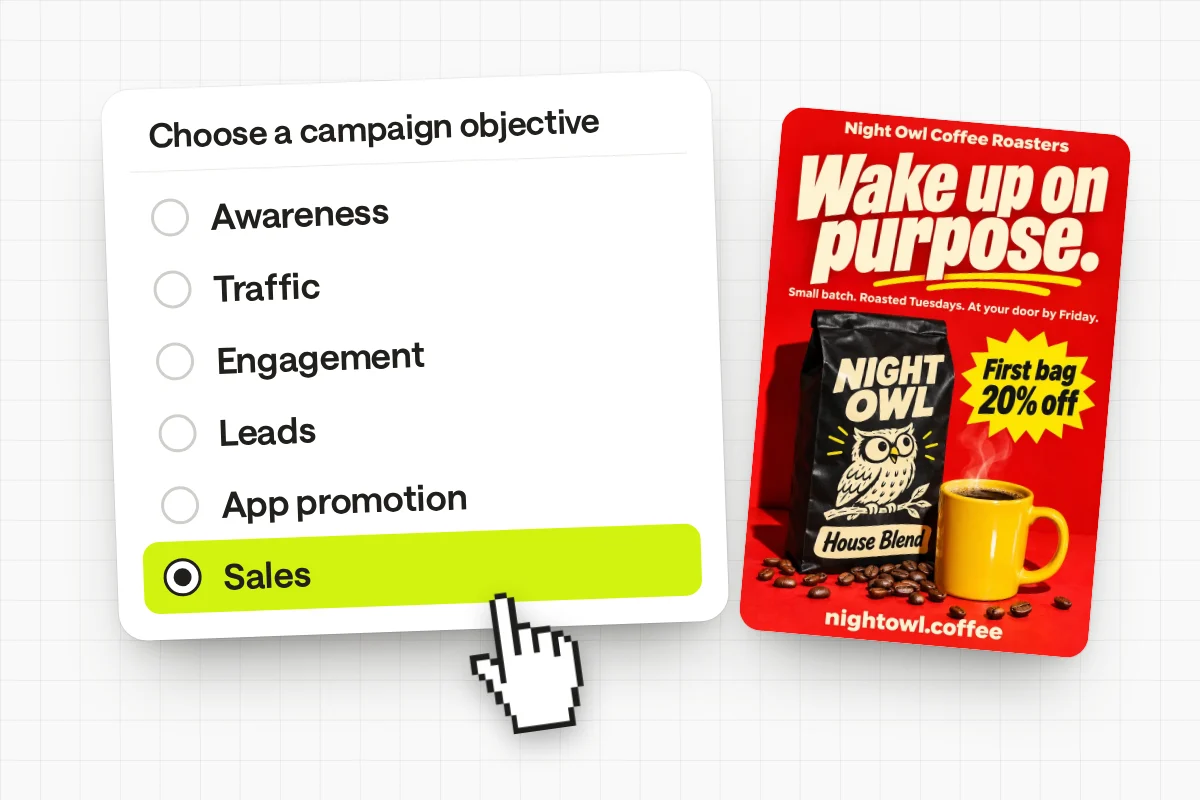
Meta's What's new in placement settings page says that for Leads, App promotion and Sales campaigns, you no longer choose placements by hand at the ad set level. Awareness, Traffic and Engagement still let you set them manually. Meta is rolling the change out gradually, so your account may not have it yet.
Control moved to three other places:
- Account controls. Placement exclusions set here apply to every campaign in the ad account, and you can set them per objective.
- Placement value rules. You can raise or lower bids for specific placements based on what a result there is worth to you.
- Media per placement. Each placement needs at least one image or video in the ad, and one ad can hold up to 10.
The exclusions list is short. Meta lists Audience Network (native, banner, interstitial and rewarded videos), Facebook Marketplace and Facebook right column. Feeds, Stories and Reels aren't on that list.
If you read an older guide telling you to untick placements in the ad set, that step no longer applies to Sales or Leads once the change reaches your account.
Which placements to turn off, and why most shops shouldn't
For most small accounts the answer is none. Meta's example above shows how cutting a placement can raise your cost per result, and WordStream calls account-level exclusions something only a few advertisers will need.
Good reasons to exclude something:
- Brand rules. You can't appear inside third-party apps for contract or brand-safety reasons, so you exclude Audience Network in Account controls.
- A product that can't work in a spot. A plumber has no use for Marketplace, a spot built around buying and selling goods.
- Proof from your own numbers. Compare results by placement over a few weeks and judge cost per sale, since cheap clicks alone tell you little.
WordStream notes that excluding a placement turns on a limited spend setting by default, which lets Meta spend 5% of your budget on excluded placements. Turn it off if the exclusion has to be absolute.
Make your ad fit each placement
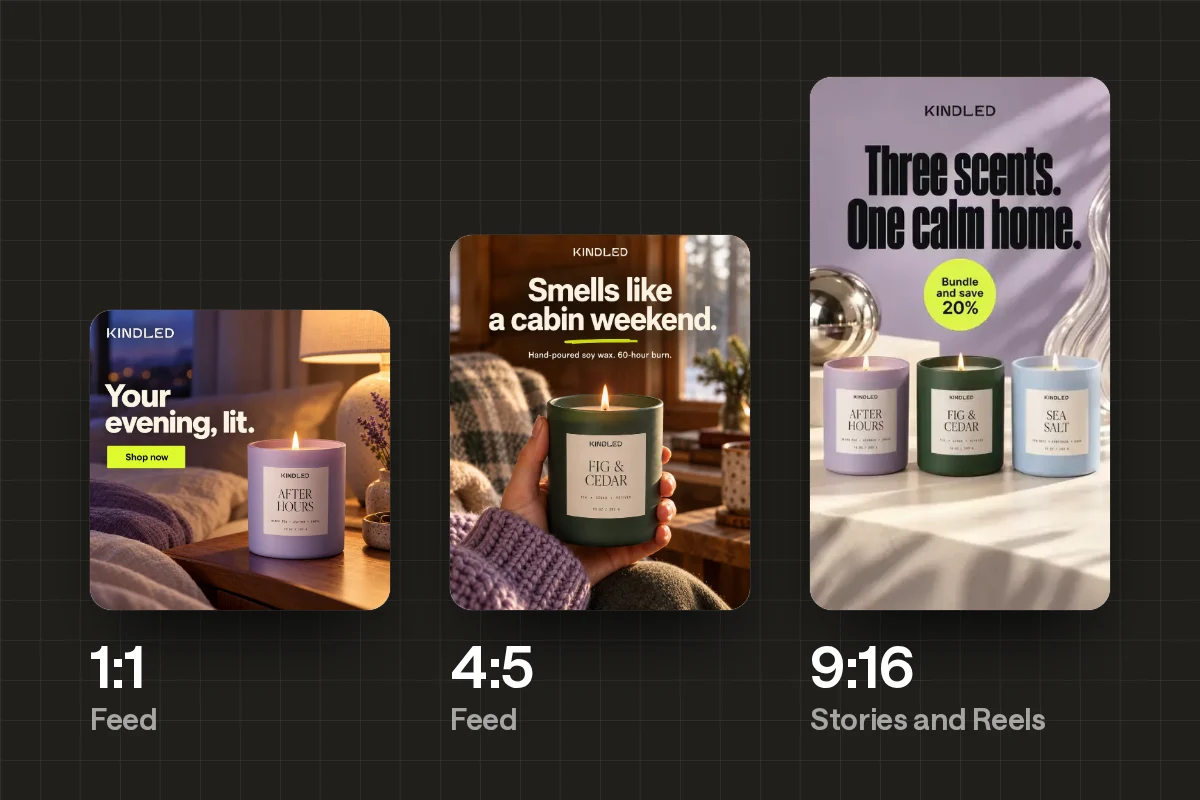
Placements come in different shapes, so the fix for a weak placement is usually a better-fitting ad. WordStream boils it down to three orientations: square, vertical and horizontal. In practice:
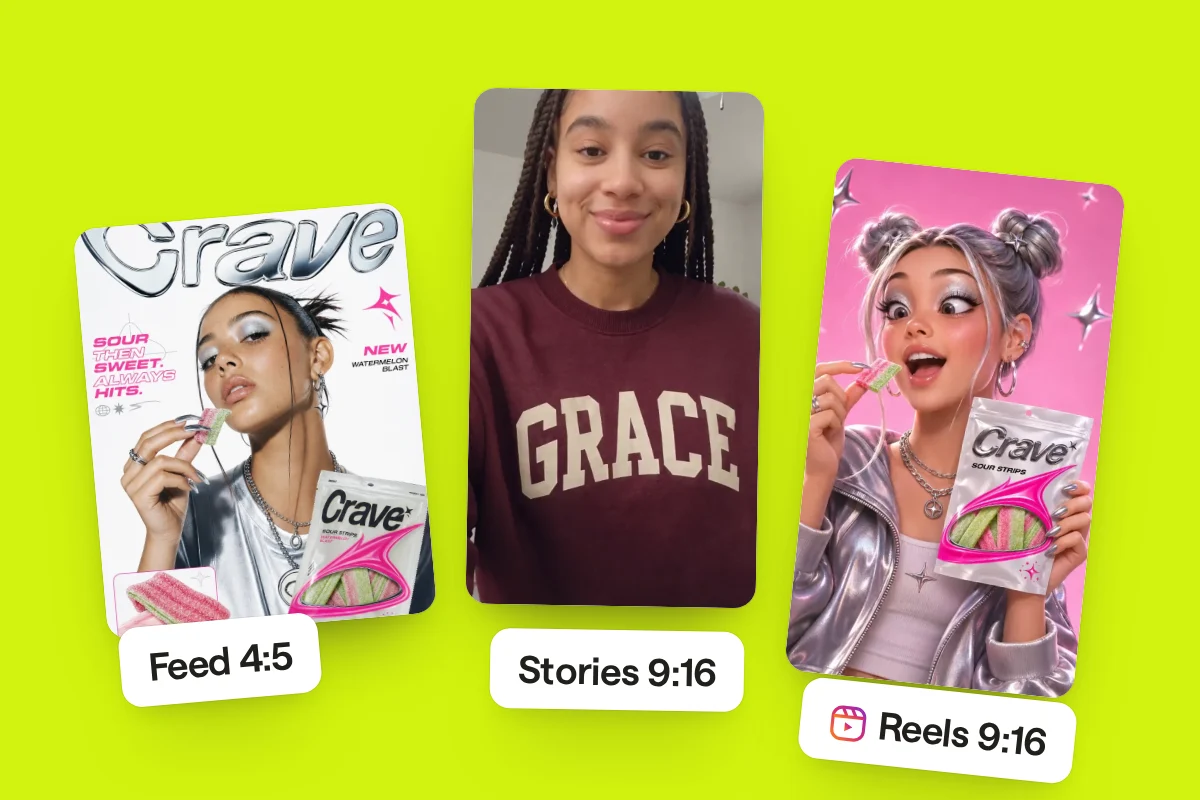
- Vertical for Stories and Reels on Facebook and Instagram.
- Square or 4:5 for feeds, including Threads, which now supports 4:5.
- Horizontal only if you use in-stream video.
Ads Manager lets you customize each ad by placement, with different crops, text or links. A dog treat brand, as an example, might use one photo cropped square for feed and a short vertical clip for Reels. For exact pixel sizes, see Facebook ad sizes and Instagram ad sizes. Our guide to Instagram Reels ads covers the vertical format in detail.
How ScaleShot fits in
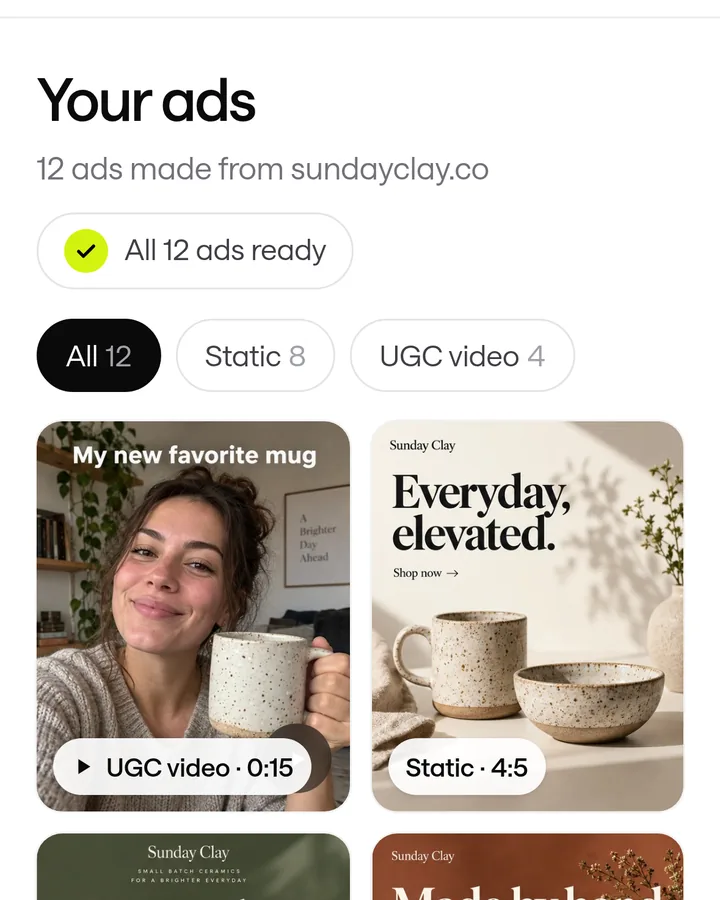
ScaleShot launches your campaigns in your own Meta ad account, and Meta delivers them on Facebook and Instagram. When you make a video in ScaleShot's Studio, you choose the aspect ratio and duration before generating, so you can make a vertical version for Reels and Stories next to your feed ads.
Facebook ad placement questions
What is the best placement for Facebook ads?
There isn't one that wins for every shop. Meta's own example shows all placements together delivering cheaper results than a trimmed list.
Can I still choose manual placements?
Yes for Awareness, Traffic and Engagement. For Leads, App promotion and Sales, Meta says you no longer pick placements at the ad set level, a change it is rolling out gradually.
How do I stop my ads showing on Audience Network?
Add a placement exclusion in Account controls. It applies to every campaign in the ad account.
Do Facebook ads show on Threads?
Yes. Meta adds Threads placements to Advantage+ and manual campaigns automatically, and Threads delivery requires the Instagram feed placement to be on too.
Are Instagram placements separate from Facebook ads?
No. One campaign in Ads Manager can run on both platforms. See how to run Instagram ads for the Instagram side.
ScaleShot TeamWe build ScaleShot, an AI ad tool for small businesses on Facebook and Instagram. How we make our guides
Sources
- How the Meta delivery system works using Advantage+ placements, Meta Business Help Center
- What's new in placement settings in Meta Ads Manager, Meta Business Help Center
- Placement Targeting (Marketing API), Meta for Developers
- Ads on Threads: One Year In, Meta for Business
- Meta Ad Placements, WordStream