How to run Instagram ads: a step-by-step guide for small businesses
Run Instagram ads from Meta Ads Manager: pick one objective, set your audience, placements and budget, add your creative, then publish. For a quicker start, boost an existing post from a professional account. You get fewer controls than in Ads Manager, but the minimum is $3 a day.


How do I run ads on my Instagram?
Instagram ads are built in Meta Ads Manager, the same tool that runs Facebook ads, so the steps match how to run Facebook ads. Shopify lists an eight-step process: link Instagram to Facebook, create a campaign, select an objective, set budget and schedule, define an audience, design ads, choose placements, and review performance.
The six steps
- Link your Instagram account to your Facebook Page and ad account.
- Create a campaign and pick one objective.
- At the ad set level, choose your audience and where the ads show (Feed, Stories, Reels).
- Set a daily budget and a schedule.
- At the ad level, add your image or video, text, headline and link.
- Publish, then leave the ads alone for a few days before judging them.
Meta's structure runs campaign, then ad sets, then ads, and budget can sit at the campaign or the ad set, but not both.
Which Instagram ad objective should I choose?
Ads Manager offers six objectives: Awareness, Traffic, App promotion, Engagement, Leads and Sales. Meta's developer documentation calls these outcome-driven objectives and says a campaign should represent a single objective.
Pick by what you want a stranger to do. An online store that wants orders picks Sales. A plumber, salon or coach who wants enquiries picks Leads. If you only want people on your website, pick Traffic. Sales and Leads need tracking in place first, which is the next step.
How do I set up tracking before I spend?
Install the Meta pixel before a Sales campaign. Meta's developer documentation says to put the base code between the opening and closing head tags on every page you want to track. Then open Events Manager and check that a PageView event appears; it can take a few minutes.
For sales, the Purchase event needs two values, value and currency. On Shopify, the Facebook and Instagram sales channel can create a pixel and lets you choose a customer data-sharing level.
If you skip this, Meta has nothing to optimise a sales campaign against. A Traffic campaign works without purchase tracking, but you won't see which clicks turned into orders.
How do I make Instagram ads without a designer?
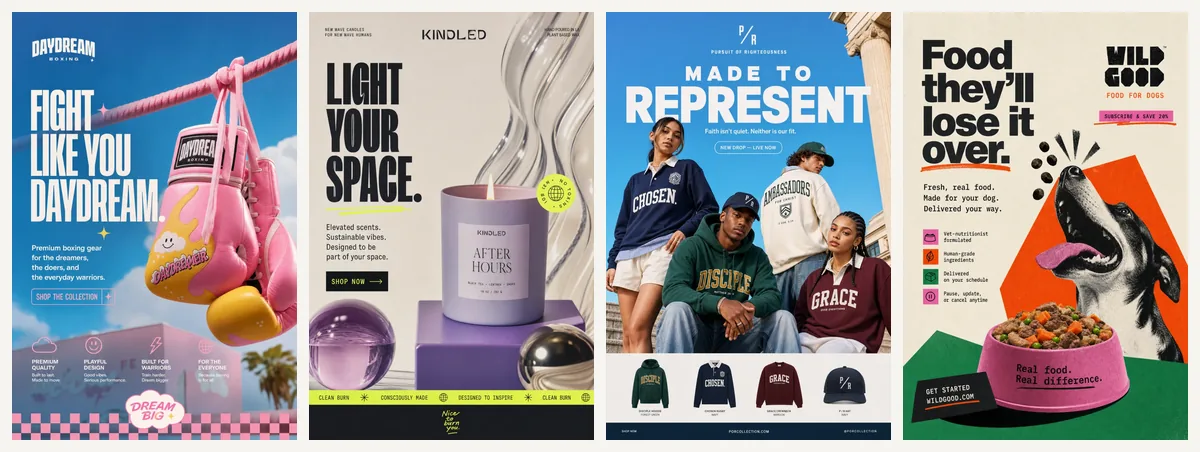
Use a vertical image or short video. Shopify reports that Reels make up 33% of Instagram ad impressions and Feed 26%. Your phone, a template editor or an AI tool can all produce usable ads. Keep one idea per ad: one product, one offer, one button. For inspiration, see Instagram ad examples, and for the basics of copy and layout, see our guide to making an ad.
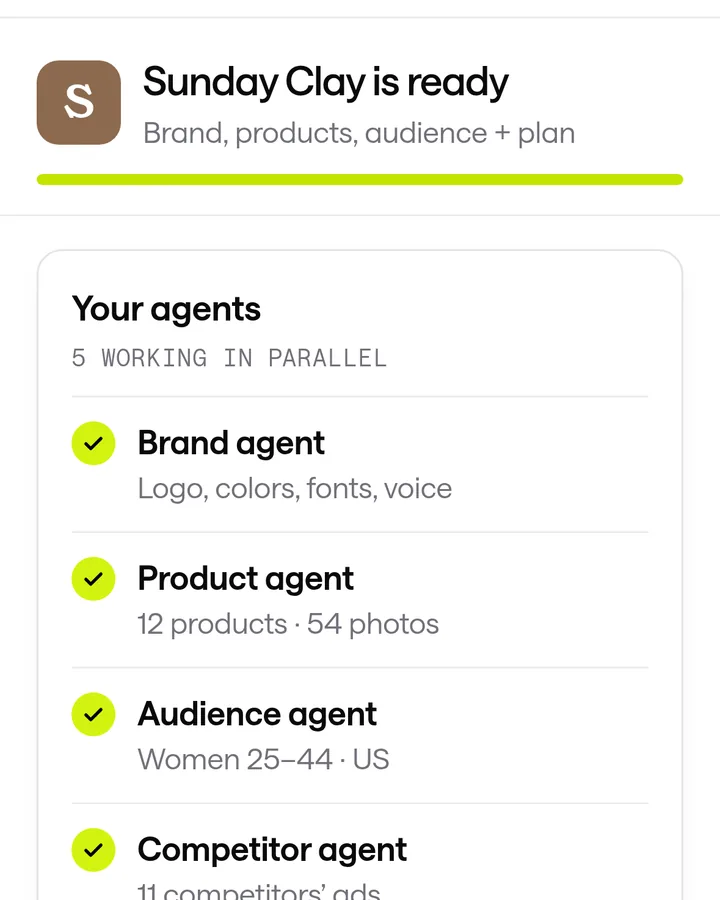
We built ScaleShot for owners who don't want to do this by hand. It learns your brand from your website or Shopify link, then makes image ads and short video ads (AI UGC creators or animated styles) in chat, and launches them to your connected Meta account. It asks before it changes anything. A Sales campaign needs a pixel sending Purchase events and a Leads campaign needs Lead events, while a Visitors campaign needs no pixel at all. Our plans start at $19.95 for the first 2 weeks, then $42 every 2 weeks; an image ad costs 10 to 20 credits and video costs 10 credits per second. It runs Meta ads only, does not guarantee sales, and Meta bills your ad spend separately.
Should I boost a post instead?
Boosting is the fastest route if you already have a post that did well. You need a professional account, tap Boost post, choose one of three goals (more profile visits, more website visits, or more direct messages), pick an audience, then set budget and duration.
Shopify says the minimum is $3 per day, while Meta advises at least $5 a day for six days. Boosting gives you fewer controls than Ads Manager, and no Sales objective. Our comparison of boosting a post versus using Ads Manager covers when each makes sense.
How much does it cost to run an Instagram ad?
You set the budget, so there is no fixed price. For Traffic campaigns, Shopify puts cost per click between 50 cents and $2, and says Reels generally cost less than Feed and Stories. Costs vary by audience and industry. Our guide to Instagram ads cost breaks this down by objective.
Start with a daily amount you can lose while you learn, and keep it fixed for several days.
What are the most common Instagram ad mistakes?
- Choosing Sales with no working Purchase event. Check Events Manager first; Purchase needs value and currency.
- Boosting from the iPhone app. Shopify says the iOS app adds a 30% service fee, and Meta Business Suite on desktop avoids it.
- Changing things every day. Edits restart learning; give each ad a few days.
- Mixing goals in one campaign. Meta says a campaign should represent a single objective.
- Sending traffic to a weak page. The ad gets the click; the page has to close it.
Common Instagram ads questions
Can I run Instagram ads for free?
Organic posts are free, but paid ads need a budget. The smallest boost budget Shopify lists is $3 per day.
Do I need a Facebook Page to advertise on Instagram?
Linking Instagram to Facebook is the first step in Shopify's Ads Manager process, so set that up before you build a campaign.
Do I need a Meta pixel?
For a Sales campaign, yes: the pixel must record Purchase events with a value and currency. Traffic campaigns can run without one.
Can ScaleShot run my Instagram ads for me?
It launches campaigns to your connected Meta ad account, shows results, and can pause ads or change budgets, always asking first.
How long should I run an ad before judging it?
Meta advises at least six days when boosting. Judge by your own sales or enquiries, not by likes.
ScaleShot TeamWe build ScaleShot, an AI ad tool for small businesses on Facebook and Instagram. How we make our guides
Sources
- How to Boost an Instagram Post, Shopify
- Instagram Ads guide, Shopify
- Meta Pixel: Get Started, Meta for Developers
- Meta Pixel: Conversion Tracking, Meta for Developers
- Marketing API: Ad Campaign (campaign group) reference, Meta for Developers
- Facebook and Instagram by Meta (sales channel), Shopify Help Center