How to set up an Instagram business account
Open your profile, tap More, then Account type and tools, and choose Switch to professional account, then Business. Instagram calls this a professional account. It gives you insights, a Contact button and the ability to run ads. Linking a Facebook Page afterward is optional and makes ads and shopping tools easier to use.

Business or creator: which one to pick
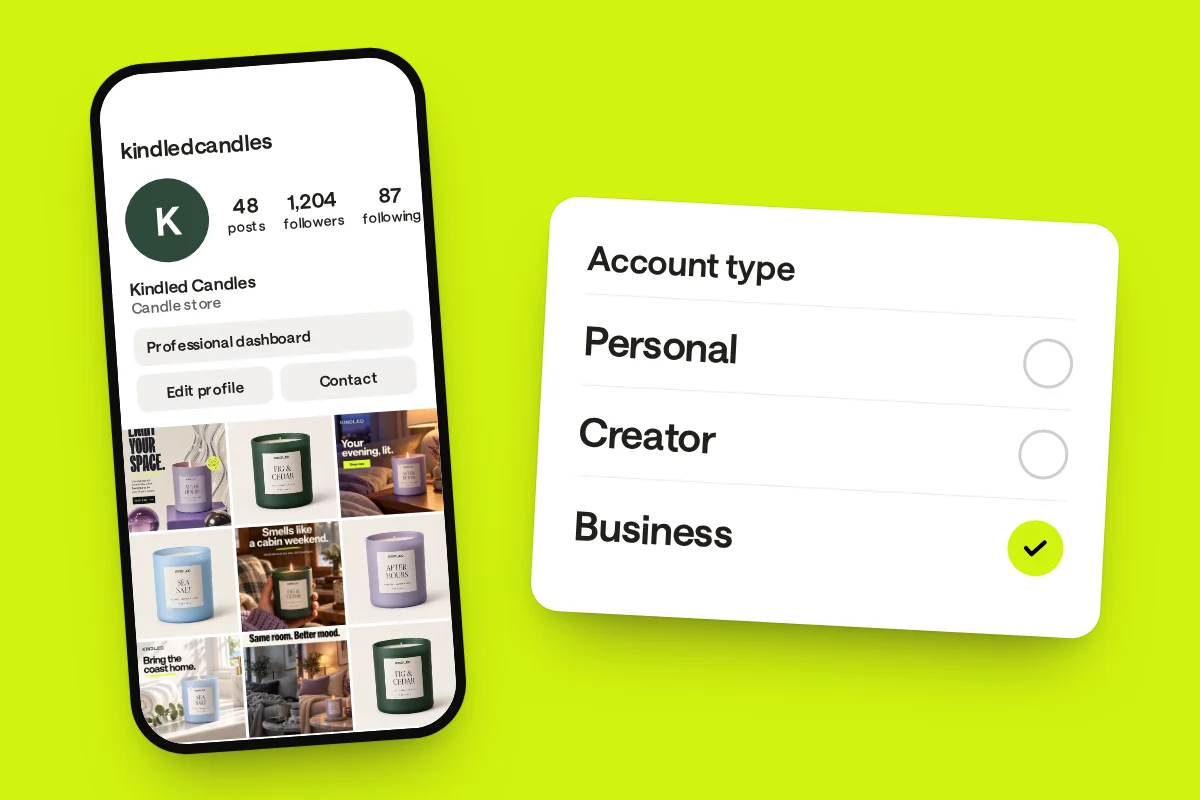
Instagram has two kinds of professional account. Meta says business accounts are best for retailers, local businesses, brands, organizations and service providers, and creator accounts suit public figures, content producers, artists and influencers.
If you sell a product or a service, pick Business. Both kinds get the professional dashboard and can run ads. Business is the type Meta describes for shops and service providers.
The category you choose during setup is separate. It does not decide whether you get a business or creator account. You can change your account type later at any time.
How to switch to a business account in the app
These steps come from Meta's professional account setup page:
- Tap Profile or your profile picture in the bottom right.
- Tap More to open Settings and activity.
- Below For professionals, tap Account type and tools.
- Tap Switch to professional account.
- Pick the category that best describes what you do.
- Tap Switch to professional account.
- Choose Business, then tap Next.
Then finish the setup screens:
- Add your business contact details and tap Next, or tap Don't use my contact info to skip.
- Tap Login to Facebook to connect a Page, or tap Skip for now.
- To show or hide your category and contact info, go to Edit profile and open Profile display below Public business information.
One catch: if your personal account is private, switching makes it public, and all pending follow requests are accepted automatically.
How to switch on instagram.com
You can do the same from a browser:
- Click More, then Settings.
- Below For professionals, select Account type and tools.
- Click Switch to professional account.
- Choose Business and click Next.
- Select your category and click Done, then confirm with Continue.
- Add contact details and click Save, or select Don't use my contact info.
How to link your Instagram account to a Facebook Page
Linking is optional. Meta says it makes it easier to share posts to Facebook and to use connected tools such as ads and shopping. Our guide to Facebook and Instagram shops covers the shopping side. It also gives you shared insights across both accounts.
Before you start, check two things from Meta's connect or disconnect page:
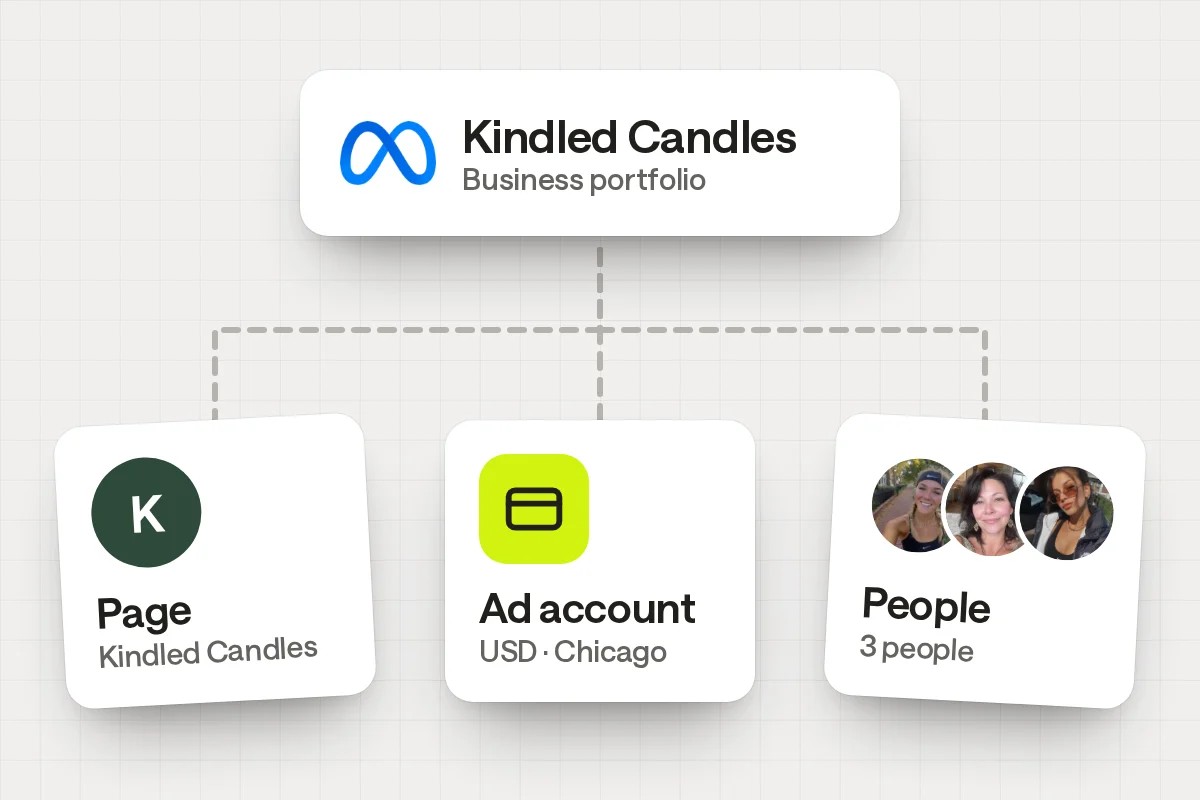
- The Instagram account must be in the same business portfolio as the Page.
- An Instagram account can only sit in one business portfolio at a time.
To connect from the Instagram app:
- Go to your profile and tap Edit profile.
- Scroll to Public business information.
- Tap Page, then Connect or create, then Continue.
- Tap Login to Facebook, then Continue to confirm the Facebook account.
- Choose your Page and tap Connect, or tap Create a new Facebook Page.
Once linked, anyone with access to the Page or the Instagram account can manage both. Keep that in mind before you give a helper access to either one. If you don't have a Page yet, follow how to create a Facebook business page first.
What a business account gives you
Meta lists these tools for professional accounts:
- Insights. Who your followers are, when they're online, and how each post performed.
- Contact button. It sits near the top of your profile and can hold directions, a phone number and an email address.
- Category label. Shown under your profile picture. It matches your linked Facebook Page's category.
- Ads. Run ads from the Instagram account, or use Meta tools to create ads for both Instagram and Facebook.
- A sorted inbox. Messages split into Primary, General and Requests folders.
The professional dashboard puts this in one place. It shows a summary of the last 30 days, and an Ad tools area where you create and review ads.
Example: a made-up dog treat brand called Biscuit Barn would add its shop email to the Contact button, then check Insights after a week to see which posts got the most reach. For a verified badge, see Meta Verified for business, a paid subscription.
What happens if you switch back to personal
You can switch back whenever you want. Go to Account type and tools, then Account type, then Switch account type, and tap Switch to personal account and Switch to personal to confirm.
Meta says you lose access to some Meta business tools, such as Meta Business Suite and Ads Manager. Any Facebook Page linked to the account is disconnected. If you run ads, stay on a business account.
Next steps: running ads with your Instagram account
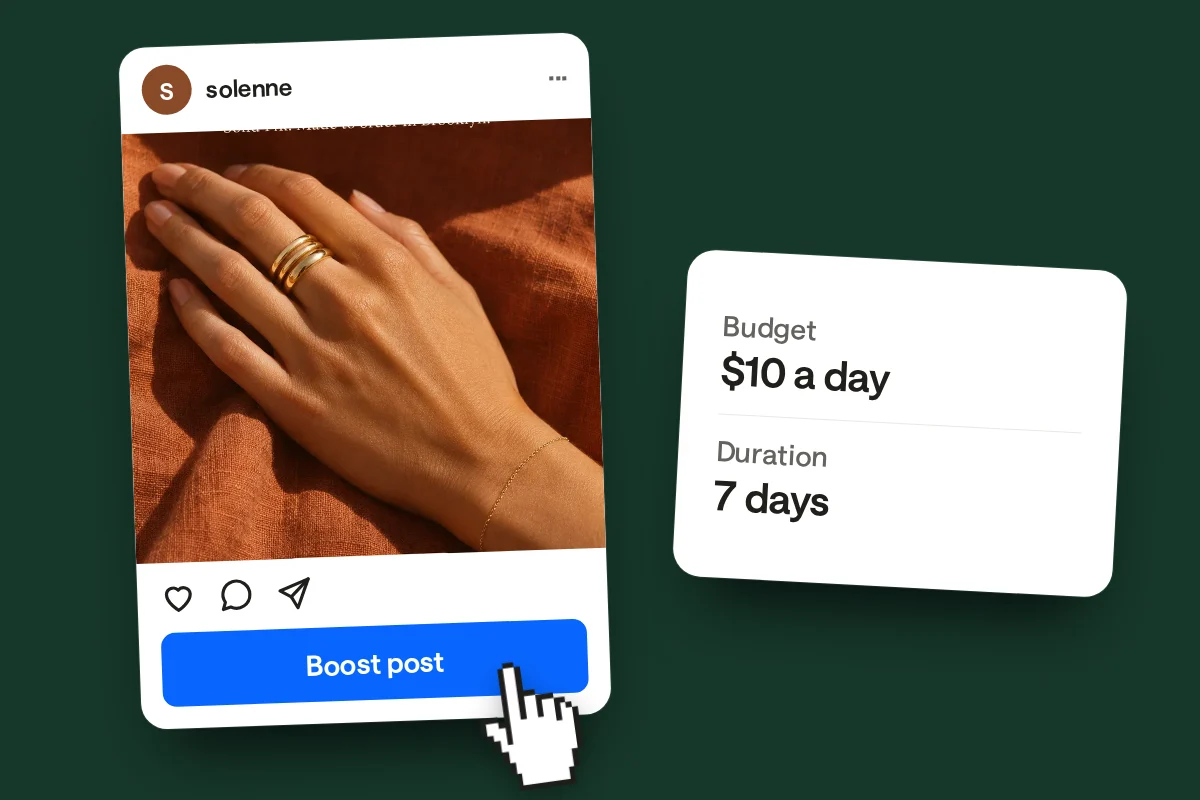
With the account switched and linked, you can start advertising. Our guide to running Instagram ads walks through a full campaign, and boosting an Instagram post covers the quicker in-app route.
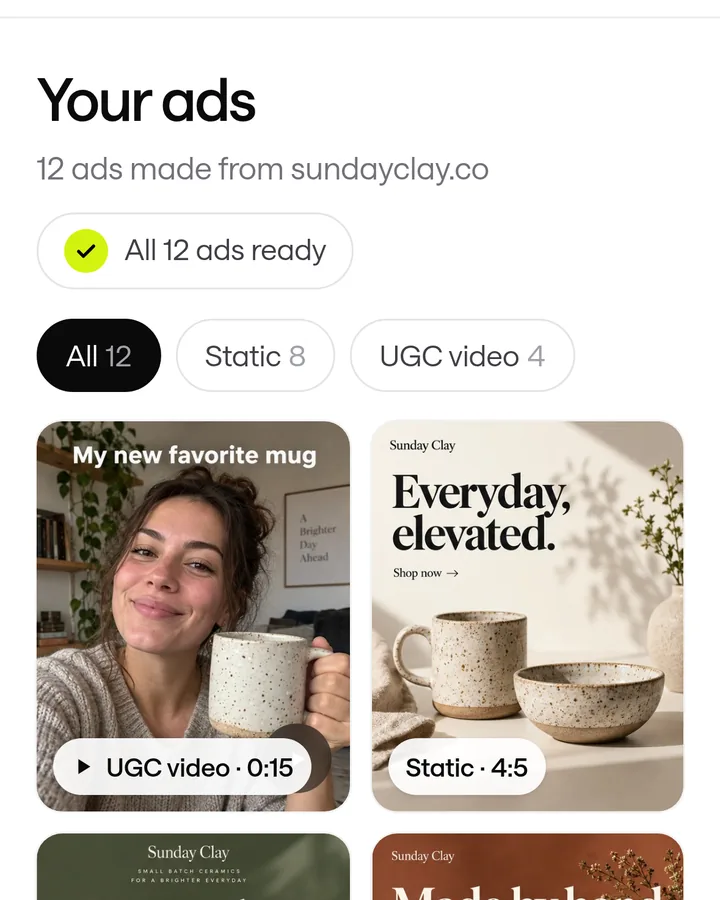
ScaleShot lists connecting a professional Instagram account as an optional step, for when you want your ads to show your Instagram handle. Our Ads Agent makes image ads and video ads of 4 to 10 seconds. With a connected Meta account it can launch campaigns and check results, and it always asks before it changes anything.
Instagram business account questions
How do I change a creator account to a business account?
Go to Account type and tools, tap Account type, then Switch account type, choose Business and tap Switch.
Can a business account be private?
No. Instagram's help center says professional accounts can't be set to private.
Do I lose my followers or posts when I switch?
Meta's setup page lists no loss of posts or followers. The changes it lists are that a private account becomes public and pending follow requests are accepted.
Can I link my Instagram account to more than one Facebook Page?
No. Once you link a Page, you can share Instagram posts to Facebook only through that Page. To move to another Page, tap Page under Public business information, tap Disconnect Page, then connect the new one.
Do I need a Facebook Page to have a business account?
No. The Page step is optional and you can tap Skip. Meta does recommend linking one to get the most out of Instagram's business tools.
ScaleShot TeamWe build ScaleShot, an AI ad tool for small businesses on Facebook and Instagram. How we make our guides
Sources
- Set up a professional Instagram account to access business or creator tools and controls, Meta Business Help Center
- About Business and Creator Accounts on Instagram, Meta Business Help Center
- Connect or disconnect your professional Instagram account and a Facebook Page, Meta Business Help Center
- About Instagram dashboards, Instagram Help Center
- How to switch an Instagram professional account to personal, Instagram Help Center
- About professional accounts on Instagram, Instagram Help Center