How to run Facebook ads for a local business
Draw a radius around your shop or service area, pick the goal that matches how customers reach you, and lead with an offer for people nearby. Meta's Leads goal covers messages, phone calls and signups. Keep the budget small at first and make sure your Facebook Page looks open and active.

Step 1: Set your area with a radius
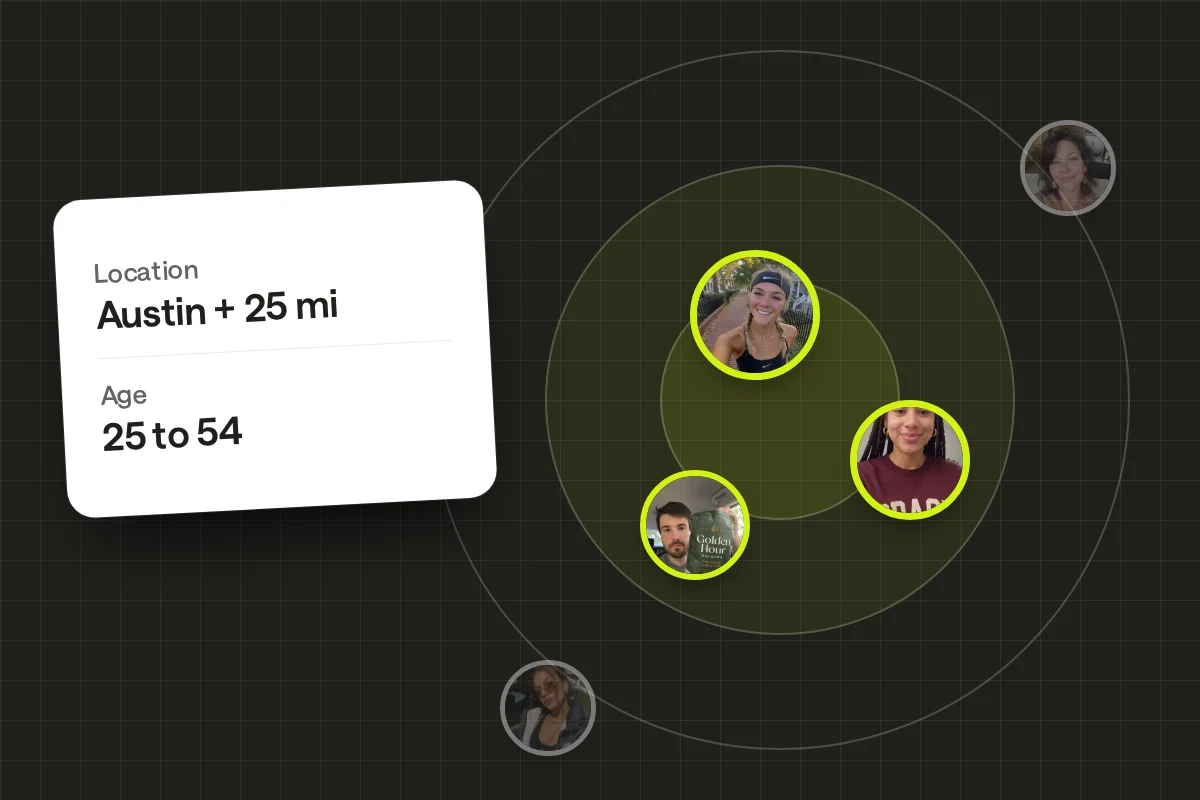
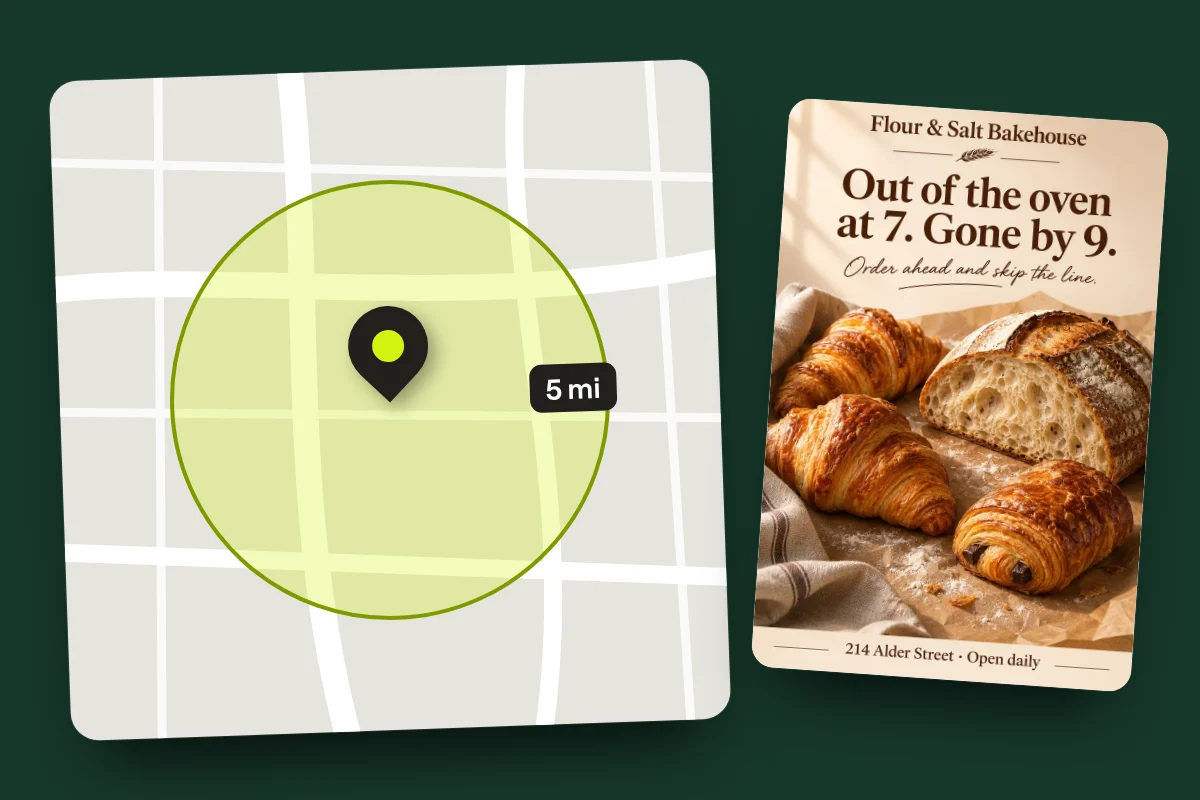
Put a pin on your address and set the radius to how far you will travel or how far customers will drive. Meta's location help page gives the click path:
- In Ads Manager, click Create, or edit an existing ad.
- Go to the ad set level and open Audience.
- Select Locations and type your city, or use Drop pin to place a pin on your address.
- Click the location and drag the slider to change the radius. For a city, you can also choose Current city only.
- Finish the ad and click Publish.
Meta picks a default radius when you add a city or drop a pin, and the minimum and maximum depend on the location type. Radius is not available for ZIP codes, states, regions or countries, where the whole area is used.
Examples:
- A plumber drops a pin on the shop and sets a radius that covers the towns the van reaches in 30 minutes.
- A salon picks its city and Current city only.
- A cafe drops a pin on the front door with the smallest radius Meta allows, since most customers walk in.
Step 2: Pick the goal that matches how customers reach you
Match the goal to the action you want a person to take. Meta's guide to choosing an ad objective describes these:
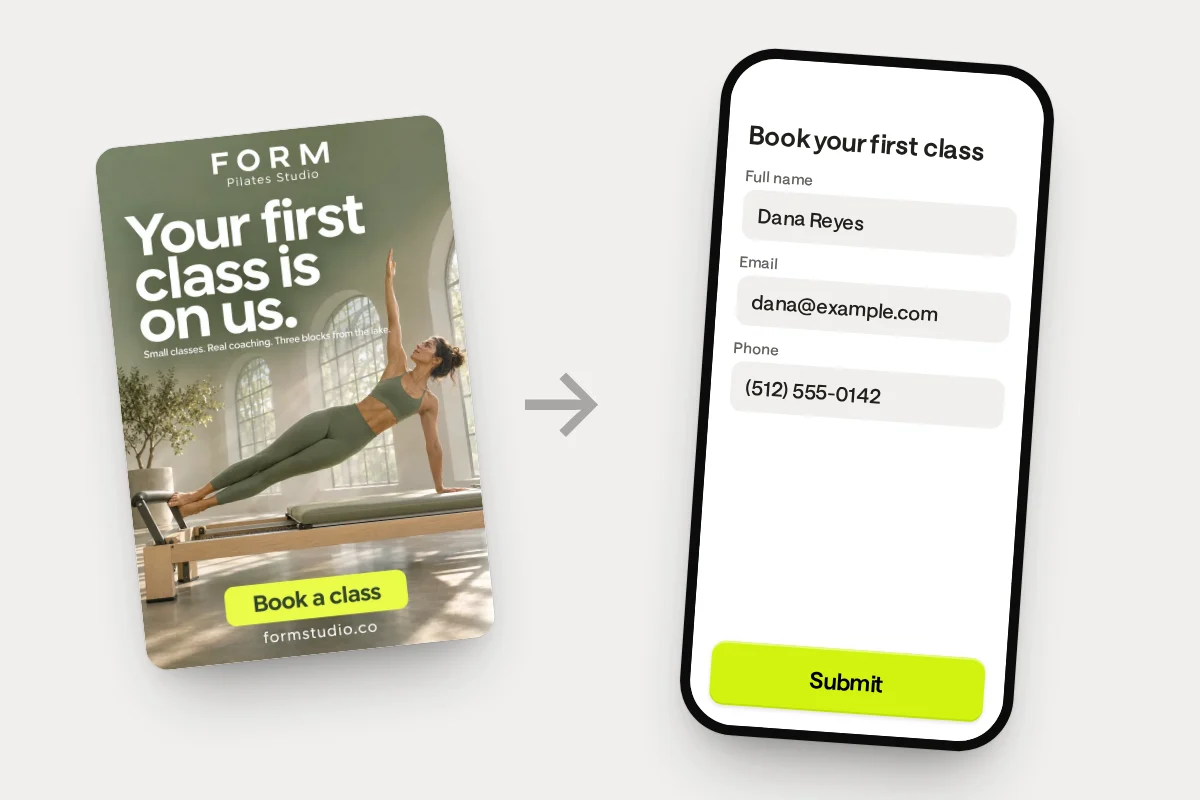
- Leads collects leads through messages, phone calls or signups. Best for a plumber or any business that quotes jobs.
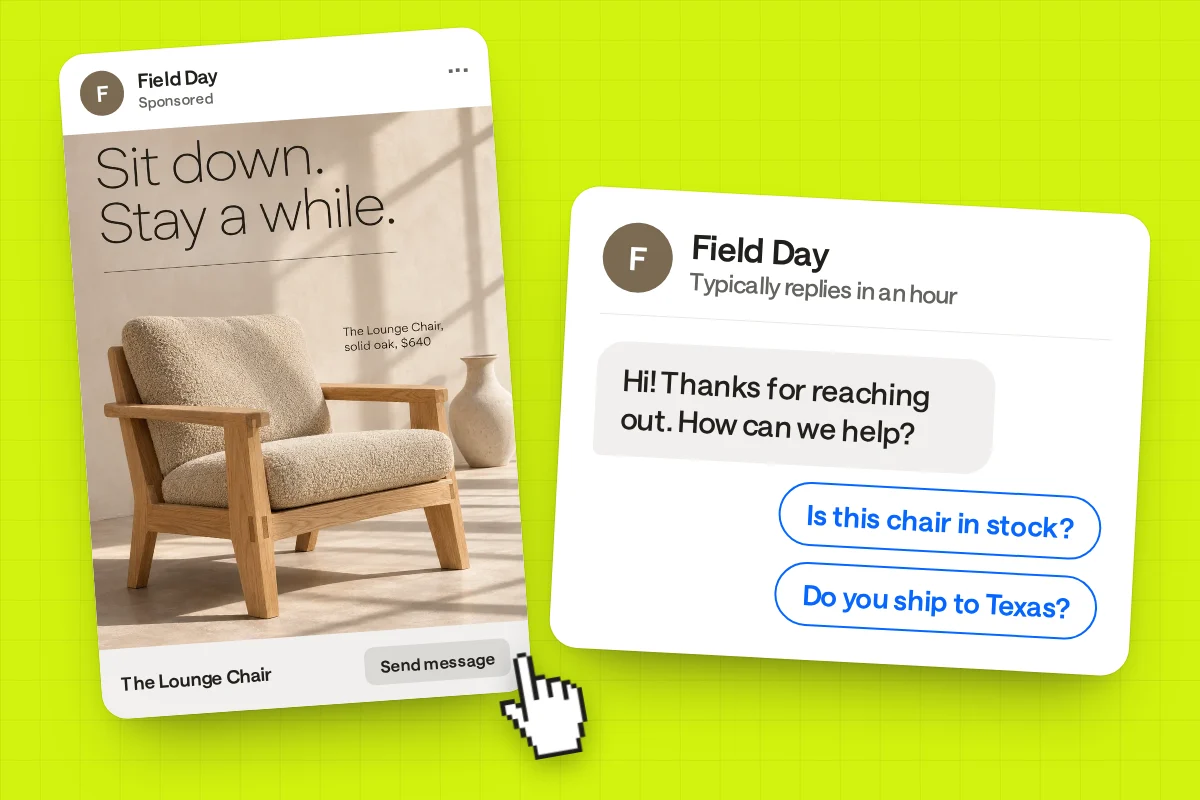
- Engagement finds people likely to engage with your business, including starting a conversation in Messenger. Good for a salon that books by chat.
- Traffic sends people to your website, like a menu or booking page.
- Awareness reaches people most likely to remember your ad. Its Store locations features only work for Facebook Pages with store locations set up.
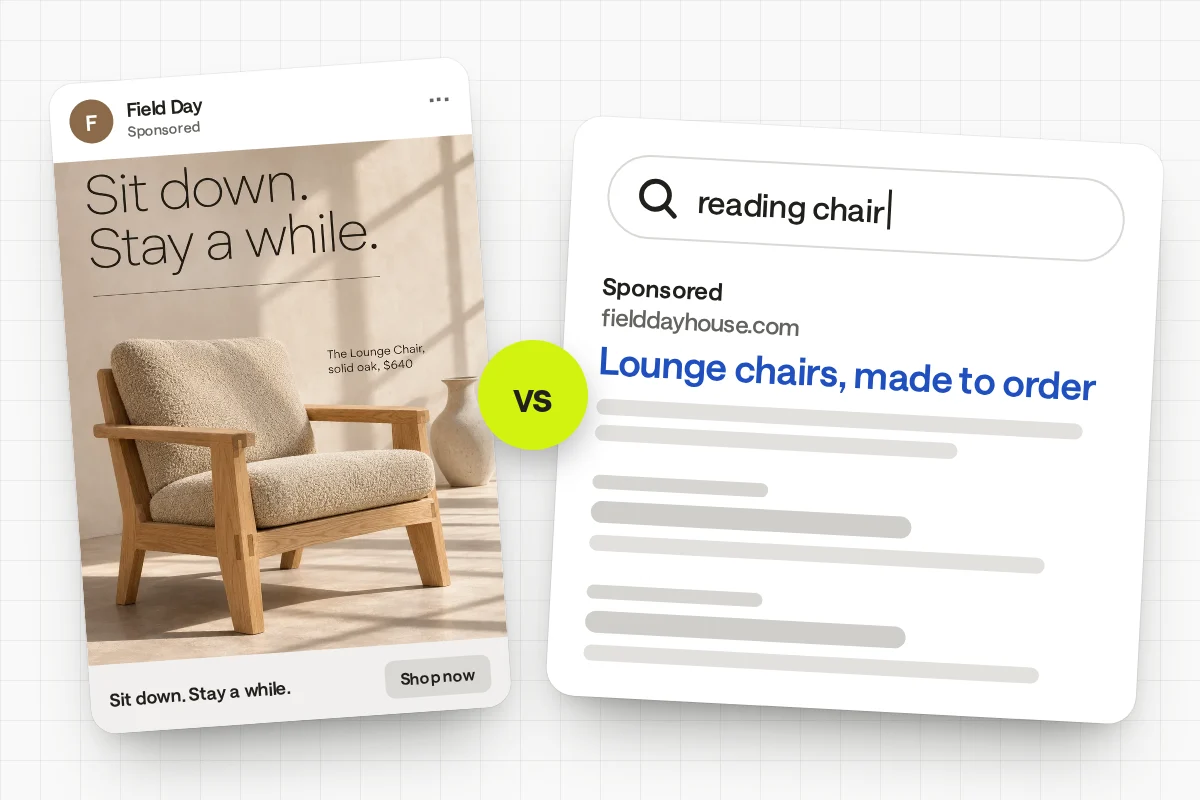
For phone calls, Meta's developer docs add two rules: the audience must be 18 or older, and the phone number must be from the same country as the audience. Pick hours when someone can answer. More detail in our guides to lead ads and Messenger ads. If people find you by searching, compare Facebook ads vs Google ads first.
Step 3: Lead with an offer people nearby care about
Give people a reason to act this week and show them you are close by. Name the town in the headline and use a photo they would recognize.
Examples:
- Plumber: a flat-price drain clearing, with a photo of the van parked on a local street.
- Salon: a first-visit price on weekday mornings, shown with a real client's before and after.
- Cafe: a free pastry with any coffee before 9 a.m., with a shot of the counter.
Keep the offer easy to claim. "Mention this ad" or "show this ad at the counter" works for walk-in businesses. For wording, our ad copy guide has templates.
Step 4: Budget for a small area
Start at an amount you can leave running for at least a week, then judge it by cost per lead or message.
WordStream's 2025 benchmark, based on 726 US lead campaigns that ran between April 2024 and June 2025, puts the average cost per lead at $27.66 across industries. Its industry averages vary widely:
- Home and home improvement: $41.26 per lead.
- Beauty and personal care: $51.42 per lead.
- Personal services: $30.57 per lead.
These are averages from other accounts. Yours will differ.
Worked example
Example: a plumber spends $15 a day, or $105 a week. At the home improvement average, that buys about two or three leads a week. Meta says an ad set usually leaves the learning phase after about 50 results in a week, which a small local budget will not reach. Accept a slower read, keep one ad set, and judge it over a month. Our budget guide explains the trade-offs.
Step 5: Get your Facebook Page ready before you spend
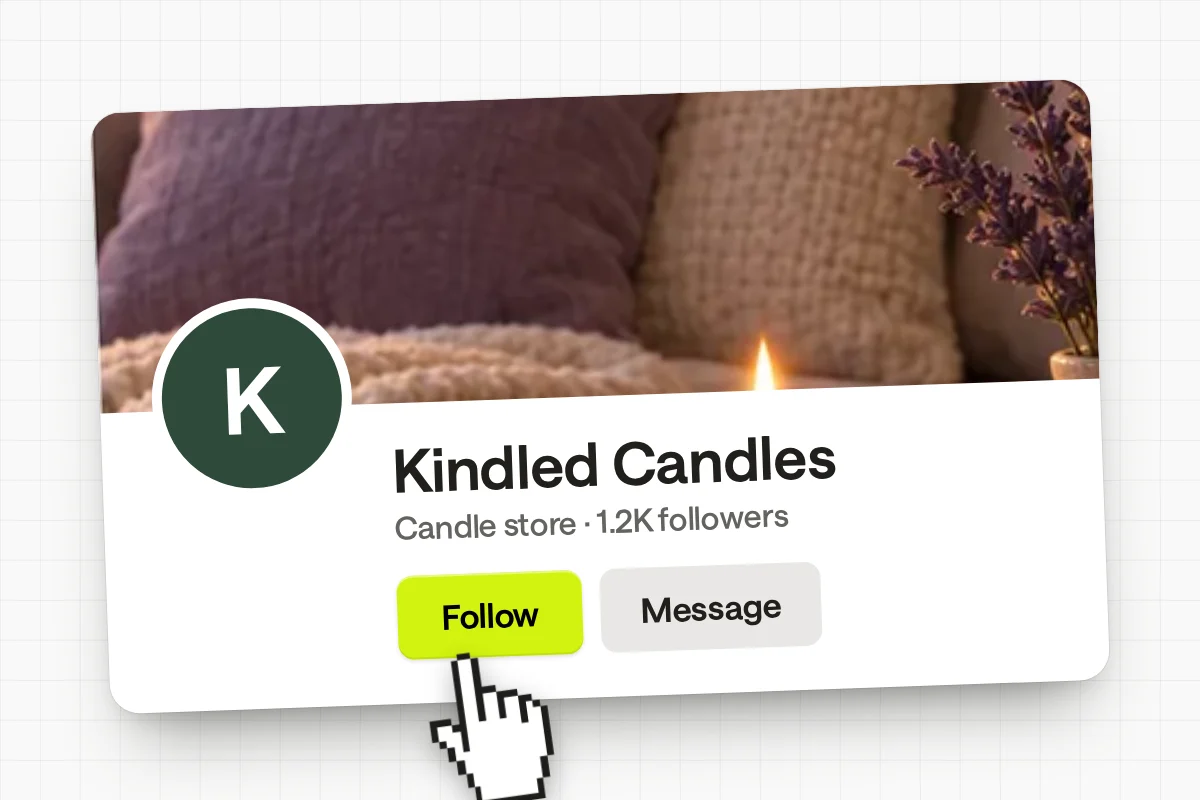
Some people will tap through to your Page before they call. Check these first:
- Hours, address, phone number and service area are filled in and correct.
- The last post is recent, with photos of real jobs, haircuts or plates.
- Messages are switched on and someone checks them daily.
- Happy customers have left recommendations. Ask regulars in person or in a follow-up text.
If you are setting up from scratch, start with our guide to the Facebook business Page.
Where ScaleShot fits
ScaleShot can often pull your brand details from your website, and its Ads Agent chat makes image and video ads for your business. Finished images and videos can be downloaded from the Library, ready to add to the radius campaign you set up in Ads Manager in Step 1.
Local Facebook ads questions
Why are people outside my area seeing my ad?
Location targeting includes people who live in the area and people who recently visited or often visit it. A pin near a highway or tourist spot will reach some visitors.
Can I target ZIP codes instead of a radius?
Yes. Meta lets you add up to 50,000 ZIP or post codes, but the radius slider does not apply to them.
Do Facebook ads work for restaurants?
Results vary by account. For reference, WordStream's 2025 benchmark lists an average cost per click of $0.74 for restaurants and food lead campaigns.
Can a realtor or local employer use radius targeting?
Possibly not. Meta says ads about housing, employment or financial products and services have limited or unavailable audience options.
Should I boost posts or use Ads Manager?
Boosting is fine for a quick event or a popular post. For a Leads goal and full control of the ad set, build the ad in Ads Manager. Our comparison of boosting versus Ads Manager walks through the differences.
ScaleShot TeamWe build ScaleShot, an AI ad tool for small businesses on Facebook and Instagram. How we make our guides
Sources
- How to choose locations for your ad, Meta Business Help Center
- How to choose the right ad objective in Meta Ads Manager, Meta Business Help Center
- Call Ads, Meta for Developers
- Facebook Ads Benchmarks 2025, WordStream
- About the learning phase, Meta Business Help Center