How to run click-to-message ads on Messenger, Instagram and WhatsApp
A click-to-message ad opens a chat with your business instead of a website. In Ads Manager, pick the Engagement or Sales objective, set the conversion location to messaging apps, choose Messenger, Instagram or WhatsApp, and write a short greeting. They suit services and custom orders where people want to ask before buying.

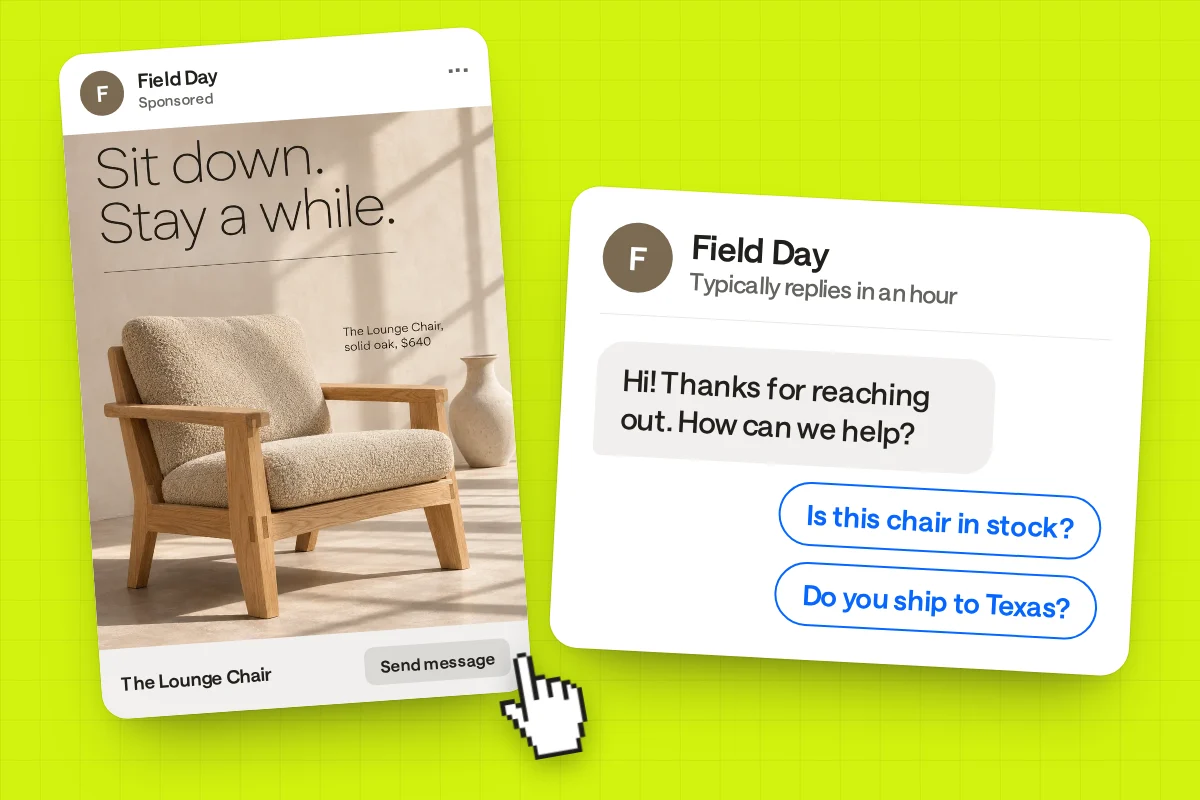
What click-to-message ads are
Meta's developer docs describe ads that click to Messenger as ads that send people "directly into conversations with your business in Messenger". WhatsApp's version works the same way: ads on Facebook and Instagram that open a chat with your business on WhatsApp. Instagram has its own version that opens a chat in Instagram Direct.
The ad itself looks like any other image or video ad. The difference is the button. A tap starts a conversation where a website ad would open a page.
You can also let Meta choose. Meta says you can create ads that "pick the destination the user is most likely to respond from", so one ad can send each person to the app where they are most likely to reply.
Which businesses they suit
Message ads work best when a customer needs to ask something before paying. Hootsuite's 2026 guide says that for smaller businesses promoting local products or services, Messenger ads "can help start the conversation". Some made-up examples:
- A plumber. "Send us a photo of the leak for a quote." A chat gets the job details in one message.
- A custom cake baker. Every order needs a date, size and flavor, which is a conversation anyway.
- A dog groomer. People want to know the price for their breed and the next open slot.
- A furniture maker taking custom orders. Buyers ask about wood, size and lead time.
A store selling a $15 candle with a clear product page has less to discuss, so a website ad fits it better. For lead forms that skip the chat, see our guide to Facebook lead ads.
How to set up a click-to-message ad
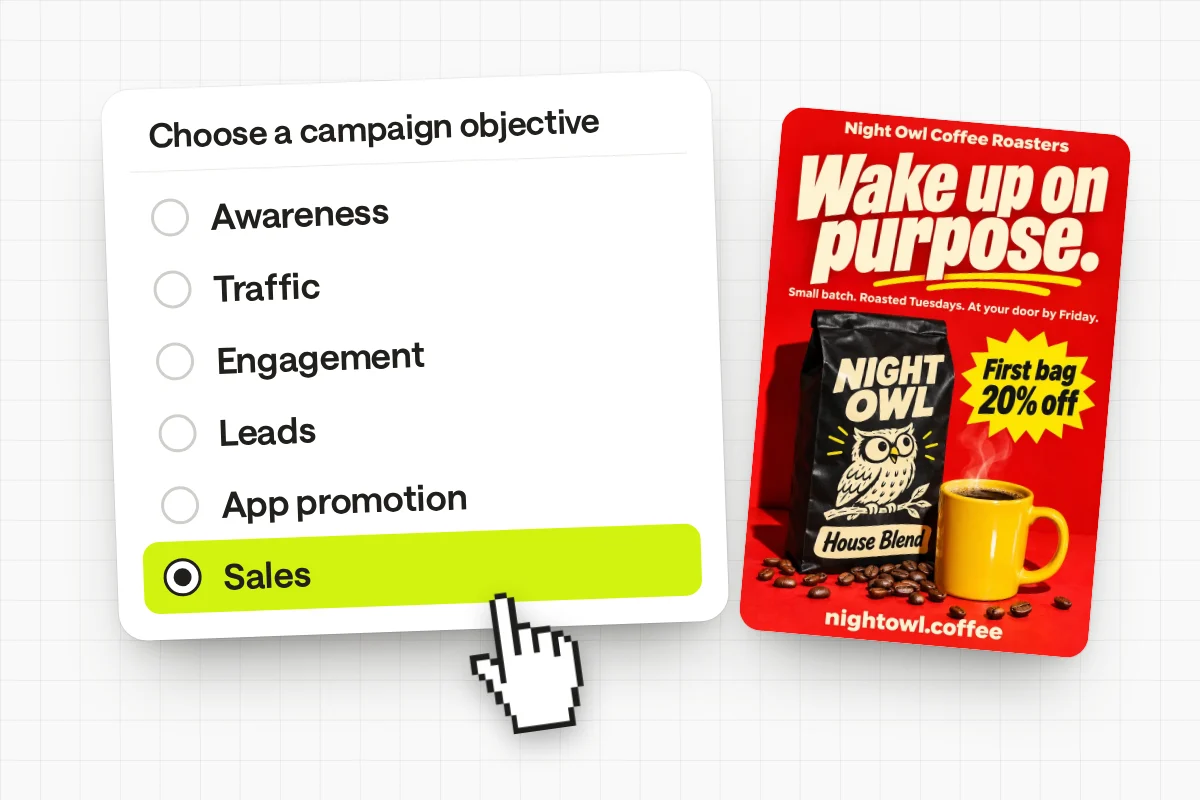
Meta retired the old Messages objective. Per Meta's objective guide, Messages campaigns now map to Engagement with the conversion location set to Messaging apps, or to Sales with the conversion location set to Messenger or WhatsApp, and Traffic and Leads have message options too. Pick Engagement to get conversations and Sales when the chat should end in a purchase.
- In Ads Manager, click Create and choose Engagement or Sales.
- At the ad set, set the conversion location to messaging apps. Meta says the message destination and the conversion location are the same thing here.
- Under Message destinations, pick the apps you answer on.
- Set your audience, budget and schedule as for any ad. Our Facebook ad targeting guide covers the audience step.
- At the ad, add your image or video and text. You don't enter a website, because the chat is the destination.
- Write the greeting and questions people see when the chat opens (next section), then publish.
Connecting WhatsApp
WhatsApp shows up only once it is linked to your Facebook Page. Meta's Page and WhatsApp help page gives the path: open your Page, click Settings, then under Permissions click Linked accounts, then WhatsApp. Enter your WhatsApp Business number, click Send WhatsApp code and confirm the code. You can also connect it from the ad set by clicking Connect account next to WhatsApp under Message destinations.
Write the welcome message and questions
If you leave the greeting alone, people see Meta's default text: "Hello! Can I get more info on this?". That works, though a custom one tells people what to send.
Meta lets you add questions people can tap, called icebreakers. Meta's developer docs cap icebreaker titles at 80 characters and the message text at 300. Three or four questions that match what people ask you on the phone are plenty.
For a made-up mobile dog groomer:
- Greeting: "Hi! Tell us your dog's breed and your zip code and we'll send a price and the next open slot."
- Questions: "How much for my dog?" "Do you come to my area?" "When is your next opening?"
Each question should lead to an answer you can give in one reply.
Answer fast, or the ad money is wasted
Every tap on the ad is a person waiting in your inbox. Set up automatic replies so nobody sees silence. Meta Business Suite's Inbox offers these for Facebook Pages, Instagram and WhatsApp:
- Instant reply sends a greeting when someone messages you for the first time.
- Away message answers when you're unavailable.
- Frequently asked questions suggests questions and replies with set answers.
Custom keyword replies go out after 15 minutes unless you reply first, and they are desktop-only for now. If you turn on Meta Business Agent, Meta's AI that replies for you, your existing automations pause.
A person still has to close the sale, so run message ads during hours someone can answer, and turn notifications on in the Meta Business Suite app.
Making the ad creative in ScaleShot
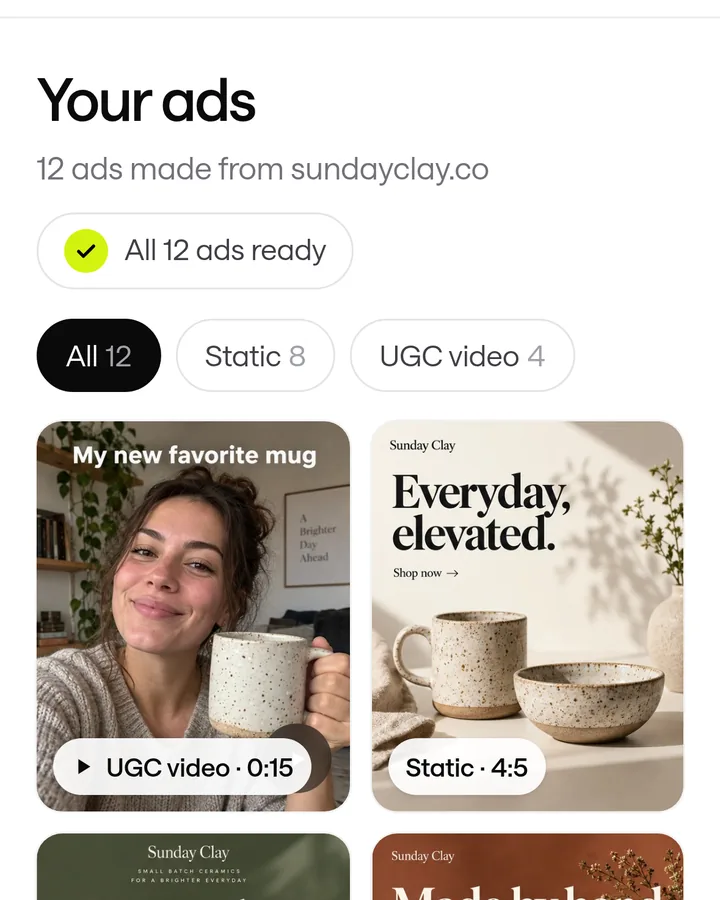
ScaleShot's campaigns use the Sales, Leads or Visitors goals and send people to a landing page you enter. To run a message ad, build the campaign in Ads Manager as above and bring the creative from ScaleShot: make the image or short video there, then download it from the Library. Upload it at step 5.
Click-to-message ad questions
Which objective should I use for Messenger ads?
Meta maps the old Messages campaigns to Engagement with a Messaging apps conversion location, or to Sales with Messenger or WhatsApp.
Do I need a WhatsApp Business account for click-to-WhatsApp ads?
Meta's linking steps ask for a WhatsApp Business phone number, which you verify with a code sent through WhatsApp.
Can one ad send people to Messenger, Instagram and WhatsApp?
Yes. Meta's docs say you can create ads that pick the destination each person is most likely to respond from.
What do people see when they tap the ad?
A chat with your business and a greeting. Meta's default is "Hello! Can I get more info on this?" unless you write your own.
Who are Messenger ads best for?
Hootsuite's 2026 guide points to smaller businesses promoting local products or services. Services with custom quotes fit well.
ScaleShot TeamWe build ScaleShot, an AI ad tool for small businesses on Facebook and Instagram. How we make our guides
Sources
- How to choose the right ad objective in Meta Ads Manager, Meta Business Help Center
- Ads that click to Messenger, Meta for Developers
- How to connect or disconnect your Page and WhatsApp, Meta Business Help Center
- About ad destinations, Meta Business Help Center
- About Automated Responses in Meta Business Suite Inbox, Meta Business Help Center
- How to advertise on Facebook in 2026: A complete guide, Hootsuite
- Ads that click to WhatsApp, WhatsApp Business