How to create Facebook lead ads, step by step
A Facebook lead ad opens a form inside Facebook or Instagram, so people can ask for a quote or booking without leaving the app. You build it in Ads Manager with the Leads objective and an instant form. Meta recommends adding a link to your privacy policy, and you download the leads or send them to a CRM.

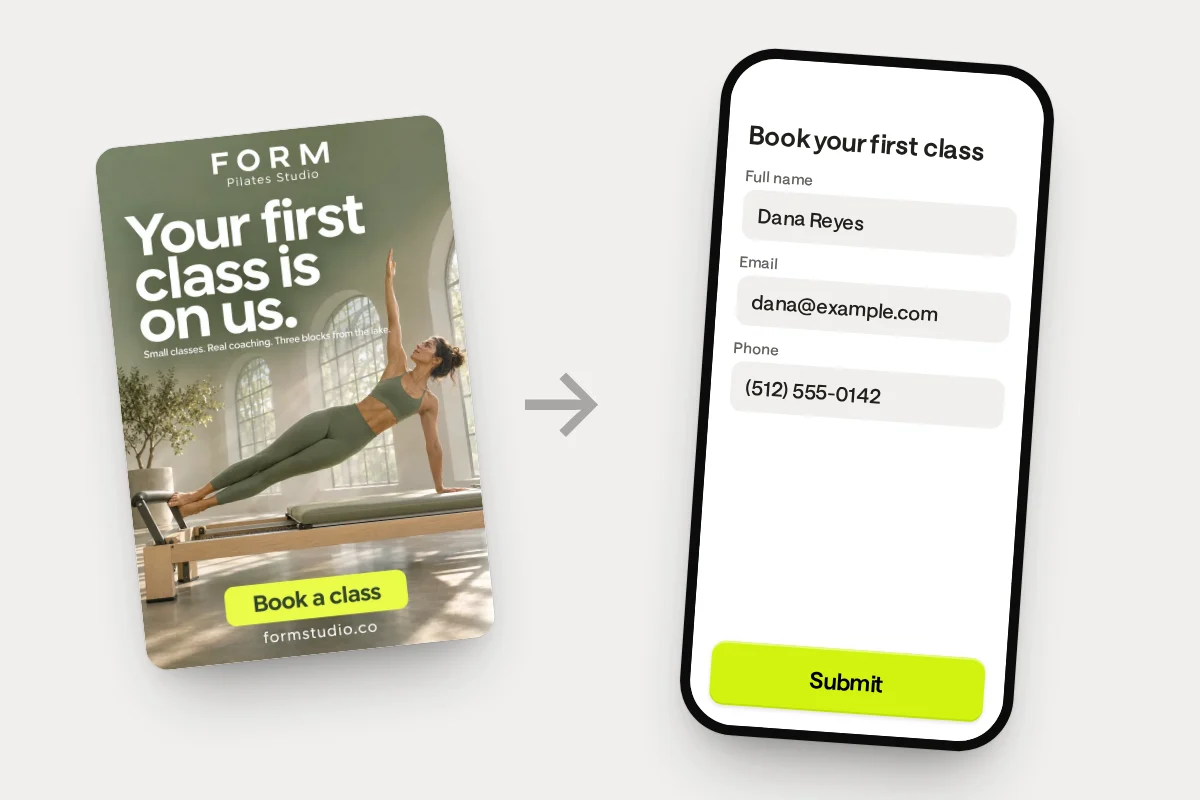
What a lead ad and an instant form are
An instant form collects contact details through a lead ad without sending people to your website, as Jon Loomer's guide to instant forms explains. Meta's developer docs say the form uses information people already shared with Facebook, so name, email and phone often arrive filled in.
That suits service businesses. A plumber, a salon or a gym rarely needs a website visit to start a conversation. They need a name, a number and what the person wants.
If you would rather send people to a booking page on your own site, use a regular campaign instead. Our guide on how to run Facebook ads covers that.
What you need before you start
- A Facebook Page and an ad account with a payment method.
- A privacy policy page on your website. Meta lists the link as optional but recommends that every lead ad advertiser have one. It must open a web page, since Meta won't accept a link straight to a PDF, an image or a download.
- An Instagram account if you want the ad to run on Instagram too.
- Someone ready to answer. Leads go cold fast, so plan who calls back before you spend money.
How to create a lead ad, step by step
- In Ads Manager, click + Create, choose Leads and click Continue. A notice says you are starting with an Advantage+ leads campaign; click OK.
- In the ad set's Conversion section, choose Instant forms as the conversion location.
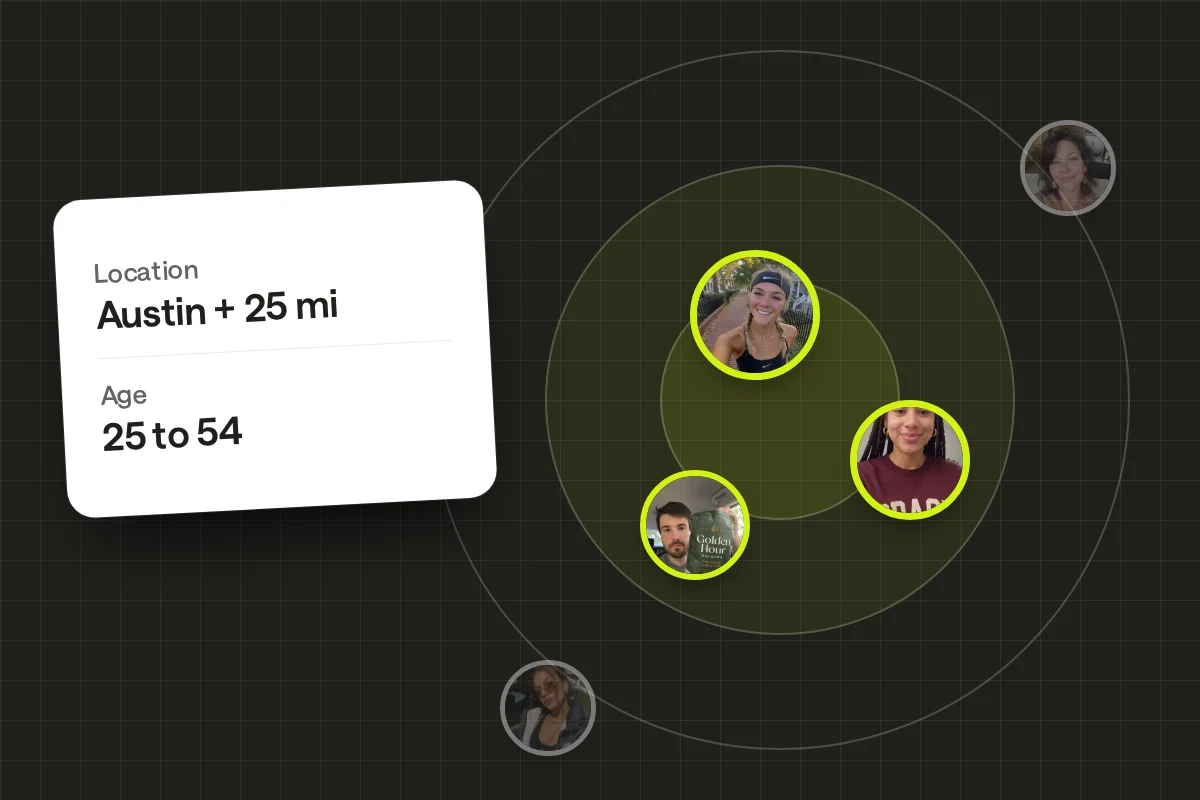
- Set your location, budget and schedule. For a local service, set the area you serve; our Facebook ad targeting guide shows where.
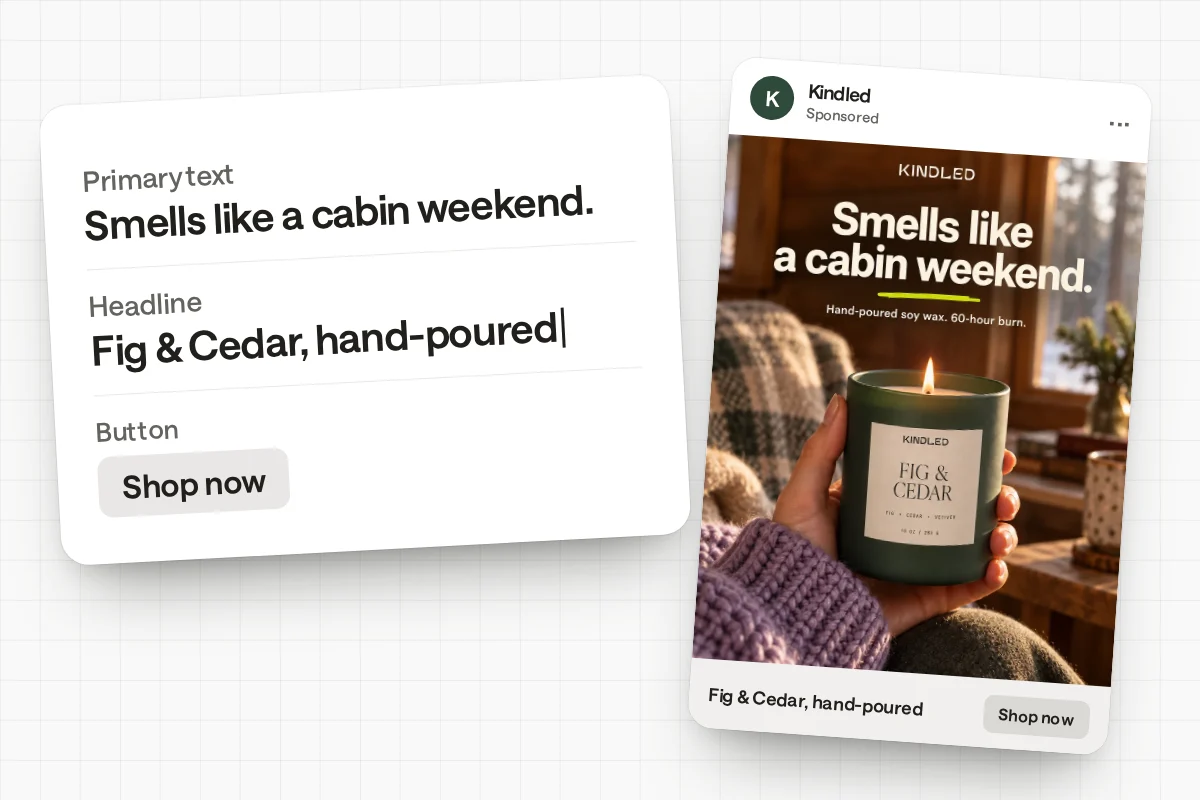
- In the ad, add your image or video, the main text, a headline and a button such as Get quote or Book now. Our guide to Facebook ad copy helps with the words.
- At the ad level, click Create form or pick an existing form.
- Pick the form type and click Next (more on this below).
- Fill in the intro, your questions, the privacy policy link and the Ending screen, which tells people what happens after they submit.
- Click Publish.
Example (made up): Bright Smile Salon runs a lead ad with the headline "Book your first cut, $20 off" and a three-question form.
More volume or higher intent?
Meta offers three form types.
- More volume is the default, a form that is quick to fill out and submit on a phone.
- Higher intent adds a review step where people confirm their details before sending.
- Rich creative adds an intro with your images and product details, and shows only in the Facebook app on mobile.
Pick higher intent when every lead costs you time, such as a plumber who drives out to quote. Pick more volume for a gym class signup or a salon offer, where a quick text back is cheap.
What questions to ask
Ask as little as you need to call someone back. Every extra field is a reason to quit.
The form gives you prefilled questions, such as email and phone, filled in from the person's account, plus up to 15 custom questions. Custom types are multiple choice, short answer, conditional and appointment request.
Good sets for service businesses:
- Plumber: phone, zip code, and a multiple choice question for the job (leak, clog, water heater, other).
- Salon: name, phone, and preferred day.
- Gym: name, phone, and a multiple choice question for the goal.
Multiple choice beats short answer for qualifying, because people tap instead of type. Loomer notes multiple choice limits answers to the options you set.
Where your leads go and how to get them
Leads land in Meta, and you have to collect them.
- Download a CSV from Ads Manager, from the Instant forms page in Meta Business Suite, or from Leads Center.
- Connect a CRM. Meta's lead download help page covers Leads Center and CRM options. Business Suite can link a Zapier-supported CRM and map form fields to it. Many CRMs offer real-time lead syncing.
Do not leave leads sitting there. Meta only keeps lead information available for 90 days. A CSV from Leads Center shows at most 10,000 leads.
How fast to follow up
Call or text within the hour. A 2011 Harvard Business Review article, The Short Life of Online Sales Leads, audited 2,241 US companies and found only 37% answered a web lead within an hour, as quoted by SmartCompany. A separate study in the same article, of 1.25 million leads, found firms that tried to reach a lead within an hour were nearly seven times as likely to qualify it as firms that waited even an hour longer.
Turn on phone notifications for new leads, or connect a CRM that texts you.

Lead ads and ScaleShot
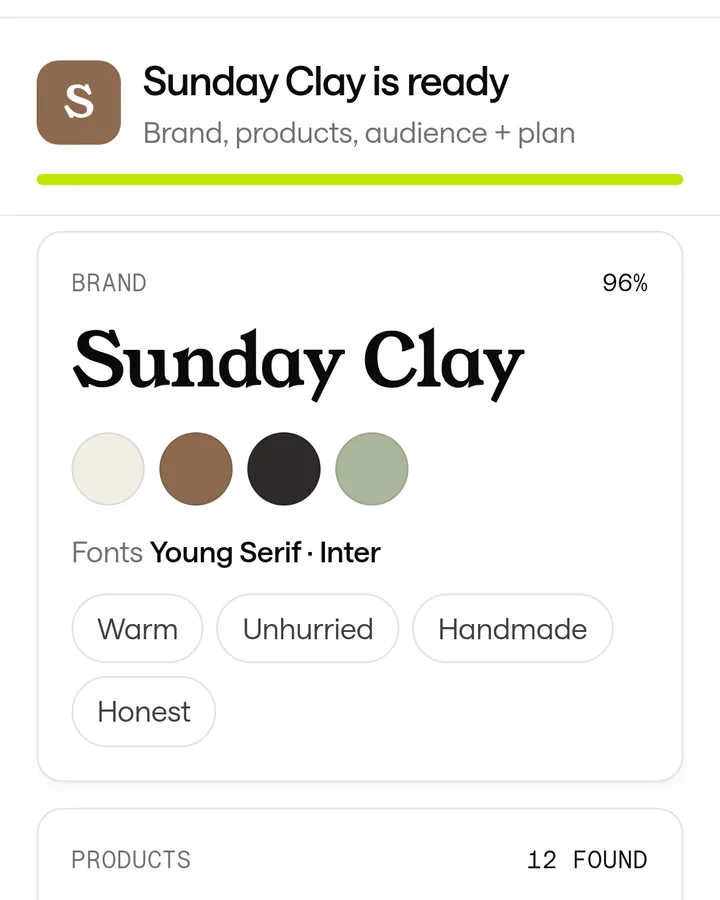
ScaleShot's Leads goal sends people to a landing page on your website and needs a pixel installed there. Build instant forms in Ads Manager as described above. ScaleShot can make the image ad or 4 to 10-second video for either kind of lead ad, and its Ads Agent can check results on campaigns you launch through it.
Common Facebook lead ads questions
Are Facebook lead ads free?
The form is free to build. You pay Meta for the ad delivery, like any other ad. See how much Facebook ads cost.
Do I need a website for lead ads?
No. People fill out the form inside Facebook or Instagram. Meta does recommend a privacy policy link, which usually lives on a website.
Can I verify phone numbers on a lead form?
Yes. In the form's Destination section you can require SMS verification, as long as phone number is a required field.
How do I get notified of new leads?
Connect a CRM or a Zapier-supported tool so leads arrive where you work. Otherwise check Leads Center daily and download them.
Why are my lead ads getting junk leads?
More volume forms are built for speed. Higher intent adds a review step, and SMS verification or a multiple choice qualifying question filters out casual taps.
ScaleShot TeamWe build ScaleShot, an AI ad tool for small businesses on Facebook and Instagram. How we make our guides
Sources
- A Guide to Instant Forms, Jon Loomer Digital
- Lead Ads, Meta for Developers
- How to create a lead ad using Meta Ads Manager, Meta Business Help Center
- Download or retrieve your leads data from Meta, Meta Business Help Center
- Connect your CRM system to Meta via Zapier to retrieve leads data, Meta Business Help Center
- Are you letting online leads go cold?, SmartCompany
- Retrieving Leads, Meta for Developers
- About privacy policies for lead ads, Meta Business Help Center
- Create a Lead Ad with Instant Form in Meta Ads Manager, Meta Business Help Center
- Recommendations and Requirements for Lead Ads With Instant Form, Meta Business Help Center
- The Short Life of Online Sales Leads, Harvard Business Review