How to set up Facebook retargeting ads
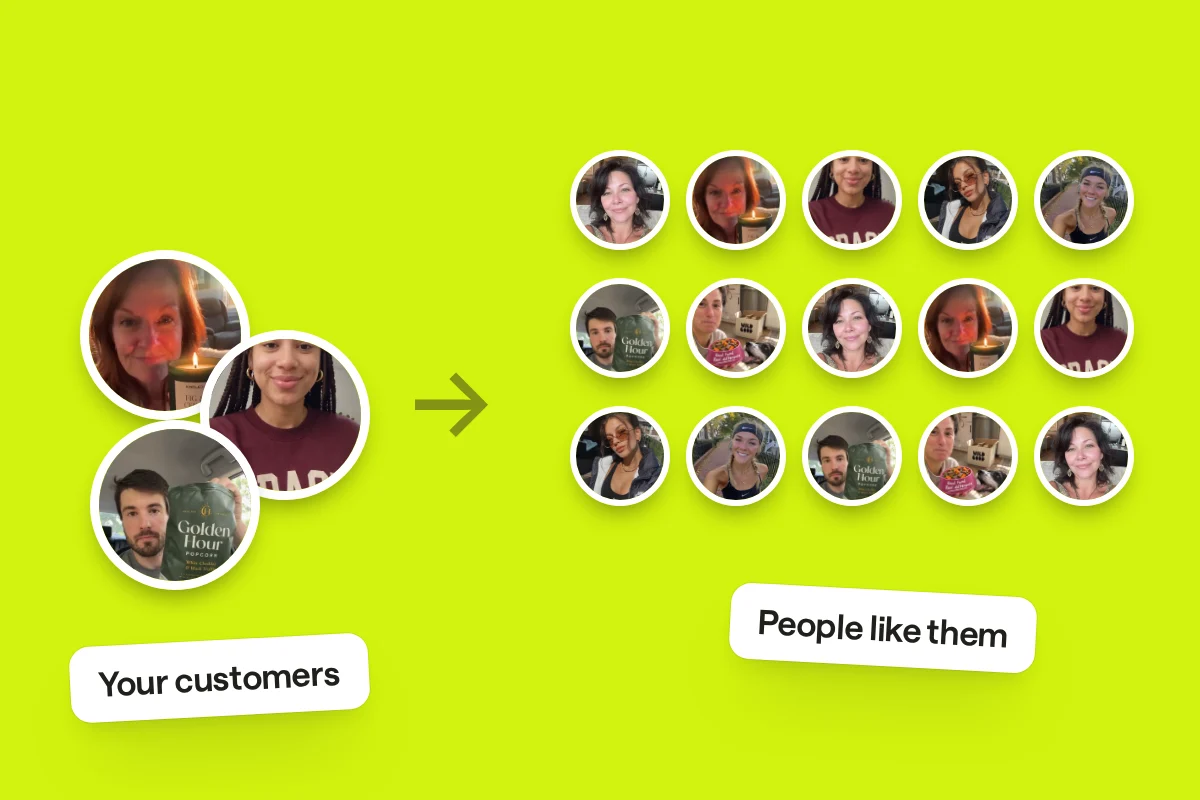
Retargeting shows ads to people who already visited your site, watched your videos or engaged with your Instagram. You build a custom audience in Ads Manager from your pixel or from Facebook and Instagram activity, then use it in an ad set. If a website audience is too small, Meta suggests waiting until it has several hundred people.

What retargeting is and what you need
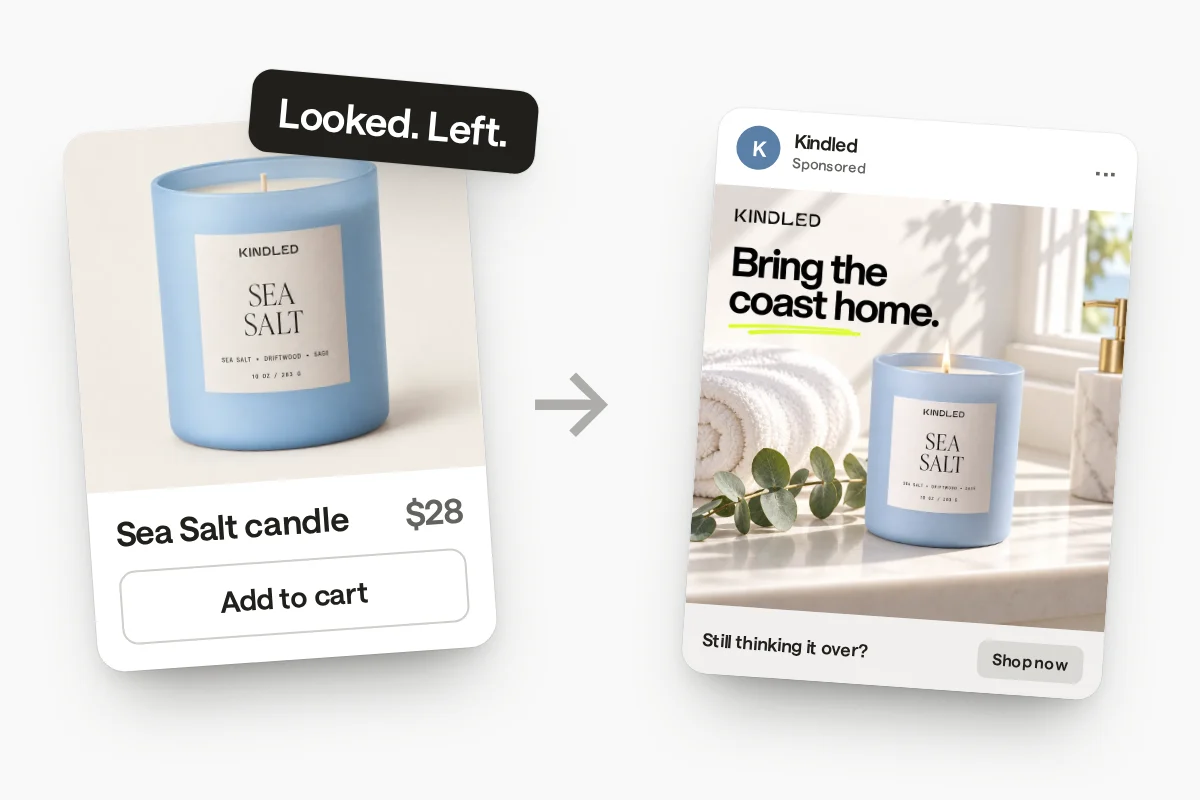
Retargeting means showing ads to warm people: anyone who has already met your brand. In Meta's tools these groups are called custom audiences.
What you need depends on where the activity happened.
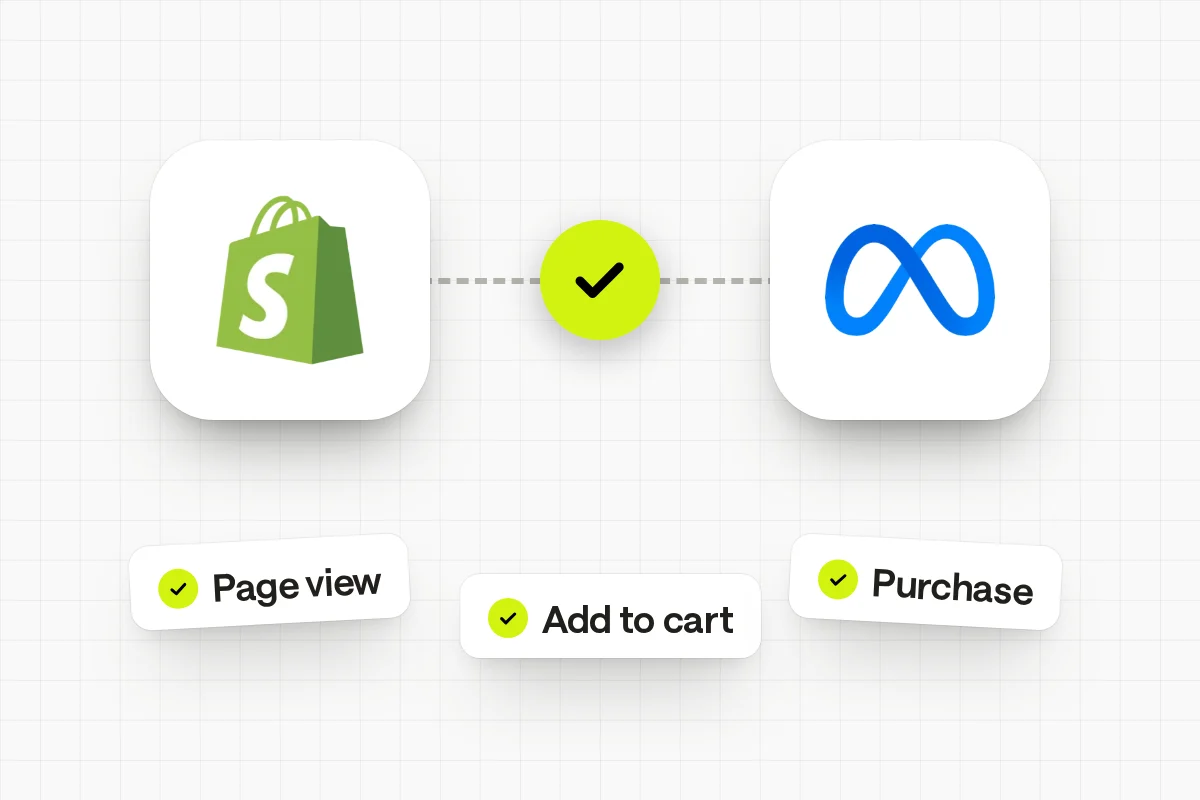
- Website visitors need the Meta Pixel, a snippet of code that reports site activity to Meta. Events Manager now stores it as a dataset (Connect data → Web). Meta also lets you build these audiences from events sent through Conversions API, its server-to-server connection. Shopify stores can follow our Facebook pixel guide for Shopify.
- Video viewers, Page fans and Instagram engagers come from activity on Facebook and Instagram, so no pixel is needed.
- Customers can be uploaded as a list of emails or phone numbers.
No pixel yet? Start with video viewers and Instagram engagers while you install it.
How to create a website visitor audience
Meta's website custom audience steps assume an active pixel with events set up.
- In Ads Manager, open Audiences.
- Click Create audience, then Custom audience.
- Choose Website and click Next.
- Select your pixel, then choose the type of visitors: all visitors, people who visited certain pages, or people who fired an event such as Add to cart.
- Under Audience retention, enter how many days to keep each person, then name the audience and click Create audience.
Past traffic counts too. By default the audience includes website activity recorded before you created it.
Example (made up): a dog treat shop builds two audiences. One is all visitors from the last 30 days. The other is people who added to cart in the last 14 days, minus anyone who purchased.
Retarget without a pixel: video viewers and Instagram engagers
These audiences work the day you post content, which makes them the easiest place to start.
Video viewers
- Go to Audiences, click Create audience, choose Custom audience, then Video.
- Pick an engagement level, from 3 seconds or more up to 95% of the video.
- Click Choose videos, select your Facebook or Instagram videos and confirm.
- Set the time window, name the audience and create it.
People who watched half your video are a warmer group than three-second scrollers, though the group is smaller.
Instagram and Facebook Page engagers
Choose Instagram account or Facebook Page as the source instead of Video, then pick which interactions to include. These audiences are built from activity on your profile or Page.
How to upload a customer list
A customer list lets you show ads to past buyers or exclude them. Meta accepts identifiers such as email addresses, phone numbers, names and locations. It compares hashed versions of your data with its own to find matching people.
- Export customers from your store or booking system as a CSV.
- In Audiences, choose Create audience → Custom audience → Customer list.
- Upload the file, map the columns and accept the Custom Audience terms if asked.
Changes to a list can take up to 24 hours to apply. More columns per person, such as email plus phone, tend to raise the match rate.
How long people stay in an audience, and how small is too small
Each audience type has its own maximum window.
- Website visitors: 1 to 180 days, per Meta's developer documentation. Since May 18, 2026, audiences built on the Purchase event can keep people for up to two years, according to a notice Meta showed in Ads Manager.
- Video viewers: 1 to 365 days.
- Instagram profile and Facebook Page engagers: up to 730 days in Meta's developer documentation.
- People who interacted with your lead forms: up to 90 days.
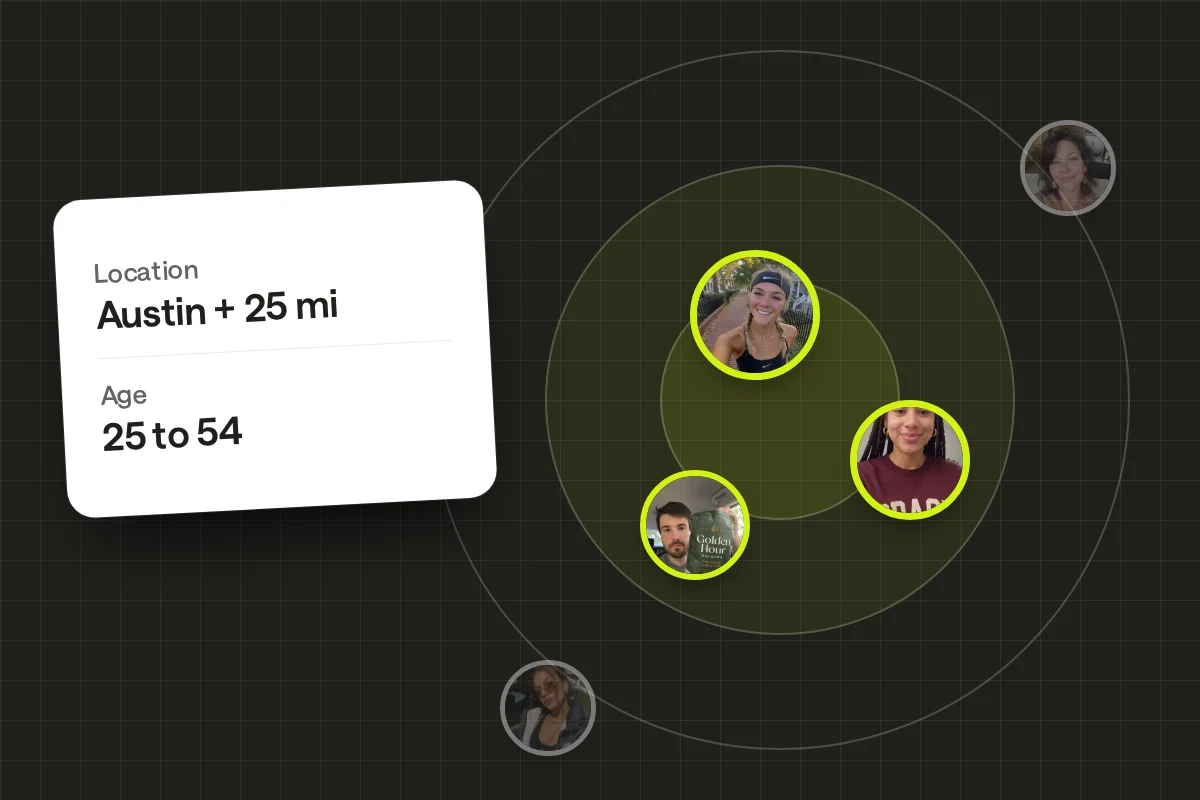
For size, Meta's help page on website audience size recommends waiting until you have several hundred people before you target the audience. If yours is too small, Meta suggests looser rules, such as all visitors instead of one page, or a longer time window.
A small shop usually does best with one or two broad warm audiences. Splitting 400 visitors into five audiences gives Meta too few people to work with in each.
How to use the audience in a campaign
Where you put the audience matters. Under Advantage+ audience, a custom audience in the main audience section is only a suggestion, so Meta can show the ad to strangers too. Meta's Advantage+ audience help page says Advantage+ audience isn't recommended for retargeting campaigns.
- Create a Sales or Leads campaign and open the ad set.
- Click Further limit the reach of your ads.
- Add your custom audience and uncheck the box that treats it as a suggestion.
- Exclude recent buyers if you are selling the same product again.
Keep a separate campaign for cold traffic; our guide to Facebook ad targeting covers that side. Your best buyers can also seed a lookalike audience.
What ad to show people who already know you
Warm people have seen the pitch. Give them a reason to come back now.
- The product they looked at, with the price in view.
- A customer review or a before-and-after, to settle doubts.
- An offer with an end date, if you run one.
- A short how-to video for products that need explaining.
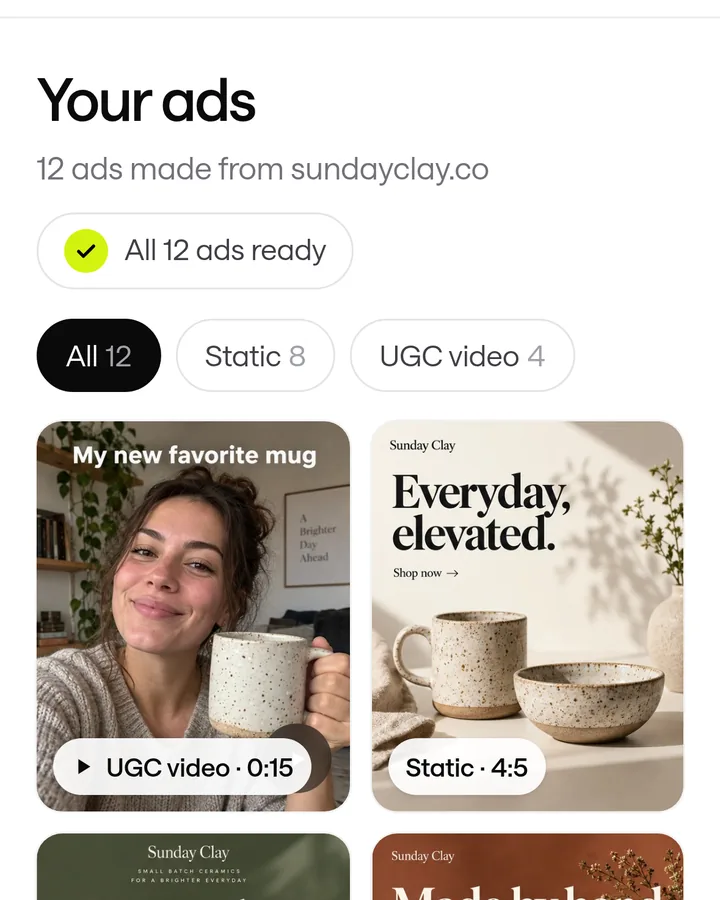
ScaleShot can make these. Its template library is labeled by funnel stage, with social proof and offer templates meant for warm and retargeting audiences. Video ads come in 4, 6, 8 or 10-second clips. ScaleShot's campaign builder targets by country, so build the retargeting audience itself in Ads Manager. For more ideas see these Facebook ad examples.
Common Facebook retargeting questions
Do I need a pixel for Facebook retargeting?
Only for website visitors. Video viewers, Page engagers and Instagram engagers come from activity on Meta's own apps.
How long can I retarget website visitors?
Up to 180 days for most website audiences, according to Meta's developer documentation. Audiences built on purchases can now keep buyers longer.
How soon can a new visitor see my retargeting ad?
Fast. Once someone matches the audience rules, Meta says they can be served an ad in a matter of minutes.
Can I retarget people who opened my lead form?
Yes. A lead form engagement audience keeps people for up to 90 days.
Can I retarget people who watched my Instagram Reels?
Yes. Build a video audience and pick Instagram videos as the source when you choose videos.
ScaleShot TeamWe build ScaleShot, an AI ad tool for small businesses on Facebook and Instagram. How we make our guides
Sources
- Website Custom Audiences, Meta for Developers
- Troubleshoot website custom audience size, Meta Business Help Center
- Create a Custom Audience from website events, Meta Business Help Center
- How to Create Facebook Video Engagement Custom Audiences, Jon Loomer Digital
- Engagement Custom Audiences, Meta for Developers
- Customer File Custom Audiences, Meta for Developers
- About Advantage+ audience, Meta Business Help Center
- When Your Targeting Inputs Are Only Suggestions, Jon Loomer Digital
- ChatGPT Ads Go Self-Serve, Purchase Retention Expands, and More, Jon Loomer Digital