How to set up a Facebook and Instagram shop
Open Commerce Manager, connect a product catalog, add your website's checkout URL and a shipping profile, then publish. Since September 2025, shoppers browse your shop on Facebook or Instagram and finish buying on your own website. Shopify stores can sync products through the Facebook and Instagram by Meta channel.

What a Facebook shop is in 2026
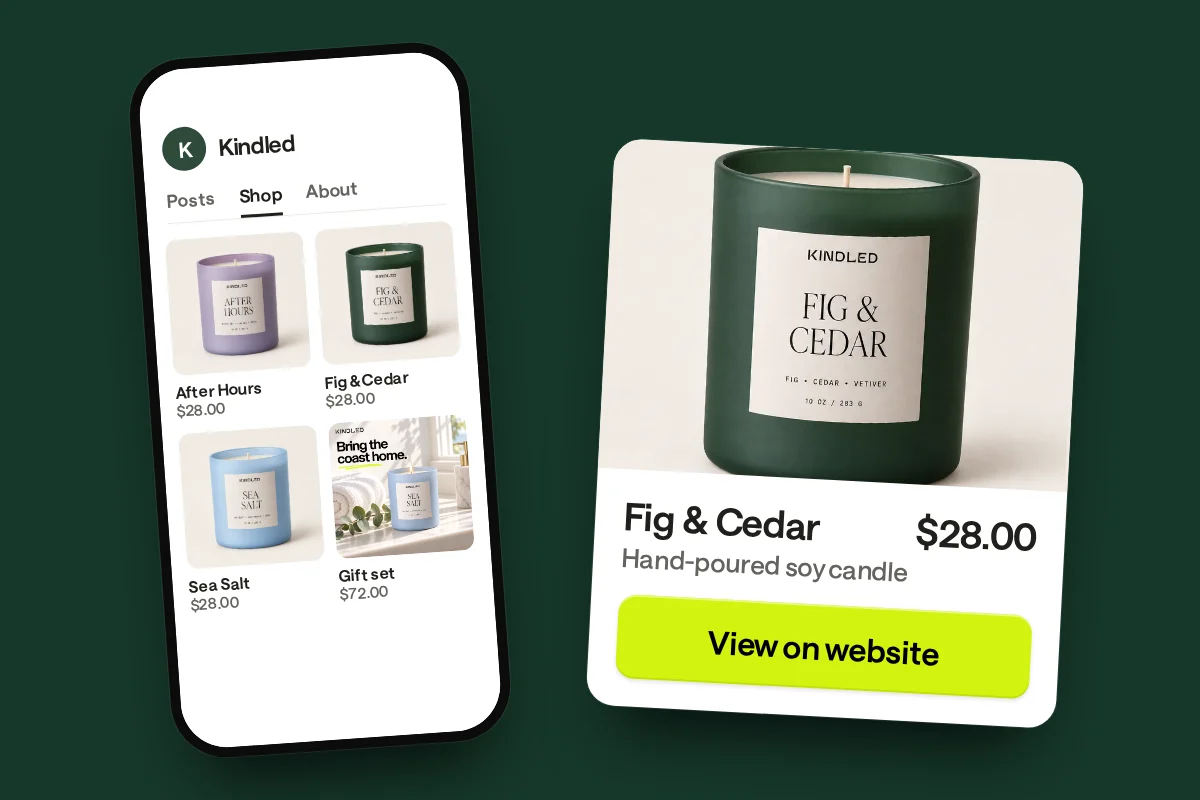
A shop is a storefront for your products that shows on your Facebook Page and Instagram profile. People can browse a home page, collections and product pages there.
The big change is checkout. Meta's changes to Shops and checkout page says that as of September 2025, shops use website checkout, so customers go to your own site to pay. Meta discontinued payment processing for shops. That also means:
- You handle returns on your own website or ecommerce platform.
- Meta no longer offers chargeback or dispute help for shop orders.
- You can still view a record of older orders in Commerce Manager, and ads reporting keeps Meta purchase data from before the change for up to 39 months.
If a 2024 guide tells you to turn on checkout on Facebook and Instagram, it is out of date.
What you need before you start
Meta's shop setup page lists what to have ready:
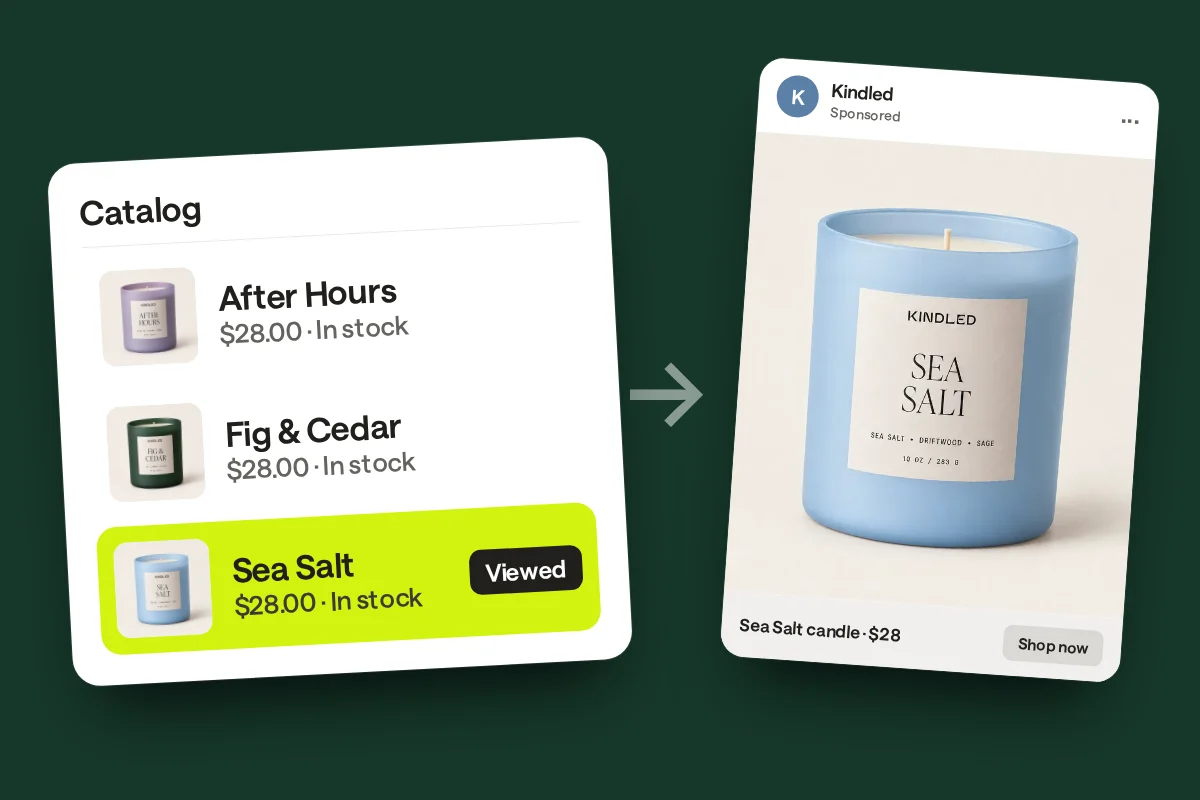
- A Facebook Page and a catalog. If you don't have them, you can create both during setup. A catalog is the list of products, prices and photos Meta reads from.
- Full control of the Page, the catalog and the business portfolio that manages them.
- An Instagram business account in that portfolio, if you want the shop on Instagram.
- A website with a checkout page, since the shop sends buyers there.
Your business must also meet Meta's commerce eligibility rules. The headings are: comply with Meta's policies, represent your business and your domain, be located in a supported country, demonstrate trustworthiness, and provide accurate information and follow best practices. Our guide to Facebook ad policies covers the rules side.
How to set up your shop in Commerce Manager
These steps follow Meta's setup page:
- Go to Commerce Manager. Once your commerce account exists, you'll see Set up your shop at the top.
- Create shop is often already done if you made the shop when creating the Commerce Manager account.
- Checking your shop info shows Not completed while Meta reviews your commerce account. The review can take up to 4 weeks.
- Optimize your catalog: click View details and finish the syncing tasks.
- Set up shipping profile: click Set up, choose where you ship, add at least one shipping speed, then click Save. Meta's standard option is 5 to 8 days including handling.
- Add checkout URL. Your shop can't be seen without it. This link takes buyers from the shop to checkout on your site.
- Optimize shop for optional extras, then click Publish shop.
Already had a shop before the checkout change? Meta recommends updating your existing shop rather than making a new one.
How to connect a Shopify catalog
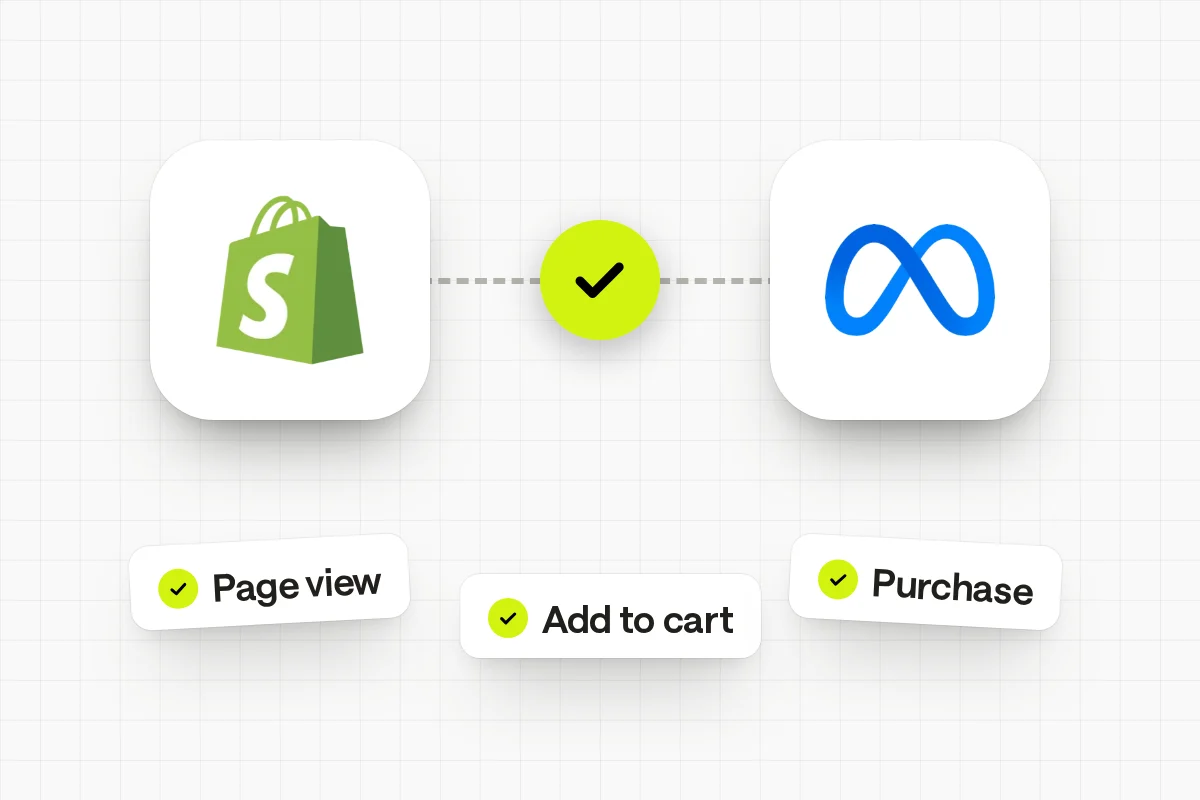
Shopify's sales channel for this is called Facebook and Instagram by Meta. It is free on all Shopify plans, subject to store eligibility, and syncs your products to a catalog on Facebook and Instagram. Steps from Shopify's setup guide:
- In Shopify admin, go to Settings > Sales channels.
- Click Shopify App Store, search for Facebook, and click Add channel or Add app.
- Click Start set up on the feature you want first, then Connect account.
- Sign in to Facebook and connect the assets it asks for, such as your Page and business portfolio.
- Accept the terms and click Finish setup.
One snag catches people: the business portfolio you pick must own the Facebook Page during onboarding. Shopify also says that for orders placed from August 26, 2025, you collect and file the sales tax, since Meta stopped acting as the marketplace tax facilitator.
On another platform, look in its help center for a Meta integration that syncs your catalog.
How to tag products in Instagram posts
Product tags turn a post into a way to shop. Meta's tagging steps:
- Tap Create and choose Post.
- Pick a photo or video, add a caption, then tap Next.
- Tap More options, then Tag products, and tap the items in the photo.
- Search for each product, select it, and tap Done.
- Tap Share.
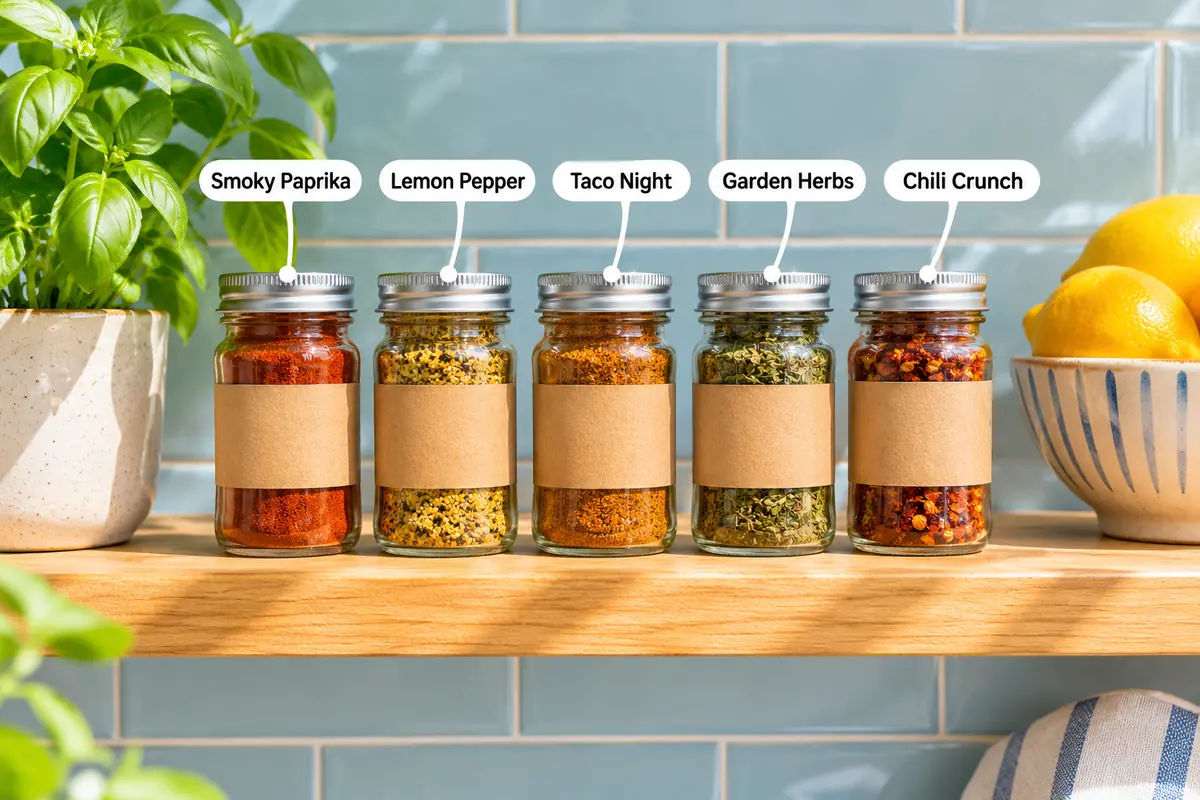
You can tag up to 20 products in a photo post, and a carousel shares 20 tags across all its slides. An example: a candle shop posting a shelf photo could tag the five scents on the shelf, each linked to its product page.
How shops relate to your ads
You don't need a shop to run Facebook ads. You do need one for Shops ads, which send people either to your shop or your website, whichever Meta expects to convert better.
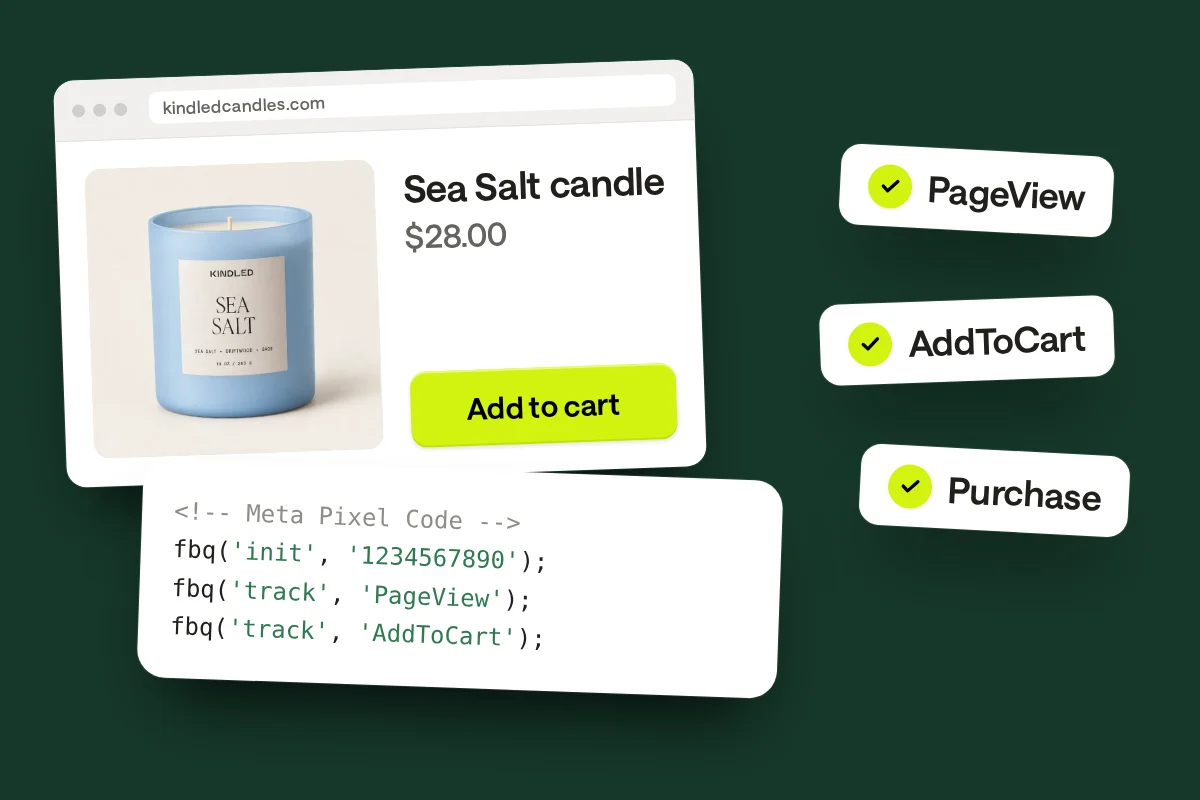
For Shops ads, Meta dropped the Website and shop conversion location. Choose Website, and turn on Shops under Personalized destinations if you still want Meta to send some people to your shop. That puts your Meta pixel at the center, because the sale now happens on your site. Shopify users can follow our pixel setup for Shopify. The catalog you build for your shop can also power dynamic product ads.
ScaleShot starts from the same place your shop does: your website or store link, which it reads to learn your brand. For Sales or Leads campaigns it needs a Meta Pixel on your site, and it launches the ads on Facebook and Instagram from your own Meta ad account.
Facebook shop questions
Can customers still check out on Facebook or Instagram?
No. Since September 2025, shops send customers to your website to finish the purchase.
How long does Facebook shop approval take?
Meta says its review of your commerce account can take up to 4 weeks.
Why can't I see my Facebook Page when connecting Shopify?
The business portfolio you select must own the Page during onboarding. Move the Page into that portfolio, then try again.
Does a Facebook shop cost money?
Shopify's channel is free on all Shopify plans, subject to store eligibility. Any ads you run are billed separately by Meta.
Why is my shop not visible?
Check that you added a checkout URL, since Meta requires it for the shop to be visible. A hidden shop also stays hidden when its checkout method is updated.
ScaleShot TeamWe build ScaleShot, an AI ad tool for small businesses on Facebook and Instagram. How we make our guides
Sources
- About Shops on Facebook and Instagram, Meta Business Help Center
- About Changes to Shops and Checkout on Facebook and Instagram, Meta Business Help Center
- Set up a shop on Facebook and Instagram, Meta Business Help Center
- Commerce Eligibility Requirements, Meta Business Help Center
- Facebook and Instagram by Meta, Shopify Help Center
- Setting up Facebook and Instagram by Meta, Shopify Help Center
- Add Shopping Tags to Instagram Posts, Meta Business Help Center
- Facebook Shop, Shopify Help Center