How to set up the Meta pixel on your website
Create the pixel in Meta Events Manager, add it to your site through your website builder's Meta integration, then confirm it fires with the Test events tool. In Events Manager you click Connect data, choose Web and name the pixel. WordPress, Wix and Squarespace each have an official route that needs no code.

What the Meta pixel does, and why Meta calls it a dataset
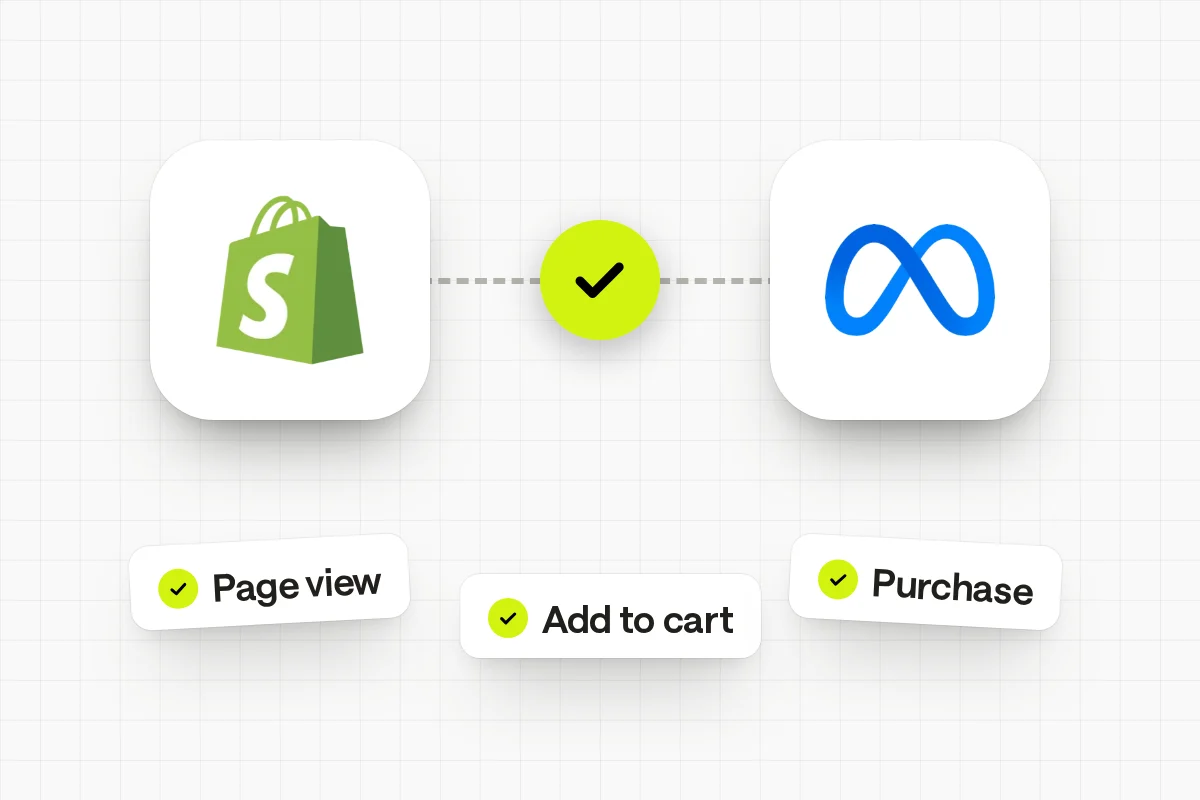
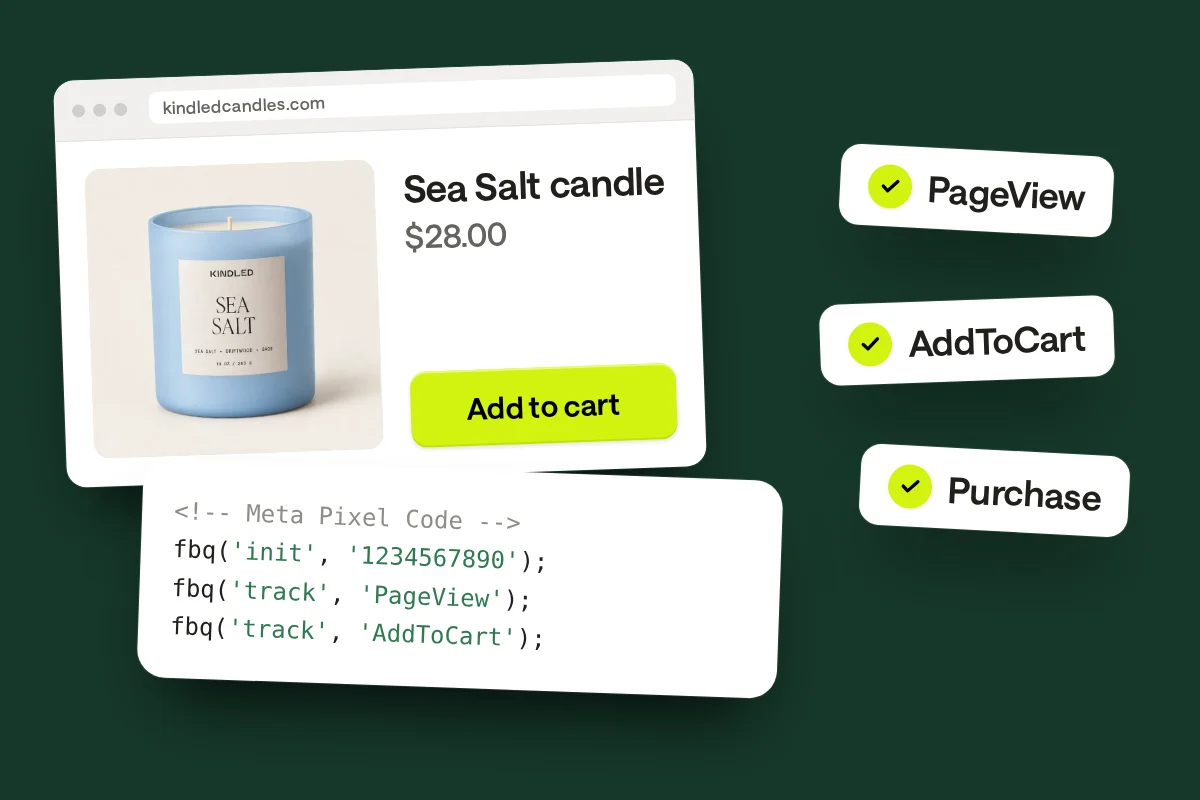
The Meta pixel is a snippet of JavaScript that runs on your website and reports what visitors do back to Meta. Once it is installed, it records a PageView every time a page loads, with no extra setup.
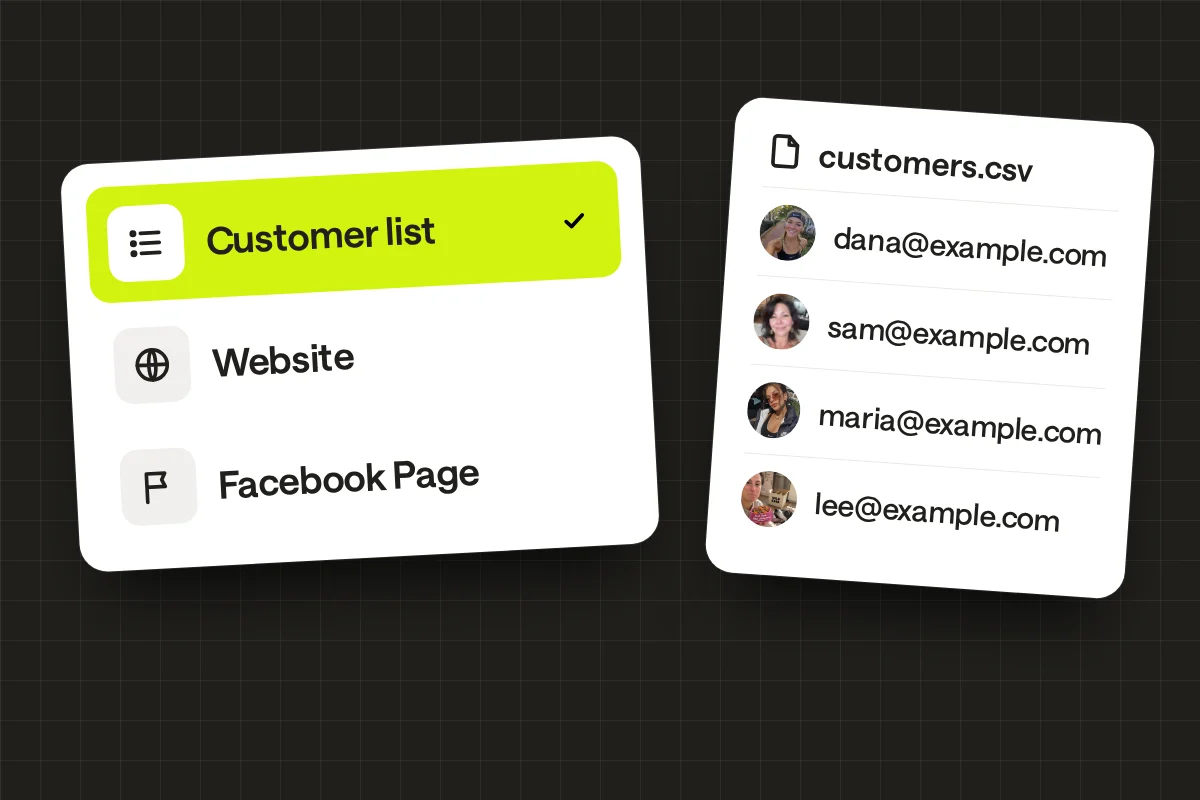
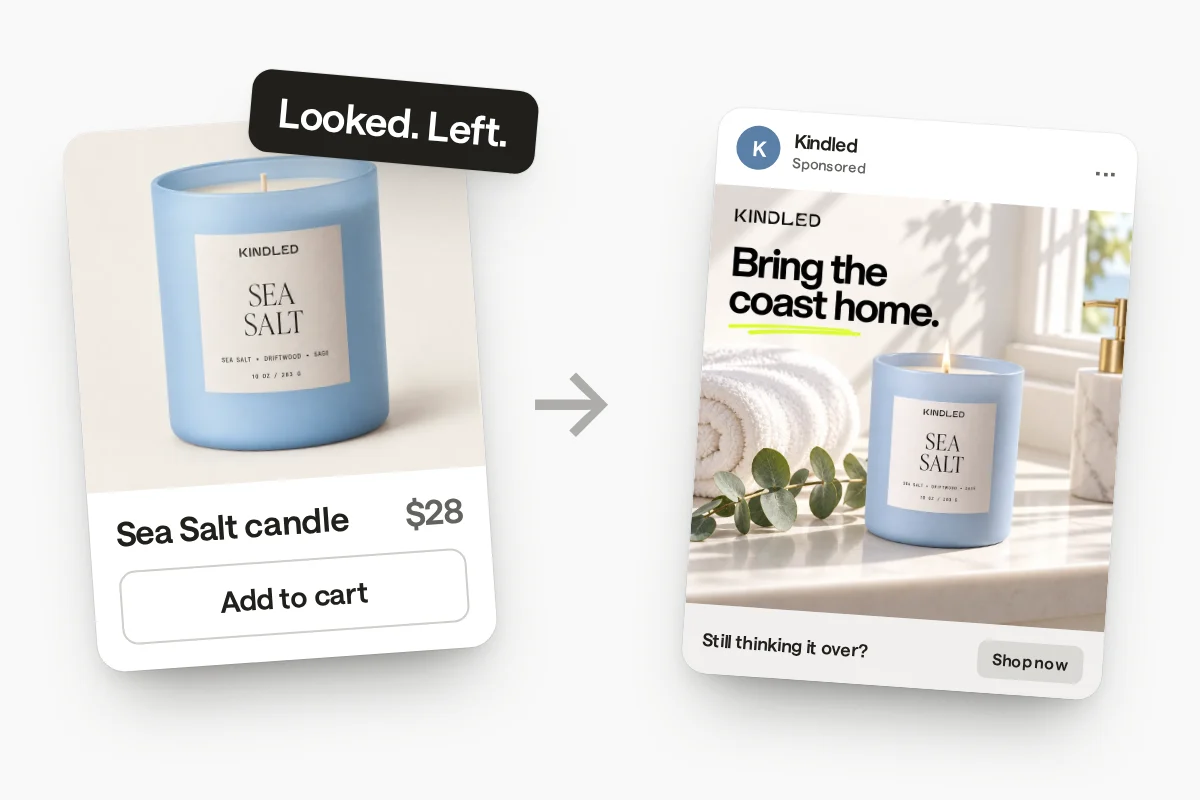
On top of page views, the pixel can send standard events. These are Meta's fixed list of 17 actions, including ViewContent, AddToCart, InitiateCheckout, Purchase and Lead. Those events are how Meta knows which ad led to a sale or a sign-up. They also let you build audiences of past visitors, covered in our guide to custom audiences.
You may see the word "dataset" where you expected "pixel." In 2023 Meta moved pixels into datasets and converted pixel IDs to dataset IDs, as Jon Loomer explained at the time. He notes the change did not affect ad sets already optimizing on a pixel. In Business Settings, your pixel now sits under Data sources, then Datasets. Treat the two words as the same thing for a website.
How to create a pixel in Events Manager
Check Data sources in Events Manager first. If your business already has a pixel, use it and skip to the install step.
To create a new one, follow Meta's pixel setup page:
- Open Meta Events Manager.
- Click Connect data and select Web, then click Connect.
- Enter a name for your pixel (your shop name works) and click Create pixel.
- Enter your website address and click Check. If Meta finds a partner integration for your platform, click Next and follow the screens.
- Choose Get guidance or Do it yourself.
- Choose Conversions API and Meta Pixel or Meta Pixel only, then click Next.
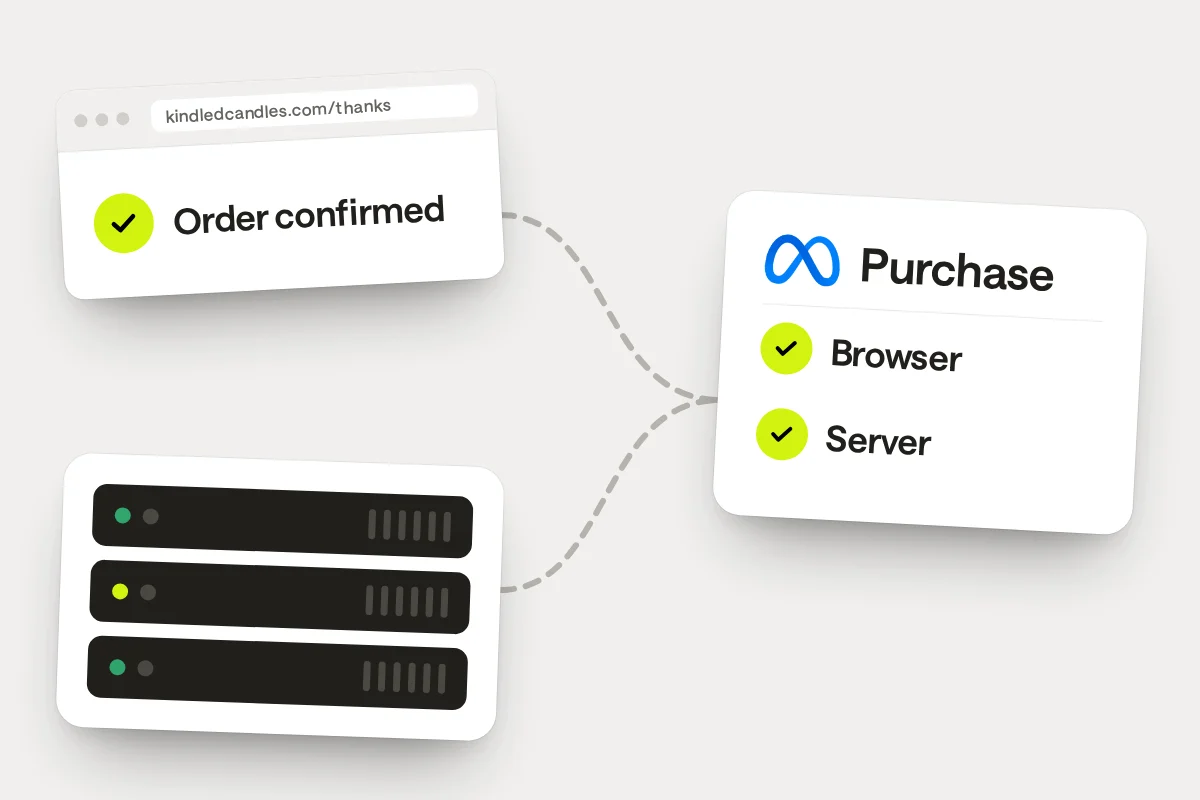
If someone else builds your site, pick Meta Pixel only and click Email instructions to send them the code. The Conversions API option adds server-side tracking, explained in what the Conversions API is.
How to install the pixel on your website
Use your platform's official integration when there is one. It adds the code for you and usually sends the shopping events too. Shopify stores have their own route: see how to add the Meta pixel to Shopify.
WordPress and WooCommerce
Meta publishes a free plugin called Meta pixel for WordPress, listed under the author Facebook. In your WordPress dashboard, go to Plugins, then Add New, search for "Facebook for WordPress" and install the one by Facebook. Activate it, open its settings, click Get Started, finish the Facebook Business Extension flow and agree to share your access token with your site. The plugin also supports the Conversions API.
If you sell through WooCommerce, use the Meta for WooCommerce plugin, also published by Facebook, instead. Its listing says it installs the pixel and can upload your product catalog to Facebook.
Wix
Wix needs an upgraded site with a connected domain, and you must verify that domain on Facebook first. Then go to Marketing Integrations in your site's dashboard, click Connect under Meta Pixel & CAPI, and sign in to Facebook.
Squarespace
Copy your pixel ID from Events Manager. In Squarespace, open the Meta Pixel & Ads panel, paste the ID into the Pixel ID field and click Save. Squarespace's help page says the integration is on Core, Plus, Advanced, Business, Commerce Basic and Commerce Advanced plans. It tracks store events such as AddToCart and Purchase on its own.
Any other site, by hand
Copy the base code from Events Manager and paste it between the opening and closing <head> tags on every page you want tracked. Most builders have a "header code" or "code injection" box that does this site-wide. Events beyond PageView need a partner integration, Meta's point-and-click event setup tool or extra code.
How to check the pixel works
Test it before you spend a dollar on ads. Meta's Test events tool records the events from your own visit while the tool is open:
- In Events Manager, click Data sources in the left menu.
- Select your pixel or dataset.
- Click Test events.
- In the browser events section (called website events if you picked a dataset), enter your site address and click Open website.
- Browse a product, add it to the cart and go to checkout. Each action should show up in the list.
- Click Clear activity when you are done.
For a second check, install Meta Ads Data Advisor, the free Chrome and Edge extension that used to be called Meta Pixel Helper. Open your site and click its icon. A side panel shows which pixels it found and whether they loaded, and selecting a pixel shows its events. Turn off your ad blocker for your own site while you test.
Common Meta pixel mistakes
- Two copies of the pixel. Pasting the code by hand and also turning on an integration can count events twice. On Wix, an older pixel has to be deleted before you connect Meta Pixel & CAPI.
- Expecting test orders to show as purchases. On Squarespace, test orders do not create Purchase events. Place a real low-cost order and refund it.
- Looking for one pixel per product. One pixel covers the whole site. Squarespace accepts only one pixel ID.
- Stopping at PageView. Page views alone tell Meta little. They don't tell Meta which visits ended in a sale or sign-up, so make sure Purchase or Lead fires too.
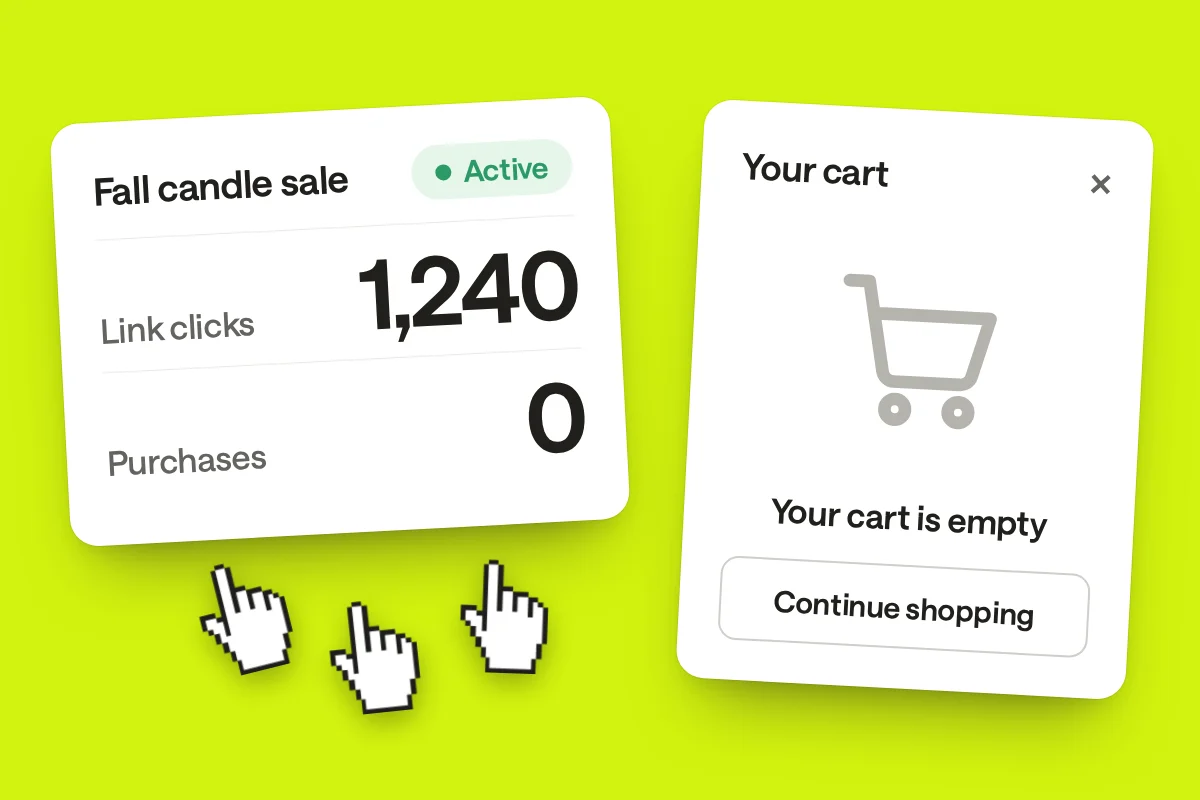
If ads get clicks but no tracked sales, read why Facebook ads aren't converting before changing the pixel.
Using your pixel with ScaleShot
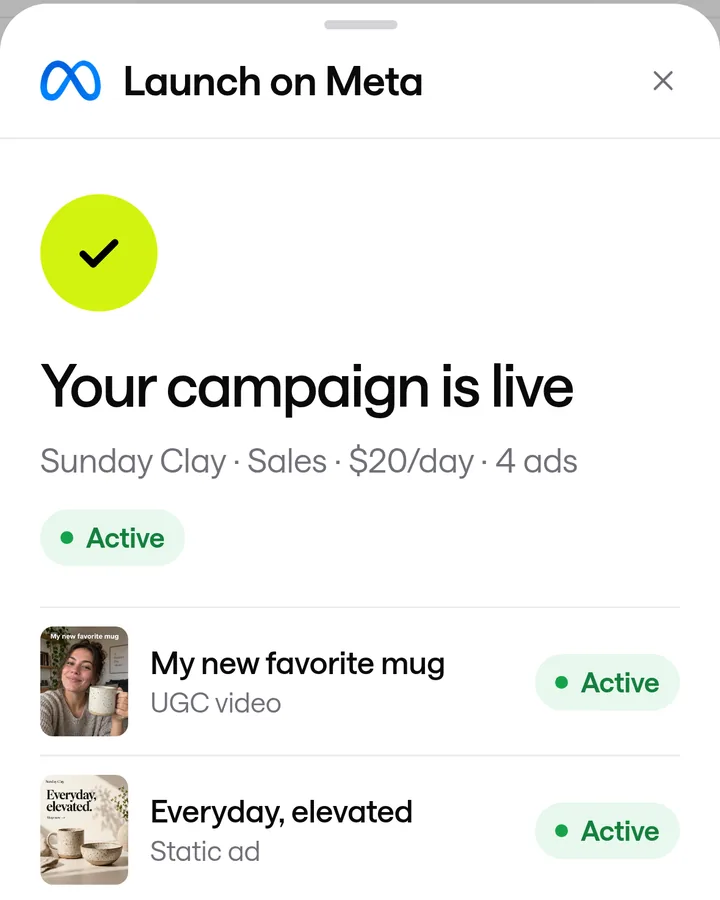
ScaleShot needs a pixel installed on your site to launch Sales or Leads campaigns on Meta, while Visitors campaigns run without one. A new store with no sales yet can still run Sales, because Meta learns from the first purchases. To pick the pixel, open Settings, then Integrations, expand Advanced on the Meta card and choose it under Conversion tracking.
Meta pixel questions
Is the Facebook pixel the same as the Meta pixel?
Yes. Meta's help center calls it the Meta Pixel, while some plugin listings still say Facebook pixel.
Do I need a developer to install the Meta pixel?
Usually not. WordPress, Wix and Squarespace have official integrations, and if you do use a developer, Events Manager can email them the setup instructions.
Why don't I see any events in Events Manager?
Open the Test events tool and visit your site while it's running. If nothing appears, check that the pixel ID on your site matches the one you are looking at, and turn off your ad blocker for your own site while you test.
Is a pixel enough on its own?
It works on its own. Meta says browser loading errors, connection problems and ad blockers affect the pixel more than the Conversions API. Meta's setup flow offers a "Conversions API and Meta Pixel" option that adds this server-side tracking, and our Conversions API guide covers it.
ScaleShot TeamWe build ScaleShot, an AI ad tool for small businesses on Facebook and Instagram. How we make our guides
Sources
- How to set up a Meta Pixel and events on your website, Meta Business Help Center
- Get Started (Meta Pixel), Meta for Developers
- Meta Pixel reference: standard events, Meta for Developers
- Where Are My Meta Pixels?, Jon Loomer
- Test events tool: verify app and web browser events for Meta, Meta Business Help Center
- Meta Ads Data Advisor, Meta for Developers
- Meta pixel for WordPress, WordPress.org
- Facebook for WooCommerce, WordPress.org
- Connecting a Meta Pixel and the Conversions API to your Wix site, Wix Help Center
- Using Meta Pixel with Squarespace, Squarespace Help Center
- About Conversions API, Meta Business Help Center