How to create a custom audience on Facebook
In Ads Manager, open Audiences, click Create audience, choose Custom audience and pick a source such as your website or a customer list. Meta can also build them from video viewers, Instagram engagers and lead forms. If a website audience is small, Meta suggests waiting until it has several hundred people before you use it.

What a custom audience is
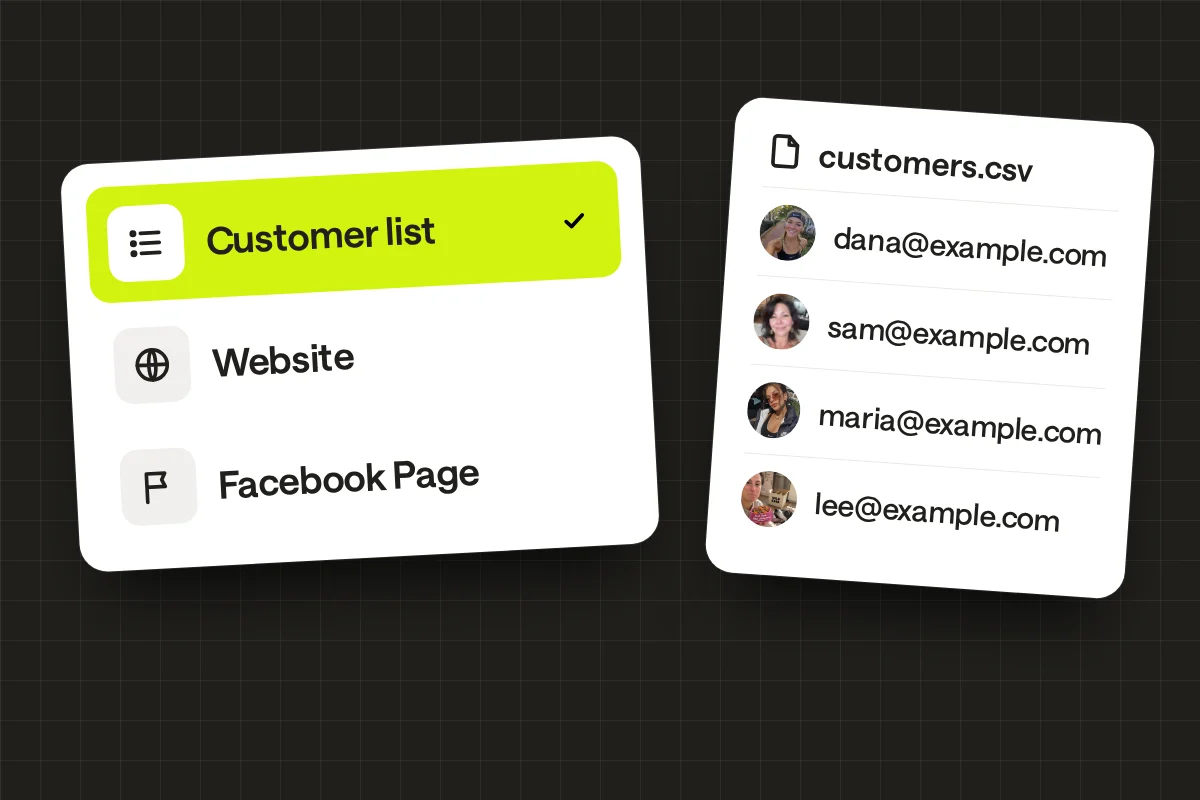
A custom audience is a group of people who already know your business, built from your own data or from how people engaged with you on Facebook and Instagram. You can show ads to them, keep ads away from them, or use them as the starting point for a lookalike audience.
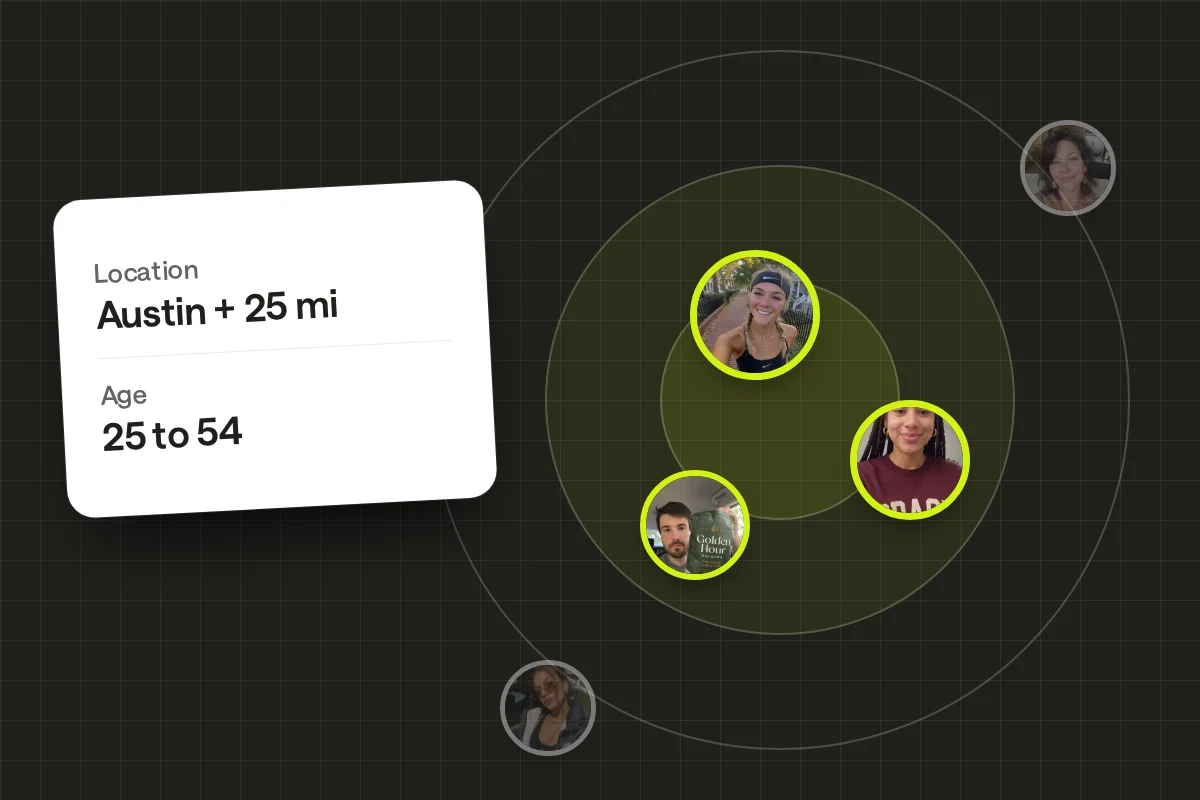
The difference from normal targeting: you are naming real people who visited, bought or watched, instead of describing strangers by age and interests. Each ad account can hold up to 500 custom audiences, far more than a small shop needs.
The types of custom audience
Meta's About custom audiences page groups the sources into two families.
From your business
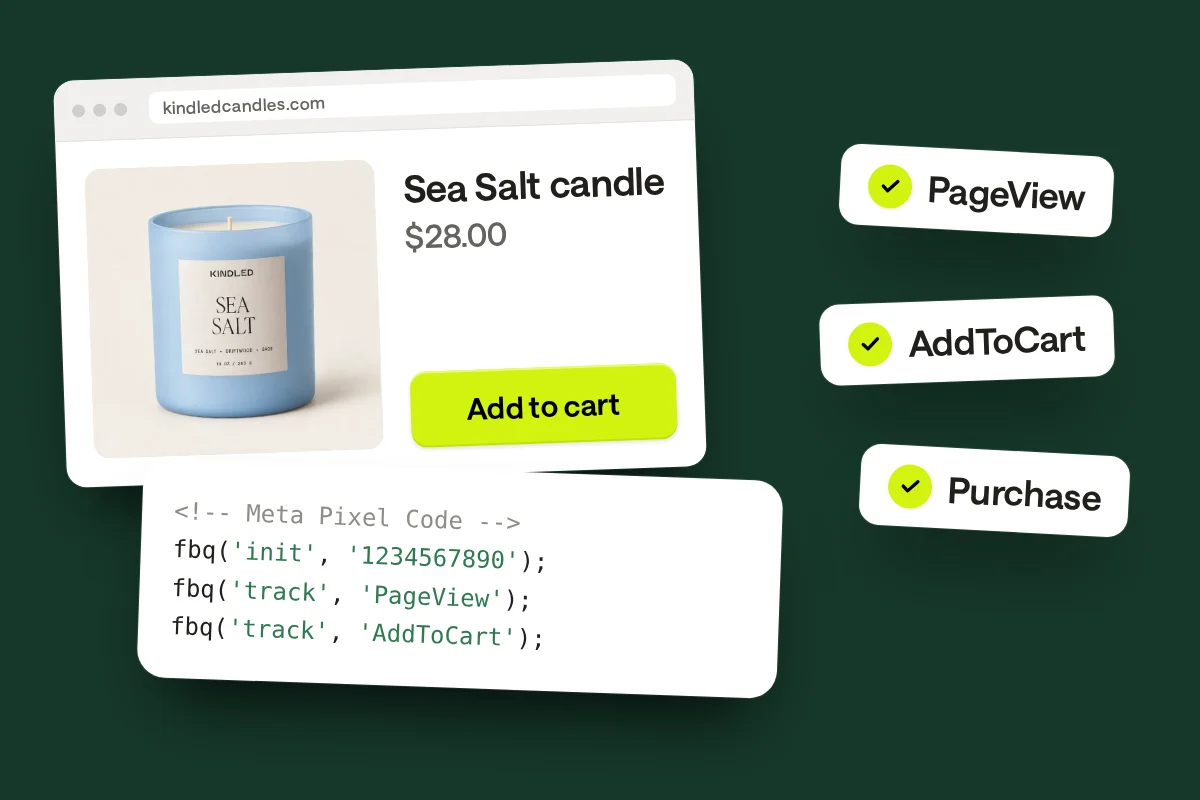
- Website: people who visited your site, tracked by the Meta pixel.
- Customer list: emails or phone numbers you upload, matched to Meta accounts.
- App activity, offline activity and catalog: for apps, in-store sales and product catalogs.
From Meta's apps
- Video: people who watched your videos.
- Instagram account and Facebook Page: people who interacted with your profile or Page.
- Lead form: people who opened or submitted one of your lead forms.
- Shopping and events: people who browsed your Facebook or Instagram Shop, or responded to your events.
How far back each one can look differs. Meta's developer docs allow up to 730 days for Page and Instagram audiences and 90 days for lead form audiences.
For most shops, start with two: recent website visitors and a list of past buyers.
How to create a customer list audience
Export your customers first, from your shop or booking tool, as a file with email, phone and name columns. Meta can match on emails, phone numbers, names and other details, so include what you have.
Then follow Meta's customer list steps:
- In Ads Manager, open Audiences.
- Click Create audience, then Custom audience.
- Select Customer list and click Next.
- Under Prepare list, check your file's format and click Next.
- Under Add list, choose Inclusions or exclusions (or Only exclusions if you only want to keep these people out), upload the file, name it and click Next.
- Under Map identifiers, check each column. A check icon means it mapped. An exclamation point means a column was left out or needs a manual fix, so correct it before upload for a better match.
- Click Import and create.
The audience shows Populating, and Meta lets you know when it is Ready. Meta hashes your list before matching, turning each email or phone number into a code that cannot be reversed, which can take a few minutes for a big list. Upload a fresh export now and then: a list not updated in over 30 days can show as Outdated.
How to create a website audience
You need the Meta pixel installed first. Then, per Meta's help page:
- Go to Audiences in Ads Manager.
- Click Create audience and select Custom audience.
- Choose Website and click Next.
- Pick whether people must meet Any or All of your rules.
- Select your pixel from the dropdown.
- Choose the type of visitors. Rules can use the pages people visited or pixel events such as Purchase.
- Under Audience retention, set how many days people stay in the audience.
- Name it and click Create audience.
Meta's developer docs list 1 to 180 days for this setting. Meta's help page says an audience built from page visits starts filling the day you create it and won't backfill, so make it early.
Example: a dog treat brand makes three. "All visitors, 30 days" for reminder ads. "Viewed a product page, 14 days" for a discount. "Purchase, 180 days" to exclude recent buyers.
How big does a custom audience need to be?
Meta's help pages don't give one minimum for every type. For a website audience that is too small, Meta suggests waiting until it has several hundred people before using it, and says how soon it is usable depends on your traffic and when you added the pixel. Meta also suggests a longer audience window or fewer conditions.
To use any custom audience as the source for a lookalike, Meta's developer docs say it needs at least 100 people.
Customer lists shrink on the way in. Not every email or phone number belongs to a Meta account, and the Match score column in Audiences shows how well your last upload matched. A list of 300 past buyers might match far fewer, which makes it fine for exclusions and thin for targeting on its own.
How to use custom audiences, including excluding buyers
There are three jobs a custom audience does well.
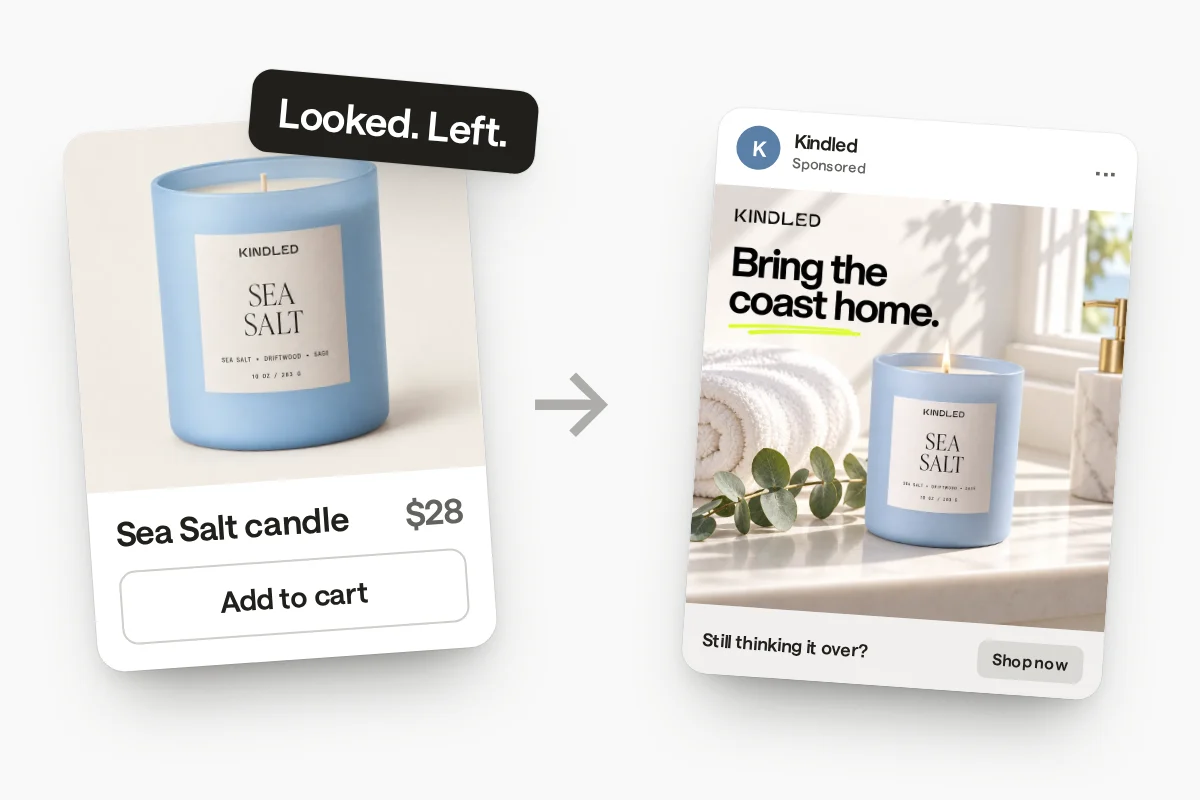
- Bring people back. Show visitors who didn't buy an ad with a reason to return. That's its own topic: see Facebook retargeting ads.
- Keep buyers out of new-customer ads. Excluding your past purchasers stops you paying to show a first-order discount to people who already ordered.
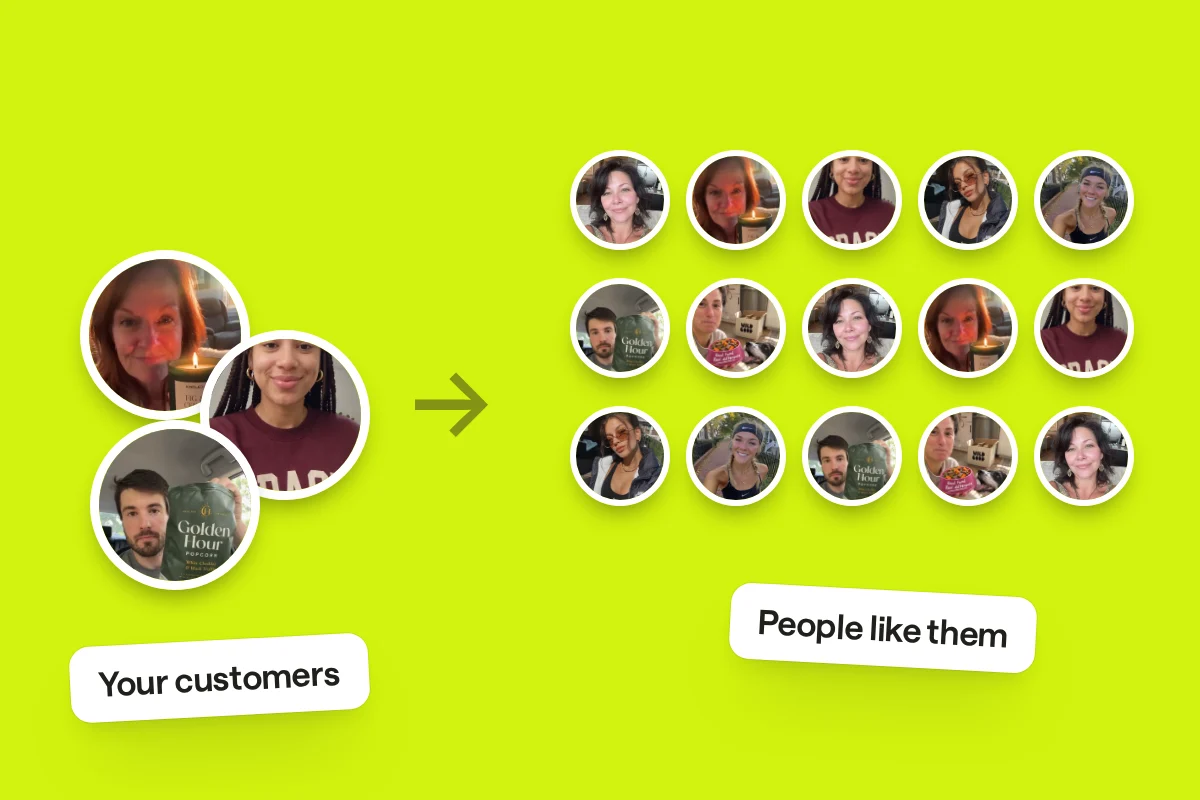
- Find new people. Use a buyer list as the seed for a lookalike.
Exclusions are reliable even with Meta's automated targeting. Jon Loomer's Advantage+ audience guide lists excluded custom audiences among the audience controls Meta treats as hard limits, next to location, minimum age and language. Inclusions are softer: when you add a custom audience to Advantage+ audience, it is only a suggestion, and Meta may show the ad to others too.
Example: a candle shop running a new-customer sale excludes "Purchase, 180 days" and its customer list. Returning customers get a separate, smaller campaign.
Where ScaleShot fits
When you launch a campaign from ScaleShot, you pick a goal, the countries where Meta should find your audience, and a daily budget. Sales and Leads campaigns need a pixel installed on your site, so the same pixel that feeds your website audiences does double duty.
Custom audience questions
How long does a custom audience take to be ready?
Meta shows Populating while it builds the audience and lets you know when it is Ready. Meta's developer docs say changes to custom audiences usually take up to 24 hours.
Why is my website custom audience so small?
It depends on your traffic and how long the pixel has been on your site. Meta suggests a longer retention window or a broader rule, such as anyone who visits your website.
Do custom audiences expire?
Customer list audiences that haven't been used in an active ad set for over two years get flagged for deletion. Website audiences drop people once the retention window you set passes.
What is the difference between a custom audience and a lookalike audience?
A custom audience is people who already know you. A lookalike is new people Meta finds who resemble a custom audience of at least 100 people.
ScaleShot TeamWe build ScaleShot, an AI ad tool for small businesses on Facebook and Instagram. How we make our guides
Sources
- About custom audiences, Meta Business Help Center
- How to create a customer list custom audience in Ads Manager, Meta Business Help Center
- Create a custom audience from website events, Meta Business Help Center
- Troubleshoot website custom audience size, Meta Business Help Center
- Lookalike Audiences, Meta for Developers
- Engagement Custom Audiences, Meta for Developers
- Website Custom Audiences, Meta for Developers
- Advantage+ Audience Best Practices Guide, Jon Loomer
- Customer File Custom Audiences, Meta for Developers
- How to create a website custom audience in Meta Ads Manager, Meta Business Help Center