How to set up dynamic product ads on Facebook
Dynamic product ads, also called catalog ads or Advantage+ catalog ads, are now named ads with product media, and they show each person the catalog products they're most likely to want. You need a catalog in Commerce Manager and a pixel that sends ViewContent, AddToCart and Purchase events with matching product IDs.

What dynamic product ads are, and what Meta calls them now
Most people still say dynamic product ads or catalog ads. Ads with product media is the current name in Meta's help center, which says they were previously called Advantage+ catalog ads. All these names mean the same thing: ads built automatically from your catalog, showing people the most relevant products based on their interests, intent and actions online.
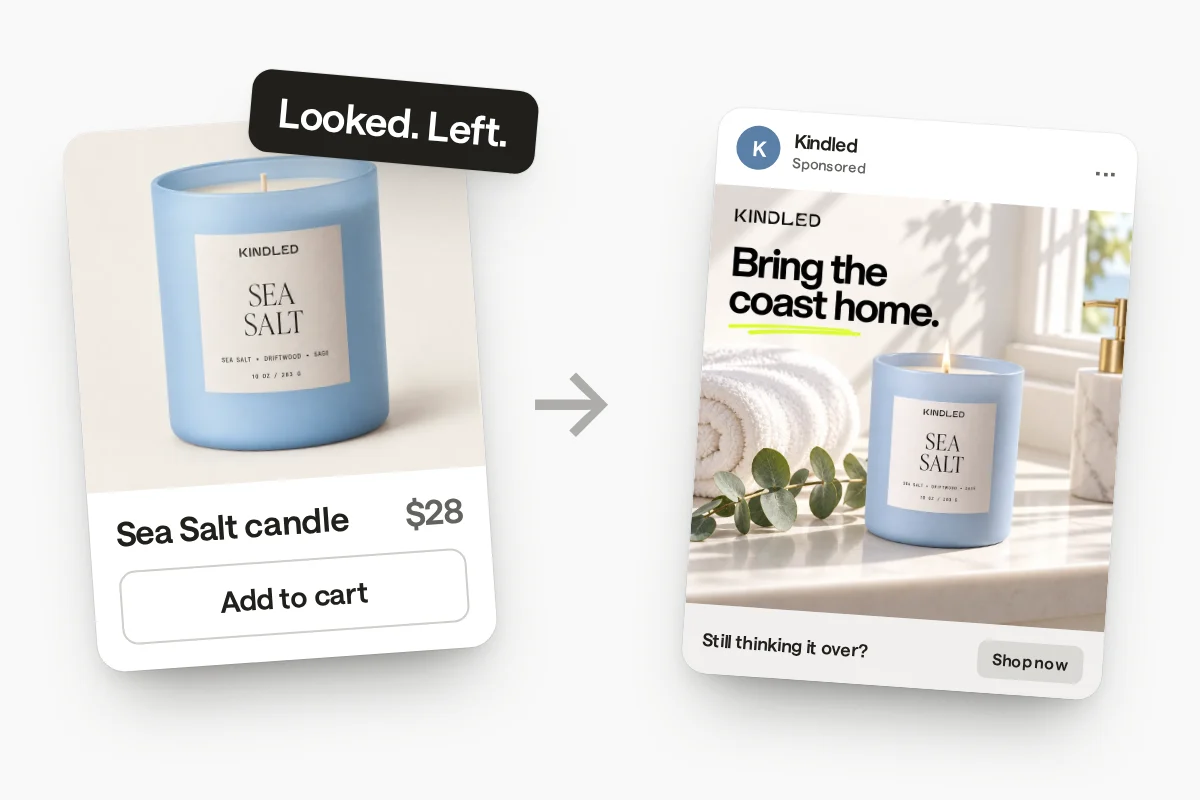
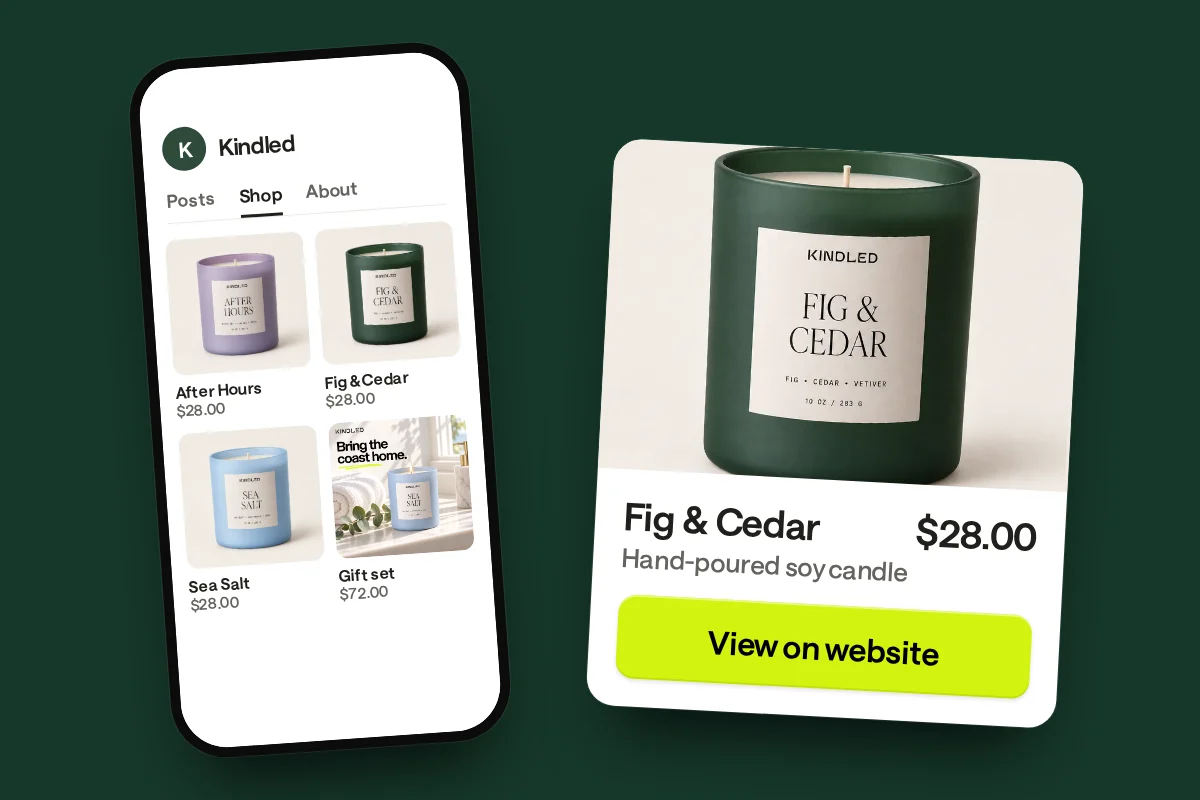
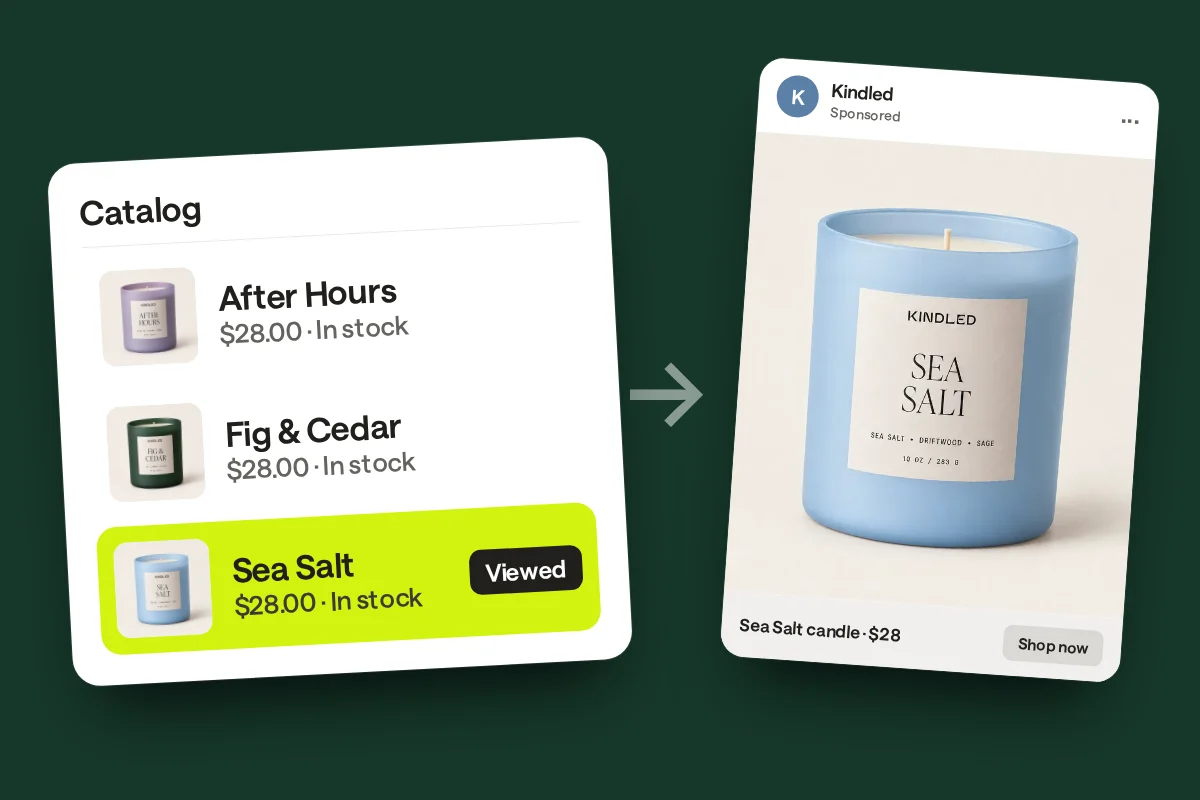
Example: a candle shop sells 40 scents. A visitor looks at the cedar candle and leaves. The next day an Instagram ad shows them that same candle, with its name and price filled in from the catalog. The shop never designed an ad for that candle. One setup covers all 40.
What you need before you start
Meta's requirements page lists these for a website:
- A catalog in Commerce Manager, holding the products you want to advertise, inside your business portfolio.
- A Meta pixel with the required events and parameters set up. If you don't have one yet, start with how to set up the Meta pixel.
- A connection between the pixel and the catalog.
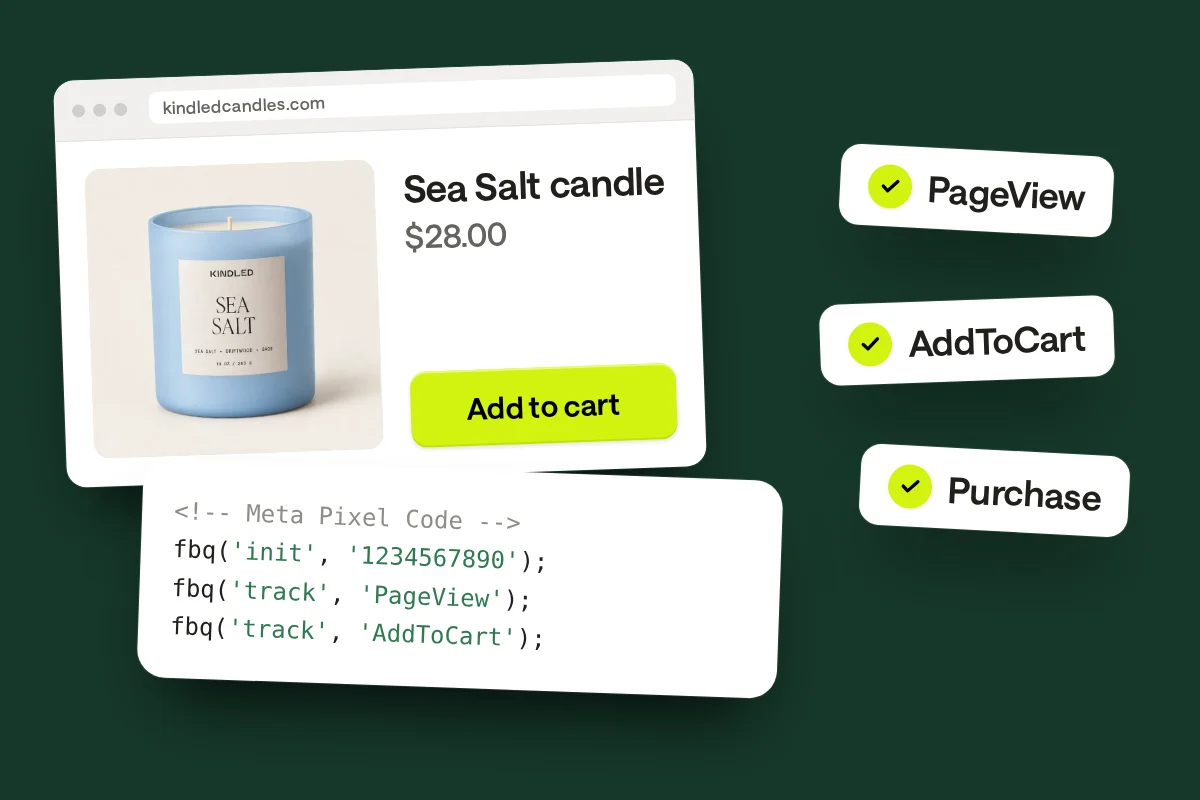
The pixel must send ViewContent, AddToCart and Purchase, and each event needs content_ids or contents. Those IDs must match the IDs in your catalog. That match is how Meta knows which candle someone looked at.
Getting a catalog
Most shops don't build one by hand. Shopify's Facebook and Instagram by Meta sales channel keeps one catalog for your Facebook Shop, Instagram Shopping and Facebook marketing. On WooCommerce, the official Meta for WooCommerce plugin can upload your catalog. Shopify owners should also read adding the Meta pixel to Shopify.
Every product needs an ID, title, description, availability, condition, price, link and main image, plus a brand, GTIN or MPN.
How to set up product ads in Ads Manager
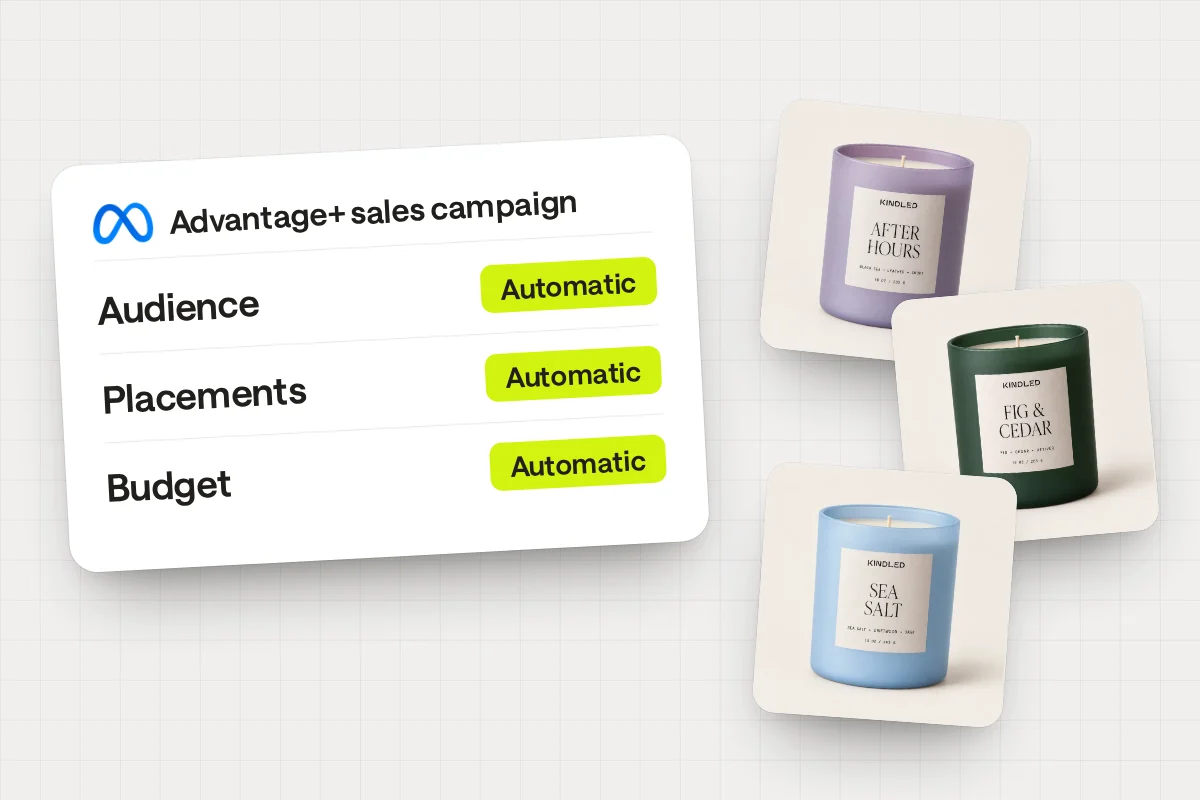
Meta changed the setup for new Sales campaigns. The old Advantage+ catalog ads switch is gone. You now pick the catalog once, at the campaign level, and each campaign uses one catalog, as Meta's page on the change explains. Campaigns made before the change keep working as they were.
- In Ads Manager, create a campaign with the Sales objective.
- At the campaign level, keep Product data turned on. It is on by default when you have a catalog.
- At the ad set level, select the dataset (your pixel) that tracks results.
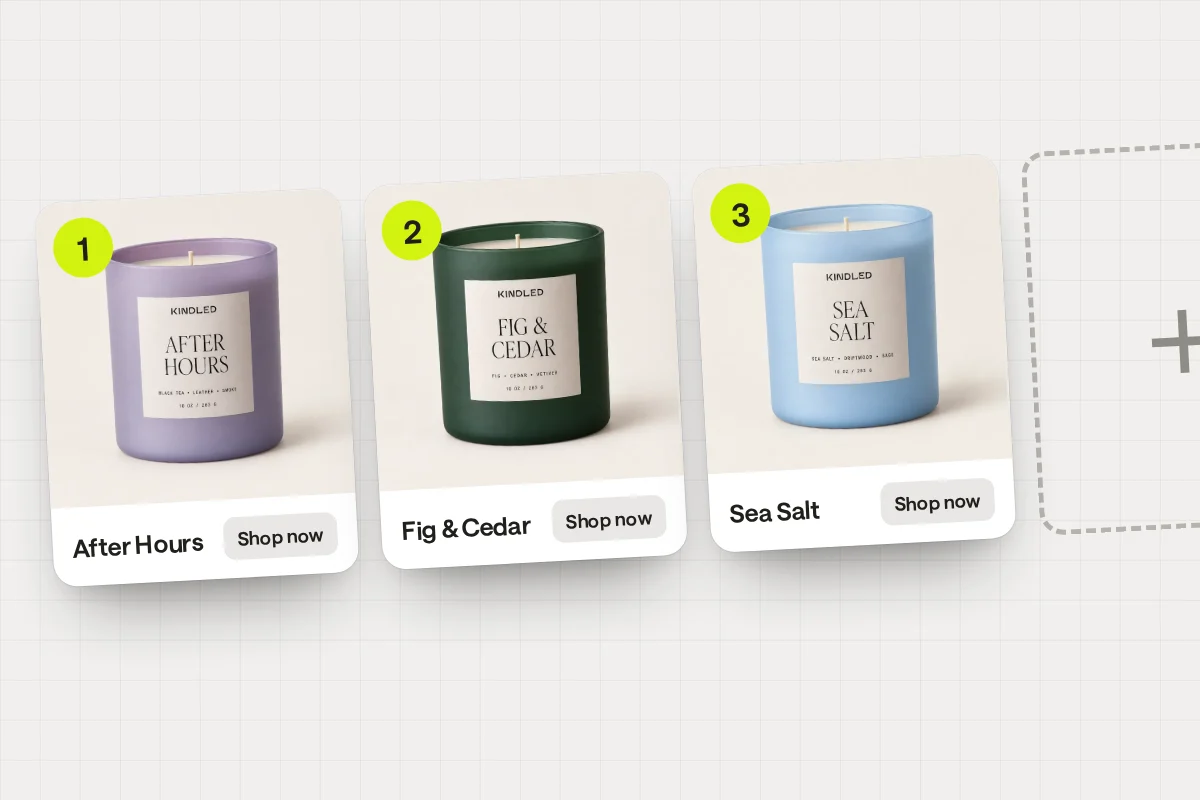
- At the ad level, choose a product set. It controls which products can appear in that ad. Use all products, or a smaller set like best sellers.
- Under Creative source, choose Product media to pull from the catalog.
- In Primary text and Headline, click + to insert catalog fields such as the product name or price.
- Publish.
Product ads work with other objectives too, including Traffic and Leads, but Sales is the one built for shops.
Retargeting vs finding new shoppers
Meta lists three ways to use product ads:
- Retargeting: show people products they viewed on your site but didn't buy.
- Prospecting: reach a broad audience who haven't visited or bought, but may like your types of product.
- Cross-sell or upsell: show customers related products, or upsell ones with a higher profit margin.
For a small shop, retargeting is the easy first win, because the pixel already knows who looked at what. For the audience side, our guides to retargeting ads and custom audiences cover how to build each group.
One limit catches small stores. Meta's developer FAQ says product ads don't deliver if the audience built from your pixel events has fewer than 20 people. A new shop with little traffic may need to run prospecting first.
Creative options for product ads
By default Meta picks product images or videos for each person automatically. You can shape how they look:
- Advantage+ creative enhancements for catalog ads, including dynamic overlays, image touch-ups, standard labels and image background generation.
- Image templates, a branded layout around each product photo.
- Catalog fields in the text, so each ad names the product it shows.
If you used frames before, plan to move. Meta says frames are being replaced by image templates and will stop working in early 2027, and they aren't available on Instagram placements.
Your catalog photos are the ad, so weak photos make weak ads. See our tips on product photography.

Common catalog errors and how to fix them
To see what's wrong, go to Commerce Manager, pick your catalog, open Catalog, then Products. Click Filters and choose the Advantage+ catalog ads issues. Click any product and open Status and issues. In Ads Manager, the same problem shows as "Items invalid" in the Delivery column.
- Price missing or in the wrong format. Products without prices can't run in ads. Write "10 USD," not "$10".
- Product IDs don't match. If the ID in your pixel event doesn't match the catalog ID, Meta can't link a view to a product.
- Duplicate IDs. If two items share an ID, Meta ignores all of them.
- Images too small. Main images must be JPEG or PNG, at least 500 x 500 pixels and up to 8 MB.
- Long titles. Meta allows 200 characters but recommends 65 so titles don't get cut off.
- Sold-out items still listed. Products marked out of stock stop serving on their own, so keep stock synced.
Pairing catalog ads with designed ads
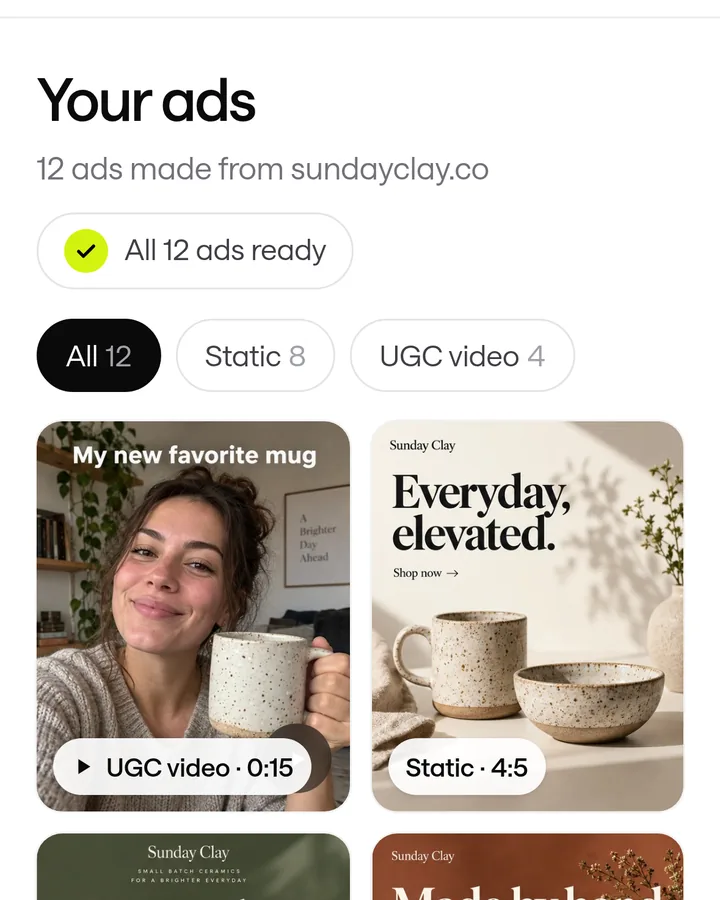
Catalog ads reuse your product photos as they are. For your best sellers, ScaleShot's Studio makes new image ads from a product you select and a short prompt, plus video clips of 4, 6, 8 or 10 seconds. You can launch those to Facebook and Instagram as a Sales campaign.
Dynamic product ad questions
Are dynamic product ads the same as Advantage+ catalog ads?
Yes. Meta's help center now calls them ads with product media, and notes they were previously called Advantage+ catalog ads.
Do I need a Facebook Shop to run catalog ads?
Meta's requirements page lists a catalog, a pixel and a connection between the two. A shop isn't on that list.
Why aren't my catalog ads delivering?
Check the audience size first, since ads won't deliver to fewer than 20 people. Then check for "Items invalid" in Ads Manager, and allow up to 24 hours for Commerce Manager to recognize new pixel events.
Do my old Advantage+ catalog ad campaigns still work?
Yes. Meta says campaigns created before the setup change aren't affected.
ScaleShot TeamWe build ScaleShot, an AI ad tool for small businesses on Facebook and Instagram. How we make our guides
Sources
- About ads showing product media, Meta Business Help Center
- Requirements to run ads showing product media, Meta Business Help Center
- Meta Pixel for Advantage+ Catalog Ads, Meta for Developers
- Catalog fields, Meta for Developers
- Changes to sales campaign setup using a catalog in Meta Ads Manager, Meta Business Help Center
- Setting up Facebook and Instagram by Meta, Shopify Help Center
- Meta for WooCommerce, WordPress.org
- Add product information to your ad copy in ads showing product media, Meta Business Help Center
- Advantage+ Catalog Ads FAQ, Meta for Developers
- Add a frame to product images in ads showing product media, Meta Business Help Center
- Troubleshoot Your Data Feed, Meta for Developers
- Troubleshoot products not showing in your ads, shop or product tags, Meta Business Help Center