How to set up an Advantage+ shopping campaign (now Advantage+ sales)
You now get one by creating a Sales campaign and leaving Advantage+ on for budget, audience and placements. Meta renamed Advantage+ shopping campaigns to Advantage+ sales campaigns in February 2025, and Meta is retiring the old campaign type. For website sales, the campaign optimizes on a pixel event such as Purchase.

What happened to Advantage+ shopping campaigns
If you searched for the old name, the product you want is the Sales objective with Advantage+ left on.
The timeline:
- February 2025. Meta said Advantage+ shopping campaigns would become Advantage+ sales campaigns, to better reflect the full range of advertisers that can use them, per Social Media Today.
- May 29, 2025. Meta began rolling out one setup flow, so advertisers no longer choose between an Advantage+ shopping campaign and a manual campaign.
- October 2025 to May 2026. Meta's API stopped accepting new shopping campaigns in its newest version on October 8, 2025, then in every version from May 19, 2026. Meta said any remaining ones would be paused with its v26.0 API update.
Meta's developer documentation calls Advantage+ sales campaigns the updated, streamlined version of Advantage+ shopping campaigns. Jon Loomer, a Meta ads consultant, argues the change is bigger than a rename.
How an Advantage+ sales campaign works
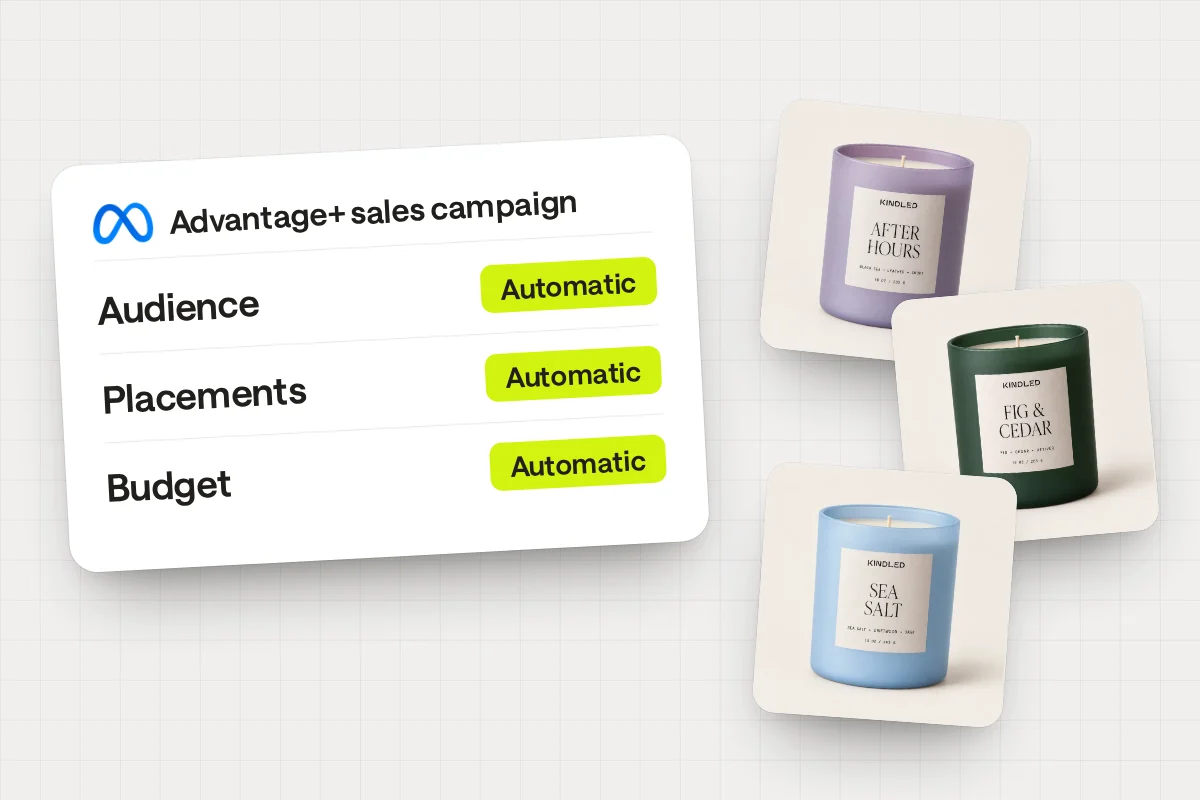
A Sales campaign counts as Advantage+ when three settings stay on:
- Advantage+ campaign budget. One budget set at the campaign level.
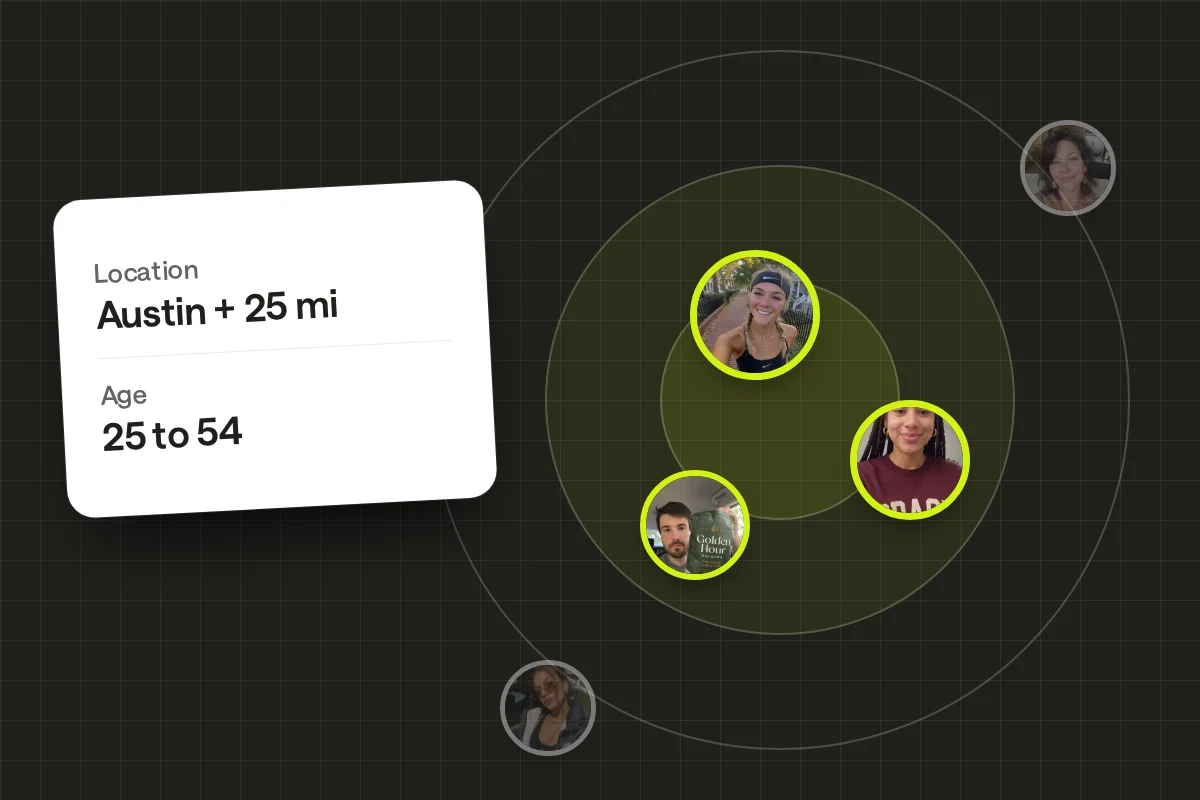
- Advantage+ audience in at least one ad set, so Meta's AI chooses who sees the ads.
- Advantage+ placements in all ad sets, with no placement exclusions.
It differs from the old shopping campaign in a few ways. The old version allowed one ad set and up to 150 creative combinations. The new one allows several ad sets, audience suggestions and custom audience exclusions. Age and gender can only be suggestions if you want Advantage+ to stay on.
What you need before you start
- A Meta ad account with a payment method and a Facebook Page. Our guide on how to run Facebook ads covers this setup.
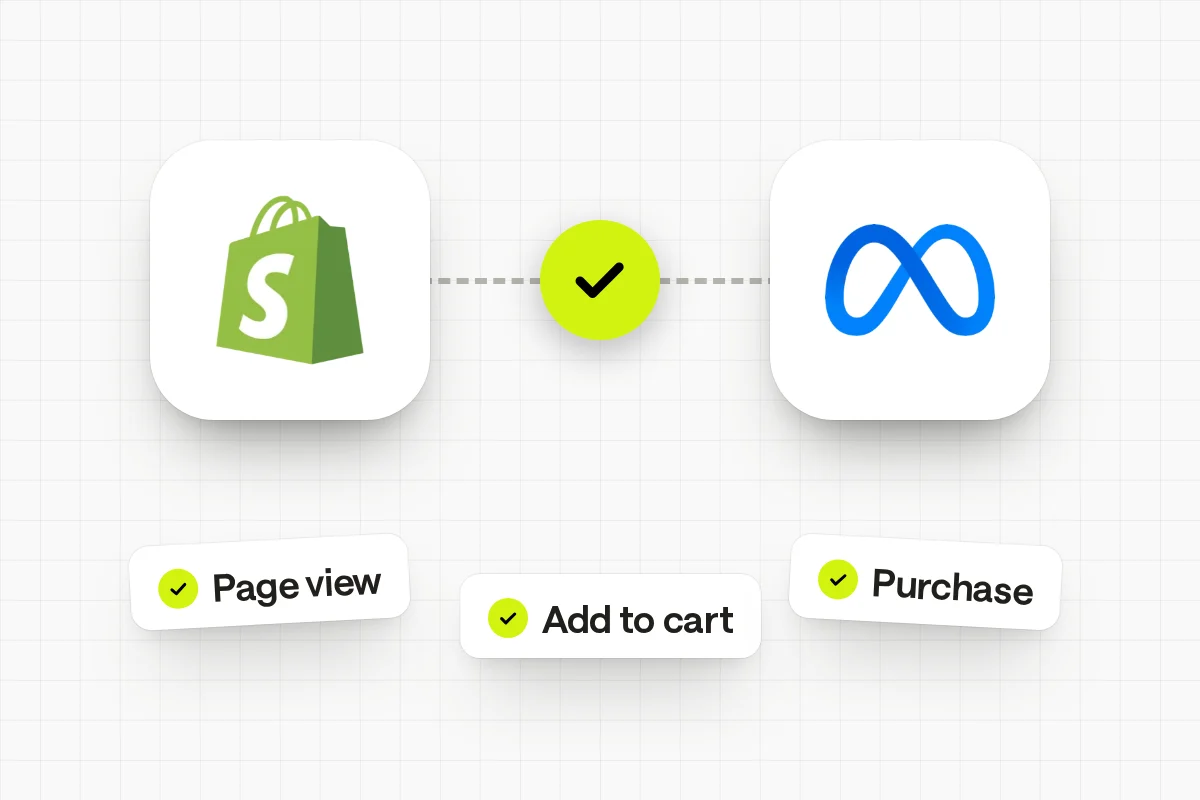
- A pixel or dataset on your site. For a website conversion location, Meta's docs pair the pixel with the Purchase event. Shopify stores can follow our Facebook pixel guide for Shopify.
- Several ads. Images and videos in a few angles give Meta's system options to test.
- A product catalog, optionally. It powers Advantage+ catalog ads, formerly called dynamic ads, but regular static ads work too.
How to set up an Advantage+ sales campaign, step by step
- In Ads Manager, click Create, choose Sales and continue. Advantage+ is on by default for this objective.
- At the campaign level, keep the Advantage+ campaign budget and enter a daily budget. Meta's developer docs recommend a bid strategy with no cost cap.
- In the ad set, set the conversion location to Website, pick your pixel or dataset, and choose Purchase.
- Under Audience, leave Advantage+ audience on. Set the countries you ship to, and exclude past buyers if you want.
- Leave placements on Advantage+. Most placement customizations turn Advantage+ off.
- Add your ads, then review and publish.
Restricting the audience and unchecking suggestions turns Advantage+ off too. The campaign still runs, but as a manual one.
Example (made up): a candle shop with 12 products creates one Sales campaign, one ad set, US-only, with six ads. Nothing else is restricted.
Is the existing customer budget cap still there?
No. The old shopping campaign let you cap the share of budget spent on existing customers. Meta says the feature is not available with Advantage+ campaigns.
Meta's developer docs describe a replacement: two ad sets under one Advantage+ campaign budget, one limited to a custom audience of existing customers and one that excludes it. For a pure new-customer push, exclude your buyer list and skip the second ad set.
When it suits a small store, and when manual is better
Advantage+ suits you when
- Your pixel tracks purchases and you want sales. Loomer finds Advantage+ audience works best when optimizing for conversions, especially purchases.
- You have one or two ad sets' worth of budget and little time to manage audiences.
A manual campaign suits you when
- You only want to retarget. Meta's help center says Advantage+ audience isn't recommended for retargeting campaigns. See Facebook retargeting ads.
- You need a strict age or gender limit. Advantage+ only accepts these as suggestions.
- You want delivery locked to a lookalike. For sales goals it stays a suggestion; our lookalike audience guide explains why.
Switching is one click away. Turning off any lever makes it a manual campaign.
Common setup mistakes
- Turning Advantage+ off by accident. Unchecking audience suggestions or customizing placements switches the campaign to manual. Check each section before you publish.
- Optimizing for an event that never fires. Open Events Manager, use Test Events, and place a test order before launch so Purchase shows up.
- Splitting a small budget across many ad sets. Each one then gets too little to learn from. One ad set is enough to start.
- Changing settings every day. Give the campaign time before judging it. Our budget guide explains Meta's learning phase.
Running a Sales campaign with ScaleShot
ScaleShot can launch a Sales campaign to your Meta ad account once a pixel is installed on your site. You pick the ads, the countries and a daily budget, then launch now or launch paused. The Ads Agent can make the image and video ads for it, check results later, and pause ads or change budgets after asking you.
Common Advantage+ shopping campaign questions
Is Advantage+ shopping the same as Advantage+ sales?
Meta announced it as a rename. The new version also allows several ad sets and audience suggestions.
Can I still create an Advantage+ shopping campaign?
Not as a separate type. Ads Manager now uses one setup flow for Sales campaigns, and Meta's API blocks new shopping campaigns.
Do I need a product catalog?
No. A catalog is needed for catalog ads, and the campaign type also accepts regular static ads.
Can I exclude existing customers?
Yes. Advantage+ sales campaigns accept custom audience exclusions, which the old shopping campaign lacked.
How much should I spend on an Advantage+ sales campaign?
Work back from what a sale is worth to you. Our Facebook ads budget guide walks through the math.
ScaleShot TeamWe build ScaleShot, an AI ad tool for small businesses on Facebook and Instagram. How we make our guides
Sources
- Meta Adds More Advantage+ Ad Updates, Social Media Today
- Advantage+ Campaign Experience for Sales and App, Meta for Developers
- Advantage+ Campaign Experience for Sales, App, and Leads, Meta for Developers
- ASC and AAC deprecation in Marketing API v25, Meta for Developers
- Meta deprecates legacy campaign APIs for Advantage+ structure, PPC Land
- Advantage+ Campaign Creation: A Complete Guide, Jon Loomer Digital
- Advantage+ Sales, App, and Leads Campaigns, Jon Loomer Digital
- Advantage+ Shopping Campaigns, Meta for Developers
- How Advantage+ Audience Works, Jon Loomer Digital
- About Advantage+ audience, Meta Business Help Center