Meta's AI ad tools: what they do and how to use them
Meta's AI tools fall into two groups: creative tools that edit or generate your ad, and Advantage+ settings that pick audience, placements and budget for you. Many are on by default in new campaigns. A small shop can leave the audience and placement automation on, but should review every AI-made image or line of text before publishing.

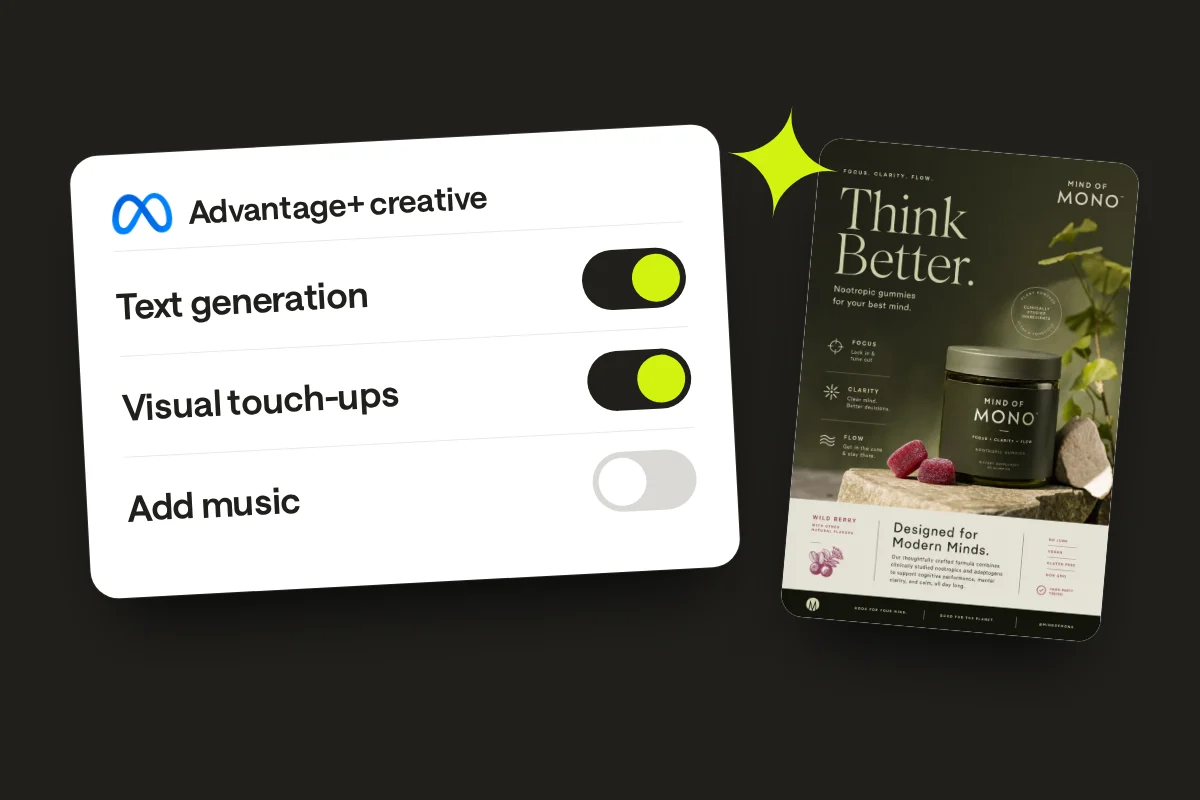
What's live and what's only announced
Here's where Meta's AI ad features stood on November 10, 2026, by Meta's own posts and dated news.
Live now
- Advantage+ creative enhancements, including AI text generation, visual touch-ups and background generation
- Turning existing still images into video inside Advantage+ creative, which Meta called generally available in October 2026
- Advantage+ audience and Advantage+ sales campaigns, both on by default
Announced or in testing
- Muse Image, Meta's own image model. In July 2026 Meta said advertisers would get it through Advantage+ creative "in the coming weeks". We found no later word from Meta that it has reached advertisers
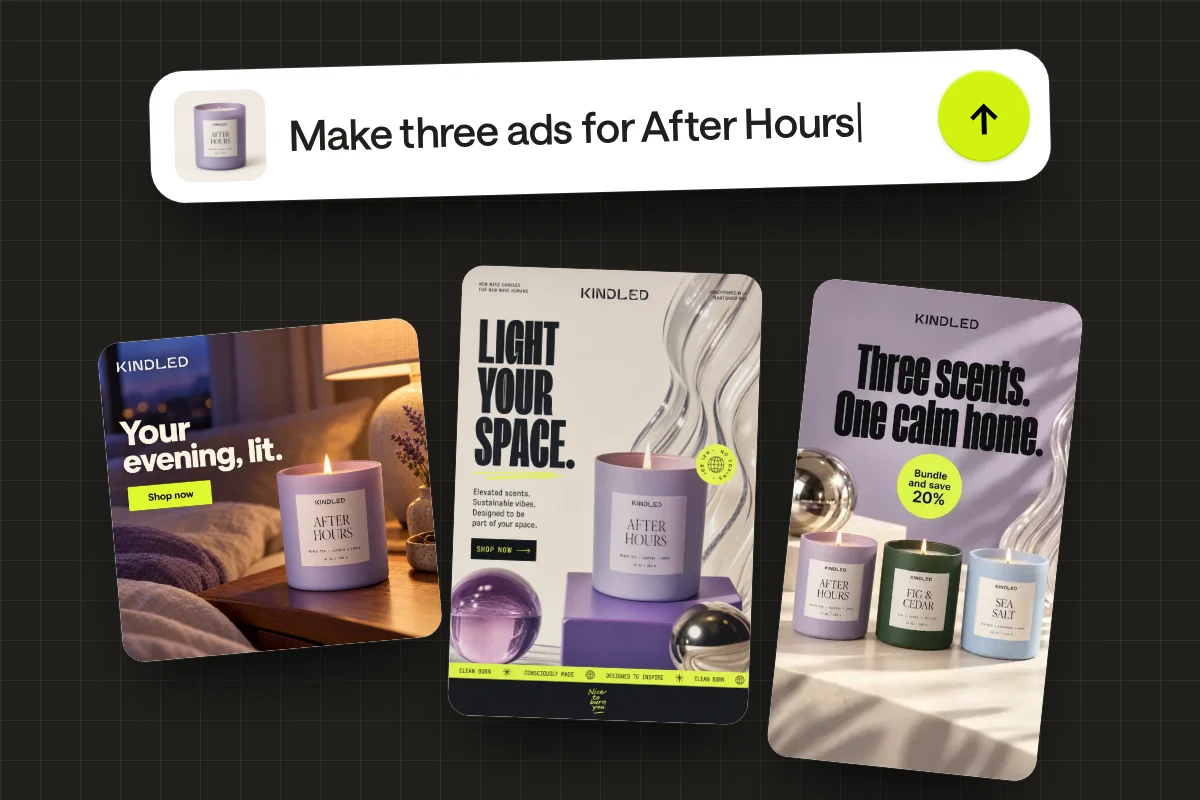
- Planning and building a whole campaign by chatting with the Meta AI business assistant. In October 2026 Meta said it was beginning to test this and that it was coming "soon"
- Product photos turned into product videos for catalog advertisers, open to eligible beta advertisers
- Fully automated ads. The Wall Street Journal reported in June 2025 that Meta aims to let a brand supply a product photo and a budget, then have AI make the visuals, video and copy and choose targeting, by the end of 2026
If a feature from the second list isn't in your Ads Manager yet, that's expected.
Advantage+ creative enhancements
These are automatic edits Meta can make to your ad for each viewer and placement. Meta's help page lists them by the names you see in Ads Manager, and Meta's developer guide counts more than 20. Which ones you get depends on your ad format, placements and whether you use a catalog. The ones a shop owner will meet most:
- Visual touch-ups: crops and expands a single image to fit more placements, using AI to fill in new pixels
- Adjust brightness and contrast: applied when Meta thinks it may help performance
- Add animation: adds pans, zooms and rotations to turn a single image into a short video
- Add overlays: shows text you've written along with your image
- Relevant comments: surfaces comments likely to help the ad on Facebook and Instagram
- Enhance CTA: swaps your Stories call-to-action sticker for one of Meta's pre-written ones
- Translations: shows your ad in other languages
Where the switch is
In Ads Manager, go to Ad creative, click Set up creative and continue to Enhancements. Turn off any you don't want there. Some can only be turned off in Advanced preview, under its Advantage+ creative tab, so check both places.
Meta's generative AI tools: text, images and video
These create new material, so check every result.
Text generation
Meta writes up to 5 extra versions of your primary text and headline, inspired by what you wrote. You can review them before the ad goes live. Read each line if your product has rules about what you can claim.
Image expansion and background generation
Visual touch-ups can extend the edges of your picture so it fits tall placements like Reels and Stories. Background generation creates new backgrounds behind product photos, but only for catalog ads.
Full image variations
In May 2024 Meta began rolling out tools that suggest new versions of your whole photo, which may change the scene or even the product shown, TechCrunch reported. That's a risk for a small brand whose product must look exactly right.
Video from still images
Meta made this generally available inside Advantage+ creative in October 2026.
Meta says advertisers are responsible for previewing AI-generated creative before publishing. Images made or heavily edited with some of these tools may carry an "AI info" label next to the ad label.

Advantage+ audience
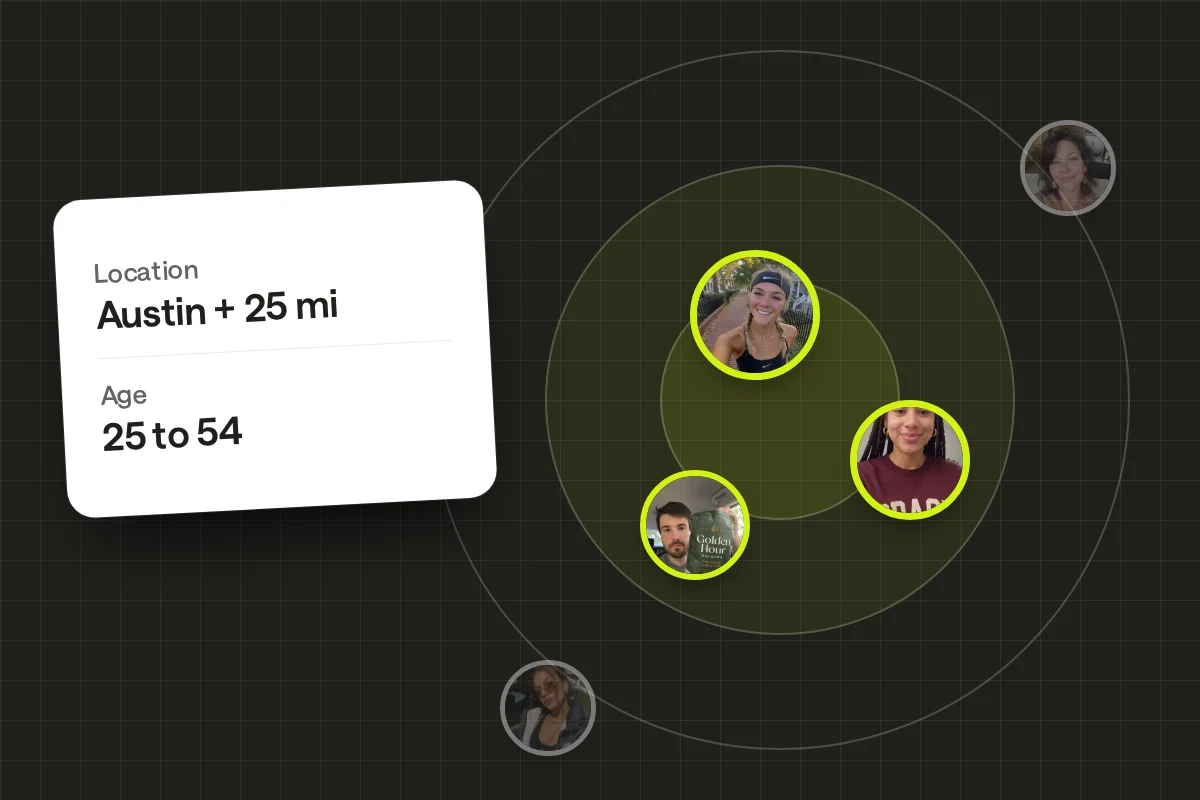
Advantage+ audience lets Meta find buyers for you, using your inputs as hints. In Jon Loomer's breakdown, there are two kinds of settings:
- Audience controls, such as location, minimum age, languages and excluded custom audiences. Meta treats these as hard limits.
- Audience suggestions, such as age range, gender, interests and lookalikes (people similar to your customers). Meta can show your ads beyond these groups.
Where the switch is
It's the audience section of the ad set. To turn it off, choose the option to further limit the reach of your ads.
Keep it on unless you have a clear reason. A plumber who only serves one county should set the location as a control and leave the rest open. Our Facebook ad targeting guide and lookalike audiences guide go further.
Advantage+ sales campaigns
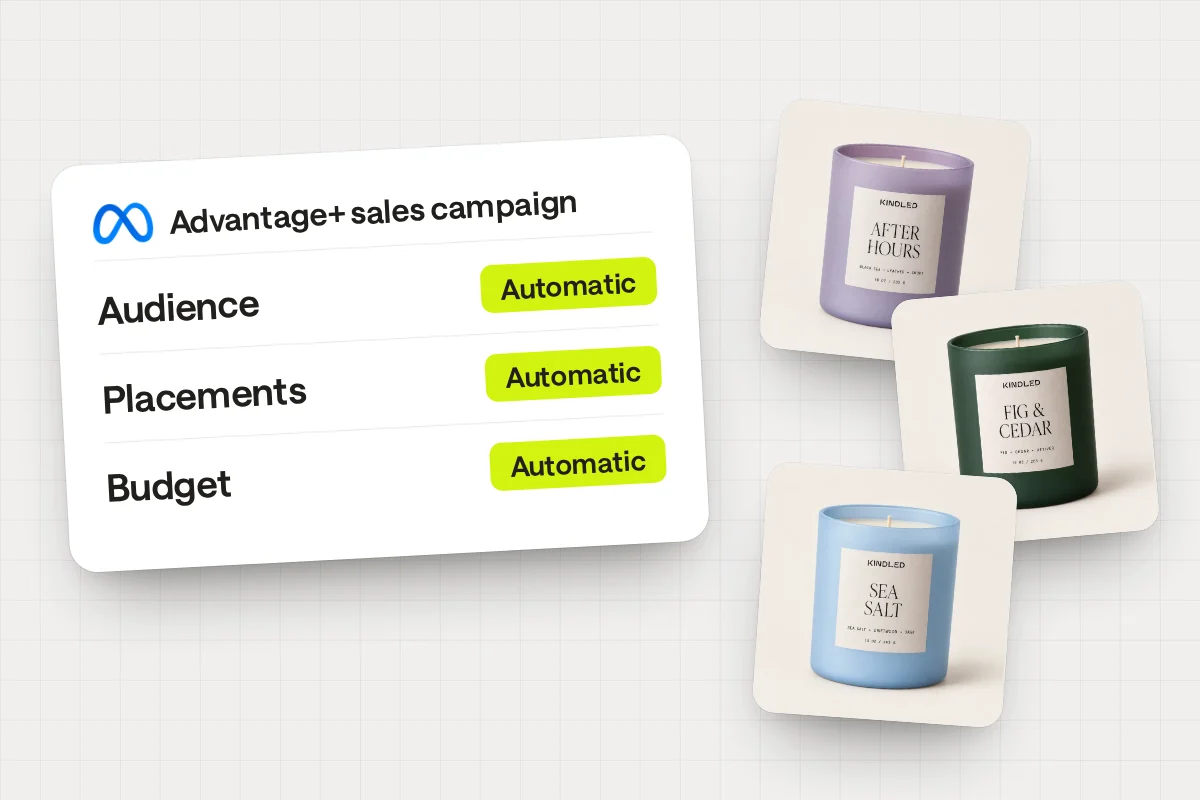
An Advantage+ sales campaign is a normal Sales campaign with Meta's defaults left alone, Loomer explains. Three settings make it Advantage+:
- Advantage+ campaign budget, where Meta splits one budget across ad sets
- Advantage+ audience, described above
- Advantage+ placements, where Meta picks Feed, Stories, Reels and the rest
Change one of those, for example by giving several ad sets their own budgets or removing placements, and Advantage+ turns off. Ads Manager tells you when an edit does that. Loomer's view is that turning it off should be the exception. For more detail, see Advantage+ shopping campaigns.
Which Meta AI tools a small shop should use
A simple starting setup, based on the guidance above:
- Keep on: Advantage+ audience and Advantage+ placements. They need no extra work.
- Turn on, then check: visual touch-ups and text generation. Look at every version in the ad preview before you publish.
- Turn off if they don't fit: add animation and add music, when motion or a soundtrack would feel wrong for your product.
- Be careful with: full image variations on products that must look exact, since they can change the product itself.
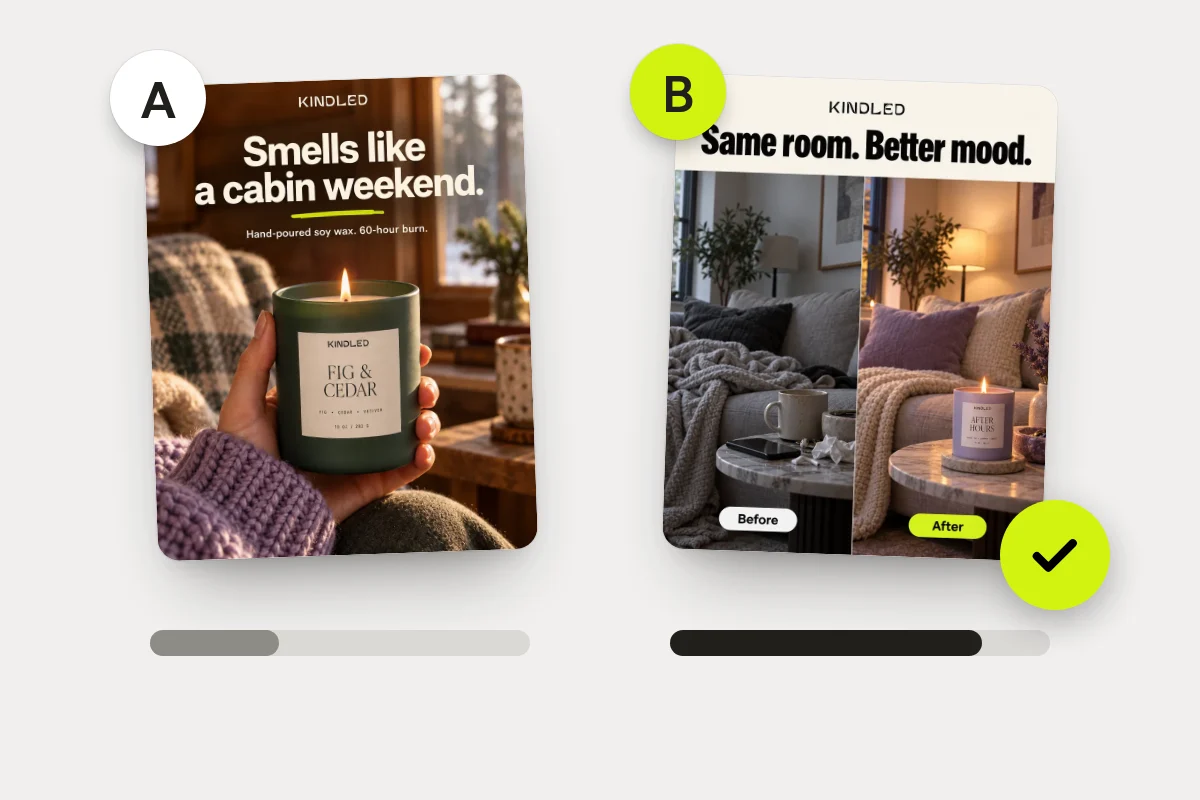
Run the AI versions against your own ad for a week before deciding. Our creative testing guide shows how.
Where ScaleShot fits next to Meta's tools
Most of Meta's creative tools rework an ad you've already made. ScaleShot starts one step earlier: it reads your website or store to learn your brand, then makes image and video ads from it. With your Meta ad account connected, it launches Facebook and Instagram campaigns with a Sales, Leads or Visitors goal, and it always asks before pausing ads or changing budgets.
Questions about Meta's AI ad tools
What happened to Advantage+ shopping campaigns?
Meta announced in February 2025 that they would be renamed Advantage+ sales campaigns, Jon Loomer reported.
Will people know my ad was made with AI?
Possibly. Ads made or materially edited with some Meta AI tools may show an "AI info" label or note in the ad's menu.
Can Meta's AI change my product in the picture?
Yes. The full image variations Meta began rolling out in 2024 can change the subject or product shown, so review them closely.
Can Meta make my whole ad from a product photo?
Not fully yet. It was reported as Meta's goal for the end of 2026, and Meta's chat-based campaign creation was still in testing in October 2026.
ScaleShot TeamWe build ScaleShot, an AI ad tool for small businesses on Facebook and Instagram. How we make our guides
Sources
- Advantage+ creative: get started (Marketing API), Meta for Developers
- Generative AI features (Marketing API), Meta for Developers
- Advertising Week New York 2026: New AI Capabilities to Guide Campaigns and Reach Customers, Meta for Business
- Introducing Muse Image, Meta Newsroom
- Meta's AI tools for advertisers can now create full new images, not just new backgrounds, TechCrunch
- Advantage+ Campaign Creation: A Complete Guide, Jon Loomer Digital
- Meta to automate ad creation, Verdict
- About Advantage+ creative, Meta Business Help Center
- Turn off Advantage+ creative enhancements in Meta Ads Manager, Meta Business Help Center
- Advantage+ Sales, App, and Leads Campaigns, Jon Loomer Digital