How to test Facebook ad creative on a small budget
Test the image or video first, using a few clearly different ads, and judge them on cost per result after about a week. Meta's Creative Testing tool takes 2 to 5 test ads and seems to run 7 days by default, Jon Loomer found. Change one thing at a time so you know what made the difference.

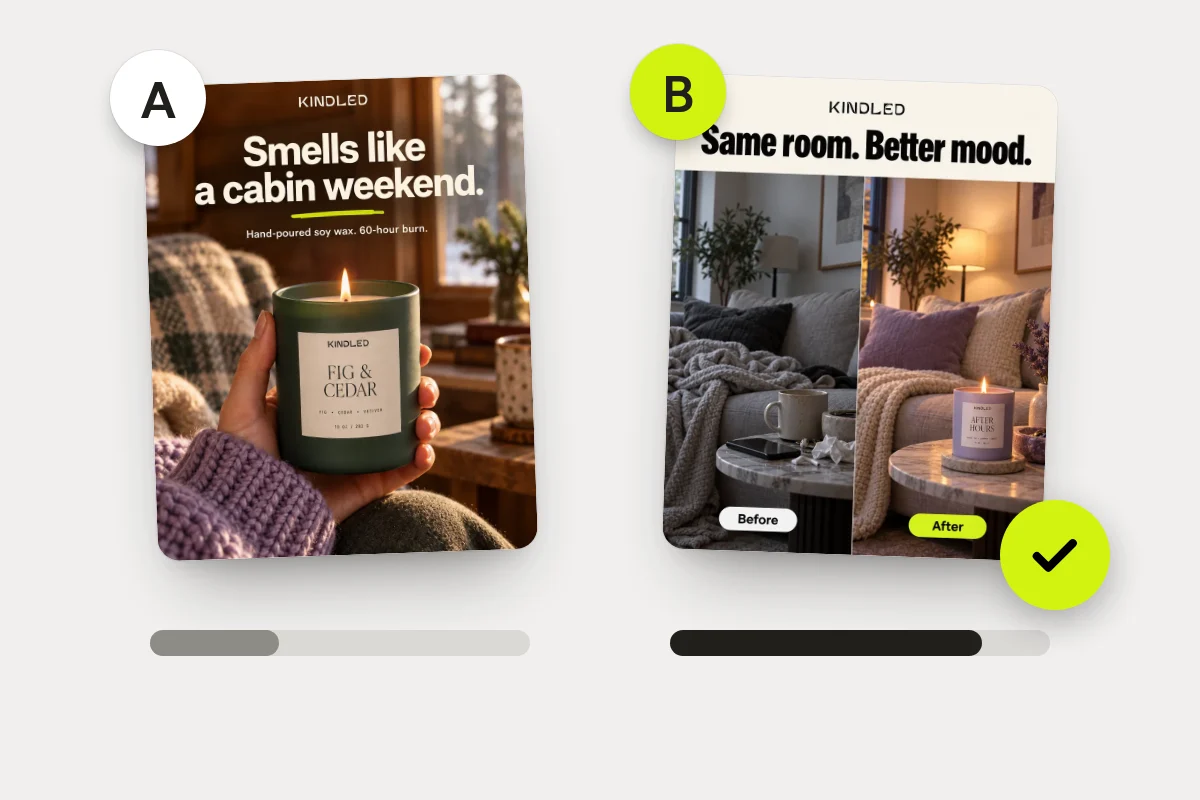
What to test first: the picture, then the words
Start with the image or video. It's the part people notice before they read anything. An NCSolutions analysis of nearly 450 sales studies credits creative with 49% of the extra sales that advertising drives, Westwood One reports. Targeting came a distant fourth at 11%.
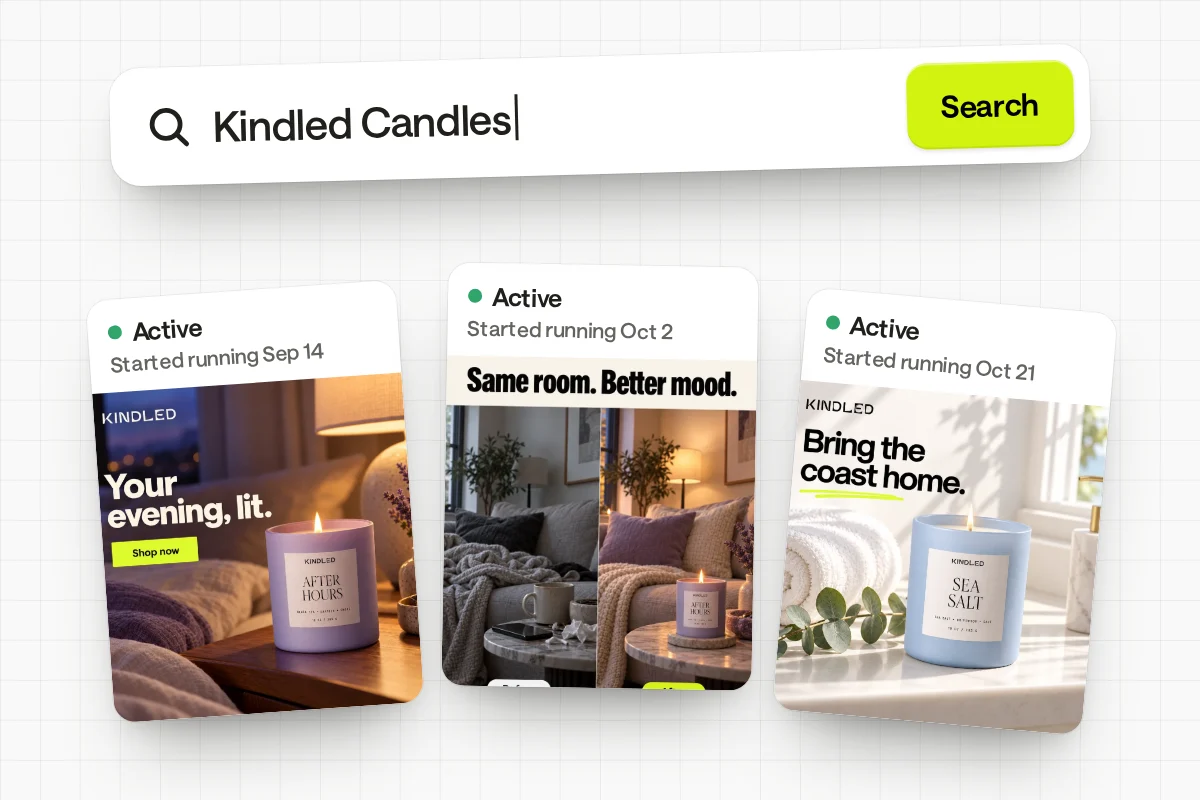
Make the options look different at a glance. Jon Loomer warns that two images that look nearly the same don't count as variety, and that text changes should be significant. Good first tests for a small shop:
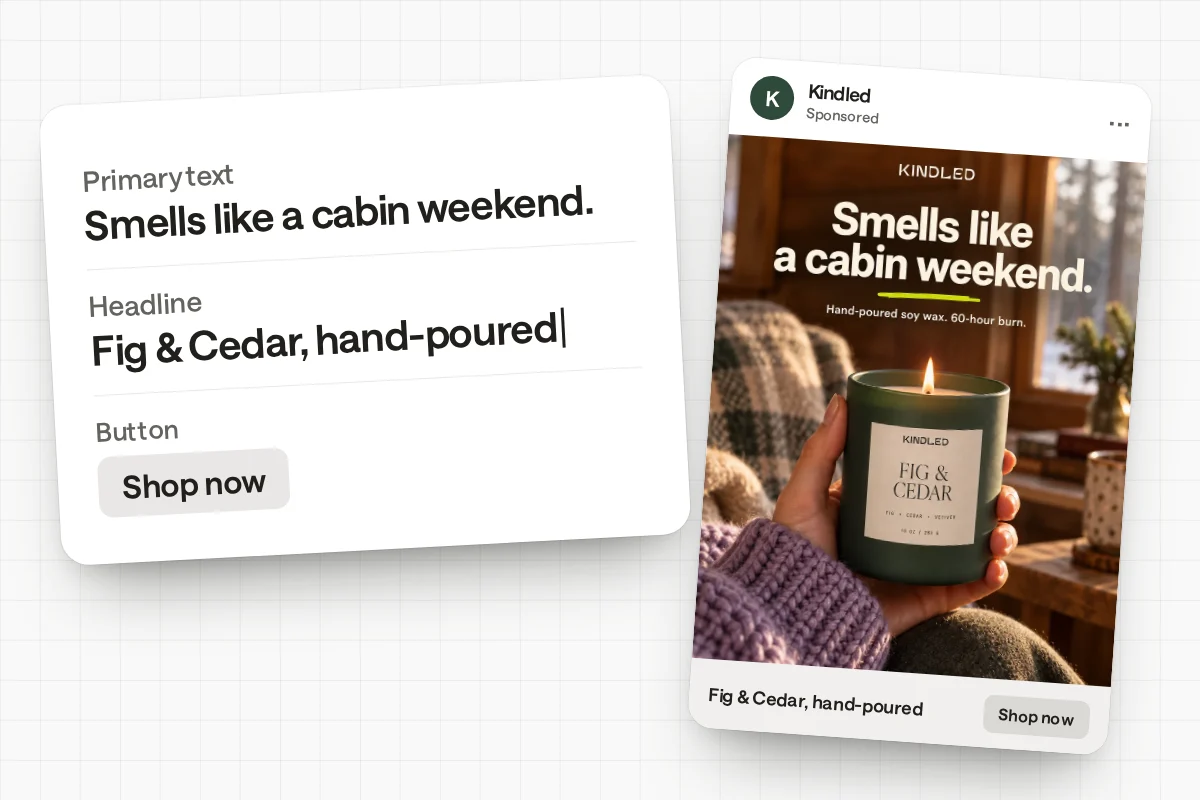
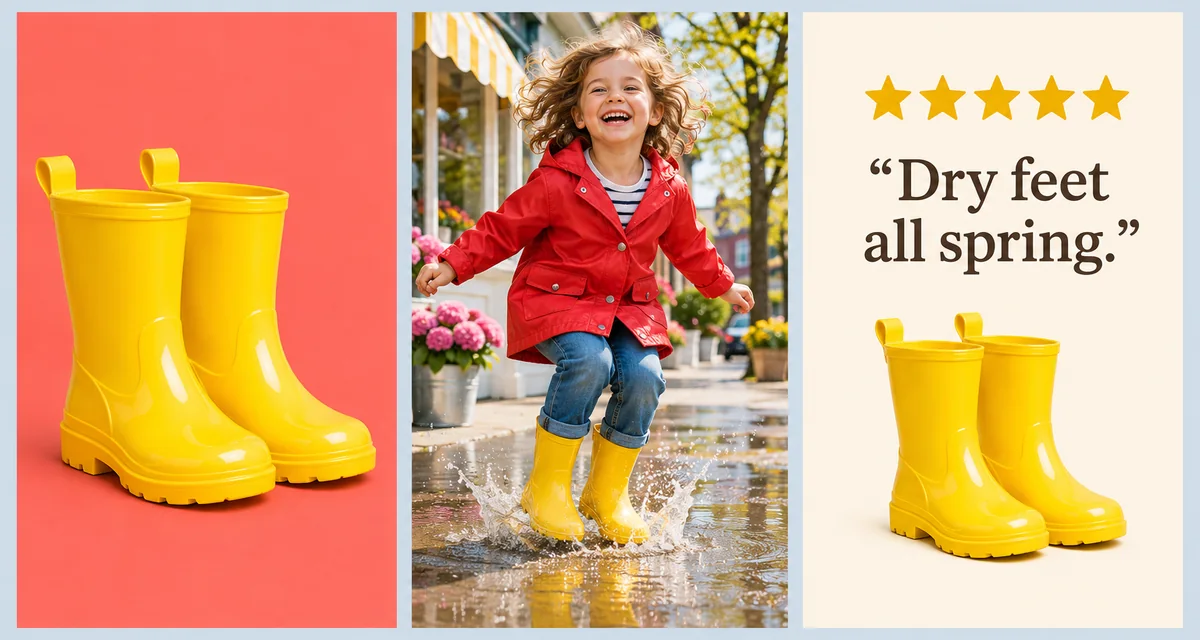
- a plain product photo against a lifestyle photo of the product in use
- a still image against a short video
- a customer review on screen against a price or offer on screen
Once one picture wins, keep it and test headlines and primary text against it. Our Facebook ad copy guide and ad hooks guide have ideas for the text round.
How many ads to put in one ad set
On a small budget, stay at the low end of what Creative Testing allows. Loomer notes the old recommended limit was six ads, and that many advertisers now run 10, 20 or more, but more isn't necessarily better. His advice is to start with a few meaningful variations and add more as you see results.
The reason to stay small is money. Every extra ad splits the same budget. Loomer cites the old rule of thumb of about 50 results a week for a readable test. A shop spending $20 a day on purchases won't get there with ten ads.
Keep all test ads in one ad set with the same audience and budget, so the creative is the only difference.
Meta's test tools versus several ads in one ad set
You have three options in Ads Manager.
1. Several ads in one ad set
The simplest route. Upload your ads to one ad set and let it run. Meta optimizes delivery across the ads, so one ad can take most of the money before the others get a fair shot. Loomer describes Creative Testing as the way to stop Meta from optimizing delivery toward specific ads.
2. Creative Testing inside an ad
This is the best fit for most small shops. Per Loomer's walkthrough, published October 2025 and updated January 2026:
- Create or edit an ad and scroll to Creative Testing, right after the Ad Creative section.
- Click Set Up Test and build 2 to 5 test ads.
- Pick the share of budget for the test. Meta recommends no more than 20%, though more goes to the test if the ad set has no other ads.
- Choose the metric that decides it, usually cost per result.
- Leave the bid strategy on Highest Volume. Cost per result goals, bid caps and ROAS goals aren't allowed.
Each person sees only one of the test ads, so the comparison is fair.
3. A/B test in Experiments
Found under the Ads Manager tools menu in Experiments, then Create Test. It compares campaigns or ad sets and reports a confidence level, which is the chance you'd get the same result if you ran the test again. It suits bigger questions, like comparing audiences.
How long to run a creative test and how much data is enough
Plan on at least a week. Creative Testing appears to run 7 days by default, and Loomer found no other guidance from Meta on length. Meta's developer documentation says tests with larger reach, longer schedules or higher budgets tend to give more statistically significant results.
If your test won't reach that weekly target, run it longer. Loomer says he'd give his own test a longer window next time. Another option on a tight budget is to judge on a result that happens more often. The tool lets you pick cost per click, CPM (the cost of 1,000 views) or the cost of an event like add to cart instead of purchases.
Example: a candle shop puts $15 a day behind three test ads for a week, about $105 in total. It gets 4 sales, too few to call a winner. It does get 60 add-to-carts, enough to compare cost per add-to-cart and see a clear leader.
Don't edit the ads while the test runs. Changes muddy the comparison.
How to read your test results
During a Creative Testing run, hover over the beaker icon next to an ad's name for quick results. The full report sits in the Experiments section, with a results table and age and gender breakdowns.
Read them in this order:
- Your deciding metric. Meta's developer docs say to pick the winner on the efficiency metric that matches your goal, such as the lowest cost per purchase.
- Confidence, if shown. In an A/B test, a high confidence level means the result would probably repeat. With low confidence you may choose not to act.
- Volume. An ad with one sale at $8 hasn't beaten an ad with ten sales at $12. Look for a gap that holds over many results.
Compare against your own numbers, too. Our good ROAS guide shows how to work out the cost per sale you can afford.
What to do with a winning ad
After a clear win, Loomer suggests turning off the losing versions and putting more budget on the winner. Raise the budget in steps. Our Facebook ads budget guide covers how.
Then test again. Keep the winning picture and try new headlines, or make two fresh images that build on the same idea. When the Creative Testing run ends, delivery carries on, but Meta stops trying to keep spend even between the test ads, so treat the finished test as a result and start a new batch for the next question.
Making test variations with ScaleShot
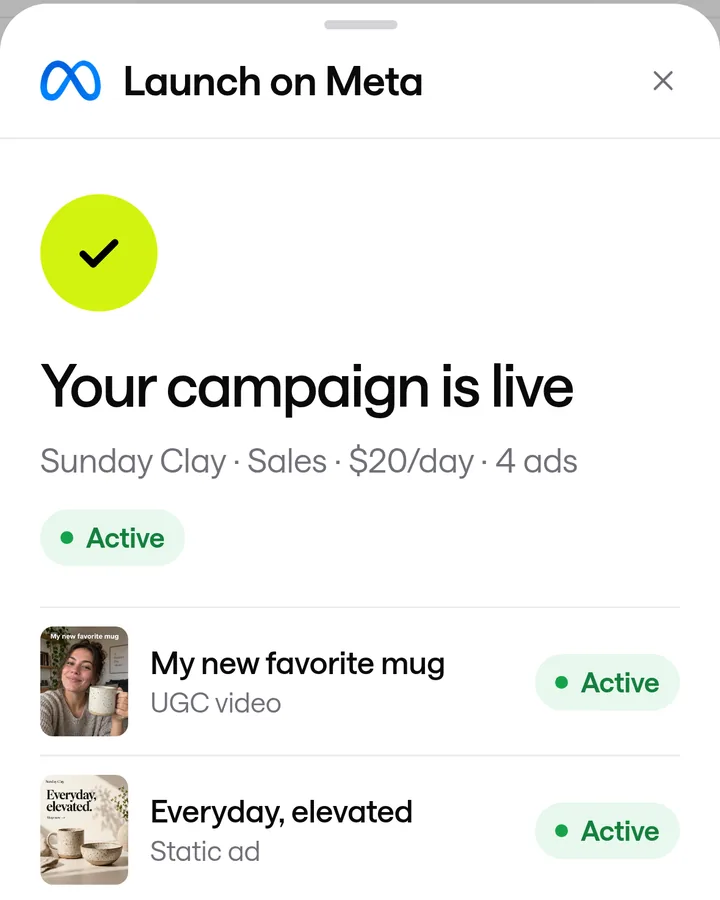
A test needs several ads that differ in one clear way, and making them is the slow part. In ScaleShot you can remix an ad and change one part of the prompt at a time to get a comparable variation. Our help docs suggest keeping a simple test log of the creative, the one element you changed and what you want to learn, and not treating the ad you like best as a winner until campaign results say so. With your Meta account connected, the Ads Agent can check results and pause ads that aren't working, and it asks before changing anything.
Creative testing questions
How much budget do I need to test Facebook ad creative?
Enough for about 50 results a week across the test, the old rule of thumb Loomer cites. If that's out of reach, run longer or judge on a cheaper result like clicks.
Should I test with separate ads or one ad with many images?
Separate ads give you a clean answer about which picture won. Creative Testing duplicates your ad into separate test versions and shows each person only one.
How do I know when a test is finished?
When the planned schedule ends and the deciding metric shows a clear, steady gap. Meta's docs note that longer schedules and bigger budgets give more reliable results.
Can I test more than five ads at once?
Not in Ads Manager's two test tools, by Loomer's walkthroughs: Experiments A/B tests and Creative Testing both take up to five versions. On a small budget, fewer ads tend to give a faster read.
ScaleShot TeamWe build ScaleShot, an AI ad tool for small businesses on Facebook and Instagram. How we make our guides
Sources
- Meta's Creative Testing Tool: Setup, Strategy, and Results, Jon Loomer Digital
- Meta Andromeda and creative diversification, Jon Loomer Digital
- Marketers Vastly Understate The Sales Effect Of Creative And Significantly Overestimate The Impact Of Targeting, Westwood One
- Split testing (Marketing API), Meta for Developers
- How to Create an A/B Test in Meta Experiments, Jon Loomer Digital