How to make AI ads for your small business
To make an AI ad, start from a clear product photo, let an AI tool draft the image, video and words, then check every detail before you publish. AI handles the drafting. You still pick the offer, confirm the facts and approve the final version. Meta may add an AI info label to ads made with AI tools.

What is an AI ad?
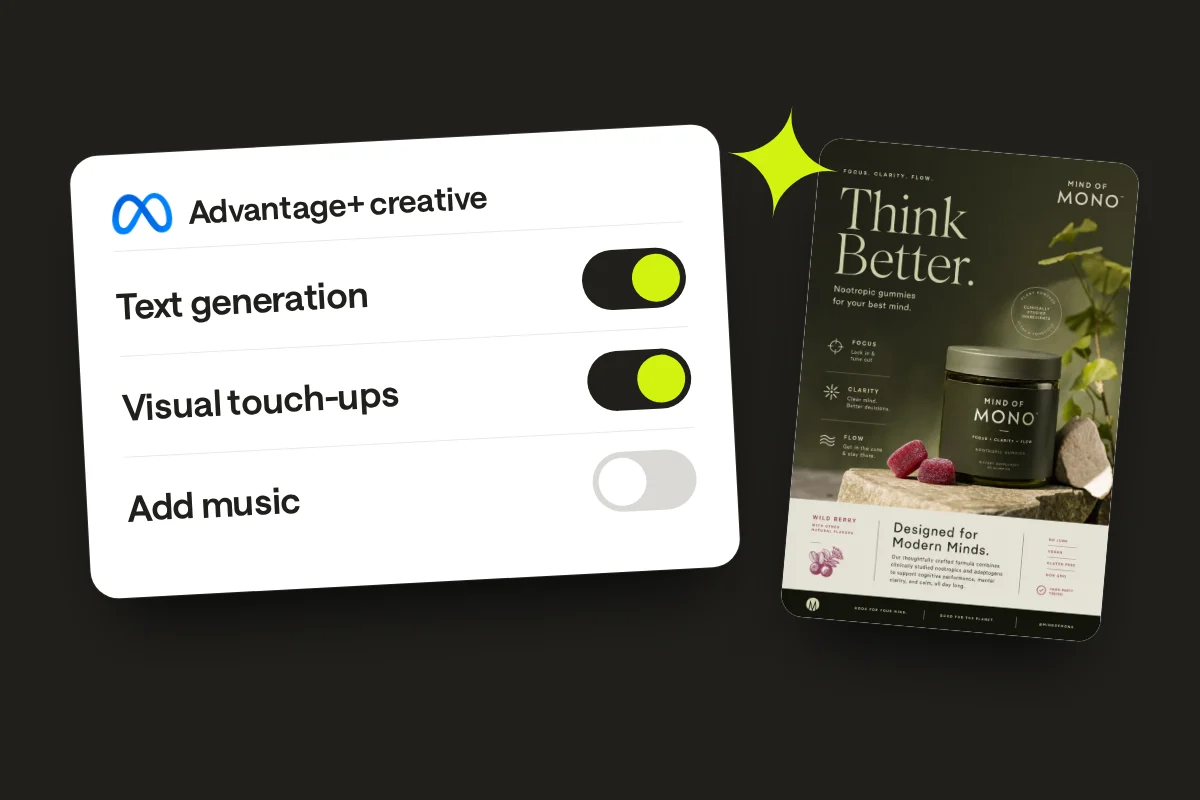
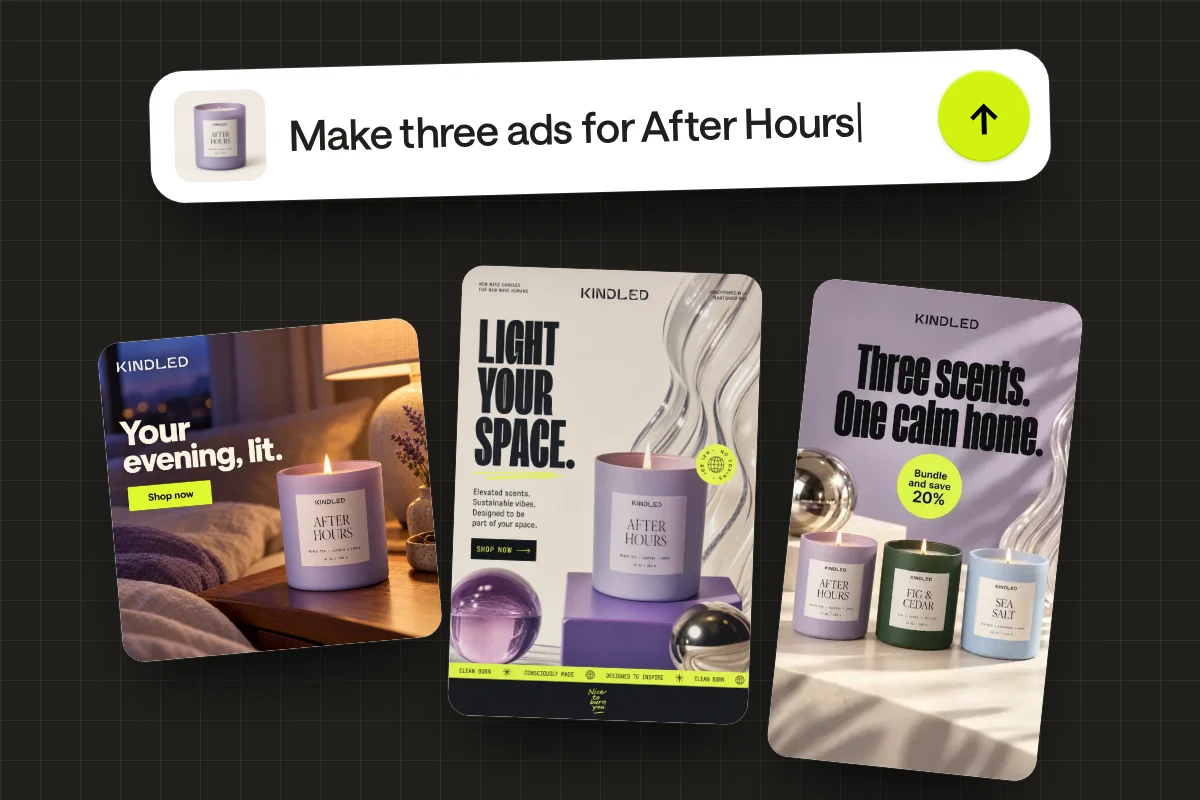
An AI ad is an ad where software drafted some or all of the creative. Most start from something real, usually your own product photo. Meta's image generation tool in Ads Manager works this way: it uses your ad image as a reference and creates variations with similar elements, such as the background color and the objects in the shot.
Once made, an AI ad runs like any other. It uses the same budgets and placements, and it goes through the same review. Meta's ad review starts automatically before an ad runs and is typically finished within 24 hours.

What AI does well today and what you still decide
Where AI saves you hours
- Images from a product photo. It can put your product in a new scene or background and make several versions to test.
- Short videos. Clips of a few seconds built from a photo, sized for Reels and Stories.
- Copy drafts. Headlines and primary text, the main words above the ad, in several versions. Our roundup of ad copy generators compares tools for this.
What stays with you
- The offer. The product, the price, the discount and the deadline. AI does not know your margins.
- The facts. Ingredients, sizes, shipping times and reviews. The FTC says advertisers need a reasonable basis for their claims before an ad runs, meaning objective evidence.
- The final check. You approve every image and every line before it goes live.
How to make an AI ad, step by step
Here is the process for a made-up example: Bark Bites, a small dog treat brand selling a $14 bag of peanut butter biscuits.
- Pick one product and one offer. Bark Bites picks the biscuits and free shipping over $30.
- Take a clear product photo. Shoot in daylight on a plain background, label facing the camera, with space around the bag. Meta's image generation tool recommends at least 1000 x 1000 pixels in JPEG or PNG.
- Describe the ad in plain words. Say who it is for, the scene and any exact headline. Example: "Bag of biscuits on a kitchen counter, a terrier watching, headline: Free shipping over $30."
- Generate several versions. Ask for four or five images and one short video so you have options. Our roundup of AI ad generators compares the tools.
- Draft the words. Meta recommends a headline of about 27 characters and primary text of 50 to 150 characters for a Facebook Feed image ad. Our Facebook ad copy guide has formulas.
- Size it for the placement. Meta's Facebook Feed spec suggests a 4:5 image at 1,440 x 1,800 pixels.
- Check it against the list further down, then fix or remake anything wrong.
- Launch on a small budget and give it a week before you judge it. Our Facebook ads budget guide covers the numbers.
For finished ideas, browse these AI ad examples.
Meta's rules on labeling AI content in ads
Meta adds an AI info label on its own in two cases, according to its Business Help Center:
- You used Meta's generative AI features, such as Background Generation, Image Generation or Add Animation, to create or significantly edit an image or video.
- Meta detects that a third-party AI tool created or edited the ad, using industry-standard signals such as C2PA, information saved inside the file.
People see the label by tapping the three-dot menu on the ad and opening About this ad. Meta began rolling out that About this ad panel in an update posted on June 1, 2026. While you build the ad, Ads Manager shows a message if a label will appear. Meta says minor edits such as resizing or color correction may not get a label.
Some places have their own AI rules. If your ads reach the European Region, California, New York, India or Taiwan, you may be offered a choice to self-disclose AI use, and the label then shows next to the ad's Sponsored label, which Meta now shows as Ad.
Ads about social issues, elections or politics have a stricter rule. Advertisers must disclose photorealistic images, video or realistic audio made or edited with AI that show, for example, a real person saying something they did not say. Failing to disclose can mean the ad is removed, with account penalties for repeat cases.
What to check before you publish an AI ad
Open every image and video at full size on a phone, the way customers will see it. Look for these faults:
- Warped products. Check the shape, the label, the logo and the number of items. A jar with two lids or a label with melted letters makes the whole shop look fake.
- Wrong text. Read every word inside the image. AI can misspell words, repeat them or invent new ones, and it can print the wrong price.
- Invented claims. Delete anything you cannot prove, such as "vet approved", "best seller" or a star rating. Meta's Advertising Standards prohibit ads that use deceptive or misleading practices.
- People who do not exist. An AI person holding your product can pass for a real customer. Never present one as a review or a before-and-after result.
- Odd motion in video. Watch hands, faces and the product itself for details that shift between frames.
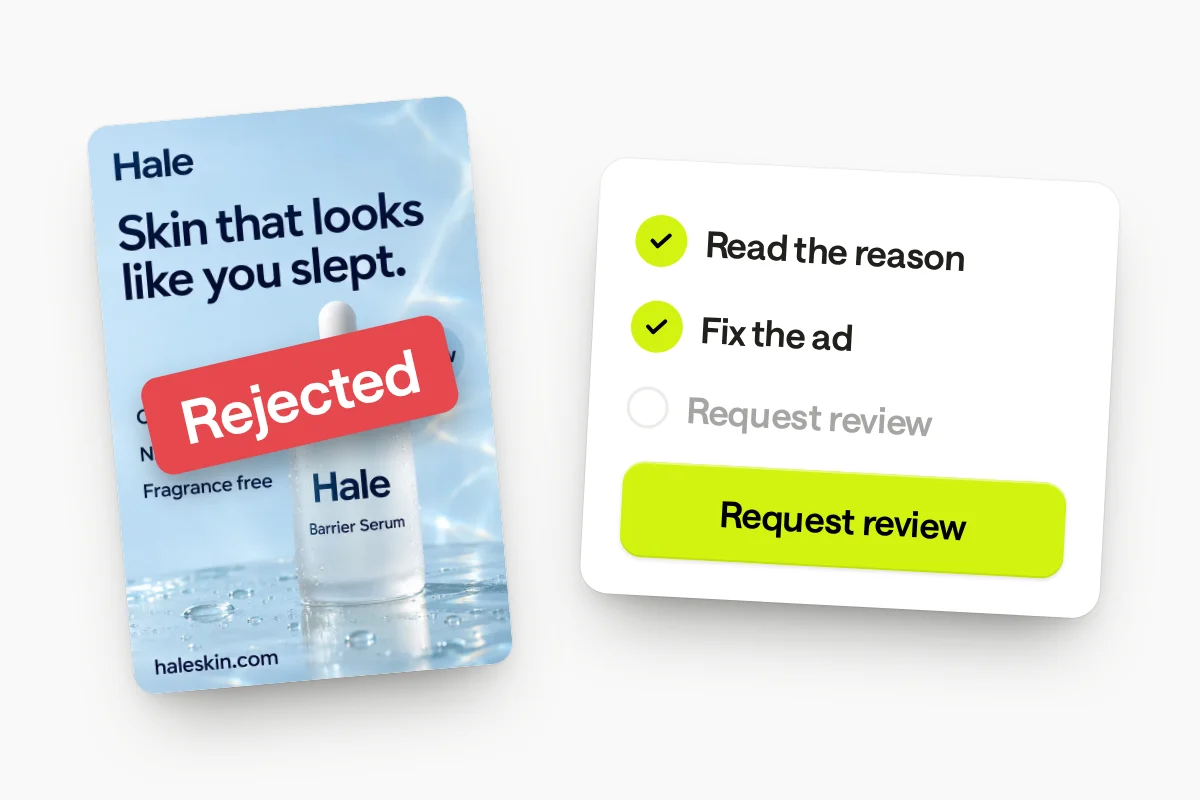
If Meta rejects the ad anyway, our guide to rejected Facebook ads walks through the fixes.
How ScaleShot makes AI ads
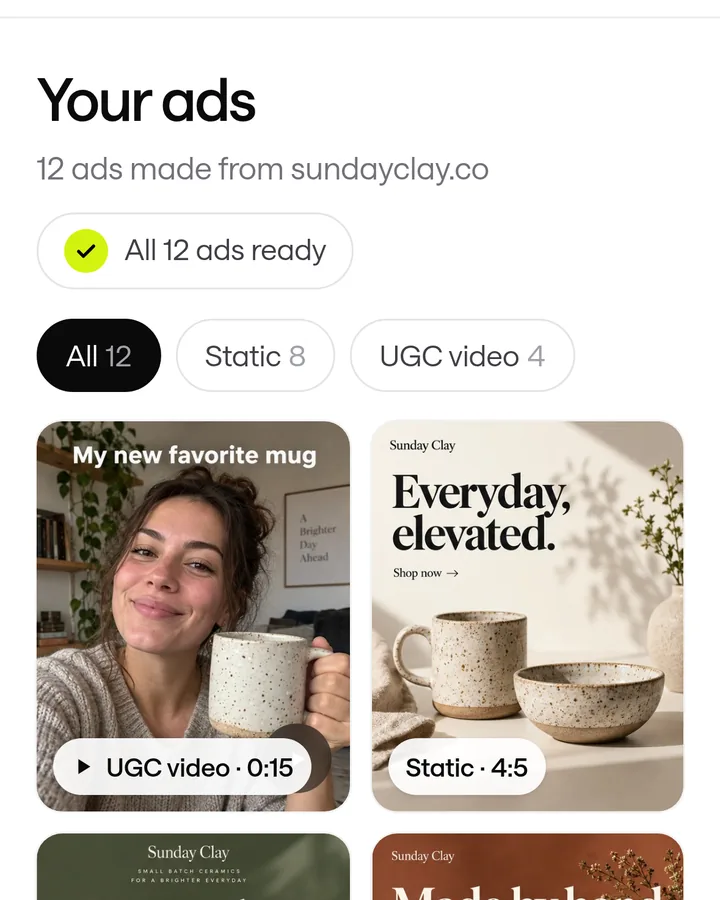
We built ScaleShot to do this process for a small shop. It learns your business from your website or store link, and its Ads Agent chat makes image ads and video ads from your products. Videos run 4 to 10 seconds, in styles from a creator talking to camera to claymation or stop motion. Before anything is generated you see a card and can edit, approve or cancel it, so no credits are spent on a draft you did not want. Our help pages tell you to check the product, wording and layout of each image and to inspect videos for changes to the product and its text. With a connected Meta ad account it launches Facebook and Instagram campaigns, and it asks before it pauses an ad or changes a budget.
Common questions about AI ads
Do I have to label AI ads on Facebook?
For ordinary product ads, Meta applies the AI info label itself when it detects AI tools, and some regions offer a self-disclosure option. Ads about social issues, elections or politics must disclose realistic AI content.
Can I use AI-generated people in my ads?
Meta says the AI info label sometimes appears next to the Sponsored label at the top of the ad as well as in the menu. In ads about social issues, elections or politics, a realistic-looking person who does not exist must be disclosed. Never present an AI person as a real customer.
Are AI ads allowed on Facebook and Instagram?
Yes. They go through the same ad review as any other ad and must follow Meta's Advertising Standards.
Who owns ads made with AI?
In ScaleShot, the outputs you generate are yours to use in paid ads and marketing. Other tools set their own terms, so read them before you publish.
ScaleShot TeamWe build ScaleShot, an AI ad tool for small businesses on Facebook and Instagram. How we make our guides
Sources
- About AI info on ads created or edited with generative AI tools, Meta Business Help Center
- Expanding GenAI Transparency for Meta's Ads Products, Meta Newsroom
- Helping People Understand When AI Or Digital Methods Are Used In Political or Social Issue Ads, Meta
- Introduction to the Advertising Standards, Meta Transparency Center
- Advertising FAQ's: A Guide for Small Business, Federal Trade Commission
- Facebook Feed image ad specs, Meta Ads Guide
- Generate Image Variations in Meta Ads Manager, Meta Business Help Center
- How AI-generated images in ads are identified and labeled on Meta, Meta Help Center