How to create a Facebook carousel ad
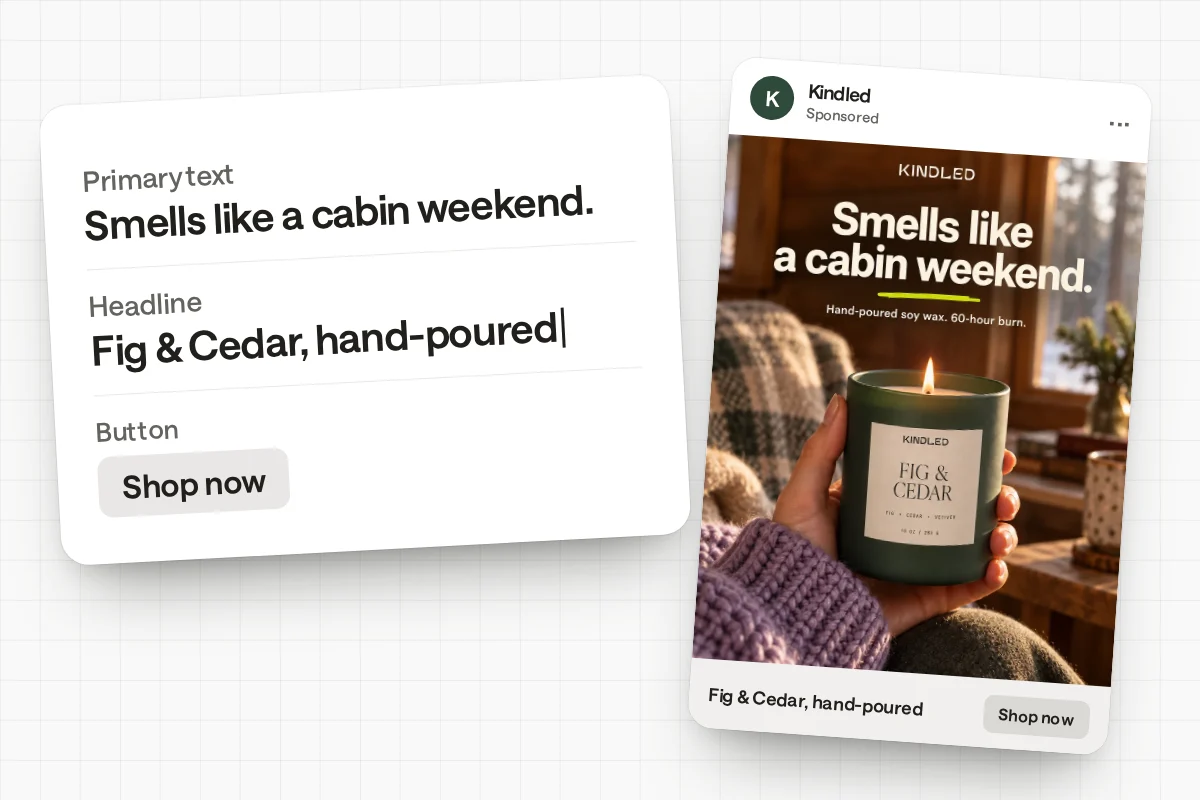
In Ads Manager, pick the Carousel format at the ad level, add your cards, and give each one its own image or video, headline and link. Meta's ads guide lists square 1:1 cards of at least 1080 x 1080 pixels for Facebook Feed. Put your strongest card first and use a carousel when you have several things to show.

What a carousel ad is
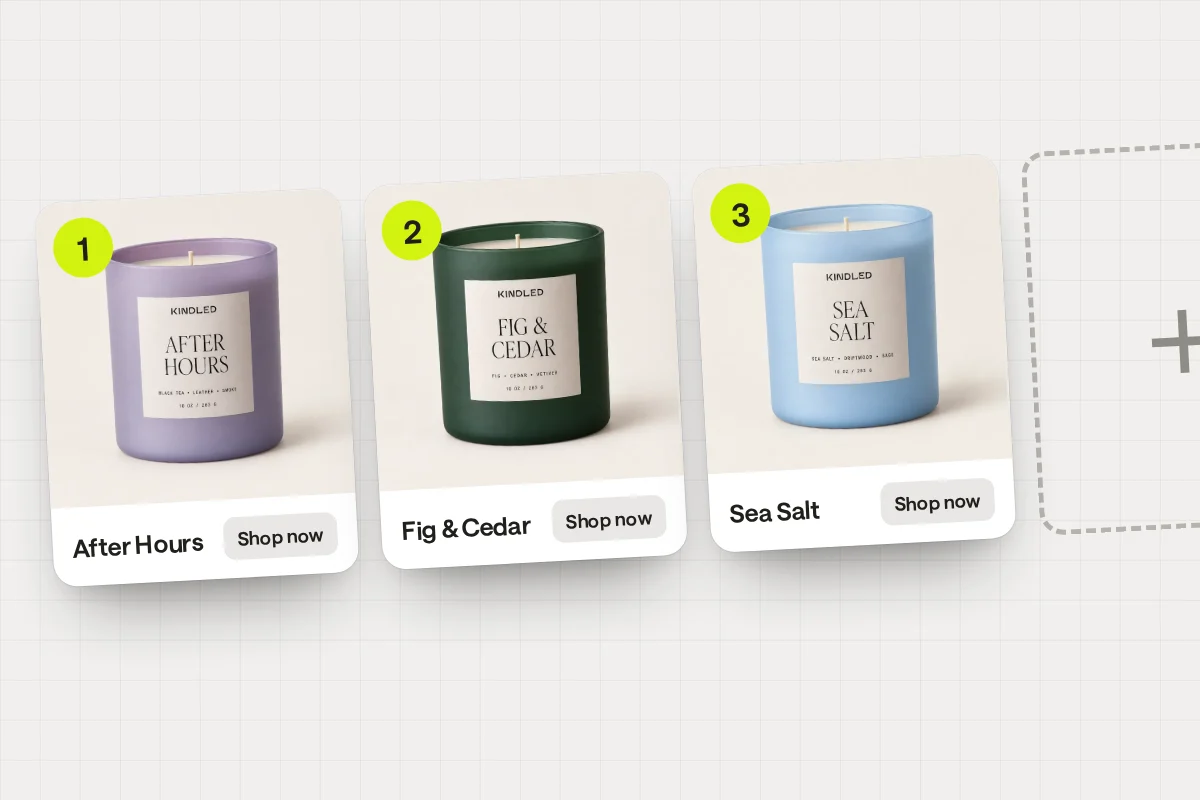
A carousel ad is one ad with several cards people swipe through. Each card has its own image or video, its own headline and its own link. The primary text above the cards is shared by all of them.
That makes it the format for showing more than one thing in a single ad: five candle scents, the before and after of a cleaning job, or one backpack from four angles. For real ones from other brands, see our carousel ad examples.
Facebook carousel ad specs
From Meta's ads guide for Facebook Feed carousels:
- Cards: 2 to 10
- Ratio: 1:1
- Image files: JPG or PNG, up to 30MB
- Video files: MP4, MOV or GIF, up to 4GB
- Recommended text: primary text 80 characters, headline 20, description 18
- Landing page URL: required
Other placements
- Instagram Feed: image-only carousels use 4:5, and carousels with any video are 1:1 only.
- Instagram Stories: 9:16 at least 1080 x 1920 pixels, videos up to 15 seconds per card. Stories show 1 to 3 cards automatically before people tap to see more.
The headline limit is tight. "Cedar, 50 hrs" fits. "Our bestselling smoked cedar candle" runs well past it. For every other format, see our Facebook ad sizes guide.
When a carousel beats a single image
Pick a carousel when one picture can't tell the whole story. Relevant Audience lists the common uses:
- A product range, with each card linking to its own product page
- A feature walk-through of one product from several angles
- Step by step, a process shown in a fixed order
- A panorama, one wide image split across the cards
- A story where each card leads to the next
Stick with a single image or video when you have one product and one message. A carousel spreads attention across cards, and a lone hero shot with a clear offer is easier to read in a fast scroll. If you aren't sure, run both and compare cost per result.
How to create a carousel ad in Ads Manager
Meta's help page gives these steps for a carousel:
- In Ads Manager, click + Create, pick your objective and click Continue.
- Fill in the campaign and ad set until you reach Ad setup at the ad level.
- Choose Manual upload as the creative source and Carousel as the format.
- Write the primary text. All cards share it.
- Under Ad creative, click + Add cards and upload an image or video for each card. Give each card its own headline and website URL.
- Put the cards in the order you want people to see them, and decide whether Meta may reorder them (more below).
- Add a call to action, check the previews and click Publish.
Meta changes Ads Manager labels often, so yours may differ slightly. Give every card a different headline, because Meta's card-level reporting identifies cards by their headlines. For the primary text itself, our guide to Facebook ad copy has a fill-in formula.
Card order ideas
Card one does the work of a hook, because it's the one card everyone sees. Use it for your best product, offer or picture, and skip the brand introduction.
Let Meta reorder, or lock the order
The Highlight carousel card setting, which older pages call "automatically show the best performing cards first," sits under Advantage+ creative and is on by default. It only applies on Facebook Feed, Instagram Feed and Instagram Stories. Leave it on for product ranges. Turn it off for steps, stories and panoramas, where order matters.
Orders that work for small shops
These are made-up examples:
- Bestseller first: a candle shop leads with its top scent, then four others, then a last card with "Free shipping over $40."
- Problem to fix: a plumber shows a leaking pipe, the repair, the clean finish, then a card with a phone number.
- Offer, then proof: a dog treat brand opens with "20% off your first bag," then a happy dog, then the ingredient list, then a short review.
To find the best first card, test two or three versions of card one and keep the rest the same.

How to see which card worked
Ads Manager reports the whole carousel as one ad by default. To see clicks per card, add a breakdown by carousel card. Meta's Marketing API documentation notes that website results come back without the card value in that breakdown. Give each card's link its own UTM tag (a label added to the end of a URL) and check sales in Shopify or Google Analytics.
Common carousel ad mistakes
- A logo or brand card first. Put your best product or offer there.
- Every card linking to the homepage. Send each product card to its own product page.
- Long headlines. Meta recommends 20 characters on Facebook Feed, so write labels.
- Mixed styles. Cards shot in different light and backgrounds look like separate ads.
- Locked order on a product range. Let Meta move the winners forward unless the sequence matters.
Making carousel cards with ScaleShot
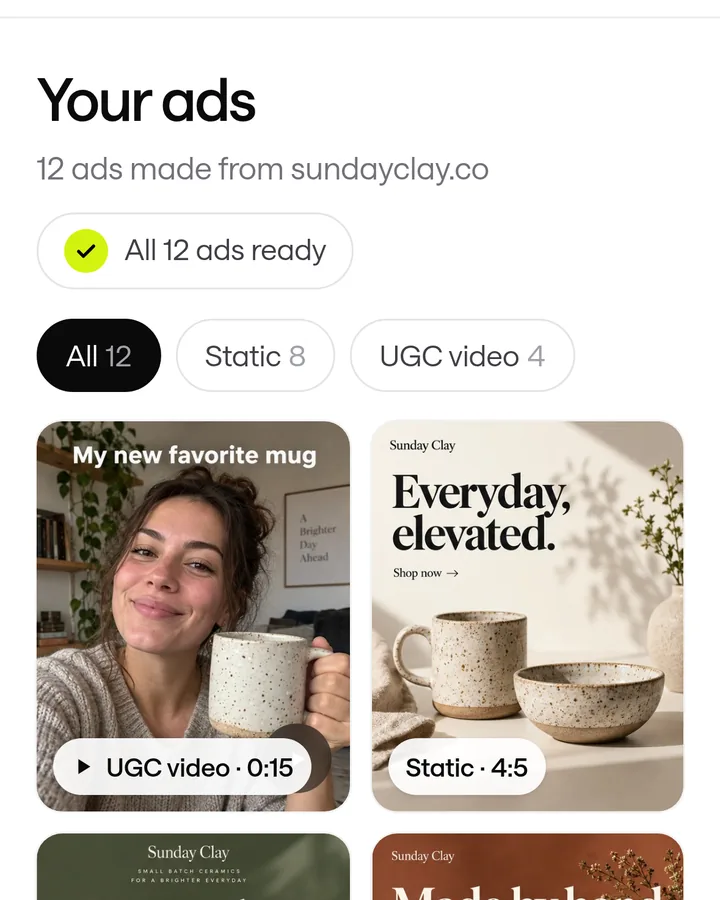
ScaleShot makes single image ads from a product and a prompt, and you can choose how many images to generate in one go. Download the ones you like from the Library and add them as cards when you build the carousel in Ads Manager. Starting each card from the same product keeps the set looking like one brand.
Facebook carousel ad questions
How many cards can a Facebook carousel ad have?
Between 2 and 10.
Can I mix images and videos in one carousel?
Yes. Each card can hold an image or a video. On Instagram Feed, a carousel that includes any video has to be square.
Can each carousel card link to a different page?
Yes. Each card can have its own destination, which is handy for sending people straight to each product.
Why are my carousel cards in a different order than I set?
The Highlight carousel card setting lets Meta show its best-performing cards first, and it's on by default. Turn it off under Advantage+ creative to keep your order.
ScaleShot TeamWe build ScaleShot, an AI ad tool for small businesses on Facebook and Instagram. How we make our guides
Sources
- Facebook Feed carousel ad specs, Meta Ads Guide
- Instagram Feed carousel ad specs, Meta Ads Guide
- Instagram Stories carousel ad specs, Meta Ads Guide
- Facebook Carousel Ads: Specs, Setup and Card-Level Results, Relevant Audience
- How to make a video ad in Meta Ads Manager, Meta Business Help Center
- Insights API breakdowns, Meta for Developers