Carousel ad examples: 8 real Facebook and Instagram ads
The best carousel ad examples open with one clear hook on the first card, give each later card a different proof point, and end on one action. Meta allows 2 to 10 cards per carousel, and the eight real ads below, from the Meta Ad Library, use 3 to 10.


Which carousel ads work for local businesses?
Local carousels show the place, the work and the result in order, then point to one action such as directions or a message. Each card can link to its own URL, though these three keep one goal.
We checked the Meta Ad Library for this guide. An ad that has run a long time shows its advertiser kept it, not that it made sales.



Tee To Green Golf Center: venue tour carousel
Four cards take a stranger from the mini-golf course to the indoor simulator to the building, so they see what is on offer before the Get directions button.
Tee To Green Golf Center, via Meta Ad Library · See the ad
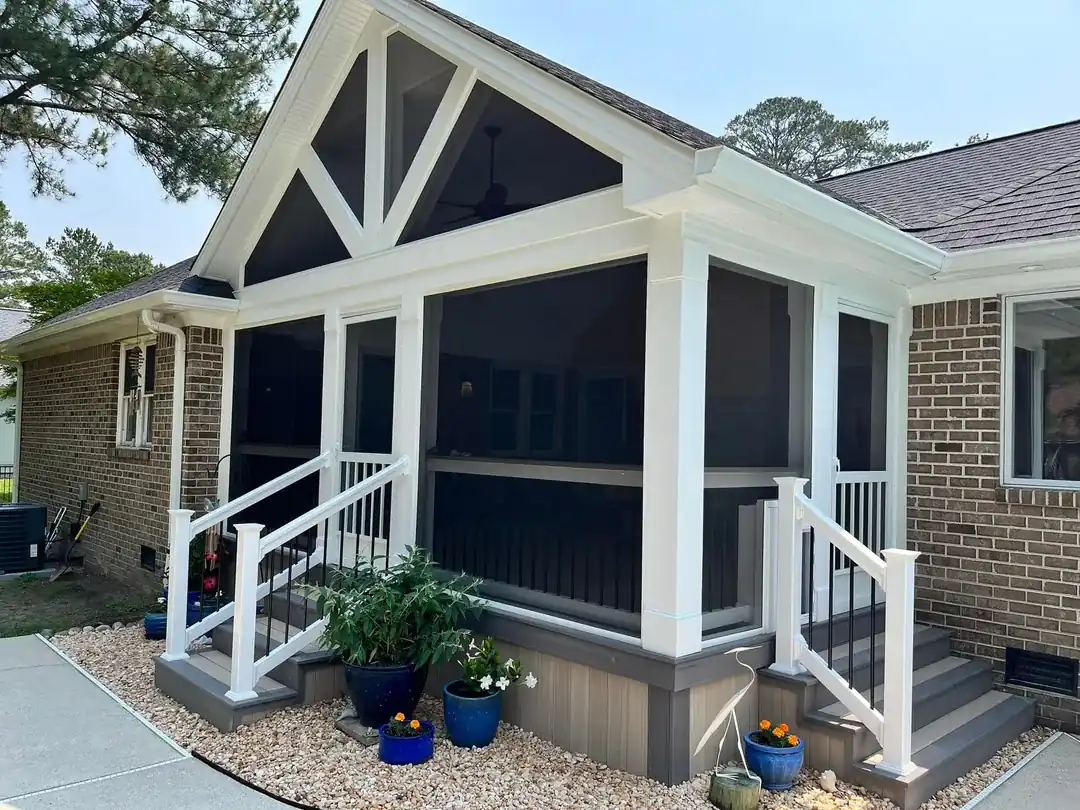


MNK Unlimited: screen porch estimate carousel
The cards show the finished porch outside and furnished inside, and the headline "Schedule a free estimate!" pairs with a Send message button, so the next step is one tap.
MNK Unlimited INC., via Meta Ad Library · See the ad


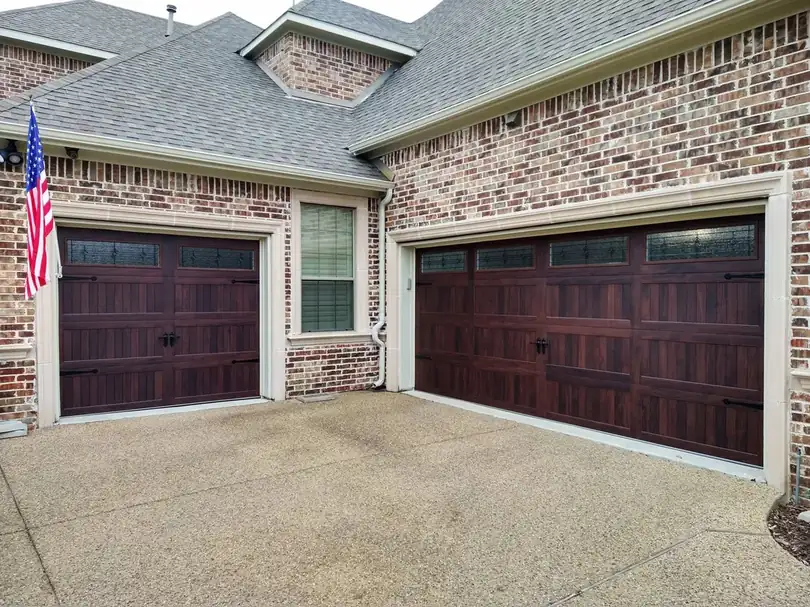
Plano Overhead Garage Door: problem-to-fix carousel
It opens with the storefront and truck, shows a frustrated homeowner, then a new door, and the caption leads with "Free estimates and same day repairs since 1977!".
Plano Overhead Garage Door, via Meta Ad Library · See the ad
What do product carousel examples look like?
Product carousels give each card one angle or one detail of the same item, so a shopper can judge it without leaving the feed. Ecomparkour says catalog showcases, step-by-step tutorials and feature breakdowns all suit the format. For single-image ads, see these Facebook ad examples.
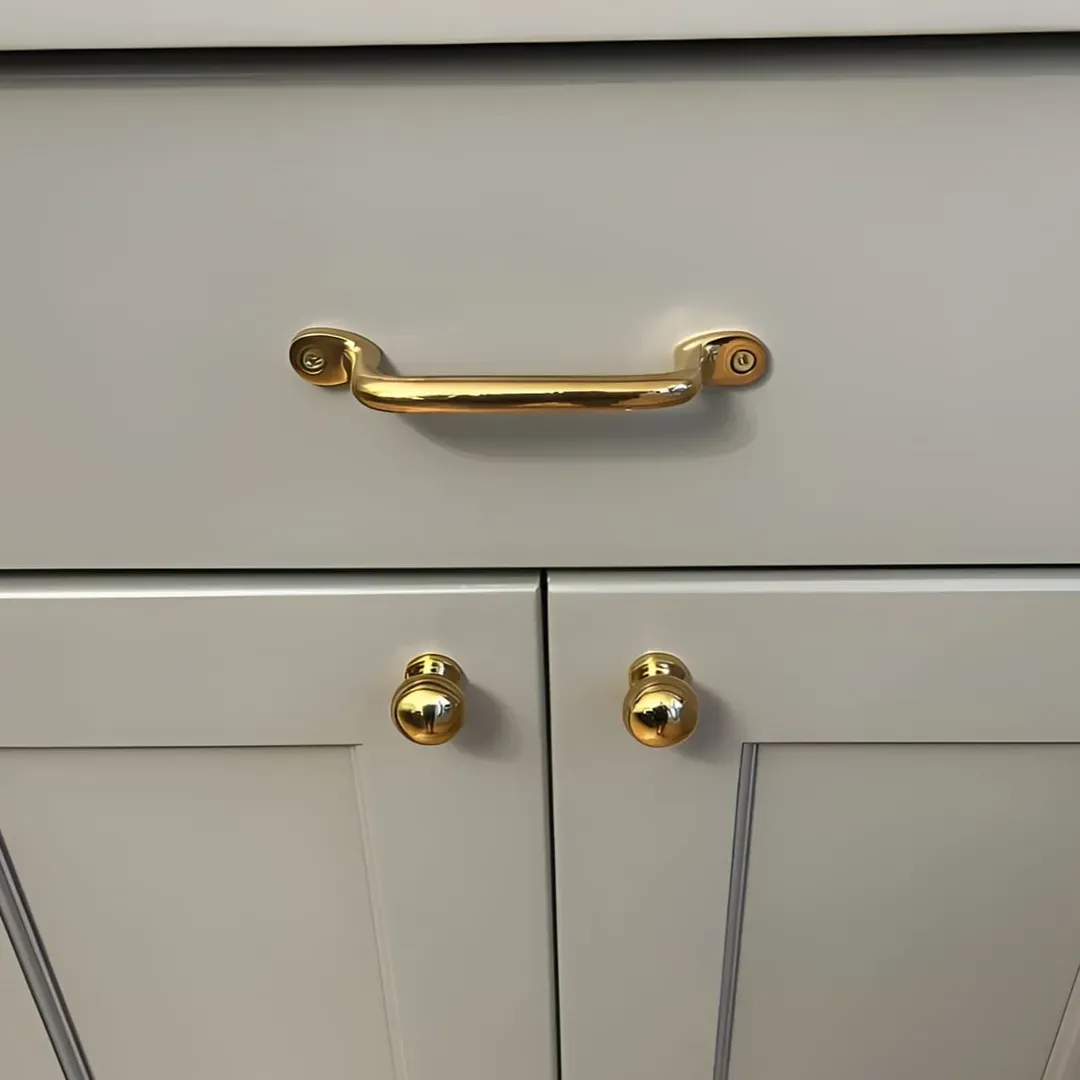

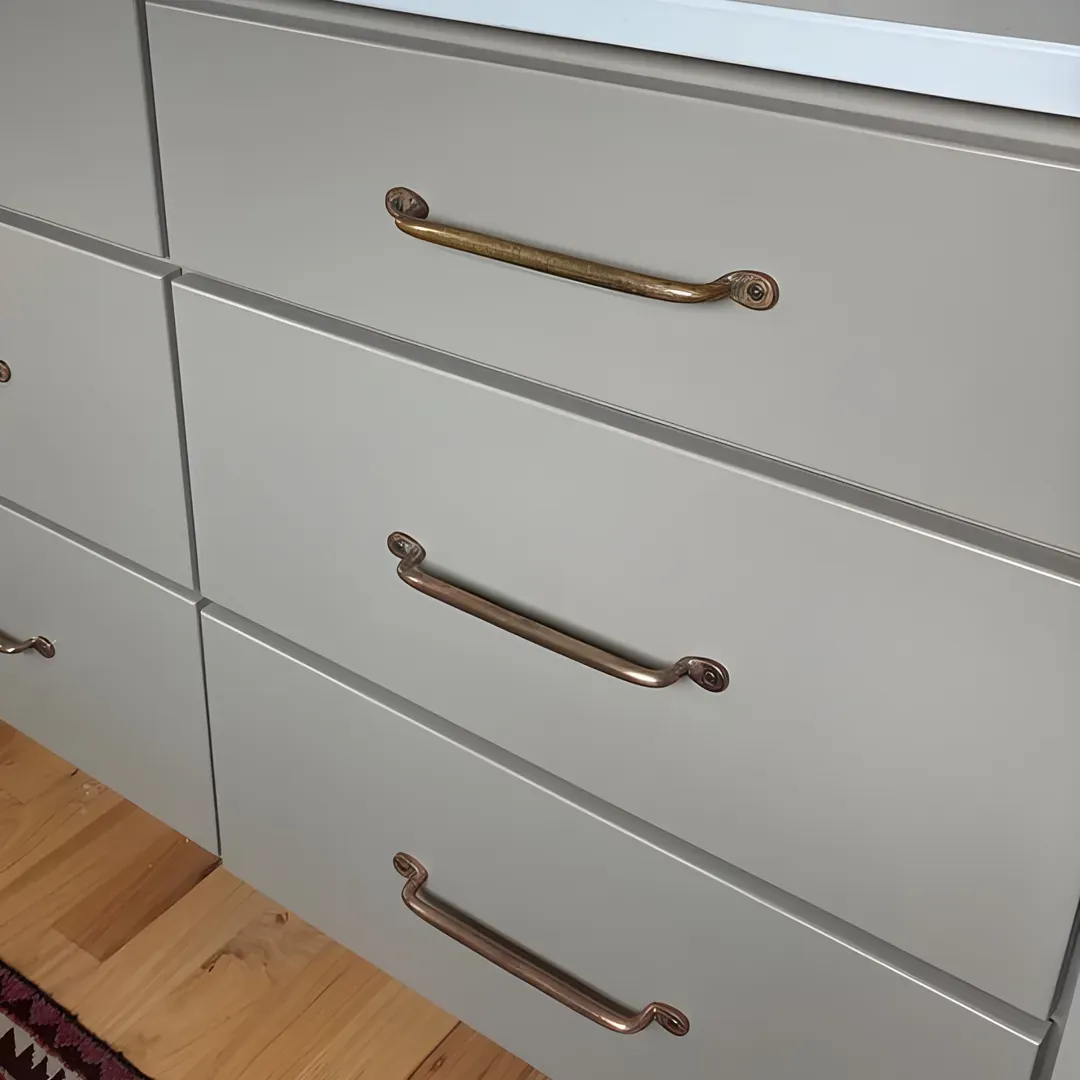
Stylentdecor: brass drawer pull close-ups
Ten cards of the same product fitted on grey cabinets let a shopper picture the result, under a short caption, "Bring Vintage Charm Home", and a Shop now button.
Stylentdecor, via Meta Ad Library · See the ad

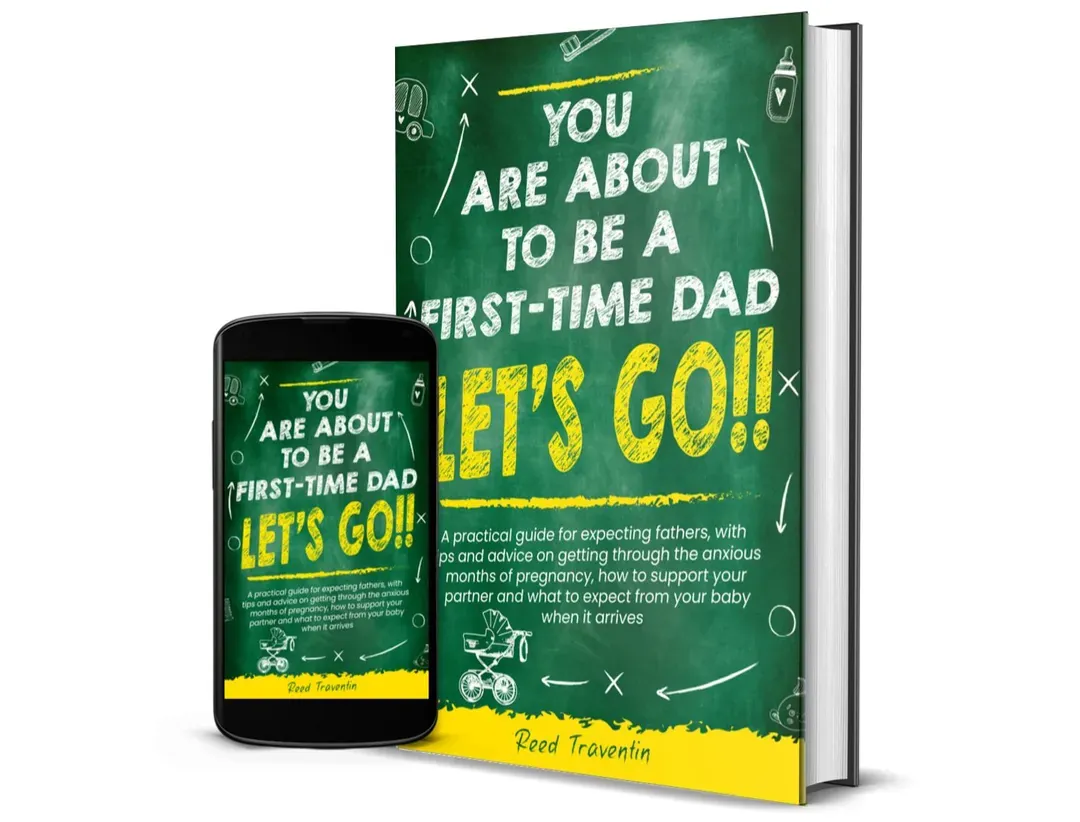
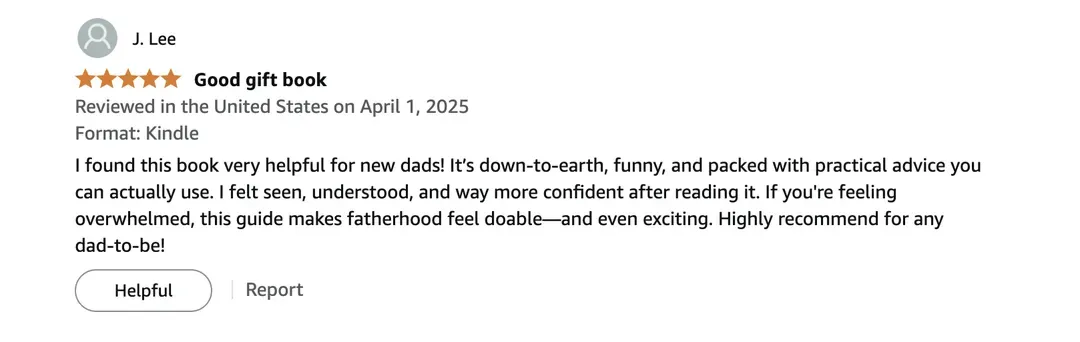
You Are About To Be A First Time Dad: book carousel
Three cards cover the book in a room, the book beside a phone, and a screenshot of a written review, so the last card is proof rather than another product shot.
You Are About To Be A First Time Dad, via Meta Ad Library · See the ad
Which offer-led carousels are worth copying?
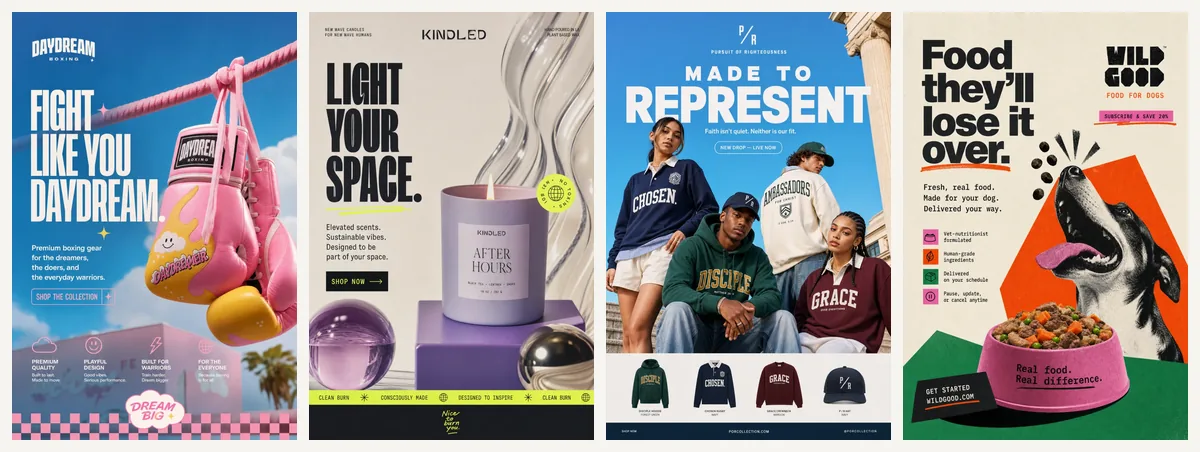
Offer-led carousels put the discount or free gift on the cards themselves, so the deal is visible even if the viewer never reads the caption. Coinis notes only about 1.75 cards are visible on first load, so the first card has to carry the message on its own. For other formats, browse our roundup of ad examples.

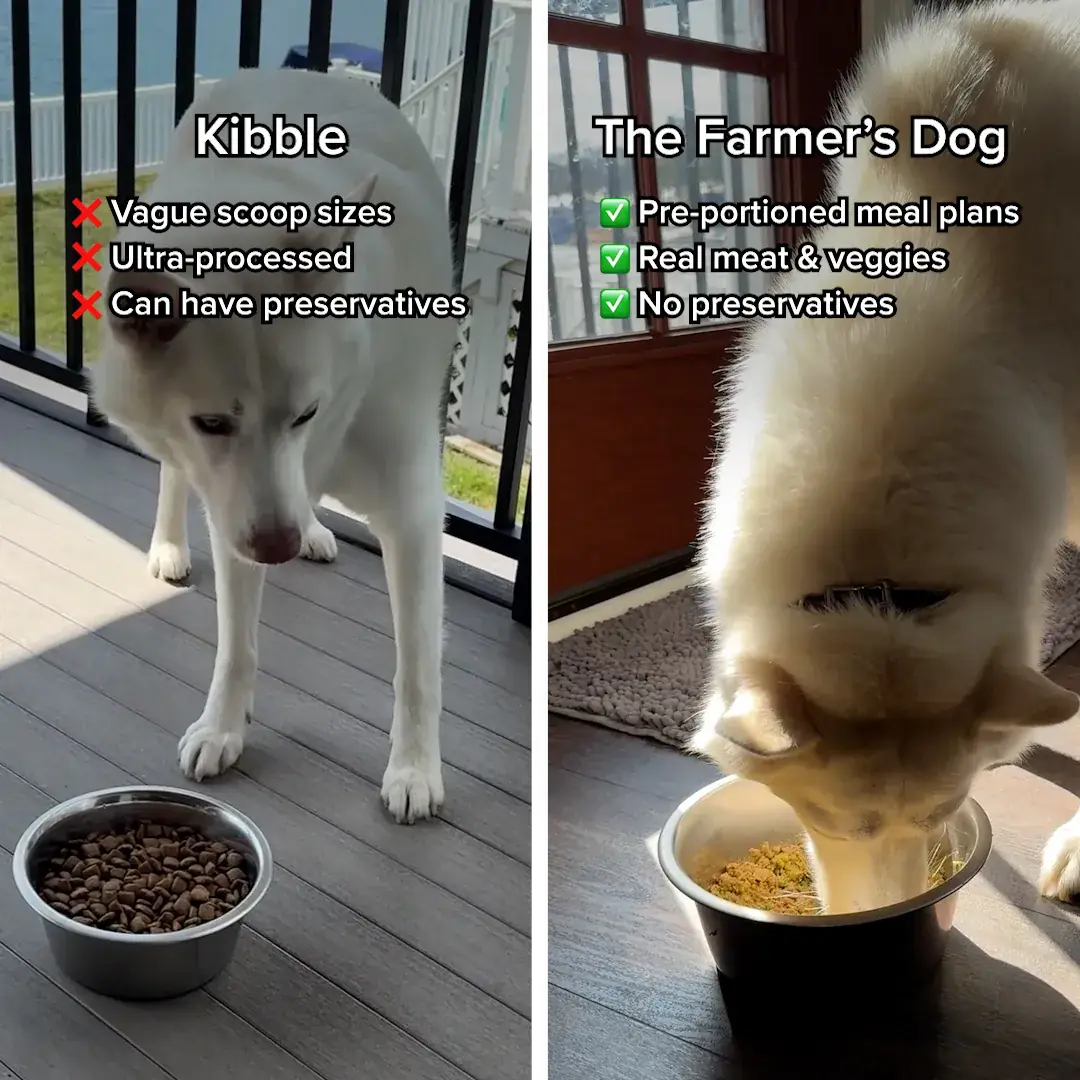

The Farmer's Dog: first-person pet food carousel
The caption reads like a customer, "I regret not trying THIS sooner", and the first card states "GET 50% OFF" on the image itself.
Ultimate Dog Parent Guide, via Meta Ad Library · See the ad
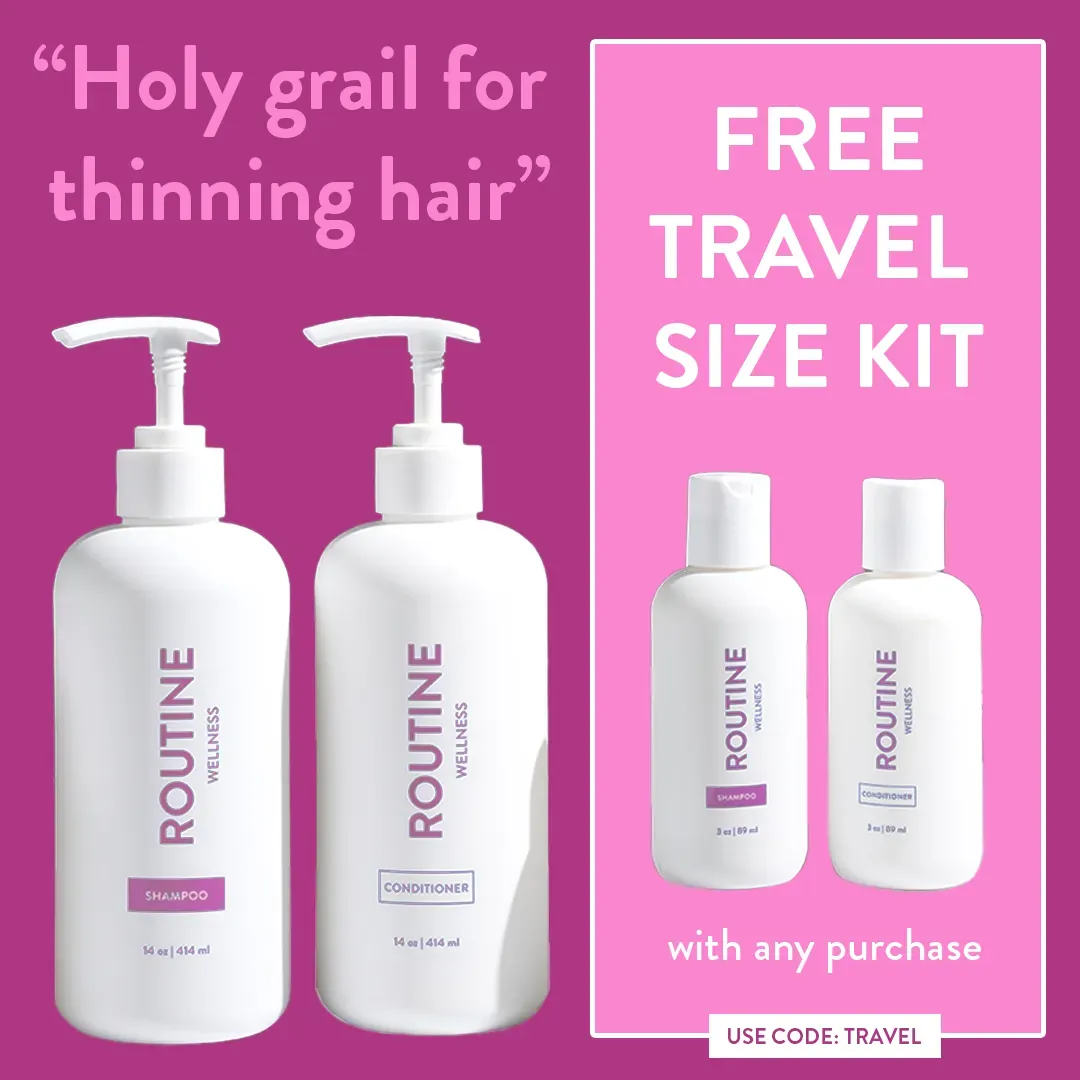
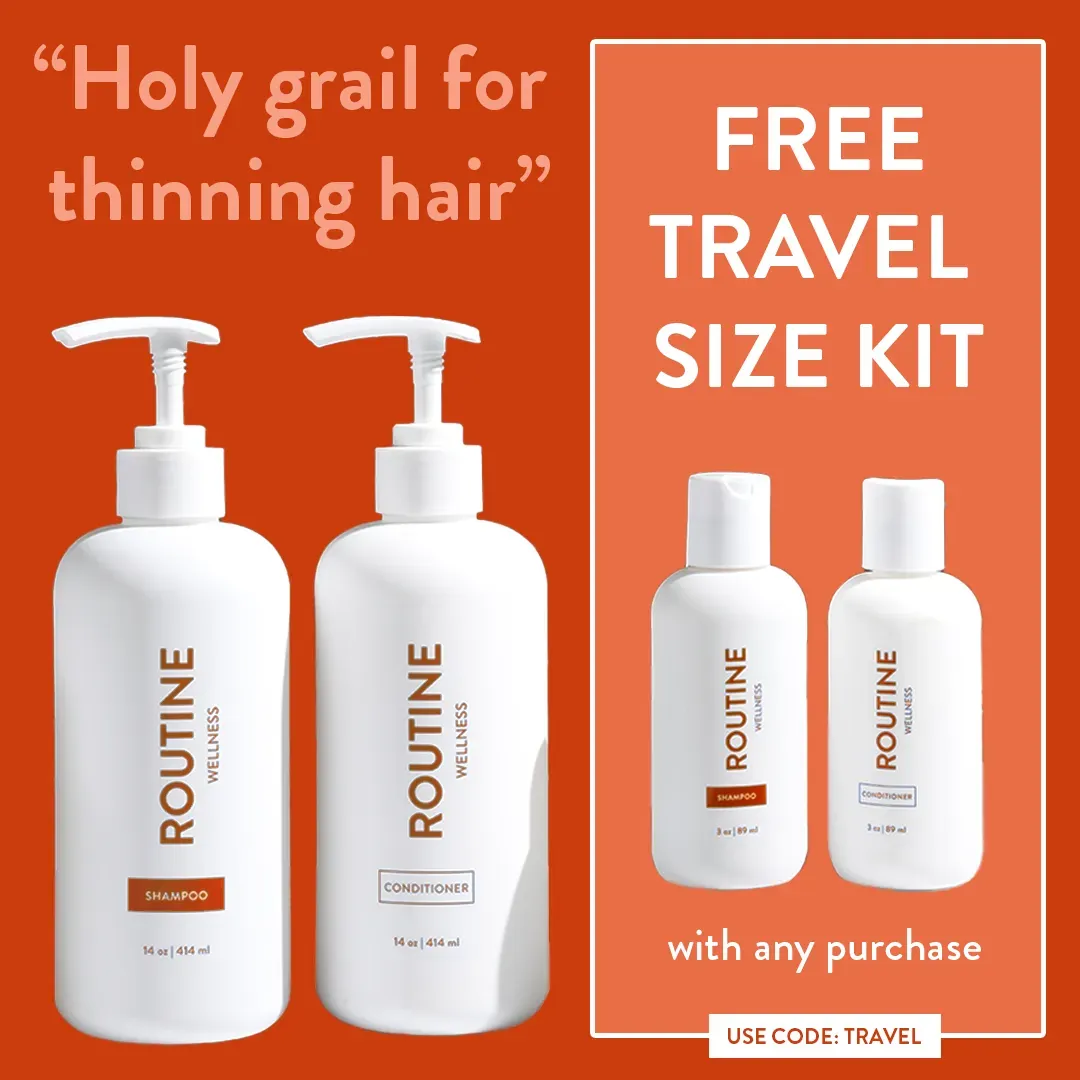
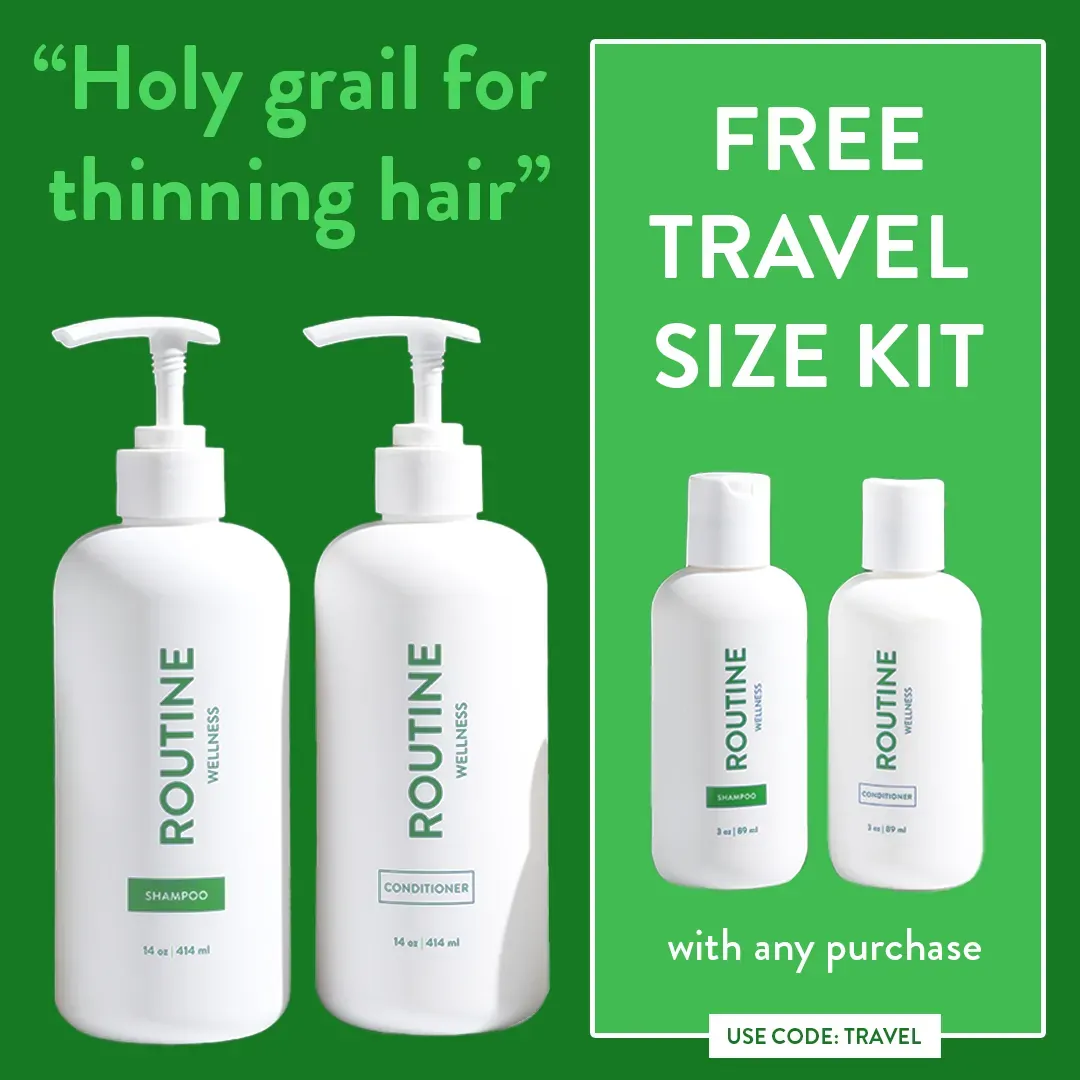
Routine Wellness: free travel kit carousel
The same two bottles appear on three background colours, each repeating "Holy grail for thinning hair" and "FREE TRAVEL SIZE KIT", so any card seen alone carries the offer.
Routine Wellness, via Meta Ad Library · See the ad



BarkBox: free dog pool carousel
Three shots of dogs in the pool are each tagged "$79 VALUE", which turns a subscription offer into a gift the viewer can see.
BarkBox, via Meta Ad Library · See the ad
How do you make a carousel ad of your own?
Plan the cards first, then make the images, then build the carousel in Meta's Ads Manager.
- Choose 3 to 5 cards. Meta allows up to 10, but Rapid Ads recommends 2 to 5 for prospecting.
- Give each card one job. Rapid Ads suggests a hook on card one, proof in the middle cards and a single resolve on the last.
- Use one aspect ratio on every card. Admanage warns that mixed orientations get cropped to fit the first card.
- Make the card images. In ScaleShot the Ads Agent builds them in your brand's logo, colours and fonts: 10 credits for a Fast image and 20 for an HQ image. Then assemble the carousel in Ads Manager; our guide to Facebook carousel ads covers setup.
- Launch and check. ScaleShot asks before it changes anything in a connected Meta account. It does not guarantee sales, and Meta bills ad spend separately.
If you want a video card in the mix, see the Facebook video ad examples.
Common carousel ad questions
What are carousel ads?
A carousel ad is one ad with 2 to 10 swipeable cards, and each card can have its own headline and link.
What is the difference between a carousel and a slideshow?
The viewer swipes a carousel at their own pace and each card can link to a different page. A slideshow is one video that plays through on its own.
How many cards should a carousel have?
Ecomparkour suggests 4 to 6 cards for most campaigns, since engagement drops after card 6 in its guide.
Can I mix images and video in one carousel?
Yes, Admanage says images and videos can be mixed in any sequence. Keep the same aspect ratio on every card.
Do I need a pixel to run my ads from ScaleShot?
It depends on the goal: in ScaleShot, Sales campaigns need a pixel with Purchase events, Leads needs Lead events, and Visitors needs no pixel.
ScaleShot TeamWe build ScaleShot, an AI ad tool for small businesses on Facebook and Instagram. How we make our guides
Sources
- Meta Carousel Ad Specs 2026 [All Sizes + Safe Zones], Admanage
- Meta Carousel Ads Specs, SaveMyLeads
- Create Facebook Carousel Ad: Specs, Steps, and Best Practices, Coinis
- Facebook Carousel Ads: 2026 Setup, Specs, and Tactics, Ecomparkour
- 2026 Specs for Facebook Carousel Ads: A Complete Guide, Rapid Ads
- Meta Ads Formats & Creative Specs (2026), MBADV