How to boost an Instagram post
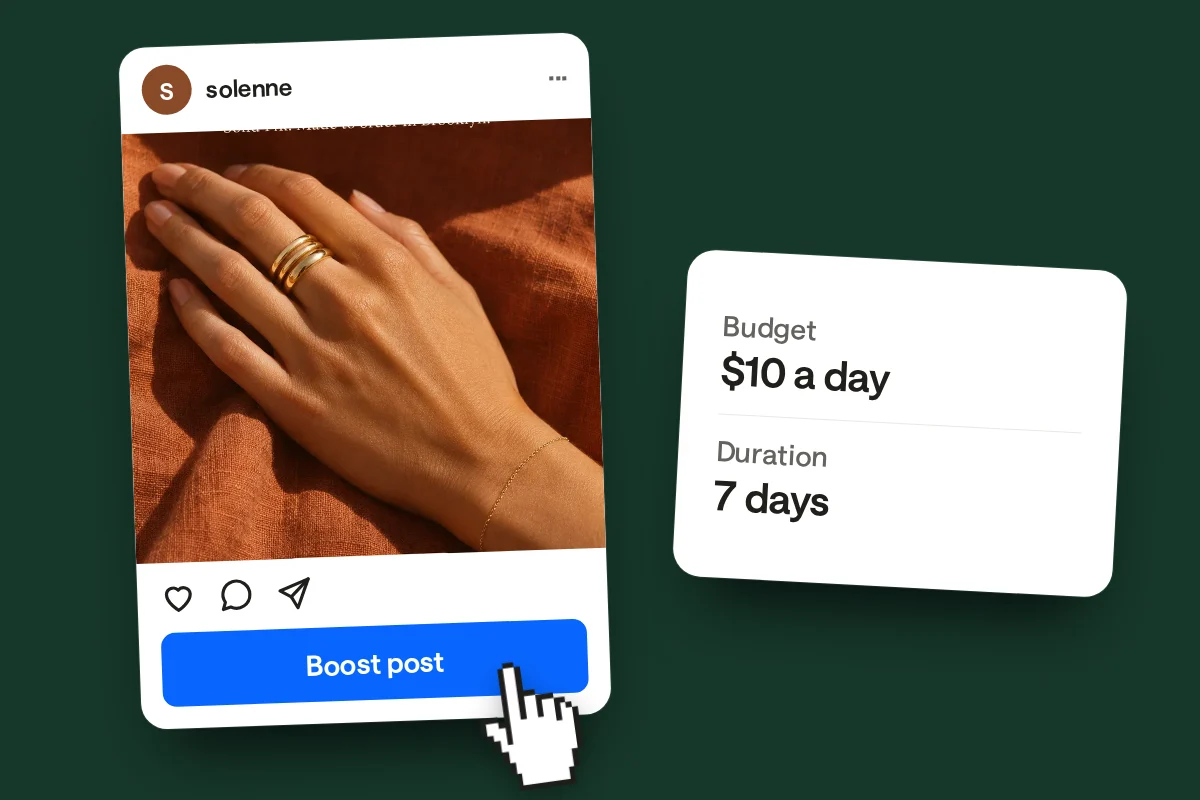
Open the post on your professional account, tap Boost, choose a goal, audience, daily budget and duration, then tap Boost post. Boost from instagram.com or use funds added on a computer to skip Apple's fee in the iPhone app. Instagram reviews the ad before it runs.

Before you boost
Two things need to be in place first, according to Instagram's boost help page:
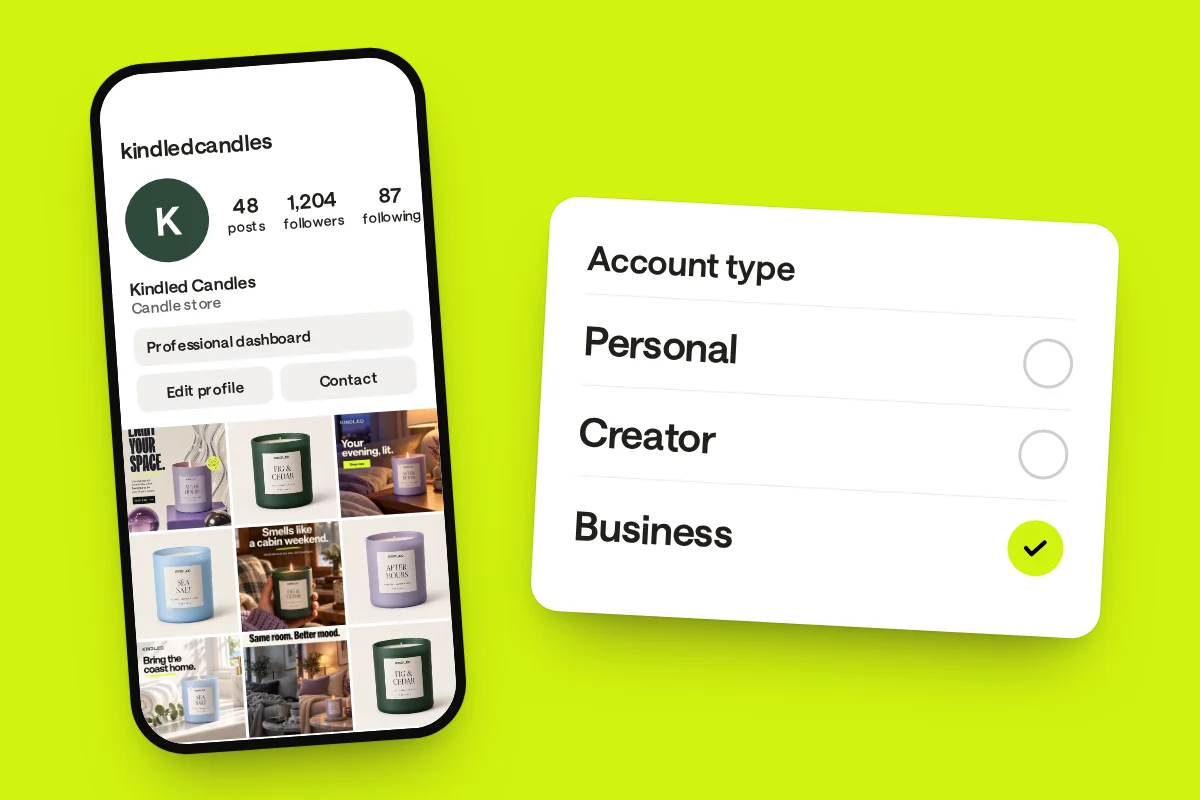
- A professional account. Personal profiles can't boost, so switch your profile to a professional account in settings.
- An ad account. Instagram lets you use an existing Facebook ad account or keep Facebook and Instagram separate. If you already run Facebook ads, pick that account so all your spend and billing sit in one place. Our guide to the Instagram business account walks through the setup.
Pick a post that already does well with followers. A boost pays to show it to more people, so start with one that earned likes, saves or comments on its own.
How to boost a post in the Instagram app
Instagram's steps for the app:
- Go to your profile.
- Tap the post you want to boost.
- Below the post's image, tap Boost.
- Set the Goal, then the audience, daily budget and duration. Tap Next.
- Tap Preview ad to see the placements where it will run.
- Tap Boost post.
On a computer, go to your profile on instagram.com, select the post, click Boost, fill in the same four settings and select Boost post. If there's no Boost button, Instagram says the post may not be eligible or your account isn't set up to boost.
Choosing the goal, audience, budget and duration
Goal
Shopify's 2025 guide lists three goals: more profile visits, more website visits or more direct messages. Match it to what you want next:
- Website visits for a shop with products to buy. Use the exact product page as the link.
- Messages for services and custom orders where people ask before buying.
- Profile visits when the aim is followers.
Audience
Shopify describes two choices, automatic or custom. Automatic builds the audience from your followers and people who engaged with you. Custom lets you set location, age and interests. A local bakery should go custom and limit it to its city (example).
Budget and duration
Budget is what you spend per day, and duration is how long the boost runs. Shopify says you can spend as little as $3 a day, though Meta advises at least $5 a day for six days. You can run until you pause it or set dates.
Example: a made-up candle shop boosts its best reel for $30 spread over six days, enough to see whether the boost brings website visits before spending more.
Paying for a boost, and the Apple fee on iPhone
Boosting in the Instagram app on an iPhone or iPad means paying through the Apple App Store, and Apple keeps that service fee. Instagram's Apple fee help page says boosting on instagram.com saves you 30% of the total ad payment, before taxes and local fees.
Ways around it, all from Instagram's help page:
- Boost from instagram.com in a computer or phone browser.
- Add funds to your ad account's balance from a computer or the Meta Ads Manager app, then boost in the iPhone app using those funds.
- Boost from Meta Business Suite, or build the ad in Ads Manager.
On a $50 boost, that saving is $15 (example). If you boost often from your phone, adding funds once from a computer is the least hassle.
What a boost can't do
A boost is the fast route, and it trades away control:
- No edits after boosting. Shopify notes you can't change the original post once you boost it.
- Fewer goals and less reporting. You get the three goals above. Shopify says Ads Manager offers roughly twice as many campaign objectives, plus detailed analytics across many metrics.
- Reels have extra rules. A reel must be 90 seconds or less, full-screen 9:16, with no licensed music, effects, GIFs or product tags, and not already shared to Facebook. Instagram also blocks reels with tappable elements or low resolution.
- Special categories still apply. In the US, boosts about credit, jobs, housing, social issues or politics need a category from the Special Ad Category dropdown.
For when to move up to Ads Manager, read our comparison of boosting versus Ads Manager. For reels in particular, see Instagram Reels ads.
When a boost isn't enough
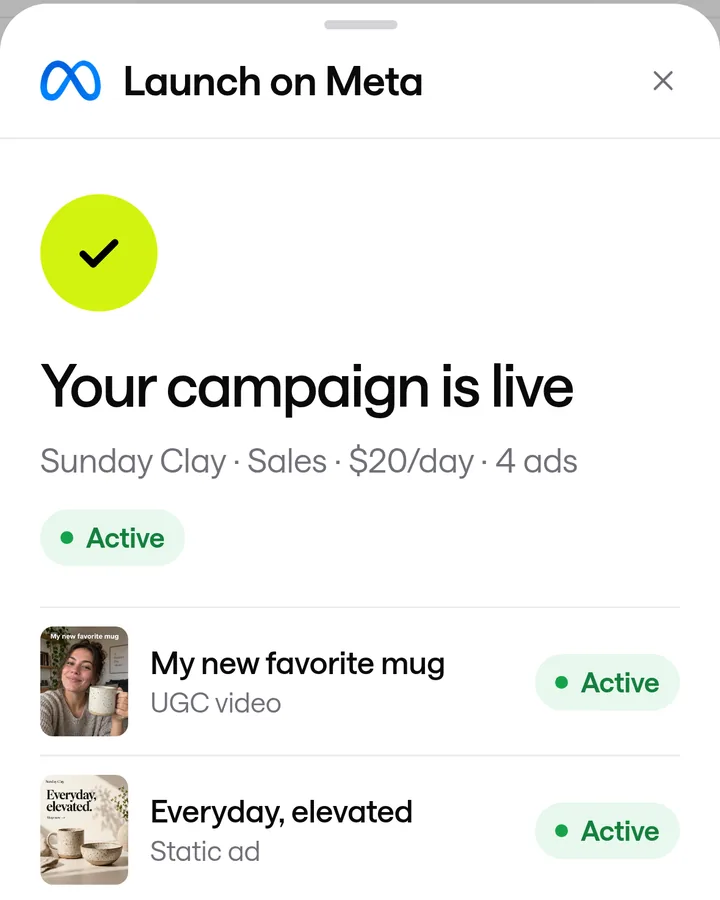
If you want a campaign built around sales or leads, ScaleShot launches Sales, Leads or Visitors campaigns on Facebook and Instagram from your connected Meta ad account, with a daily budget and the countries you choose. Its Ads Agent can check results and pause ads or change budgets, and it asks you first every time.
Instagram boost questions
How much does it cost to boost an Instagram post?
You set the daily budget yourself. Shopify reports a floor of $3 a day and says Meta advises at least $5 a day for six days.
Why can't I boost my Instagram post?
Your profile may still be personal, or the post may not be eligible. For reels, licensed music, effects and product tags are common blockers.
Is it cheaper to boost on a computer?
Yes, on iPhone. Instagram says boosting on instagram.com saves 30% compared with paying through the App Store.
Can I edit a post after boosting it?
No. Shopify says the original post can't be changed once it's boosted, so check spelling and prices first.
Do boosted posts need approval?
Yes. Instagram reviews boosted posts against Meta's ad policies before they run, and Shopify says review typically takes about 24 hours.
ScaleShot TeamWe build ScaleShot, an AI ad tool for small businesses on Facebook and Instagram. How we make our guides
Sources
- Boost a post on Instagram, Instagram Help Center
- Avoid Apple Service fee when boosting content on Instagram, Instagram Help Center
- How To Boost an Instagram Post, Shopify
- Boost an Instagram Reel, Instagram Help Center
- Troubleshoot boosting content or managing ads on Instagram, Instagram Help Center