How much do Instagram ads cost? Set your budget step by step
Instagram ads cost whatever daily budget you set, and $5 a day for six days (about $30) is the usual starting point. Meta usually charges per impression, not per click, and Sprites puts typical US CPMs at $8 to $20. Your real total depends on audience, creative and season.

How to set up Instagram ads and control the cost
You pay for Instagram ads through a Meta ad account, and the budget you type in is the main cost control. These steps follow Meta's own Help Center pages, with the source named at each step.
Steps in Ads Manager
- Open Ads Manager and click Create. Meta's Business Help Center starts Instagram ads at "+ Create".
- Pick an objective that supports Instagram as a placement, then click Continue. Meta organises everything in three levels: campaign (objective), ad set (audience, placements, budget, schedule) and ad (creative).
- Choose a daily or lifetime budget at the ad set level. A daily budget is an average: Meta may spend up to 75% over it on some days, but charges average out over a calendar week (Sunday to Saturday), and a week never goes above 7 times your daily budget. A lifetime budget is the total for the whole run.
- Check the minimum before you publish. Minimums are calculated per day and apply to lifetime budgets too, so a 5-day lifetime budget must cover 5 times the daily minimum. If you set a cost per result goal, Meta says your daily budget should be at least 5 times that goal, so a $5 goal needs $25 a day.
- Choose placements. Meta recommends "Include all available placements". To run on Instagram only, open Show more settings and select Instagram under Platforms.
- Add the ad. Choose the Facebook Page or connected Instagram professional account that represents you, then add destination and creative, preview and submit for review.
Meta now groups objectives and setup screens under newer names, and older guides may call the same step "Advantage+ shopping". The levels above stay the same. If you are new to Ads Manager, how to run Instagram ads covers the rest of the flow.
How much does it cost to boost an Instagram post?
Boosting is the cheapest way in. Shopify reports you can spend as little as $3 per day, and that Meta advises $5 a day for six days, about $30 in total, so the system has enough data to optimise.
Steps in the Instagram app
- Go to your profile and open the post you want to boost.
- Tap Boost below the post.
- Set the goal, audience, daily budget and duration.
- Review the preview and placements, then tap Boost post.
On iPhone, Instagram's Help Center says to boost from instagram.com to avoid Apple's service fees. Shopify puts that fee at 30%. Boosts offer three goals: profile visits, website visits or messages. For purchases or leads you need Ads Manager, and our guide to boosting a post versus using Ads Manager shows the difference.
How much does Instagram charge per 1,000 impressions?
Meta says you are usually charged by the number of impressions your ad receives, unless you chose otherwise at creation. Sprites lists typical US CPMs of $8 to $20, link clicks at $0.50 to $2.50 each and link click-through rates of 0.5% to 1.5%. Treat those as ranges, not quotes: each placement clears at its own price in your account.
Your bill can also be higher than your budget alone, because it includes location fees for digital service taxes and applicable taxes. For your own numbers, compare against Facebook ads benchmarks.
Sprites suggests $20 to $40 a day per ad set, or $600 to $1,200 a month, for a proper test. That is a vendor's estimate, not a Meta rule. Begin with a small test like the one in the boost section and raise the budget only once you see a cost per result you can afford.
How to keep ad creative costs down
Ad spend is only one part of the bill: someone has to make the images and videos. A freelancer or UGC creator charges per piece, so many owners test with fewer ads than they would like.
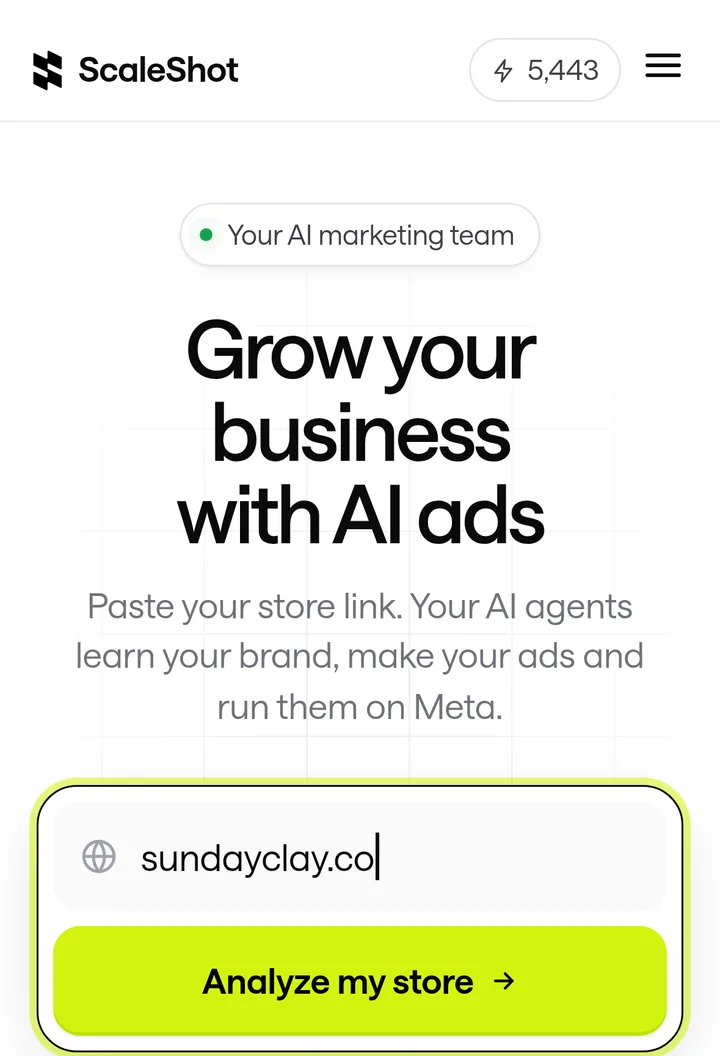
One option is ScaleShot, which we make. It reads your site or Shopify link, logo, colours and fonts, then makes image ads and short video ads from chat. Our image ads cost 10 to 20 credits and video costs 10 credits per second. Our plans run 500, 1,000 or 2,000 credits per period; the 2-week plan is $19.95 for the first 2 weeks, then $42 every 2 weeks. You can cancel any time in Settings -> Billing.
ScaleShot works with Facebook and Instagram only, does not include ad spend (Meta bills that separately) and does not guarantee sales. It also asks before it changes anything in your Meta account.
Common mistakes when budgeting Instagram ads
- Treating the daily budget as a hard cap. Some days run up to 75% over; the weekly average is what holds.
- Setting a lifetime budget too small for the days. It must cover the daily minimum for every day, or the ad set may not deliver.
- Setting a cost goal below what your budget supports. Meta wants a daily budget of at least 5 times the goal.
- Judging after one day. Meta's advice is six days or more.
- Boosting from the iPhone app. The service fee is avoidable by boosting on instagram.com.
- Forgetting taxes. Location fees and taxes are billed on top.
Common Instagram ads cost questions
Are Instagram ads free?
No. Meta usually charges for the impressions your ad receives, plus any location fees and taxes.
How much should I spend per day?
Start with the small daily budget Meta advises and run it for six days. Shopify notes Ads Manager budgets can be as low as a dollar, though that is a floor, not a plan.
Is it worth it to pay for Instagram ads?
Nobody can promise that in advance. A roughly $30 test shows your own cost per result before you commit more.
Is boosting an Instagram post worth it?
It is a quick, low-effort test, but boosts only offer profile visits, website visits or messages. Ads Manager lets you choose objectives such as leads or traffic.
Can I get my money back on ScaleShot?
Yes, we offer a 14-day money-back guarantee. This covers our subscription, not what you spend with Meta.
ScaleShot TeamWe build ScaleShot, an AI ad tool for small businesses on Facebook and Instagram. How we make our guides
Sources
- About budgets | Meta Business Help Centre, Meta Business Help Center
- Best practices for minimum budgets | Meta Business Help Centre, Meta Business Help Center
- How ad billing works on Facebook, Meta Business Help Center
- How to Create Instagram Business Ads in Meta Ads Manager, Meta Business Help Center
- What are the advertising levels in Meta Ads Manager?, Meta Business Help Center
- Boost a post on Instagram, Instagram Help Center
- Budget Is Too Low, Meta Business Help Center
- Instagram Ads Cost in 2026, Sprites
- How to boost an Instagram post, Shopify