How to run Instagram Reels ads
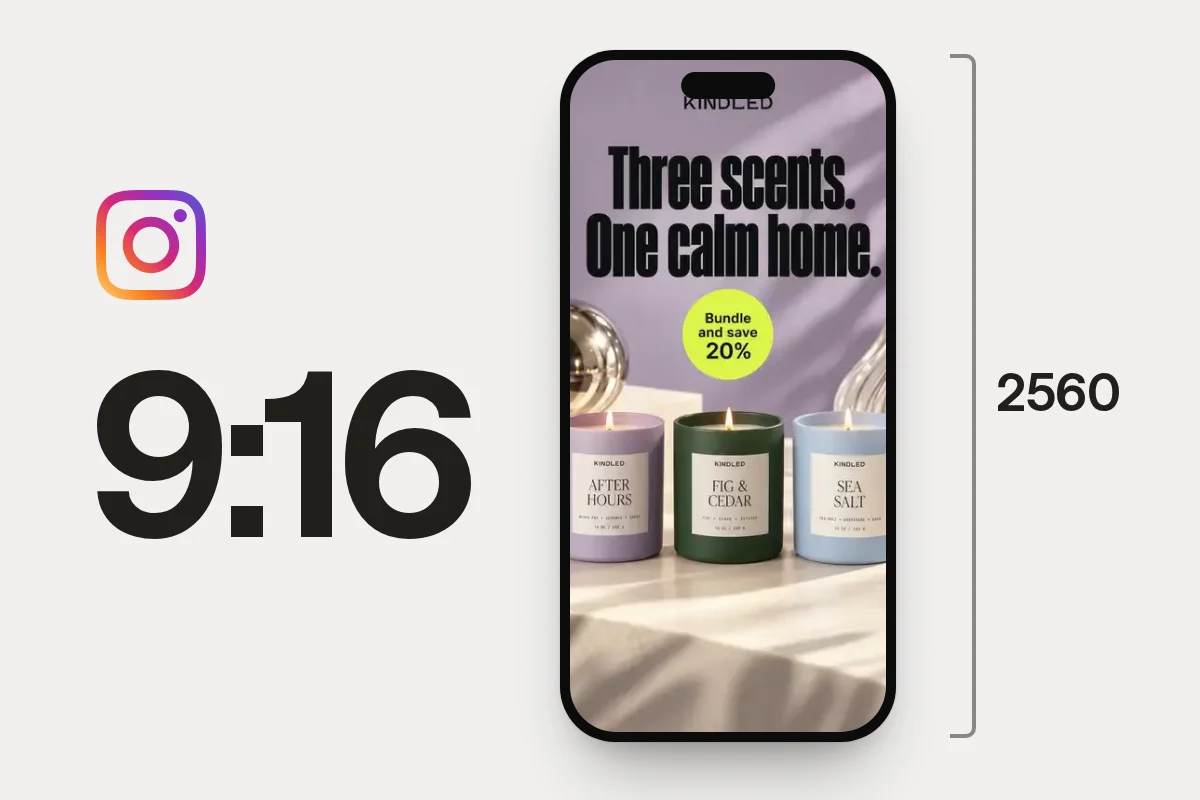
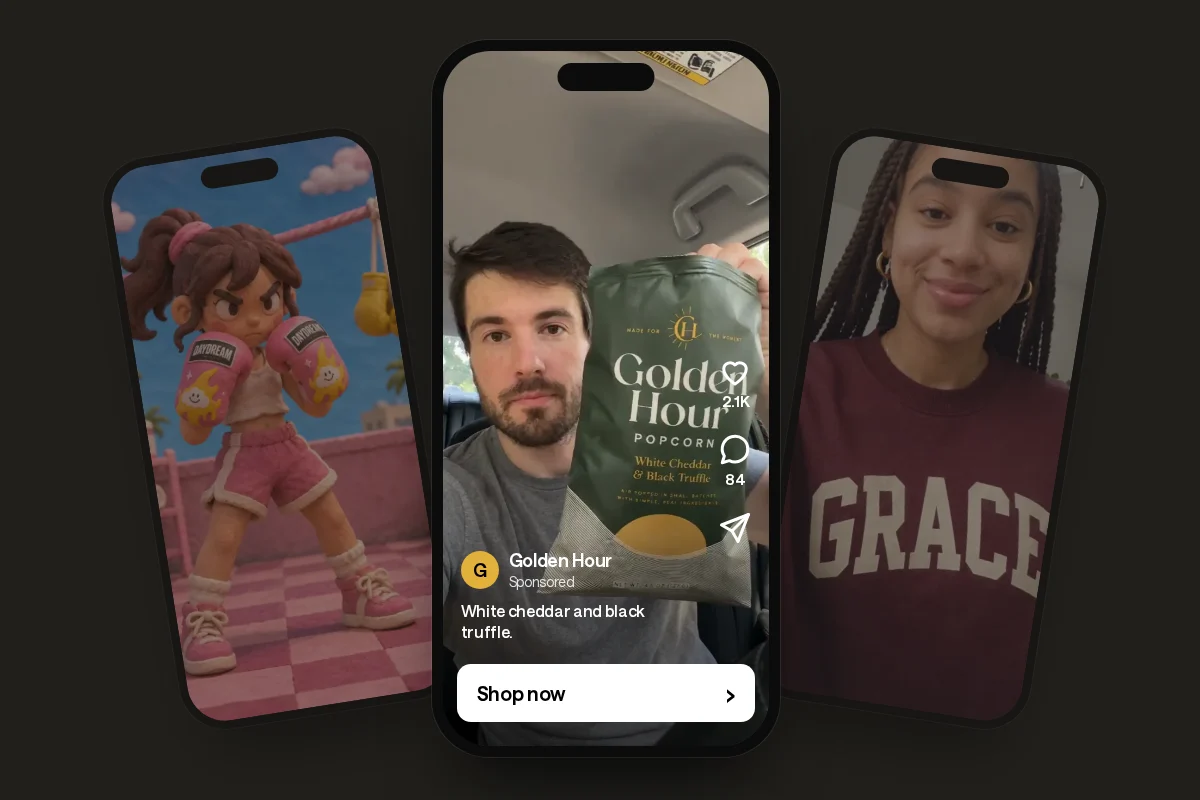
Make a vertical 9:16 video with sound, keep text out of the top 14% and bottom 35%, then pick the Instagram Reels placement in Ads Manager or boost a reel from the app. Reels ads play full screen between organic reels, so the opening needs to look like a reel people want to watch.

Where Reels ads show
Meta's ads guide says Reels ads are fullscreen vertical videos "inserted in between organic Reels content". They appear once someone taps into a reel from Stories, Feed, the Reels tab or Explore. In Ads Manager the placement is called Instagram Reels and sits in the "Stories, Status and Reels" group.
Facebook has its own Reels placement too. With Meta's recommended Advantage+ placements, the setting that lets Meta choose where your ad runs, your ad can land in both.
Instagram Reels ad specs
These come from Meta's Instagram Reels ads guide:
- Ratio: 9:16.
- Recommended resolution: 1440 x 2560 pixels.
- File type: MP4 or MOV, up to 4GB.
- Length: anywhere from 0 seconds to 15 minutes.
- Minimum width: 250 pixels under 30 seconds, 500 pixels for 30 seconds or longer.
- Primary text: 44 characters.
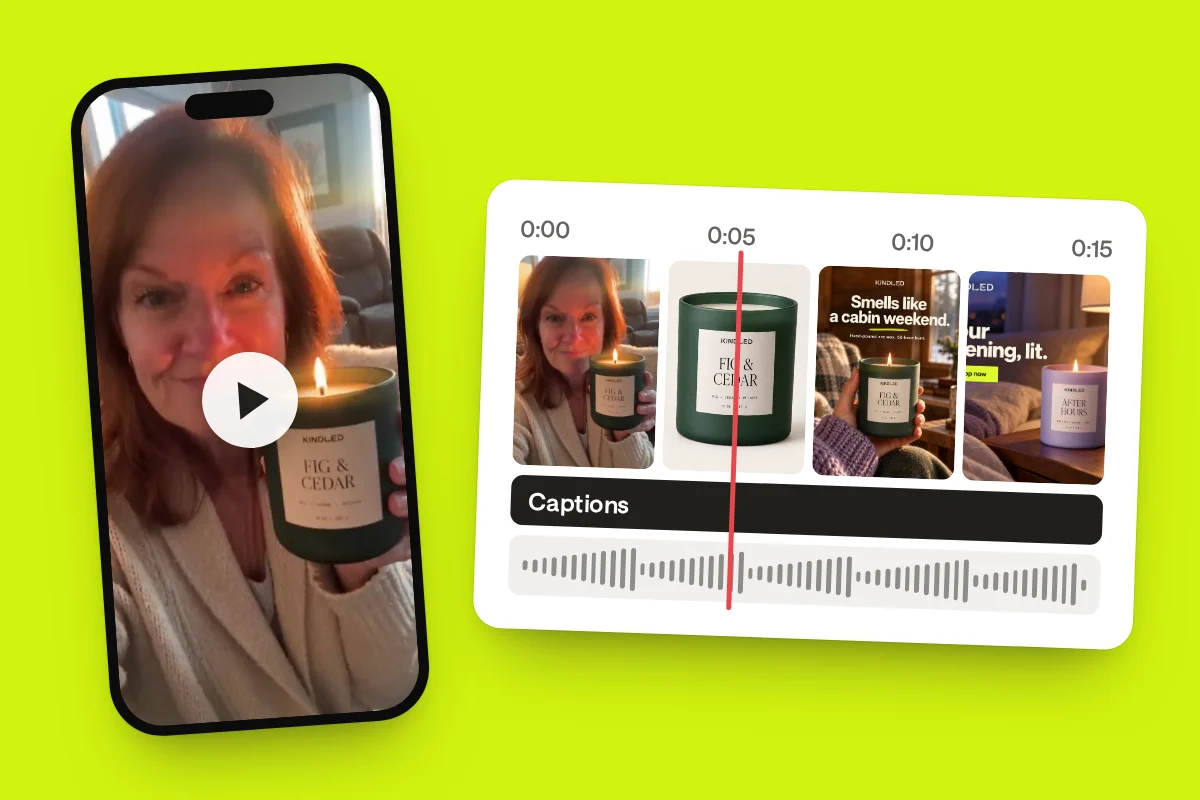
- Sound: optional, but Meta "strongly" recommends it. Captions are optional but recommended.
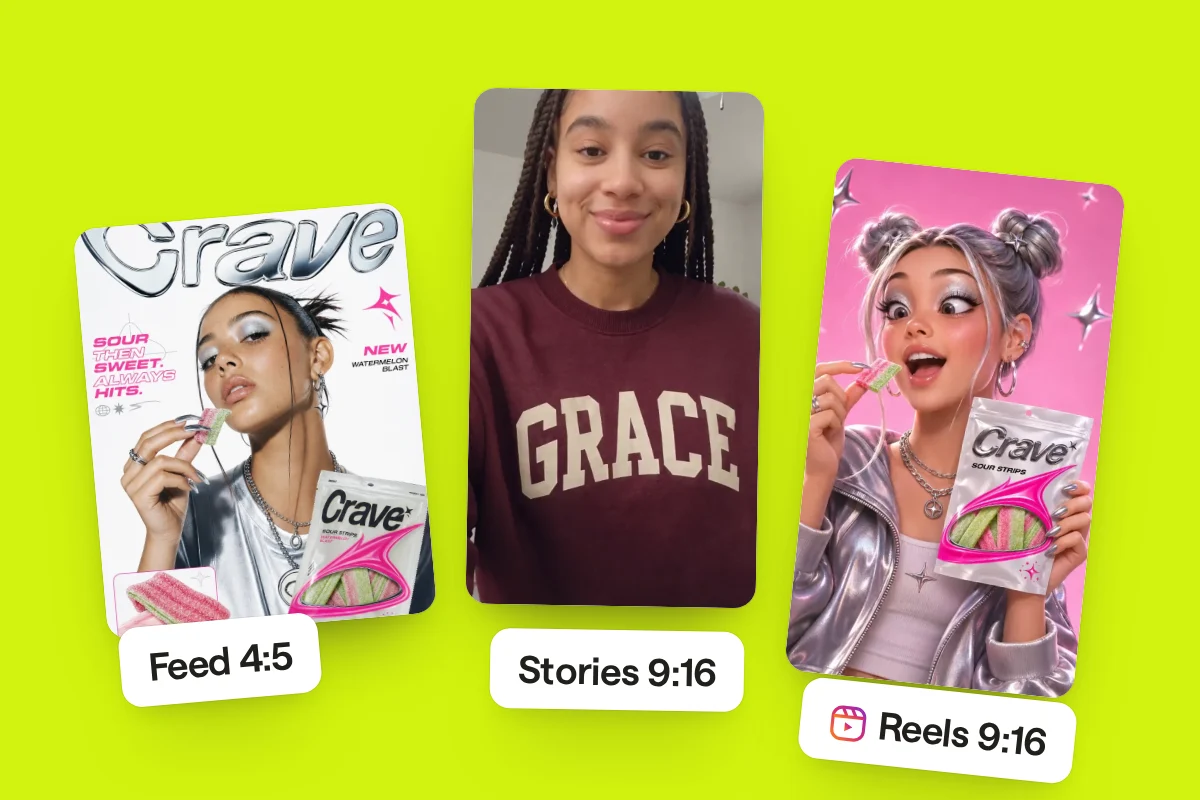
Use original audio or royalty-free music. Our Instagram ad sizes guide covers Feed and Stories sizes if you want one video that fits everywhere.
Safe zones: keep words where people can see them
Instagram's own labels and buttons sit on top of every reel, mostly near the bottom. Meta suggests keeping at least 14% of the top, 35% of the bottom and 6% on each side free of text, logos and other key elements.
On a 1440 x 2560 frame that works out to about 360 pixels at the top, 900 at the bottom and 86 on each side. Put your headline and price in the middle band. Stories use the same layout logic, covered in our Instagram Story ads guide.
How to set up a Reels ad in Ads Manager
Meta's guide to Instagram ads in Ads Manager gives the path:
- Go to Ads Manager and click + Create.
- Choose an objective that supports Instagram as a placement. Meta warns that not every objective and optimization goal works with Reels ads.
- At the ad set, set your budget, schedule and audience.
- In the placements section, keep Advantage+ placements on, which Meta recommends. To show ads only on Instagram, select Show more settings and choose Instagram under Platforms.
- Click Next, upload your vertical video and write a short primary text.
- Publish the ad.
Meta's page recommends including all available placements over narrowing to Instagram alone. If you do narrow it, check that the ad preview shows the Reels version with your text clear of the bottom band.
Boosting a reel and its limits
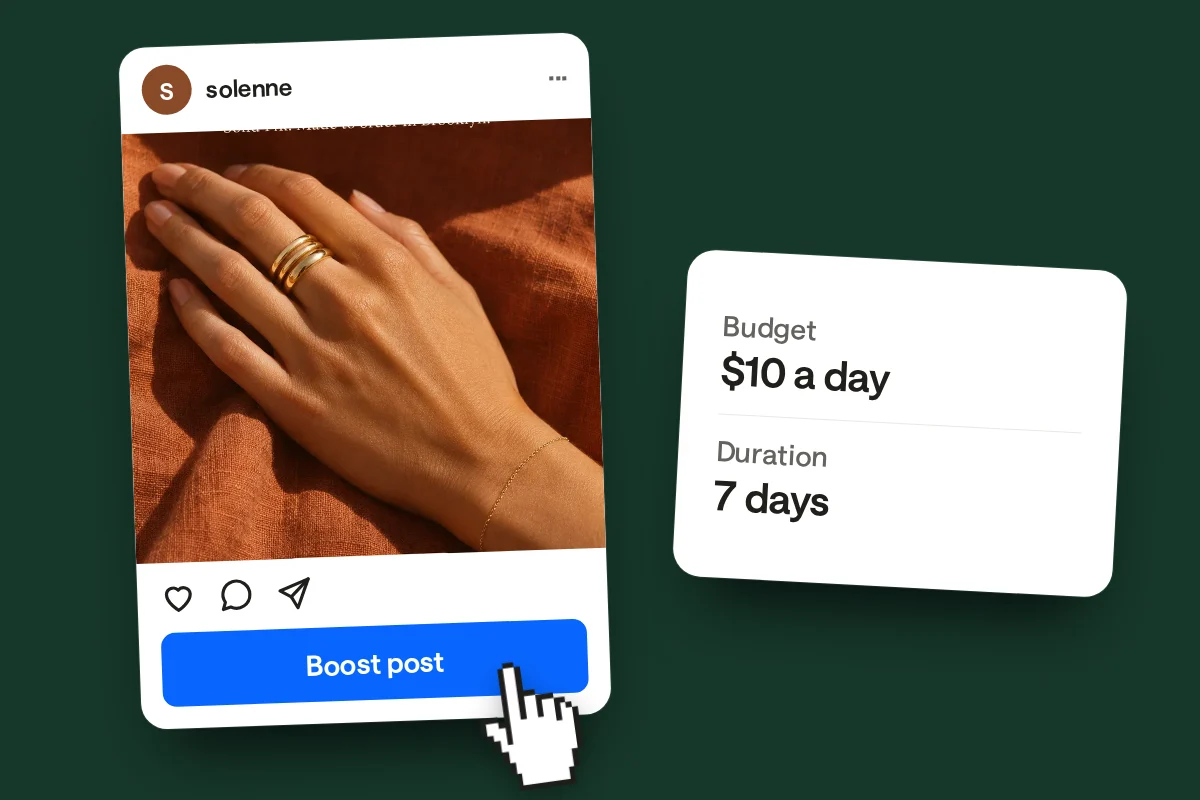
Boosting turns a reel you already posted into an ad, from the Instagram app:
- Go to your profile and tap the reel.
- Below the reel, tap Boost.
- Pick a goal, audience, budget and duration, then tap Next.
- Under Review your ad, tap Boost reel.
Instagram's help center lists what blocks a boost:
- Reels longer than 90 seconds or not full-screen vertical.
- Licensed music.
- Face or camera effects, GIFs, product tags, interactive stickers or third-party filters.
- Reels already shared to Facebook.
- Reels published before October 15, 2021.
Boosting is quick, but it gives you fewer choices than Ads Manager. Our comparison of boosting versus Ads Manager explains the trade.
What makes a Reels ad work in the first seconds
Meta's developer blog tells advertisers to "invite your audience in with a 'hook'" and to build for the full vertical screen. The same 2024 post says over 75% of Reels views on Instagram are sound on. A 2023 Meta update found Reels ads with both music and voice-over scored 15 points higher on positive response than ads without sound. In the same update, direct response Reels ad sets with vertical, sound-on video had 4.8% lower cost per action than other kinds of video.
What that looks like for a made-up dog treat brand:
- Second one: a dog's nose pushing at a bag of treats. Motion and a face, no logo card.
- Seconds two to four: a voice says "Single-ingredient chews, made in Ohio." Captions on screen for people watching muted.
- Next few seconds: the chew in hand, then the dog eating it.
- End: price and "Shop now" in the middle band, clear of the safe zones.
Phone footage fits in between organic reels. For more openers, see our Facebook ad hooks guide.

Making Reels ads with ScaleShot
ScaleShot's Studio lets you choose the duration and aspect ratio before it makes a video, so you can ask for a vertical clip. Clips come in 4, 6, 8 or 10 seconds and cost 10 credits per second. Watch the result for changes to your product or its text before you put it in a campaign.
Instagram Reels ad questions
How long can an Instagram Reels ad be?
Meta's ads guide allows 0 seconds to 15 minutes for a Reels ad. A boosted reel has a stricter cap of 90 seconds.
Why can't I boost my reel?
The usual causes are licensed music, effects or stickers, a non-vertical frame, or a reel that was shared to Facebook. Repost it with original or royalty-free audio and no effects.
What size should a Reels ad be?
Make it vertical and full screen, as an MP4 or MOV file, at the resolution in the specs above.
Do Reels ads need sound?
Sound is optional in the specs, though Meta strongly recommends it. Add captions too, since some people watch muted.
Can I run a Reels ad without boosting?
Yes. Create a campaign in Ads Manager and keep Instagram Reels among your placements, either through Advantage+ placements or by choosing it yourself.
ScaleShot TeamWe build ScaleShot, an AI ad tool for small businesses on Facebook and Instagram. How we make our guides
Sources
- Instagram Reels video ad specs, Meta Ads Guide
- About Meta Ads Placements, Meta Business Help Center
- How to Create Instagram Business Ads in Meta Ads Manager, Meta Business Help Center
- Boost an Instagram Reel, Instagram Help Center
- Unlock the Power of Reels Ads, Meta for Developers
- Reels ads updates: new performance features, automated creative and suitability solutions, Meta for Business