How to create Instagram Story ads
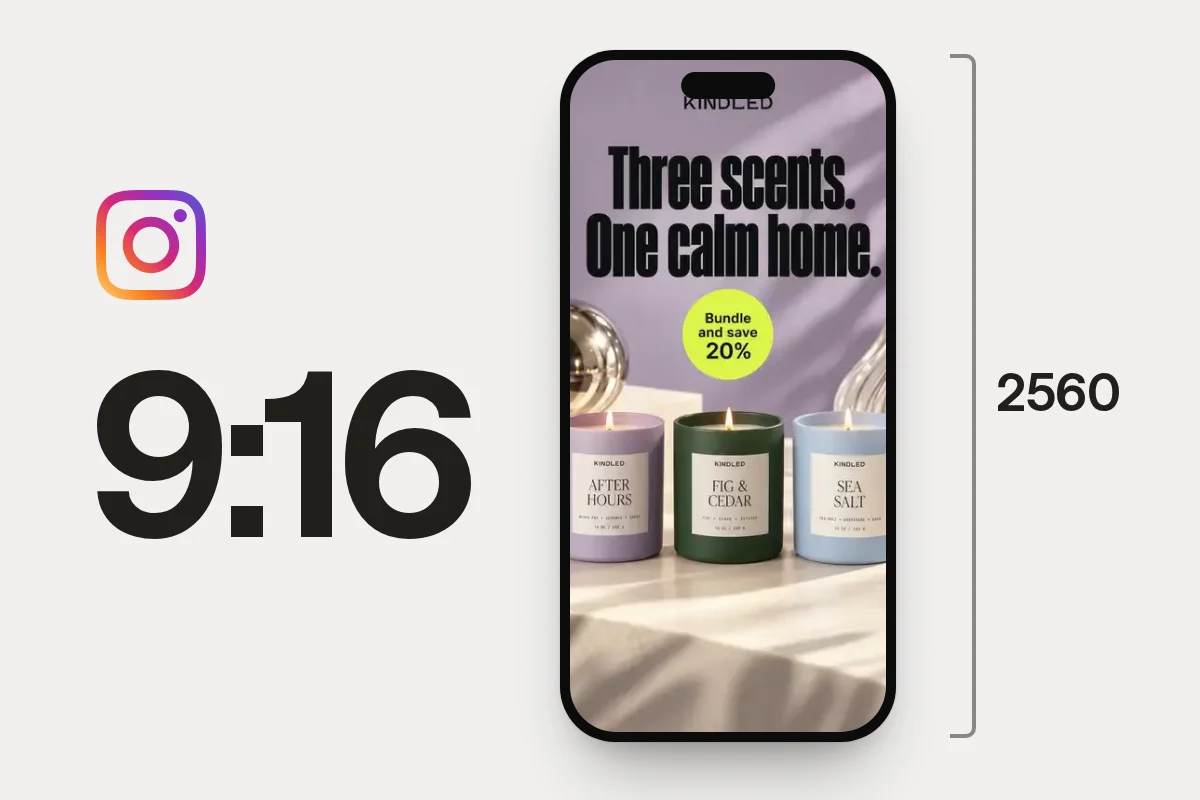
Make a vertical 9:16 image or video at 1440 x 2560 pixels, keep text out of the top 14% and bottom 35%, and place it in Instagram Stories through Ads Manager. Awareness, Traffic and Engagement campaigns can still run in Stories alone. Meta is removing that choice from Sales, Leads and App promotion campaigns.

Instagram Story ad specs
From Meta's ads guide for Instagram Stories video and the matching image page:
Video
- Ratio: 9:16, for video and image alike
- Files: MP4, MOV or GIF, up to 4GB
- Length allowed: 1 second to 60 minutes
- Captions and sound: optional, but recommended
Image
- Size: 1440 x 2560 pixels
- Files: JPG or PNG, up to 30MB, at least 500 pixels wide
Text
- Primary text: 125 characters
For sizes across every other placement, see Instagram ad sizes.
Instagram Story safe zones
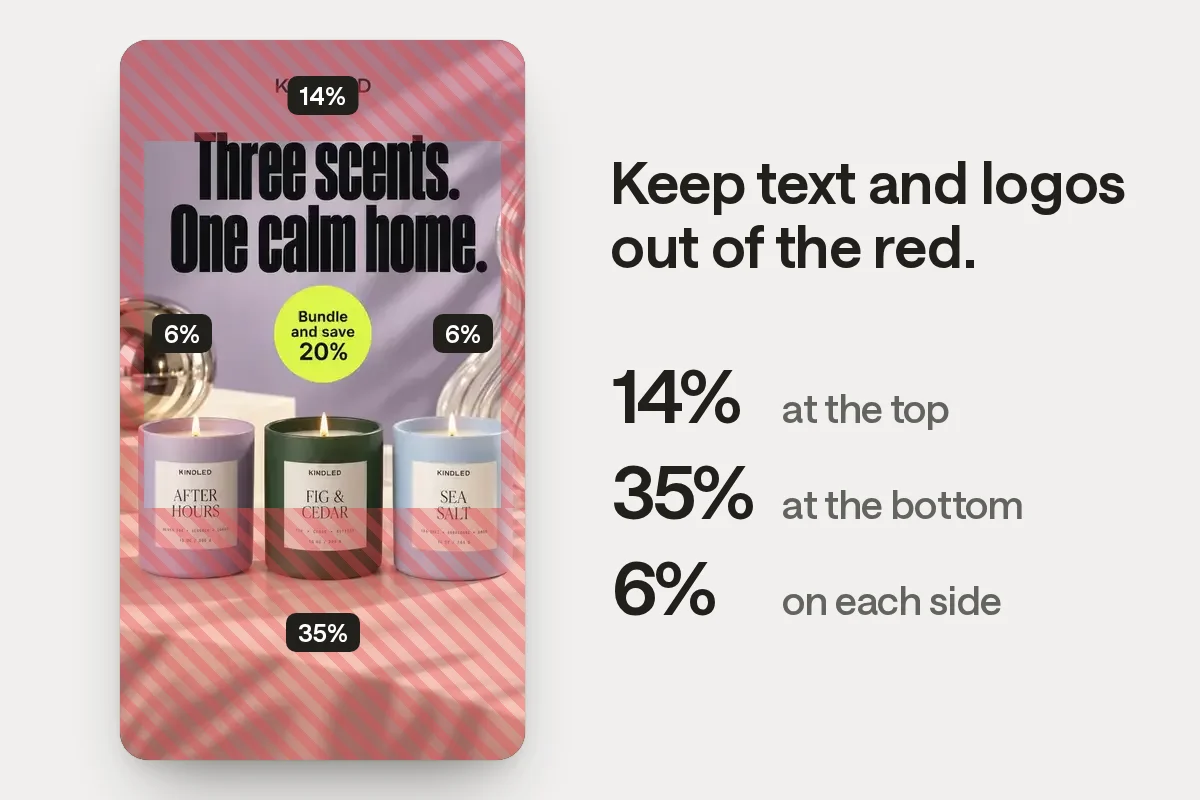
Story ads show your profile icon at the top and the call to action at the bottom. Meta's ads guide says to leave roughly 14% of the top, 35% of the bottom and 6% on each side free of text, so the profile icon and call to action don't cover it.
On Meta's recommended canvas that works out to about:
- Top: 358 pixels clear
- Bottom: 896 pixels clear
- Sides: 86 pixels clear on each
That leaves the middle of the screen for your headline, product and offer. The background can still run edge to edge. Most design apps, Canva included, let you draw guide lines at those points before you start. A quick check: lay a screenshot of a real Story over your design and see whether anything important hides under the name or the button.
How long Instagram Story ads play
- Image ads show for 5 to 16 seconds, or until the viewer swipes away.
- Video ads under 16 seconds play for their full length. Longer ones may be split into separate Story cards.
Meta allows much longer uploads, but keep yours short. Facebook Stories splits videos longer than 15 seconds the same way and shows 1, 2 or 3 cards before the viewer has to tap Play Full. Our guide to making Facebook video ads covers how to fit a message into that time.
How to put your ad in Instagram Stories in Ads Manager
Meta is changing placement settings. Its help page on placement settings says that for Leads, App promotion and Sales campaigns, you no longer choose placements manually at the ad set level. Awareness, Traffic and Engagement campaigns aren't affected. Meta is rolling this out gradually, so your account may still show the old settings for a while.
Awareness, Traffic or Engagement: Stories only
Meta's placement steps:
- In Ads Manager, click + Create, pick Awareness, Traffic or Engagement and click Continue.
- At the ad set, find Placements. Advantage+ placements is on by default. Hover over it, click Edit and select Manual placements.
- Uncheck every placement except Instagram Stories.
- For Traffic or Engagement, turn off Allow limited spend to excluded placements. Left on, it lets up to 5% of your budget go to each excluded placement.
- At the ad level, upload your vertical image or video, write the primary text, check the Stories preview and publish.
Sales or Leads: give Stories its own version
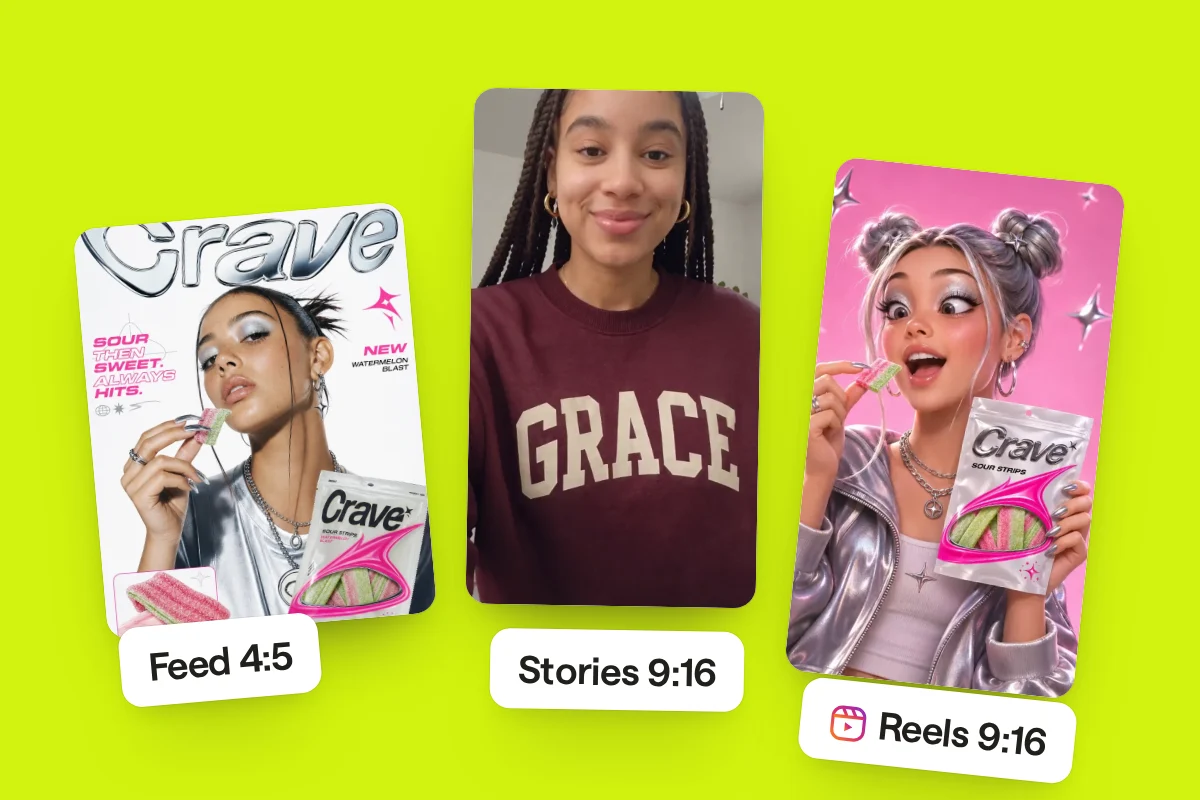
Once the change reaches your account, these campaigns pick placements for you. Add your vertical version to the same ad as your square or 4:5 version. Meta lets you upload up to 10 images and videos into one ad and tailor each asset to a placement, and your ad won't deliver in placements where the media doesn't fit. Use the preview to confirm Stories got the vertical file.
What works in Instagram Story ads
Hootsuite's Instagram ads guide notes that Story ads appear between the Stories people are already tapping through and fill the whole screen, which makes them harder to skip. Its tips:
- Make the ad look like a normal Story, with filters, text or GIFs.
- Show the product right away.
- Keep it short and vertical, 15 seconds or less.
- Use captions and large, readable text.
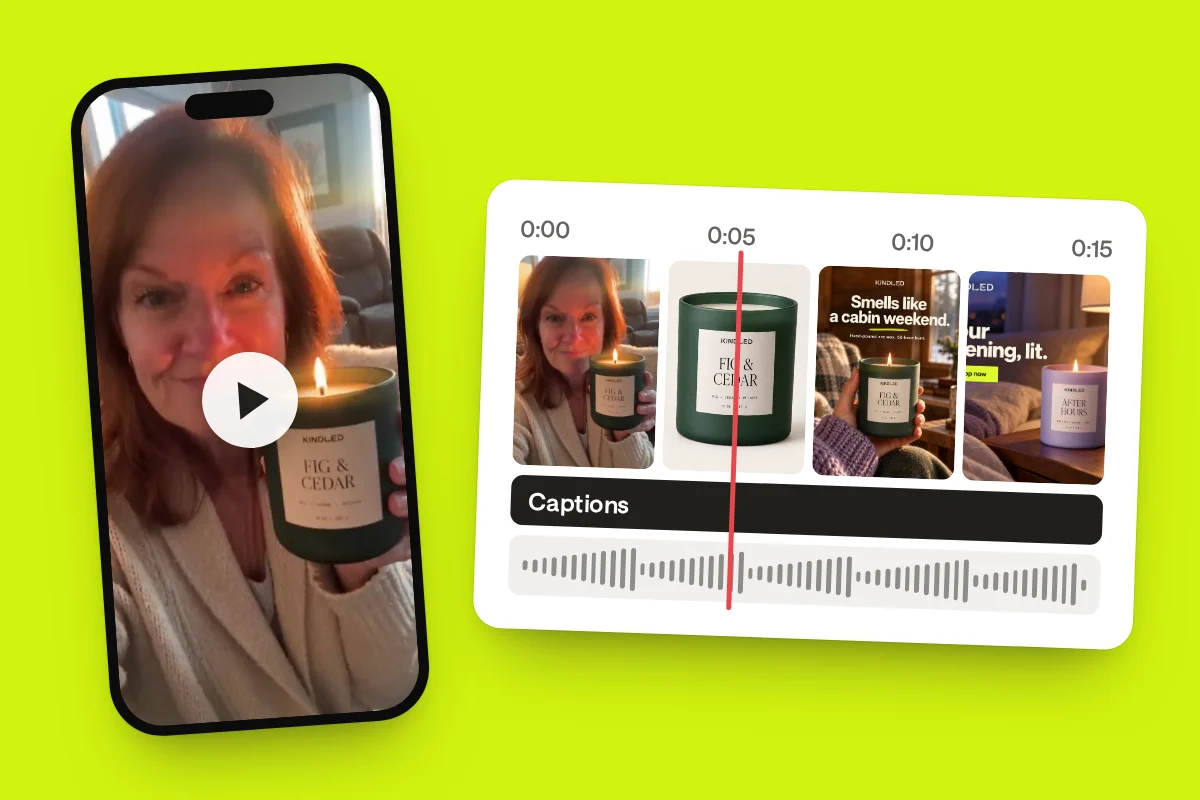
A made-up example for a dog treat brand: a 10-second phone clip of a dog catching a treat in slow motion. Text in the middle third: "Three ingredients. Zero fillers." A second line appears at second six: "20% off your first bag." The Shop Now button handles the rest.
For more ideas, browse these Instagram ad examples. Hooks matter even more here because people tap past fast, so see how to write ad hooks too.
Common Instagram Story ad mistakes
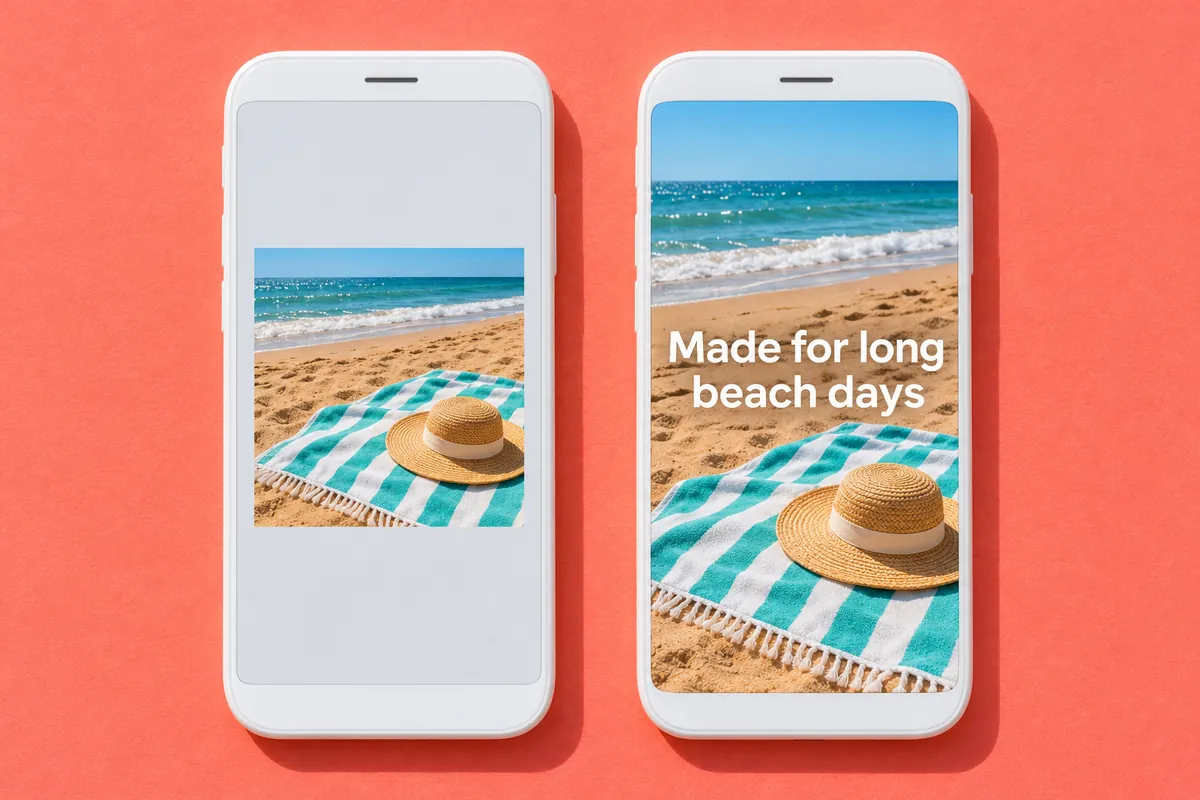
- Reusing a square feed ad. It won't fill the screen. Make a vertical version.
- Text in the bottom third. The call to action covers it.
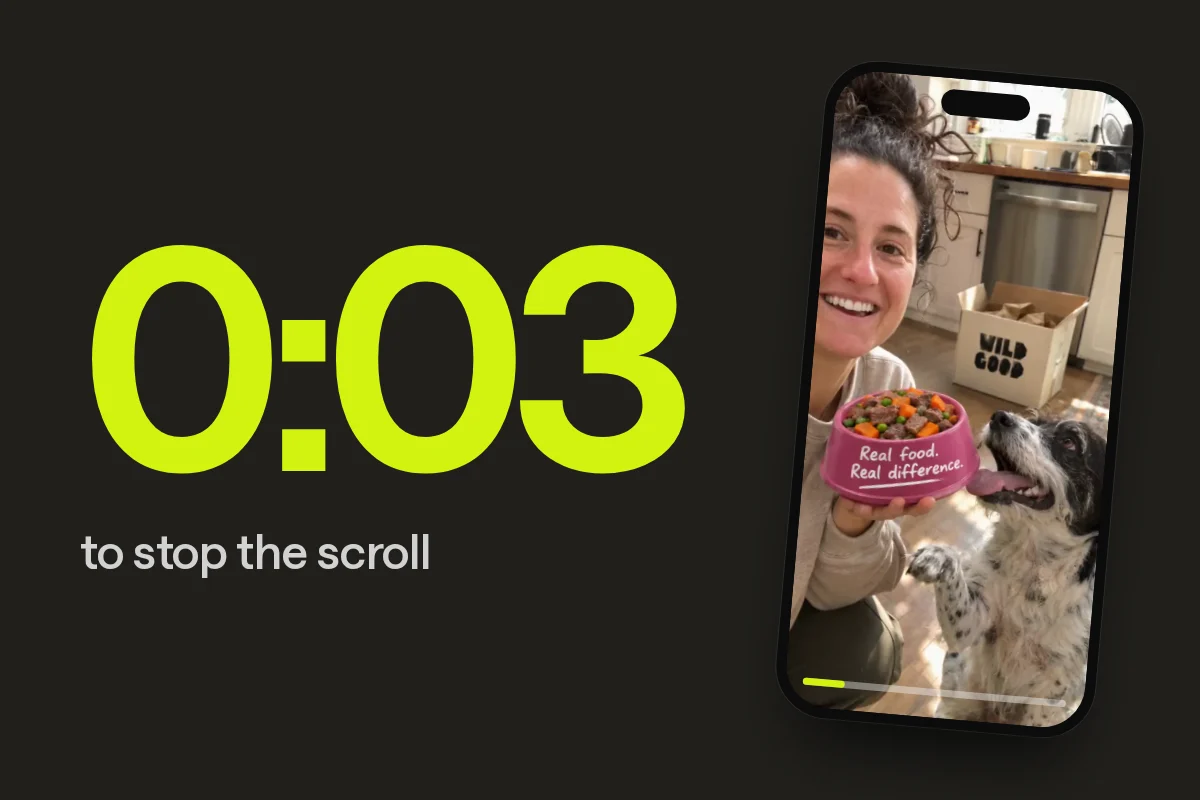
- A slow start. People tap to the next Story in a moment, so show the product right away.
- Tiny text. Write for a phone held at arm's length: one short line, big letters.
- Counting on Stories-only targeting in a Sales campaign. Meta is removing manual placements for that objective. Supply a vertical asset so it looks right when it lands in Stories.
- Skipping the preview. Check the Stories view before you publish, every time.
Making Story ads with ScaleShot
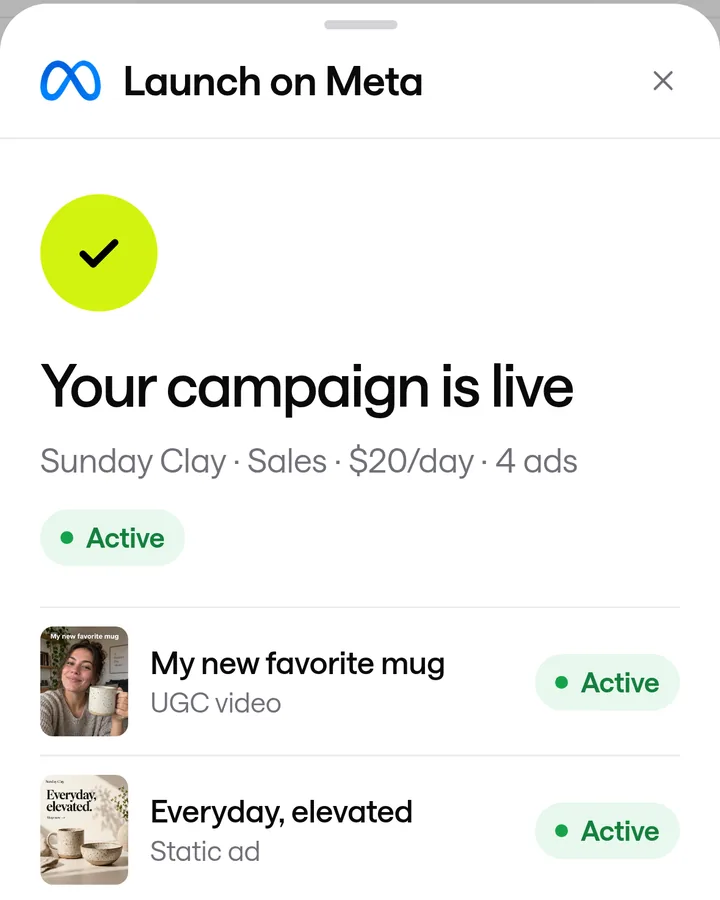
ScaleShot's Studio lets you pick the aspect ratio when you make a video ad, so you can make a vertical version for Stories from the start. From there you can launch a Facebook or Instagram campaign straight from ScaleShot once your Meta account is connected.
Instagram Story ad questions
What size is an Instagram Story ad?
Full-screen vertical, the shape of a phone screen. The exact pixel size is in the specs section above.
Can I run ads only on Instagram Stories?
Yes, with the Awareness, Traffic or Engagement objective. Meta is gradually removing manual placement choice from Sales, Leads and App promotion campaigns.
How long can an Instagram Story video ad be?
Meta accepts up to 60 minutes. Videos under 16 seconds play in full, so aim for that.
How much do Instagram Story ads cost?
You choose the budget, and what each view costs depends on the ad auction and your audience. Our guide to Instagram ad costs has sourced figures for Instagram overall.
ScaleShot TeamWe build ScaleShot, an AI ad tool for small businesses on Facebook and Instagram. How we make our guides
Sources
- Instagram Stories video ad specs, Meta Ads Guide
- Instagram Stories image ad specs, Meta Ads Guide
- Facebook Stories video ad specs, Meta Ads Guide
- What's new in placement settings in Meta Ads Manager, Meta Business Help Center
- Choose ad placements in Meta Ads Manager, Meta Business Help Center
- Instagram ads: Everything you need to know in 2026, Hootsuite