The best ad creative tools for a small store
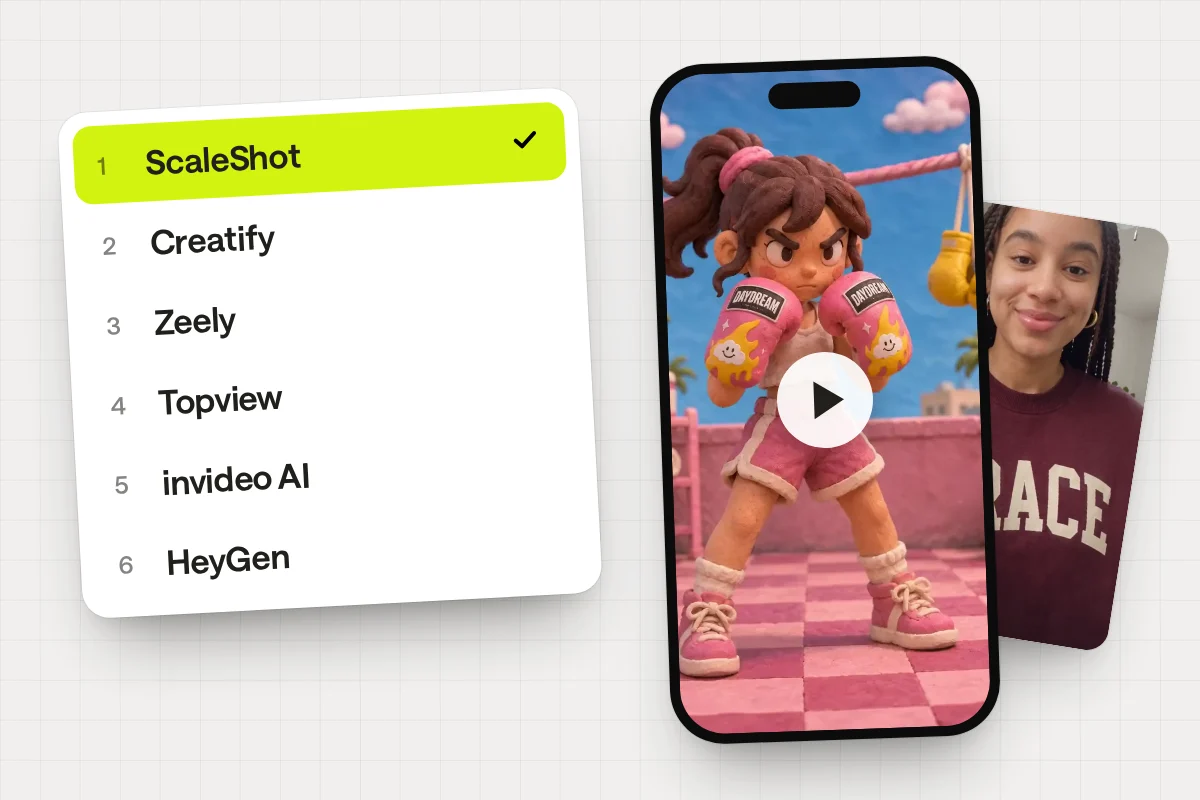
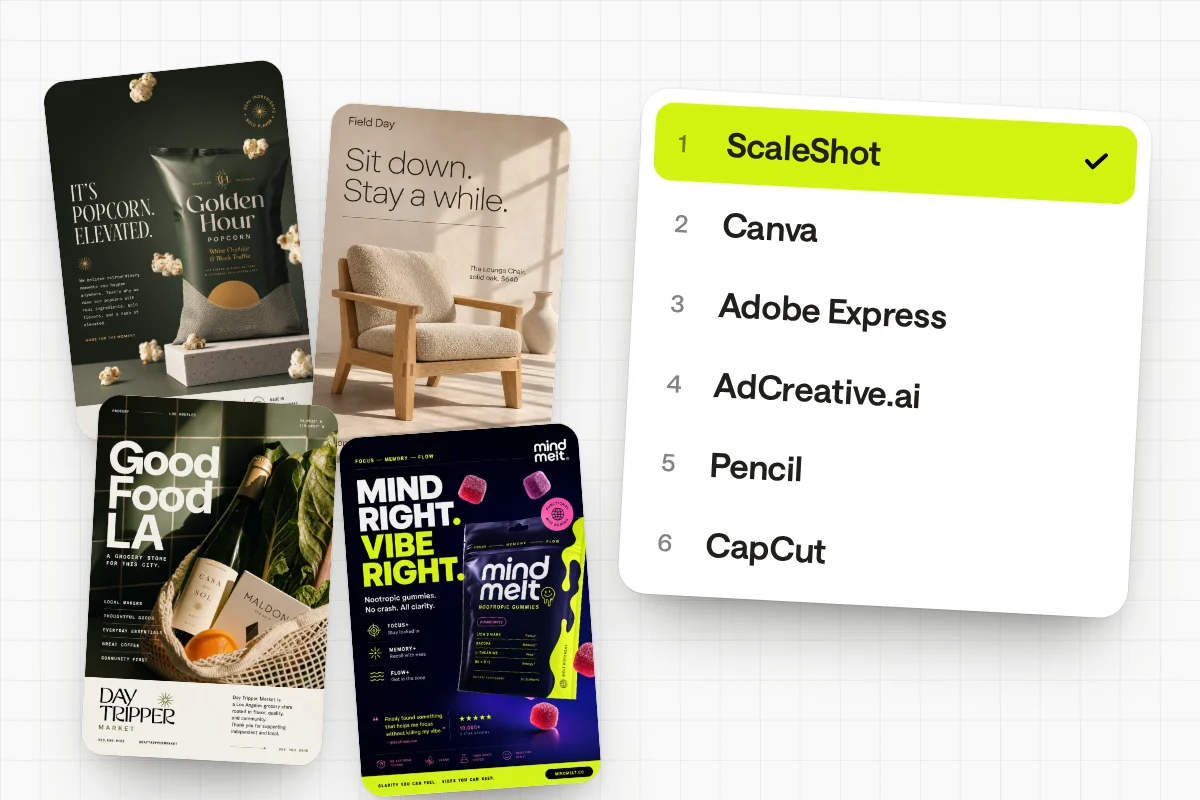
For a small store, the best ad creative tool is ScaleShot: it learns your brand from your store link, makes image and video ads, and launches them on Facebook and Instagram. Canva and Adobe Express suit owners who like designing from templates. AdCreative.ai and Pencil generate ads with AI, and CapCut edits video you film yourself.

How to pick an ad creative tool
Decide first who does the design work. With a design app like Canva or Adobe Express you pick a template and place every word yourself. An AI ad generator builds the ad from your product and brand, and you choose the ones you like.
| Tool | What it makes | Starting price | Best for |
|---|---|---|---|
| ScaleShotUs | Image and short video ads from your store link, launched on Meta | $19.95 for the first 2 weeks | A store that wants ads made and run without a designer |
| Canva | Template designs for images, video and social posts | Pro $18/month or $144/year | Owners who like to design each ad by hand |
| Adobe Express | Static and video templates with generative AI | Free; Premium $9.99/month | Adobe users who also schedule social posts |
| AdCreative.ai | AI banners, ad text, product shoots and videos | $39/month Starter, 7-day trial | Stores that need many banner variations |
| Pencil | AI images, video and ad copy, launched to several networks | $14/month Core | Solo owners on more than one ad network |
| CapCut | Video editing with templates and AI video | Free; Pro $19.99/month | Owners who film their own product clips |
- What it makes
- Image and short video ads from your store link, launched on Meta
- Starting price
- $19.95 for the first 2 weeks
- Best for
- A store that wants ads made and run without a designer
- What it makes
- Template designs for images, video and social posts
- Starting price
- Pro $18/month or $144/year
- Best for
- Owners who like to design each ad by hand
- What it makes
- Static and video templates with generative AI
- Starting price
- Free; Premium $9.99/month
- Best for
- Adobe users who also schedule social posts
- What it makes
- AI banners, ad text, product shoots and videos
- Starting price
- $39/month Starter, 7-day trial
- Best for
- Stores that need many banner variations
- What it makes
- AI images, video and ad copy, launched to several networks
- Starting price
- $14/month Core
- Best for
- Solo owners on more than one ad network
- What it makes
- Video editing with templates and AI video
- Starting price
- Free; Pro $19.99/month
- Best for
- Owners who film their own product clips
Prices come from each vendor's own pages on November 10, 2026, and change often.
- Start from the format. Feed images, stories and short videos each need their own size, and our Facebook ad sizes guide lists them.
- Price a normal month. Design apps charge a flat fee, while AI tools spend credits on each image or video.
- Check where the file goes next. Most tools stop at a download that you upload in Meta Ads Manager.
Example: a dog treat brand's week of ads
Say a made-up dog treat brand wants four image ads and two short videos this week. In ScaleShot that is four Fast images at 10 credits each plus two 6-second clips at 60 credits each, 160 credits in all. In Canva the owner would build the same six from templates by hand.
Our static ad examples show layouts that work for small stores.

1. ScaleShot: best for a store that wants ads made for its brand and launched
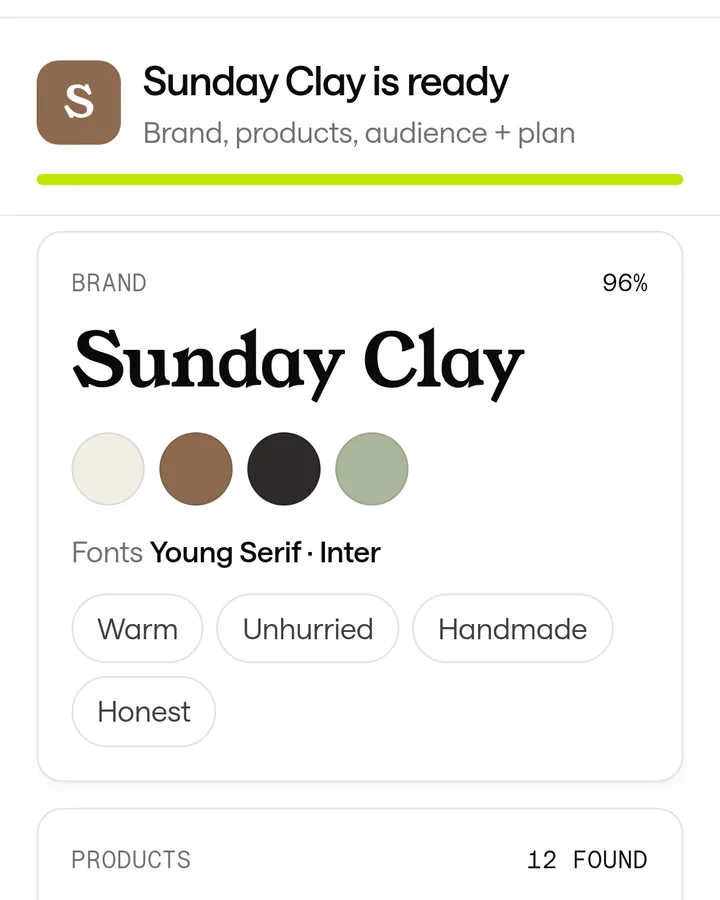
We built ScaleShot to learn a business from its website or Shopify link: logo, colors, fonts and voice. Its Ads Agent chat makes image ads and short video ads and writes a 30-day plan, and with a connected Meta ad account it launches Facebook and Instagram campaigns. It asks before it pauses ads or changes budgets.
If you already design in Canva, upload the finished PNG, JPEG or WebP to the Library and it runs exactly as you made it, with no AI changes.
Pricing
Our plans start at $19.95 for the first 2 weeks with 500 credits, then $42 every 2 weeks. A Fast image is 10 credits and a high-quality image is 20.
Where it falls short
- Meta only: no Google or TikTok ads.
2. Canva: template design for owners who like to lay out ads themselves
Canva is a design app built around templates. Canva Pro adds Background Remover, Brand Kit, 40+ AI-powered tools and a premium library of templates, images, videos and fonts. It suits an owner who enjoys design and wants control of every detail. Canva makes the file, so you still upload the ad to Meta or to a tool that launches it.
Pricing
Canva lists Pro at US$144 a year for one person. Month to month it is US$18, and Canva offers a 30-day free trial.
3. Adobe Express: design templates with generative AI credits
Adobe Express is Adobe's template app for static and video posts. Its free plan includes 100,000+ static and video templates and needs no credit card. It suits a shop that already uses Adobe apps or wants to schedule social posts from the same place.
Pricing
Adobe Express lists Premium at $9.99 a month with 250 generative credits, all premium templates, brand kits and scheduling to 3 accounts per social network. Firefly Pro is $19.99 a month with 4,000 generative credits and text to video.
4. AdCreative.ai: AI banners and product photoshoots in bulk
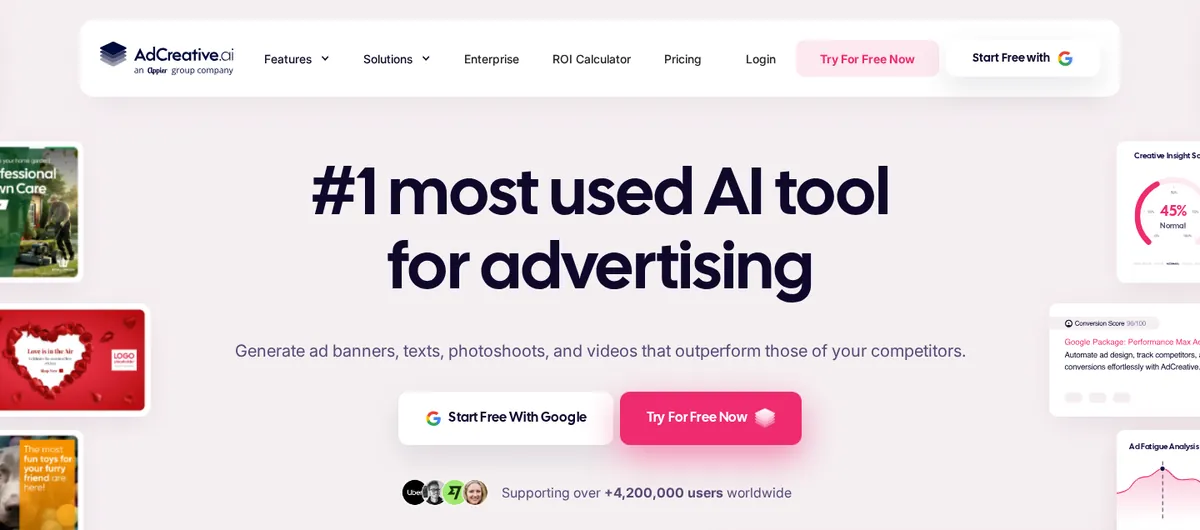
AdCreative.ai generates ad banners, ad text, product photoshoots and videos. Its Professional and Ultimate plans add Pro features such as product videos, ad videos and batch creatives. It suits a store that needs many banner variations quickly. Our AdCreative.ai alternative page compares it with ScaleShot.
Pricing
Starter is $39 a month, or $20 a month billed yearly, for 20 credits, 1 brand and 1 user. A 7-day free trial comes with 20 credits.
Where it falls short
- Every plan lists ad platform integrations, but the page does not say it launches ads to Meta.
5. Pencil: AI ad generator that launches to several networks
Pencil uses AI agents to generate text, images, video and ad creatives. Its Core plan includes launching and tracking ads on Facebook, Instagram, TikTok, YouTube, Google Display, DV360 and LinkedIn. It suits a solo owner who advertises on more than one network.
Pricing
Pencil lists Core at $14 a month, or $11 a month billed annually, for 50 generations a month. Anyone can make six ads free through a guided setup before paying.
6. CapCut: video editor for clips you film yourself
CapCut is a video editor with templates and AI features, and its paid plans add Seedance AI video generation. It suits an owner who films products on a phone and wants to cut the footage into ads. If you would rather have the whole video made for you, see our AI video ad generator roundup.
Pricing
The free plan covers free templates and basic editing. Pro is $19.99 a month or $179.99 a year, with 1,200 AI credits a month, premium templates and 1 TB of storage. Teams starts at $12.49 per seat a month for 2 seats and adds a brand kit.
Where it falls short
- The pricing page does not mention publishing ads to Meta.
Common ad creative tool questions
Is Canva enough for Facebook ads?
For making the image, yes. You then upload it in Meta Ads Manager, or to ScaleShot's Library, where uploaded ads run unchanged and you write the headline in the campaign.
Are there free ad creative tools?
Adobe Express and CapCut both have free plans. Pencil lets you make six ads at no cost through its guided setup, and AdCreative.ai has a free trial.
Should I use an AI generator or a design tool?
Use a design tool when you want to place every element yourself, and an AI generator when you want many versions each week. Either way, test versions against each other, as our creative testing guide explains.
Can I use AI-made images in paid ads?
In ScaleShot, the outputs you generate are yours to use in paid ads and marketing. Check each ad platform's rules on AI disclosure before you publish.
ScaleShot TeamWe build ScaleShot, an AI ad tool for small businesses on Facebook and Instagram. How we make our guides
Sources
- Canva pricing, Canva
- Canva Enterprise vs Business vs Pro, Canva
- Canva Pro, Canva
- Adobe Express pricing, Adobe
- AdCreative.ai homepage and pricing, AdCreative.ai
- Pencil pricing, Pencil
- CapCut pricing, CapCut