How to spot and fix Facebook ad fatigue
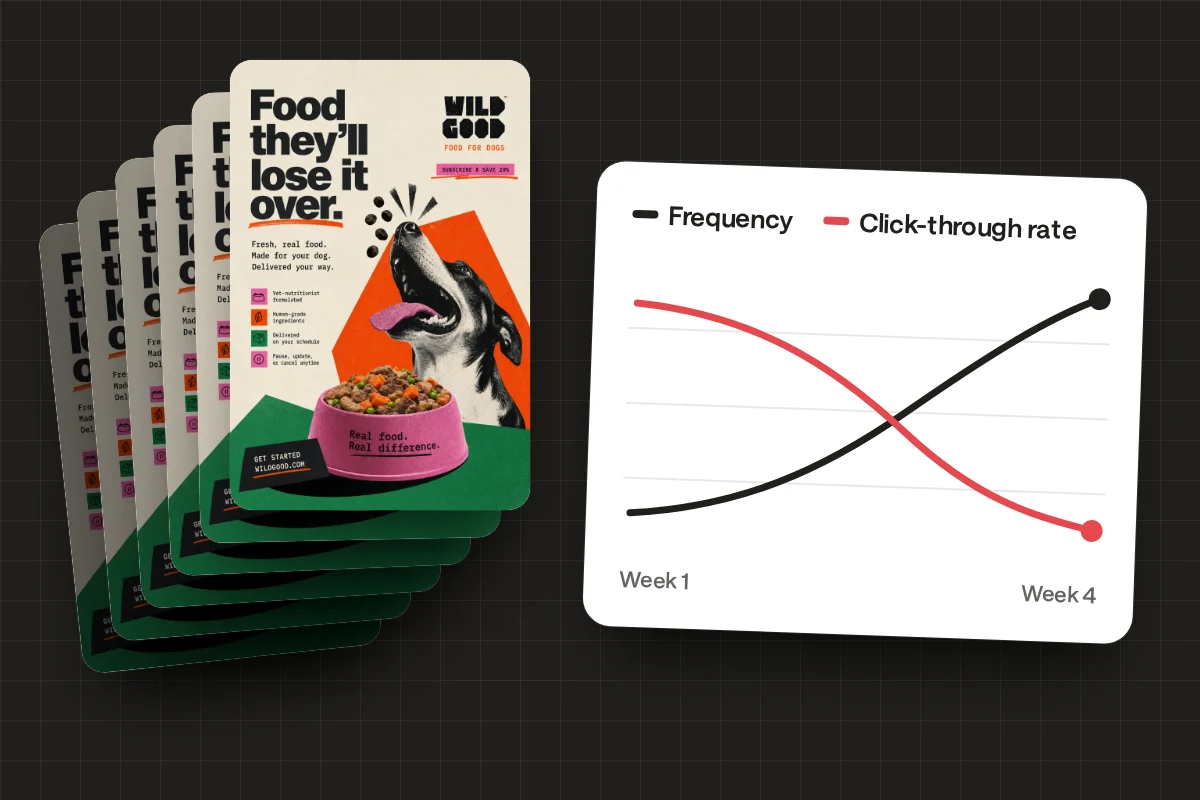
Ad fatigue is when the same people have seen your ad so often that they stop responding, so each result costs more. In Ads Manager it shows up as frequency rising while click-through rate falls. Meta may also mark the ad Creative limited or Creative fatigue. The main fix is a new, clearly different ad.

What ad fatigue is
Meta defines creative fatigue as what happens when an audience has seen the same creative too many times. People become less likely to engage, which can raise your cost per result.
The number to know is frequency: the average number of times each person saw your ad, worked out as impressions divided by reach. Meta's Frequency page says that if performance drops as frequency rises, your audience may be experiencing ad fatigue, and it may be time to change your creative or targeting.
Frequency alone proves nothing. Jon Loomer writes that a high frequency by itself isn't a problem, and that he stops caring about it as long as results aren't falling. Fatigue is the two moving together.
The signs in Ads Manager
Look for three lines moving the wrong way over the same weeks: frequency up, click-through rate (CTR, the share of people who click after seeing the ad) down, and cost per result up.
Set up the columns
- In Ads Manager, open the Ads tab.
- Click Columns, then Customize columns.
- Search for and add Frequency, CTR (link click-through rate) and Cost per result.
- Also select Quality ranking, Engagement rate ranking and Conversion rate ranking, then click Apply.
The three rankings are Meta's ad relevance diagnostics. They compare your ad's past auction performance over the dates you pick, and they don't appear for ads with fewer than 500 impressions.
Example: a dog treat brand
A made-up dog treat brand runs one ad to people who visited its site in the last 30 days, on $15 a day. In week one, frequency is 1.6 and CTR is 1.4%. By week four, frequency is 4.5, CTR is 0.6% and the cost per sale has doubled. The audience is small and has seen the same image again and again. That pattern is fatigue.
Meta's Creative limited and Creative fatigue labels
Meta flags fatigue for you in the Delivery column of an ad set or ad. The label depends on how your cost per result compares with ads you ran before:
- Creative limited: cost per result is higher than your past ads but less than twice as much.
- Creative fatigue: cost per result is twice as much or more.
Meta counts all recent exposures of the ad's image or video, including views from other campaigns run from your Page. Before launch, Ads Manager may show a warning if it expects fatigue in the campaign's first 7 days.
The label has limits. Meta's creative fatigue page says it only covers ad sets with one creative, excluding Advantage+ catalog ads, dynamic creative and Advantage+ app campaigns. Most ad sets with several ads will never show it, so check the columns yourself.
What to change first
Change the ad before you touch anything else. Meta's recommendations, in the order it lists them:
- Create another ad with a new image or video that is materially different from the original. Meta notes that keeping the original ad running, instead of pausing it, may get you more results.
- Expand your audience so the ad reaches people who haven't seen it too often yet.
- Try Advantage+ creative, which makes variations from a single image or video. It is only available for traffic or sales campaigns sending people to a website.
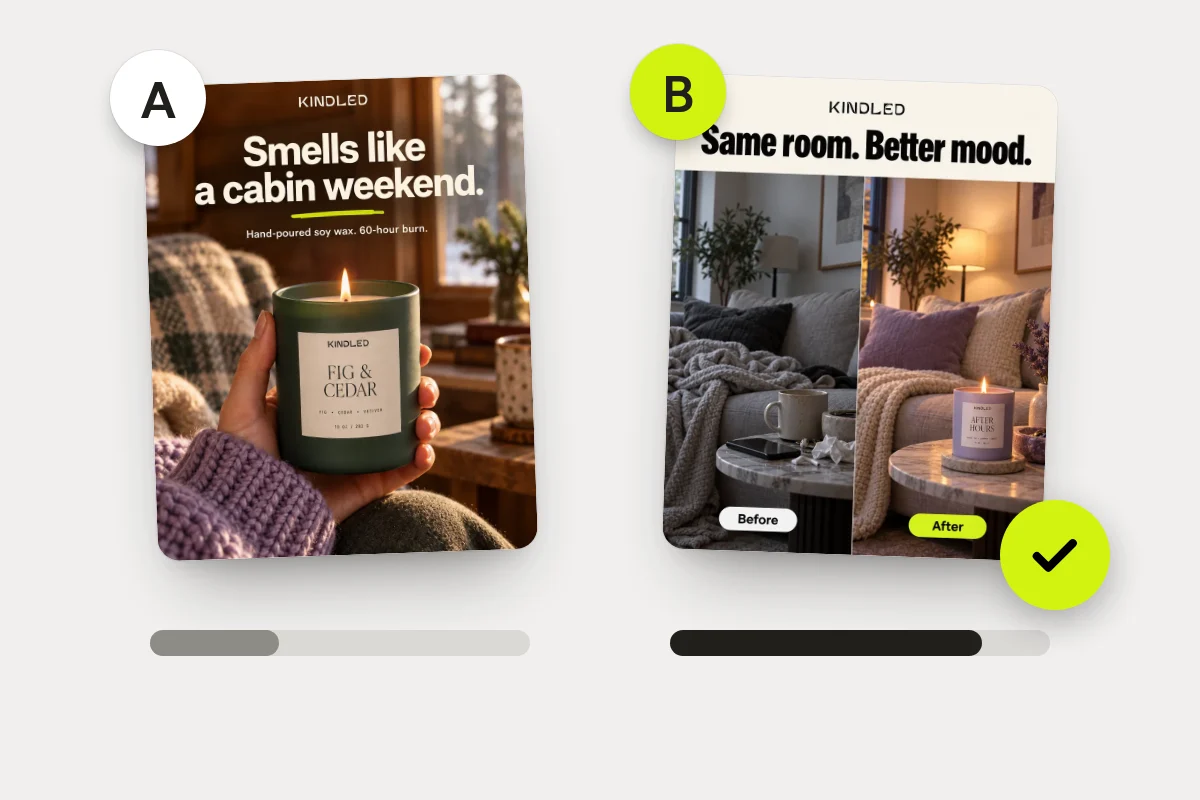
"Materially different" matters. Meta's creative diversification page says creative that is too similar may not be recognized as different and can be shown to the same people. It suggests showing the same product through different reasons to care, such as price, performance or ease of use. A new background on the same photo is a small change. A customer video next to a price-led image is a real one. Our pages on ad angles, Facebook ad hooks and creative strategy give ideas.

How often to add new creative
No Meta page sets a schedule. Jon Loomer argues that fixed refresh cycles are a myth, and that some advertisers can run the same set of ads for months without fatigue becoming an issue. Watch the signs above and add ads when they appear.
What slows fatigue down, according to Loomer:
- More than one ad per ad set. One ad on its own is the fastest way to fatigue.
- Text variations. You can add up to five primary text options and five headlines to one ad.
- Advantage+ placements left on, so the ad reaches more people in more places.
- Broad targeting. Small remarketing audiences, a tight local radius or a small country wear out fastest.
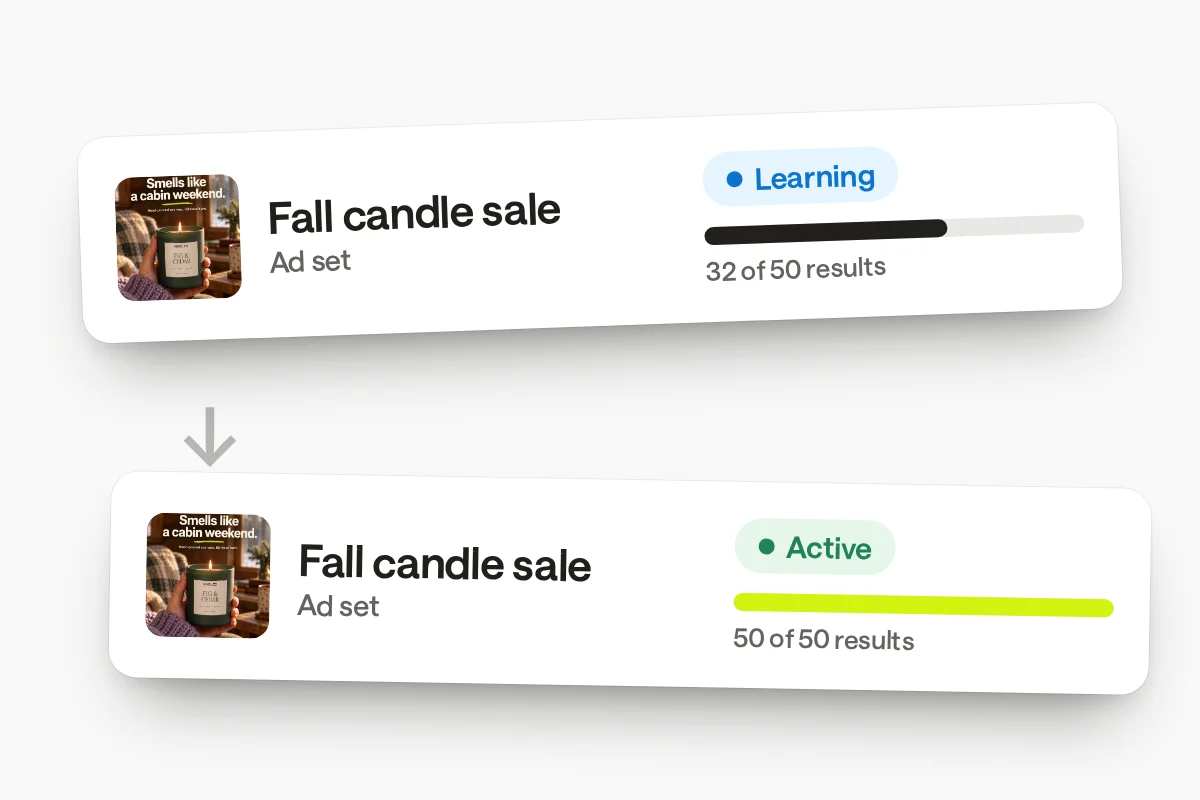
Meta counts adding a new ad as a significant edit that restarts learning for the ad set, so add a batch at once. Our guide to the learning phase explains why, and Facebook ad creative testing covers how to compare the new ads.
Making replacement ads with ScaleShot
When an ad wears out, the slow part is making a different one. In ScaleShot you can ask the Ads Agent to look at the ads in your Library and suggest what to try next, then make new image ads or 4 to 10 second video ads. With your Meta ad account connected, it can also check results and pause a tired ad after asking you first.

Common questions about ad fatigue
What is a good frequency for Facebook ads?
There is no single target. Meta says frequency may average 1 to 2 per ad set or run much higher depending on budget, audience size and schedule. Judge it next to your cost per result.
What does Creative limited mean on Facebook?
It means Meta thinks your audience has seen the ad too often and the cost per result is above your past ads, though below double. At double or more, the label becomes Creative fatigue.
Should I turn off a fatigued ad?
Not right away. Meta's advice when you add a new ad is that leaving the original running, instead of pausing it, may get more results. Turn it off if its cost per result is above what you can afford.
Why don't I see the Creative fatigue label?
Meta only offers it for ad sets with one creative, and it isn't available for sales campaigns before the ad set is active. With several ads in an ad set, watch frequency and CTR yourself.
Do small budgets get ad fatigue?
Less often. Jon Loomer notes that large budgets exhaust an audience faster, though a small audience can wear out on any budget.
ScaleShot TeamWe build ScaleShot, an AI ad tool for small businesses on Facebook and Instagram. How we make our guides
Sources
- About creative fatigue recommendations in Meta Ads Manager, Meta Business Help Center
- Frequency, Meta Business Help Center
- About ad relevance diagnostics, Meta Business Help Center
- Creative diversification, Meta for Business
- Creative Fatigue: What It Is and How to Prevent It, Jon Loomer Digital
- CTR (link click-through rate), Meta Business Help Center
- Cost per Result, Meta Business Help Center
- Significant Edits and Learning Phase, Meta Business Help Center