How to lower your Facebook ad costs
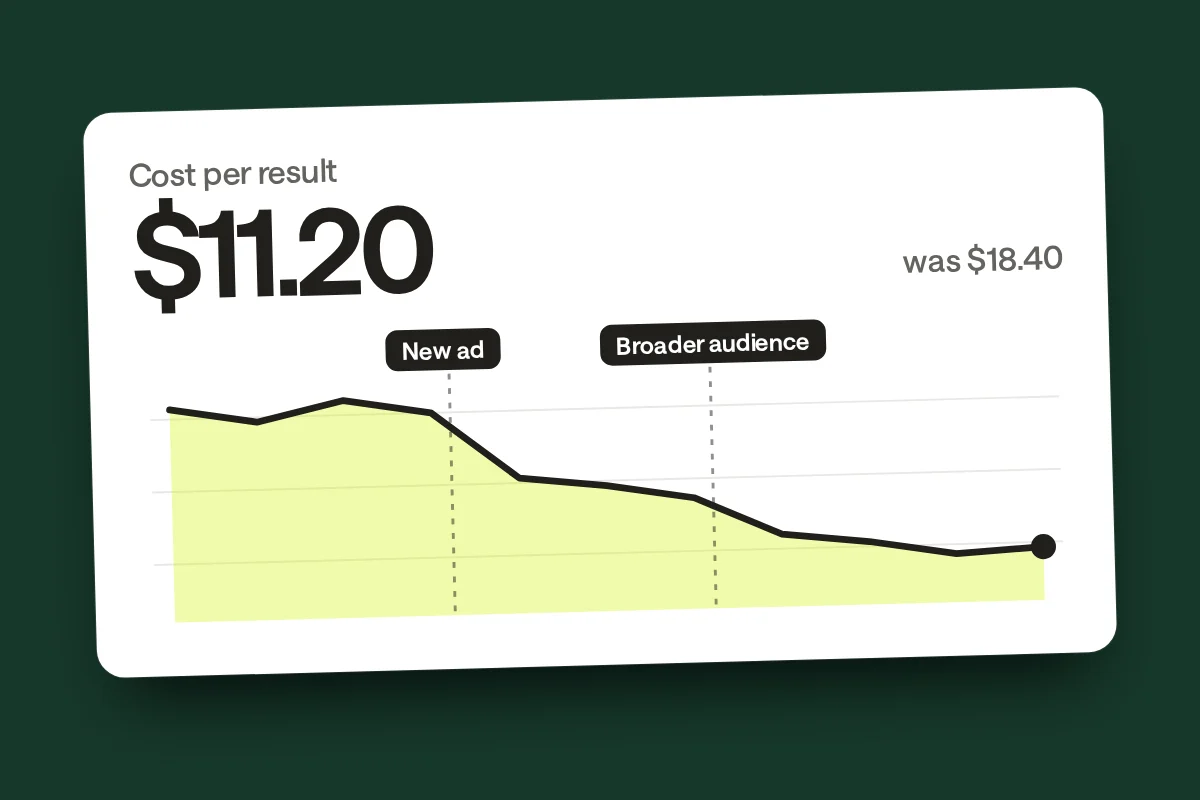
Start with the ad itself, because Meta's auction favors relevant ads and can let them beat higher bids. Then broaden the audience, keep placements open, pick an optimization event you can get often enough, fix the landing page and plan around busy seasons. Check each lever in Ads Manager before changing it.

First, find which cost is high
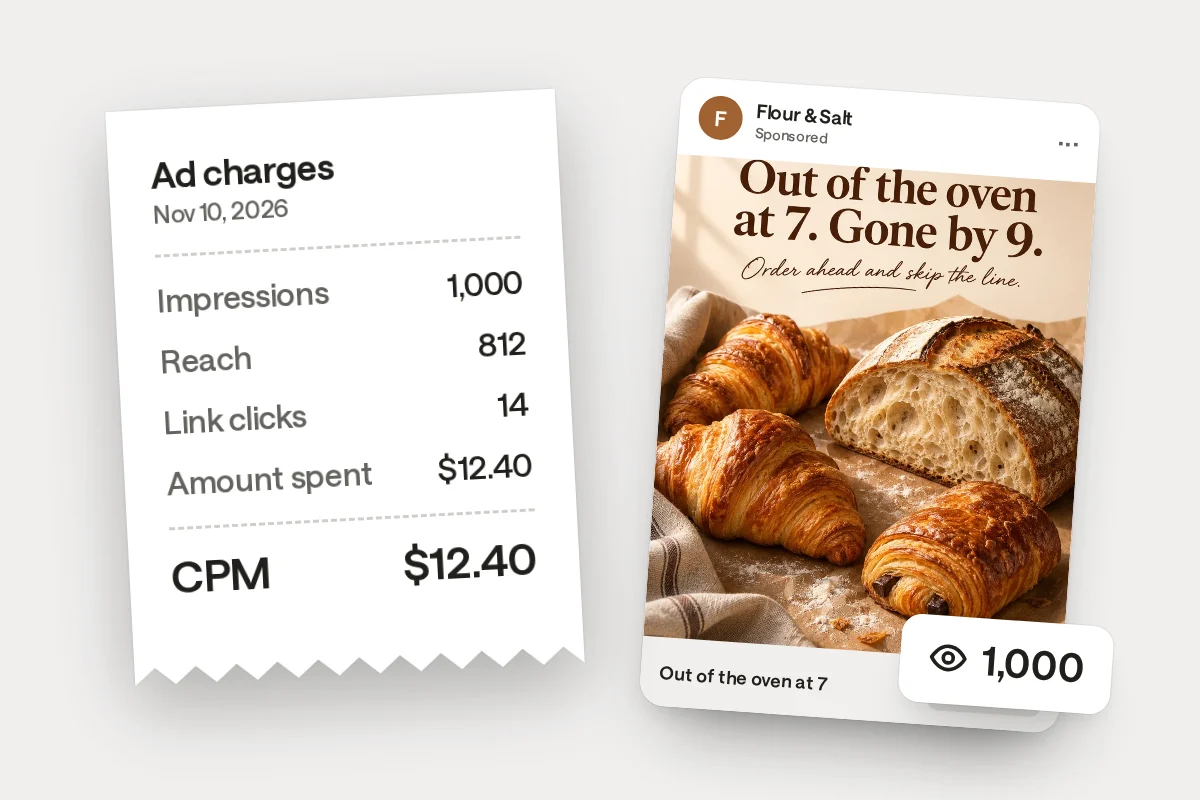
"Expensive" can mean three different things, and each has a different fix:
- High CPM (cost per 1,000 impressions): the audience is narrow or the season is busy.
- Low click-through rate: the ad isn't stopping people.
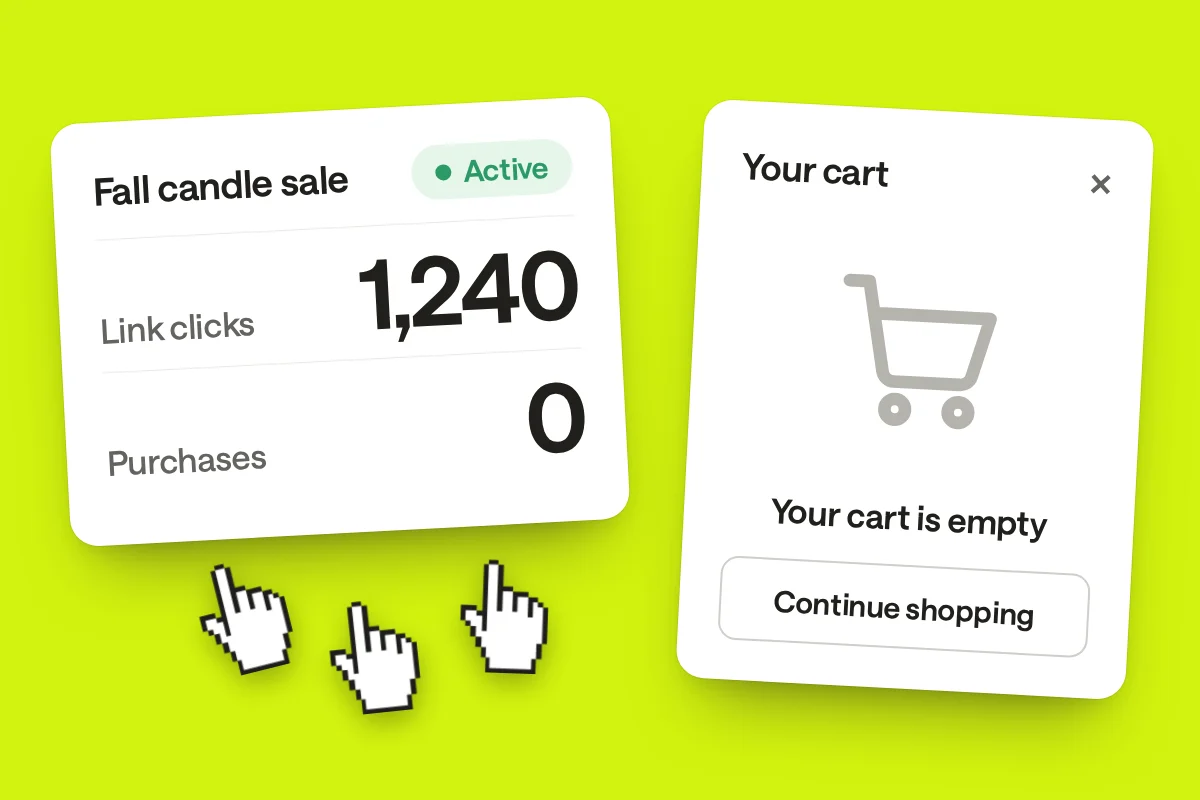
- Good clicks, few sales: the problem is after the click, on your page or offer.
To see all three, open the Ads tab in Ads Manager, click Columns, then Customize columns. Add CPM (cost per 1,000 impressions), CTR (link click-through rate) and Cost per result, plus Quality ranking, Engagement rate ranking and Conversion rate ranking, then click Apply. Our CPM guide explains what a normal CPM looks like.
1. Fix the creative
The ad wins or loses each auction on more than your bid. Meta's About Ad Auctions page says the winner is the ad with the highest total value, which combines bid, the estimated chance a person acts on the ad, and ad quality. A more relevant ad can beat ads with higher bids.
How to check it: read the three rankings together. Meta's guide to using ad relevance diagnostics gives these readings:
- Quality ranking below average: the ad is seen as low quality. Improve the creative and avoid low-quality traits.
- Engagement rate ranking below average: the ad isn't sparking interest. Make it more eye-catching or relevant.
- Quality below average with conversion below average: the ad may come across as click-bait. Show the product more plainly.
Meta says moving a ranking from below average to average matters more than pushing average to above average. The rankings don't show until an ad has 500 impressions. For ideas on a stronger opening, see Facebook ad hooks. If an old ad has worn out, see ad fatigue.

2. Give Meta a broader audience
Meta's cost per result best practices say an audience that is too specific may cost more to reach, and recommend making it broader with Advantage+ detailed targeting or detailed targeting as a suggestion. LocaliQ's 2026 Facebook benchmarks article also notes that a larger reach tends to lower CPM. Meta also recommends combining similar ad sets so your budget works from one pool.
How to check it: open the ad set's editing pane and look at the estimated audience size. While you are there, check for auction overlap, where several of your ad sets target the same people and compete with each other.
Example: a plumber
A made-up plumber runs three ad sets on $10 a day each: homeowners, landlords and people interested in home repair, all within 10 miles. Merging them into one $30 ad set covering the whole service area gives Meta one larger audience and stops the three from bidding against each other.
3. Keep placements open
Meta says Advantage+ placements, its automatic placement setting, find the most cost-effective opportunities across its apps. In a Meta experiment, ad sets using it had an 11.7% lower cost per action on average than manual placements.
It is tempting to switch off a placement that looks expensive. Meta's own example: with Facebook, Instagram and Audience Network on, a $27 budget gets 9 results at $3 each. Turn off Instagram because its results cost $5, and you get only 8 results for $26, at $3.25 each. A pricier placement isn't necessarily an inefficient one.
How to check it: in Ads Manager, click Breakdown (between Columns and Reports) and choose Placement. Meta notes these values are estimated.
4. Optimize for an event you get often enough
Ad sets in the learning phase usually have a higher CPA, the cost per action. If an ad set can't reach about 50 optimization events in a week it shows Learning limited, and one of Meta's fixes is to pick an event that happens more often, such as add to cart instead of purchase.
Meta's landing page view guidance says a conversion-optimized ad set needs about 50 or more conversions per week to have a chance at being effective. Below that, optimizing for landing page views can be a good alternative. It also suits stores that haven't set up purchase events with the Meta Pixel yet.
How to check it: look at the Delivery column for Learning limited, and add the Optimization events column through Customize columns. Our guides to the learning phase and campaign objectives go into detail.
5. Fix the page people land on
If quality and engagement rankings are average or better but conversion rate ranking is below average, Meta reads it as an ad that isn't producing conversions. Its advice is to improve the call to action or the post-click experience, or to target people with higher intent.
Speed is part of that experience. Shopify's help center says apps, images, videos and other features can slow a store down, and that improving web performance can raise conversion rates. Its web performance summary measures loading speed, interactivity and visual stability.
How to check it: compare your link click-through rate with your cost per purchase. A healthy CTR with expensive sales points at the page, price or checkout. Our page on Facebook ads not converting covers the common causes.
6. Time your spend and your edits
Season moves prices. Lebesgue's 2025 data shows the median brand's CPM held near its September level until the week of November 10, then hit 84% above it on Black Friday. If your product doesn't depend on the holidays, spending less from mid-November through early December is one option.
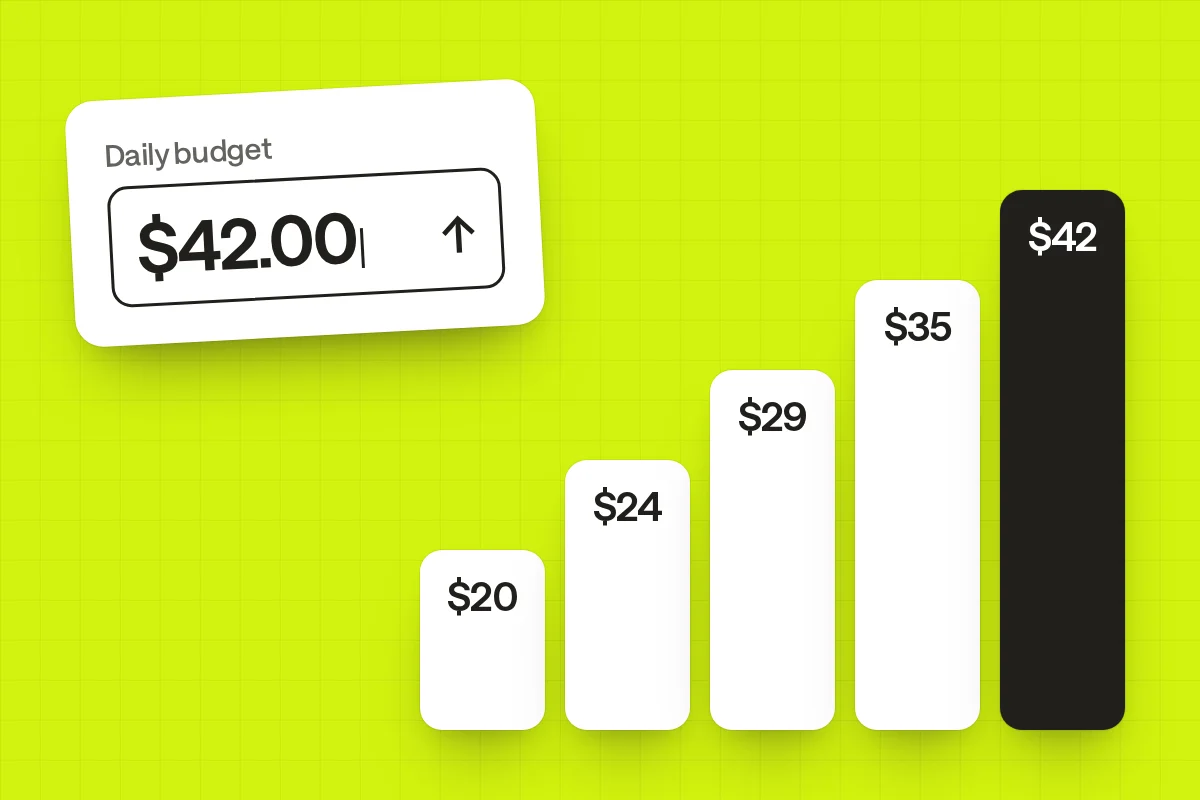
Your own edits move prices too. Every significant edit restarts learning, and Meta advises avoiding frequent budget changes. Meta also says a budget much higher than usual can raise cost per result, sometimes for good, so let the campaign exit learning before changing more.
How to check it: add the Last significant edit column to see when you last reset learning.
Cheaper ads start with better ads
Creative is the lever you can pull most often, and making new ads is where small shops get stuck. ScaleShot's Ads Agent can look at your past ads, suggest what to try next and make new image or video ads for your brand. With a connected Meta account it can check results and pause ads that cost too much, always asking first.
Common questions about lowering Facebook ad costs
Why are my Facebook ads suddenly more expensive?
Common causes are creative fatigue, a busy season and a recent significant edit that restarted learning. Meta flags fatigue in the Delivery column as Creative limited or Creative fatigue.
Will a lower bid cap lower my costs?
It can backfire. Meta lists a low bid or cost control as one reason an ad set gets stuck in Learning limited.
Is a cheaper click always better?
No. Meta says a landing page view goal may prioritize higher-quality clicks to improve the traffic your site gets. Judge clicks by the sales or leads that follow.
Does a bigger budget lower cost per result?
Usually the opposite at first. Meta says a much higher budget buys the cheapest opportunities first and then moves to costlier ones. See how to scale Facebook ads.
ScaleShot TeamWe build ScaleShot, an AI ad tool for small businesses on Facebook and Instagram. How we make our guides
Sources
- About Ad Auctions, Meta Business Help Center
- How to Use Ad Relevance Diagnostics, Meta Business Help Center
- About ad relevance diagnostics, Meta Business Help Center
- Best practices to potentially reduce cost per result for Meta ads, Meta Business Help Center
- Facebook Advertising Benchmarks for 2026, LocaliQ
- About Advantage+ placements, Meta Business Help Center
- How the Meta delivery system works using Advantage+ placements, Meta Business Help Center
- View Meta ad results by platform, device and placement in Ads Manager, Meta Business Help Center
- About the Learning Phase, Meta Business Help Center
- About Learning Limited, Meta Business Help Center
- Best practices for landing page view performance goals, Meta Business Help Center
- Online store web performance, Shopify Help Center
- Meta Ads on Black Friday: Why Higher CPMs Can Still Pay Off, Lebesgue
- Troubleshoot ad delivery: your campaign hasn't delivered enough since it started, Meta Business Help Center
- About creative fatigue recommendations in Meta Ads Manager, Meta Business Help Center
- CPM (Cost per 1,000 Impressions), Meta Business Help Center
- CTR (link click-through rate), Meta Business Help Center
- Cost per Result, Meta Business Help Center