How to make a product video for your store
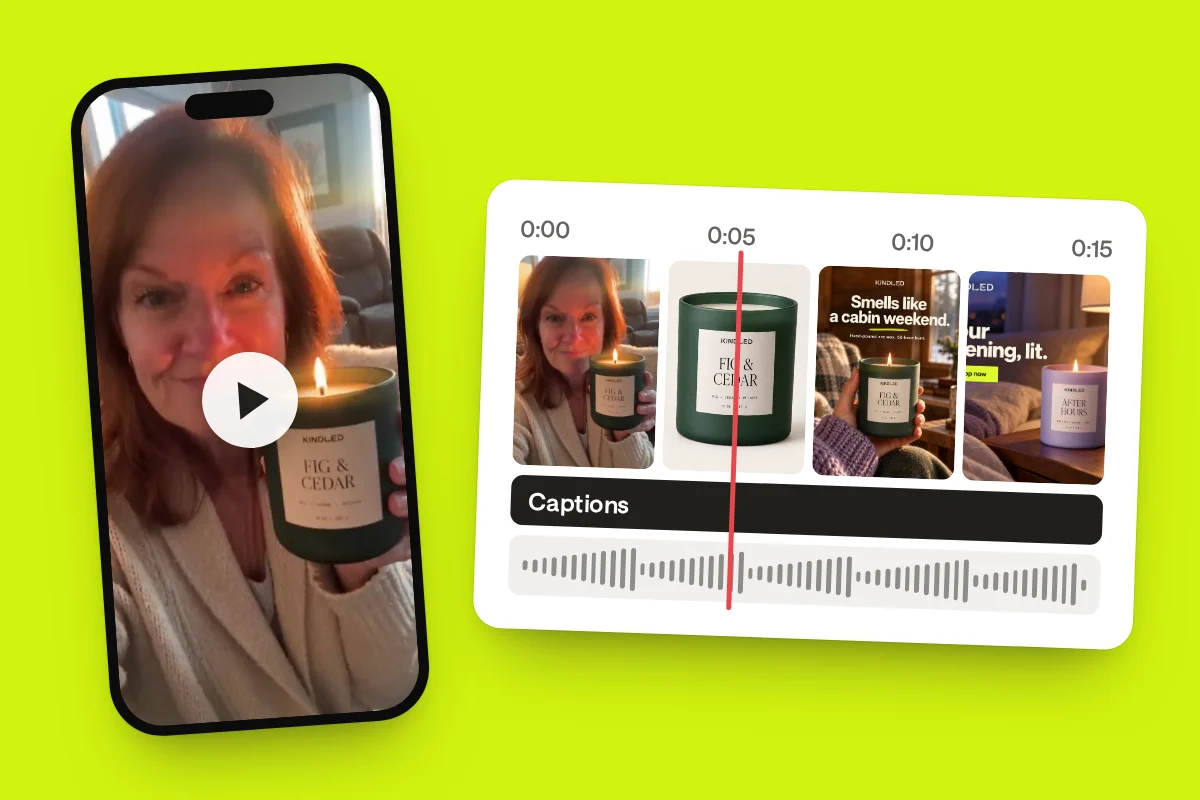
Choose one job for the video, film it vertically on your phone in window light, and keep it short. Meta suggests delivering your message in 15 seconds or less. Show the product in the opening frames, add captions for people watching with the sound off, then export a tall version and a 4:5 version.

Pick the type of product video
Decide what the viewer should learn, then pick the type that shows it fastest.
- Demo. Shopify describes demo videos as showing a product's features, use cases and benefits. Example: a candle shop lights a candle and shows the even melt pool after an hour.
- How it's made. Behind-the-scenes videos show how a product is made or give a look at daily operations. Example: hands pouring wax into jars, labels going on.
- Unboxing. The package arriving, opening and the first look at what is inside. It answers the question of what a buyer gets.
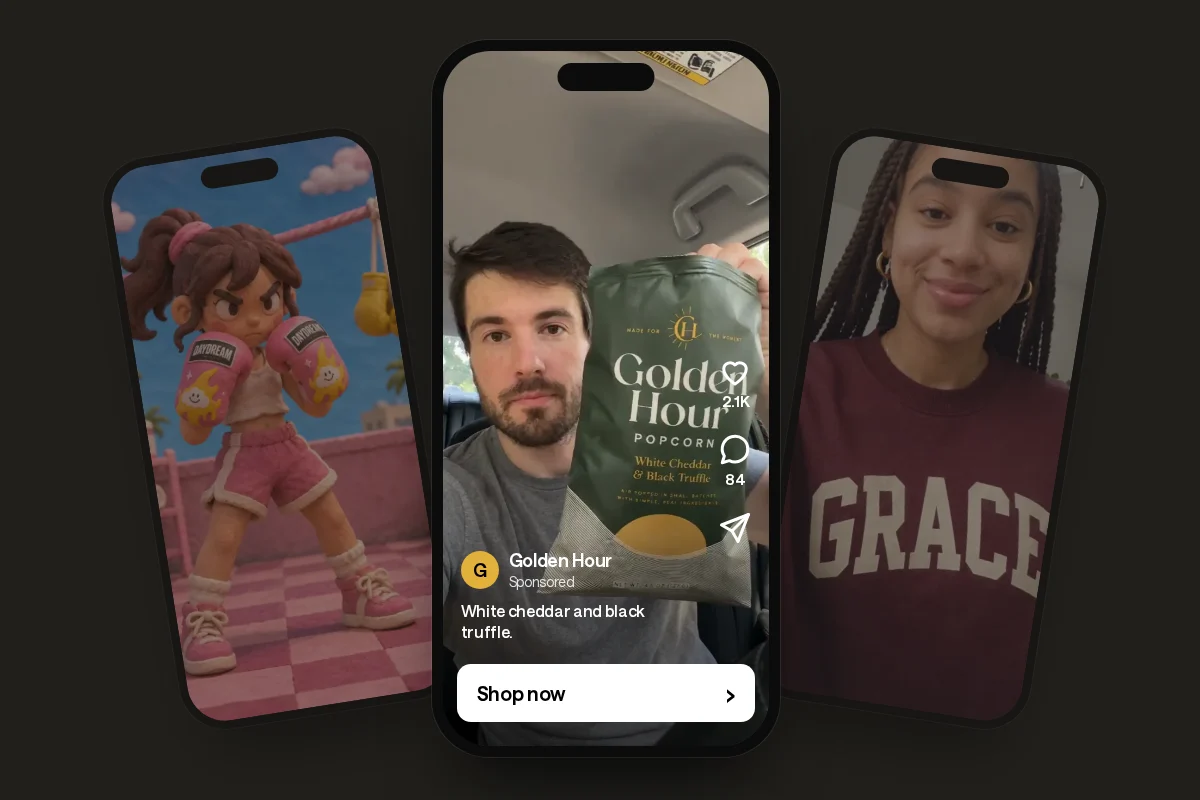
- Customer review. Shopify files these under user-generated content, meaning videos made by real customers instead of the brand. See UGC ads for how brands use them.
Shopify's product video guide adds introductory, how-to, explainer and testimonial videos as types. For a small shop, a demo is the easiest place to start.
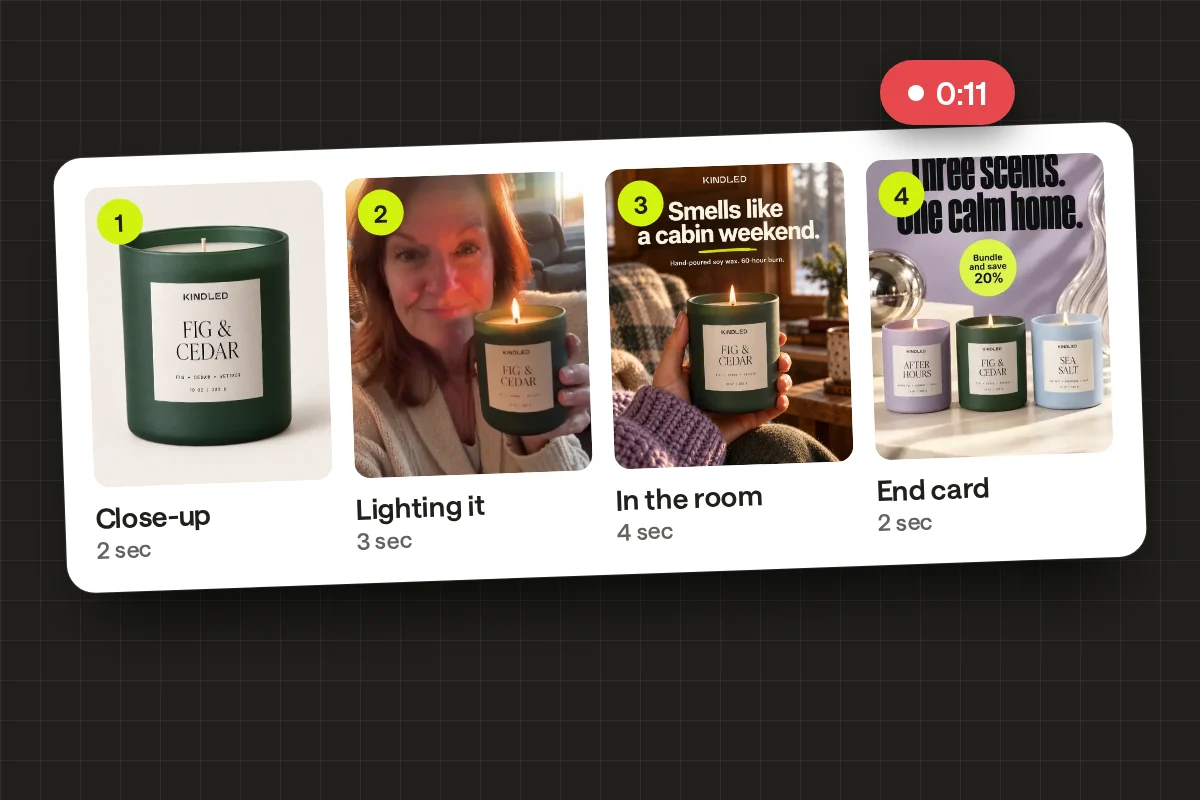
A 15-second shot list
Plan five shots before you press record. Meta's advice for mobile video ads is to hook people right away with strong product shots and to put your brand early.
Example for a dog treat brand:
- 0 to 3 seconds: a dog's nose pushing at the bag. Bold text on screen names the treat.
- 3 to 6 seconds: a hand pulls one treat out. Close-up of the texture.
- 6 to 9 seconds: the dog takes it and the tail goes.
- 9 to 12 seconds: the ingredient list on the back of the bag, held still long enough to read.
- 12 to 15 seconds: the bag on a plain table with the logo and the offer.
The first shot matters most. Our guide to ad hooks has openers to borrow, and these video ad examples show the pacing.

How to film it on your phone
Hold the phone upright and keep it still. Meta tells advertisers to use vertical video because most people hold their phones vertically.
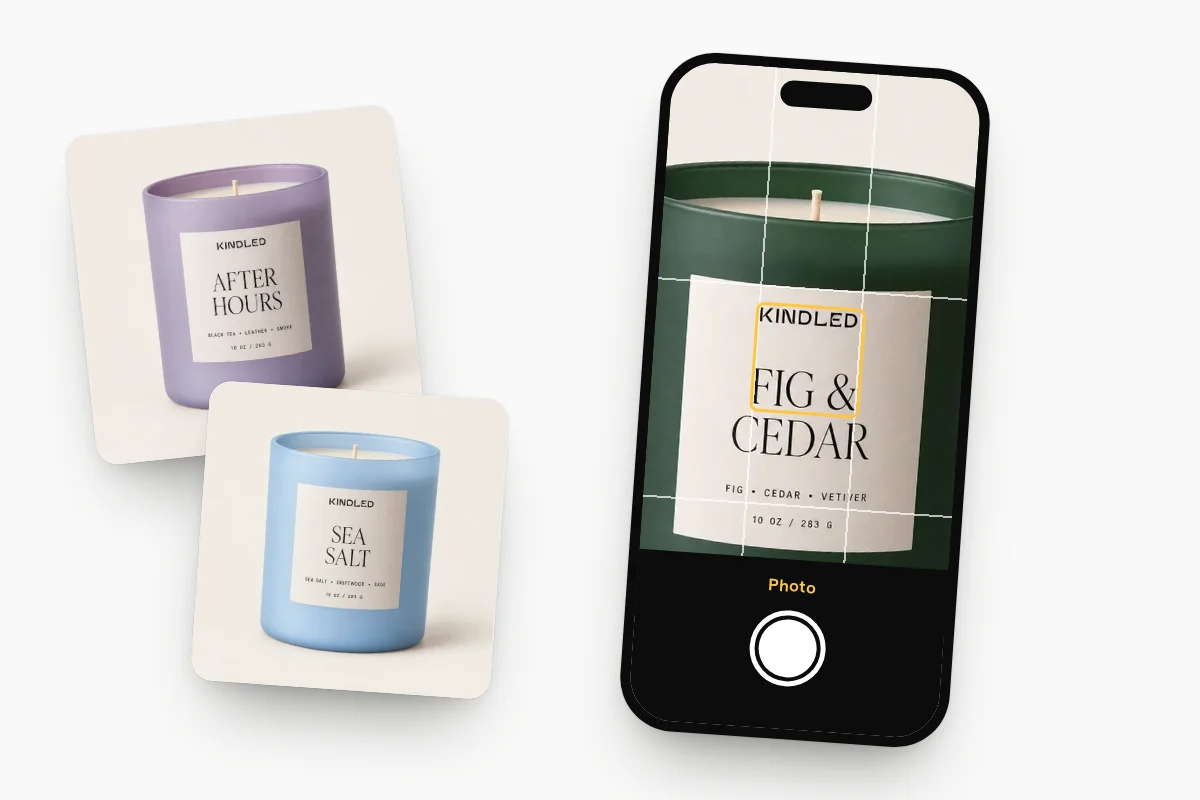
- Set up by a window with the product side-lit, the same way you would for product photos.
- Mount the phone on a tripod and lock focus by pressing on the product.
- Film each shot as its own clip, three or four seconds longer than you need, so you can trim clean starts and ends.
- Move the product, not the camera. Smooth hand movements look better than a shaky pan.
- If anyone talks, put a small microphone close to them. Shopify's guide says boom mics, lavaliers or other microphones capture voices clearly.
Shopify's guide notes a phone camera works great for social media video, while a polished product page video may need more.
Captions, text and sound
Make the video work on mute, then add sound as a bonus. Meta's own line is "Build for sound off. Delight with sound on".
- Add captions. Meta says its internal tests found that captions increased video view duration by an average of 12%.
- Put key words on screen. The product name, the main benefit and the offer, each held long enough to read.
- Add sound anyway. Meta's ads guide lists sound as optional but recommended for Feed videos and strongly recommended for Reels.
Use music you have the rights to, and record any voiceover in a quiet room.
Lengths and sizes Meta and Shopify accept
Film tall, then crop. A vertical clip can become a 4:5 Feed version without reshooting.
- Facebook Feed: Meta's video ads guide lists a 4:5 ratio at 1440 x 1800 px, as MP4, MOV or GIF, from 1 second to 241 minutes long.
- Reels: 9:16 at 1440 x 2560 px, with roughly the top 14%, bottom 35% and 6% on each side kept free of text.
- Shopify product page: videos up to 10 minutes and 1 GB, as .mp4, .mov or .webm.
Shopify's guide puts a typical product video between 15 seconds and two minutes. Make the ad cut first, then a longer cut for the product page if you have the footage.
Once the video is ready, Facebook video ads covers setting it up as an ad, and Instagram Reels ads covers the Reels placement.
Making product videos with ScaleShot
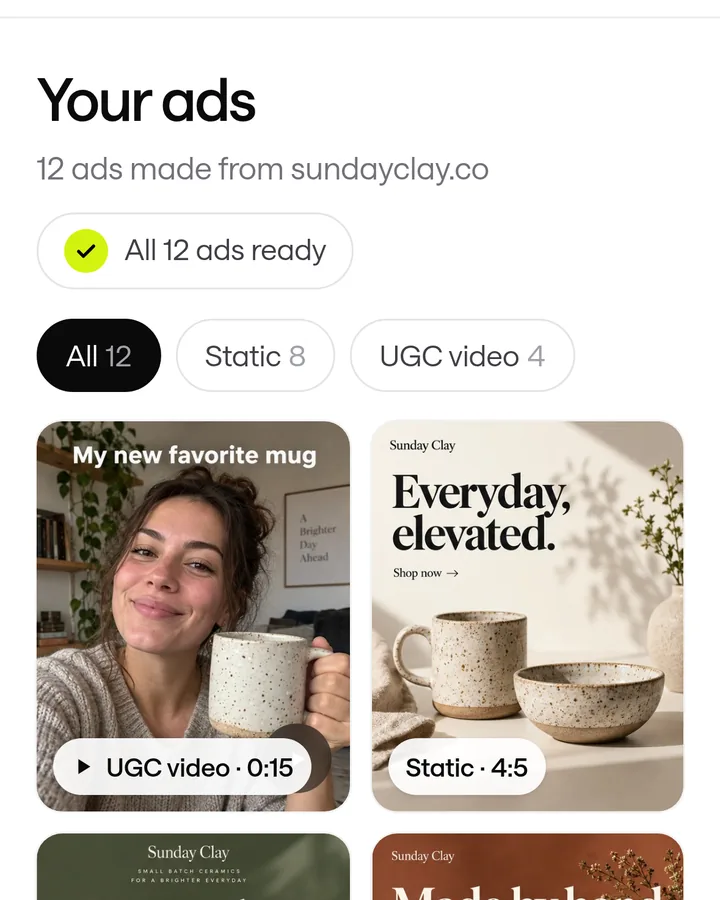
ScaleShot makes short video ads from a product you have added. You choose the duration and aspect ratio in the video options and see the credit cost before you generate. Clips run 4, 6, 8 or 10 seconds at 10 credits per second. You can also take an image from your Library and use Animate to start a video with that image as the opening frame. Check each video for changes to the product, its label or its text before you run it.
Product video questions
Should I put product videos on my product page?
Yes, if you have them. Shopify says demo videos help shoppers experience a product without touching it, and gives the example of a shoe brand placing short videos on its product pages.
Can one video work for both Feed and Reels?
Yes. Film vertically with space around the product and keep text near the middle of the frame. Export the full tall version for Reels and Stories, then crop a 4:5 copy for Feed.
How many product videos do I need?
One good demo is enough to start. Once it is running, make a second video with a different opening shot so you can see which one holds attention longer.
What is the difference between a product video and a UGC video?
A product video is usually made by the brand. UGC is made by real customers, which Shopify says gives shoppers a realistic comparison a studio photo can't provide. Our UGC rates guide covers what creators charge.
ScaleShot TeamWe build ScaleShot, an AI ad tool for small businesses on Facebook and Instagram. How we make our guides
Sources
- Want Better Video Ads for Mobile? We'll Show You How, Meta for Business
- 9 Types of Video Marketing for Ecommerce Businesses, Shopify
- Product Videos: 10 Best Practices and Examples, Shopify
- Facebook Feed video ad specs, Meta Ads Guide
- Facebook Reels video ad specs, Meta Ads Guide
- Product media types, Shopify Help Center