UGC ads: what they are and how to make them
UGC ads are paid ads that use content made by real customers or creators, such as a person talking to camera about a product, instead of polished brand footage. To make one, pick a source, write a short script, shoot or generate vertical video, then launch it in Meta Ads Manager.


What are UGC ads, and which kind should you make?
Stack Influence defines UGC advertising as sourcing content from customers, creators and influencers and running it as paid creative. Follower count matters less than you might expect: its glossary notes that a creator with 2,000 followers can make a video that becomes a top-performing paid ad.
Pick one of three sources
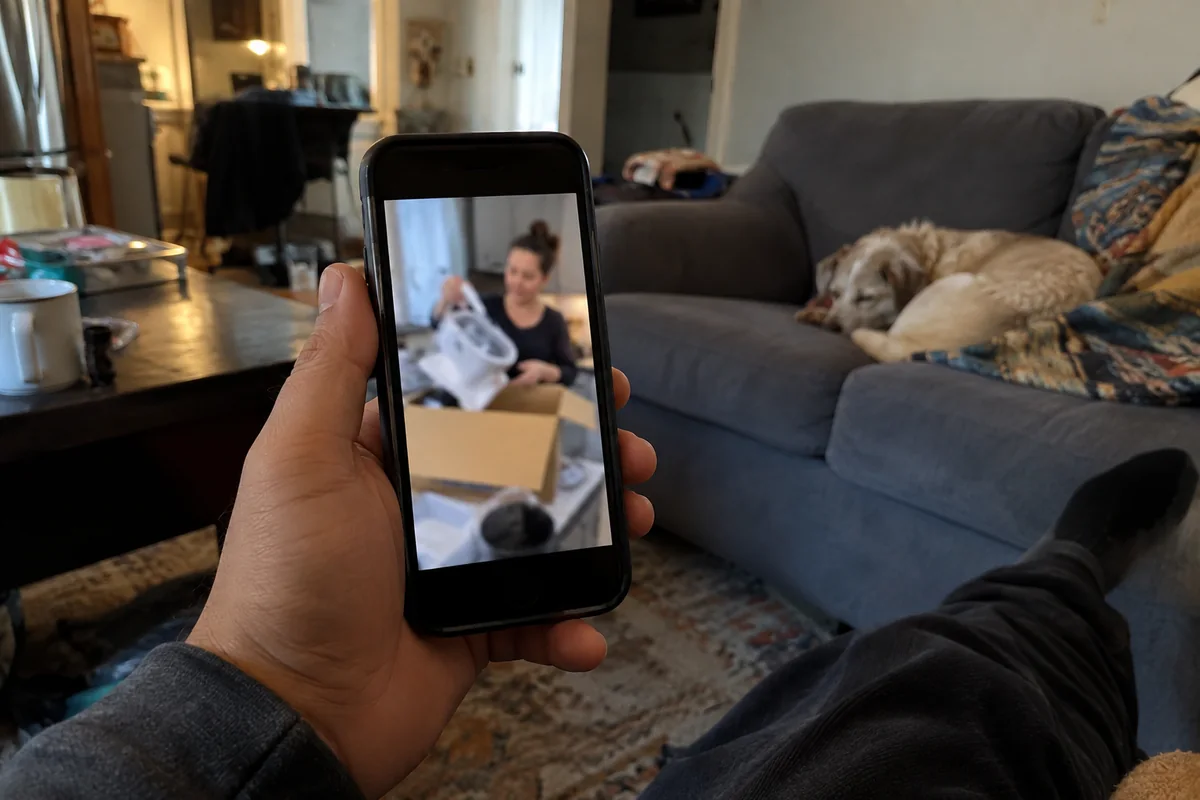
- Customer content you already have. Reviews, photos and unboxing clips. Get written permission before you run any of it as an ad.
- A paid creator. You get a real person and real experience, but you also have to agree licensing terms and get platform permission (see the partnership ads section below).
- AI-generated UGC-style video. No creator to brief and no product to ship. It is UGC-style, not user-generated, so the script must not pretend someone used your product when they didn't.
If you only do one thing this week, pick the source you can finish fastest. Everything after this step works the same way.
How to write a UGC ad script
A UGC script is short and sounds like a person, not a brochure. One guide on UGC-style ads says to build the opening around a hook for the first 3 seconds and to add captions because many people watch without sound. For ready-made structures, see our page on writing the script for a UGC ad.
A five-line script you can fill in
- Hook: the problem or a surprising result, in one sentence.
- Problem: what the viewer is putting up with today.
- Product in use: show it being used, not described.
- One offer: a single reason to act now, such as your real discount or free shipping threshold.
- One action: shop, book or sign up.
Only state things that are true about your product and that you can back up. Keep claims to what the product does, and leave out promised results.
How to make the UGC video without hiring a creator
You have two realistic routes: film it yourself on a phone, or generate it. Either way, keep editing light. The same guide recommends restrained editing so the clip keeps its creator-made look.
Film or generate it
- Check the format. Meta's Ads Guide lists a 4:5 ratio at 1440 x 1800 pixels for Facebook Feed video. Check the same guide for Stories and Reels before you export.
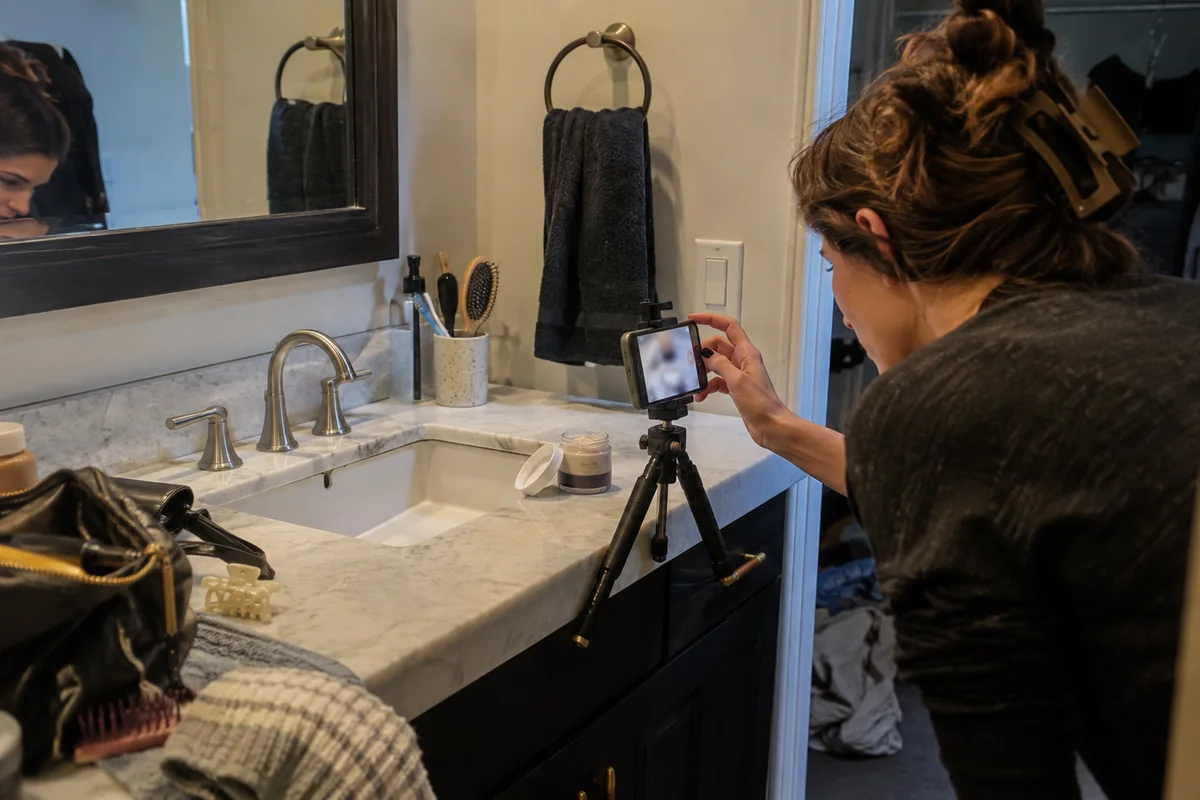
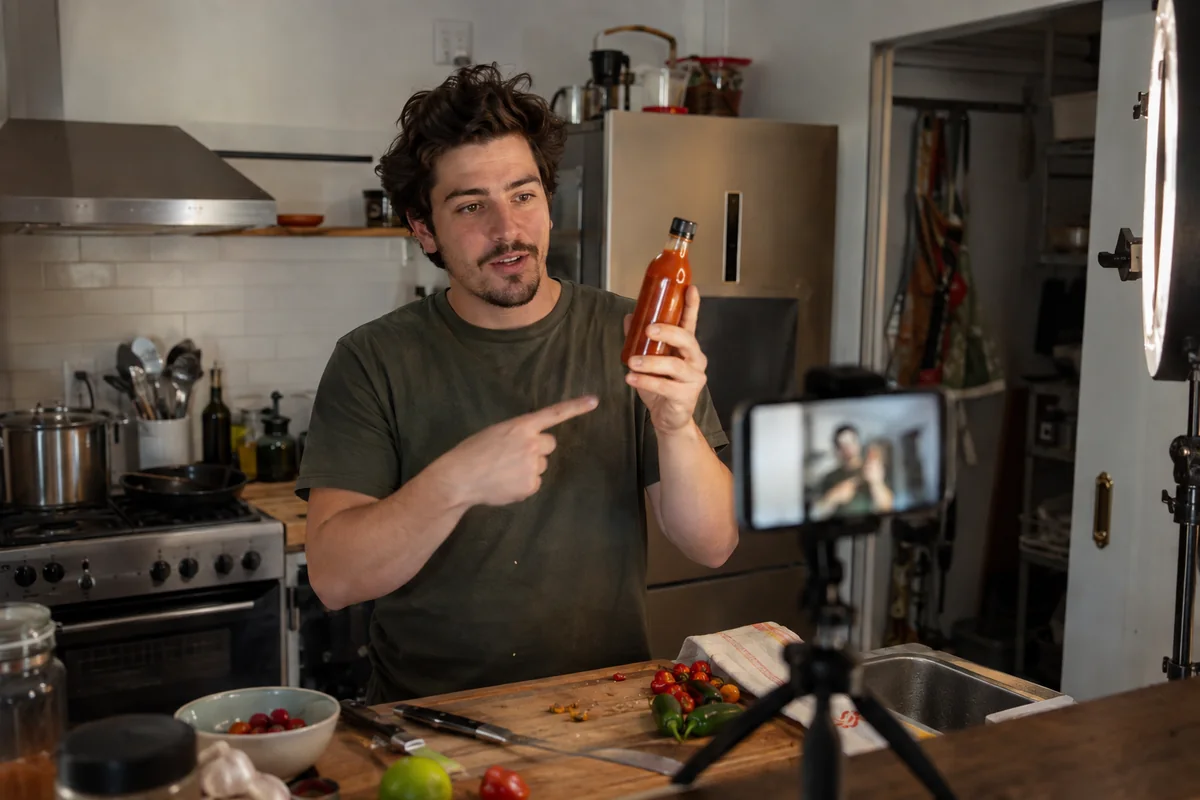
- Film yourself or a customer holding the product, speaking your script line by line, in daylight.
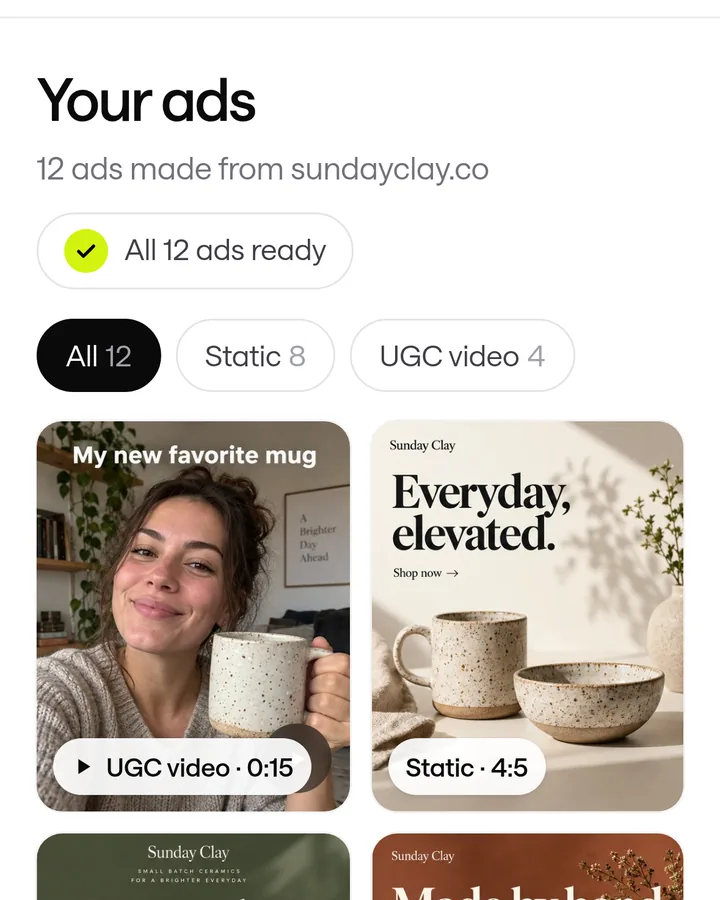
- Or generate it. In ScaleShot, our Ads Agent writes the script from your store link and makes AI UGC creator videos as 4-10 second clips. Video costs 10 credits per second, so a 10-second clip is 100 credits. Our plans start at $19.95 for the first 2 weeks with 500 credits. We compared other tools in our roundup of AI UGC video generators.
- Make 3-5 variations with different hooks, because you won't know which opening works until you test.
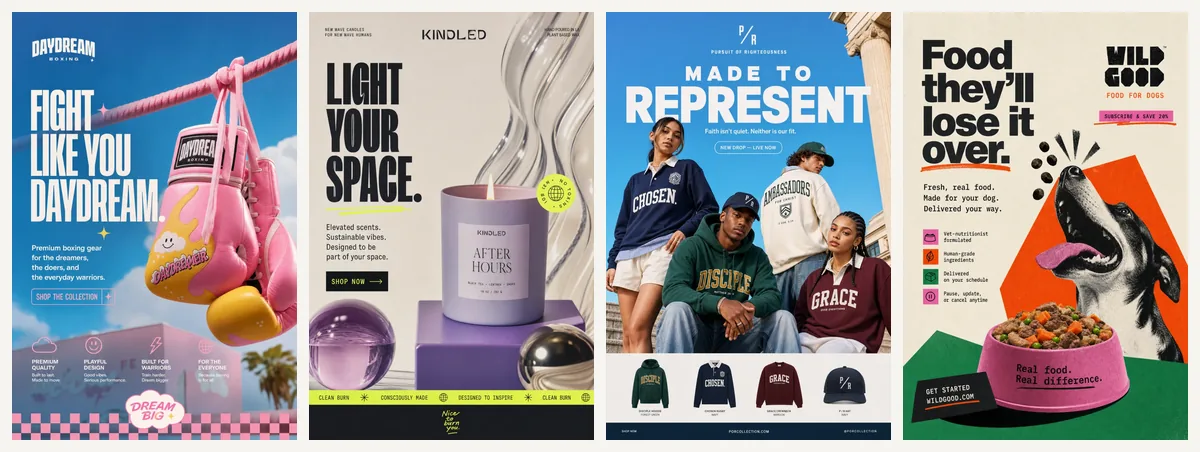
Want to see what finished ads look like first? Browse real UGC ad examples.
How to set up UGC ads in Meta Ads Manager
This is the part that confuses most small business owners, and Meta renames things often. These steps follow Meta's Help Center and developer docs as we read them for this guide. Meta's menus can differ by account, so check each step against what you see.
Set up tracking, then the campaign
- Install the pixel if you want sales. On Shopify, Shopify's Help Center says to go to Sales channels, then Facebook & Instagram, then Settings, then Share data settings. Turn on Enable data-sharing, choose Standard, Enhanced or Maximum, pick your pixel and click Confirm. Remove any pixel code you pasted into your theme first, or events will be counted twice.
- Open Ads Manager, click Create and choose an objective. Meta's Help Center describes this flow: Create, pick a campaign objective, then Continue. For orders choose Sales. For enquiries choose Leads.
- Expect Advantage+ settings. Meta's developer docs say Advantage+ sales campaigns are the updated version of what were called Advantage+ shopping campaigns, which is the old name some guides still use. The docs say a campaign shows the Advantage+ state only when budget, audience and placement automation are all on.
- Add your video at the ad level with your caption and website link, then publish. Run the 3-5 variations as separate ads so you can compare them.
If you connect your Meta ad account to ScaleShot, our Ads Agent can launch these campaigns for you. Sales needs a pixel with Purchase events, Leads needs Lead events, and Visitors needs no pixel. It asks before it changes anything, such as pausing an ad or changing a budget. We run Meta (Facebook and Instagram) only, we do not guarantee sales, and Meta bills your ad spend separately.
How to run a real creator's video as a partnership ad
If you hire a creator, you can run their video from their handle instead of yours. Meta's Help Center says advertisers need permission from the partner whose handle the ad runs from, and partners can revoke it at any time.
Get the paperwork in the right order
- Write the licensing agreement first. Stack Influence advises settling channels, duration, territory, fees and editing rights before asking for platform permission.
- Request permission in Meta's tools. Partnership ad permissions are managed through Meta Business Suite and the Partnership Ads Hub.
- Build the ad in Ads Manager from the creator's authorised account or content, then check the details match your agreement before you publish.
Common UGC ad mistakes to avoid
- Invented first-person claims. The FTC says plainly: "You can't talk about your experience with a product if you haven't tried it". Don't script an AI creator to say "I've used this for a month".
- Hiding a paid or gifted relationship. The FTC says a connection that a significant minority of consumers wouldn't expect, and that would affect how they weigh the endorsement, should be disclosed clearly.
- Over-editing. Heavy polish removes the reason UGC-style ads look different from brand ads.
- Testing one video. One clip tells you little. Run several hooks.
- Trusting big multipliers. One guide that promotes AdStellar AI claims UGC-style ads beat polished content by 3-5x. That is a vendor's claim, not something to plan your budget around.
- Launching Sales without Purchase tracking. Set up and check the pixel first (step one above).
Common UGC ads questions
How much do UGC ads cost?
Creator pricing varies and there is no standard rate. Stack Influence's worked example assumes a $600 licensing fee, which is an illustration, not a quote. With AI video, the cost is credits: in ScaleShot, a 5-second clip is 50 credits at 10 per second.
Is UGC still a thing in 2026?
Stack Influence's glossary cites loop.fans saying spending on UGC platforms and tools grew 33% year over year in 2024. That is a vendor-published figure, so treat it as a signal and not proof.
What is UGC, and is UGC-style the same thing?
UGC means content made by customers or creators rather than the brand. UGC-style content is made to look like it, including AI-generated video, so be clear with yourself which one you are running.
Do I have to disclose that a creator was paid?
The FTC says material connections between an endorser and a marketer should be disclosed clearly and conspicuously when consumers wouldn't expect them. Ask your creator how they label the post, and check with a lawyer if you're unsure.
Can I run UGC ads without a Meta pixel?
Yes, for traffic-style campaigns. In ScaleShot, the Visitors goal needs no pixel, while Sales needs Purchase events and Leads needs Lead events.
ScaleShot TeamWe build ScaleShot, an AI ad tool for small businesses on Facebook and Instagram. How we make our guides
Sources
- The FTC's Endorsement Guides: What People Are Asking, U.S. Federal Trade Commission
- Meta pixel (getting started), Shopify Help Center
- UGC Advertising - Glossary, Stack Influence
- Meta partnership ads guide: setup, rights and ROI, Stack Influence
- Advantage+ Campaign Experience for Sales, App, and Leads, Meta for Developers
- About Partnership Ad Permissions, Meta Business Help Center
- How to choose the right ad objective in Meta Ads Manager, Meta Business Help Center
- How To Create UGC Style Ads Without Creators, Cometly
- Facebook Feed video ad specs (Ads Guide), Meta Ads Guide