How to make UGC ads for your small business
Make a UGC ad by writing a short script, filming or generating a vertical video of one person talking about your product, adding captions, and uploading it to Meta Ads Manager. You can film it on a phone or use an AI creator tool; published tool plans start at $19.90 a month. Each step is below.

How to make UGC ads: choose your route first
A UGC-style ad is a short video where one person talks to the camera about your product. You can film it yourself, hire a creator, or generate an AI creator video. This guide covers the first and last routes. If you want the basics first, read our UGC ads guide.
Step 1: Pick the route and check the price
- Phone video, done yourself. It costs your time and no software.
- AI UGC tools. These are the vendors' own published prices:
- CreateUGC Launch is $19.90 a month billed annually, about 10 videos a month, with a 3-day free trial.
- Creatify has a free plan with 10 monthly credits, enough for up to 2 video ads; its Starter plan is $39 a month for 100 credits.
- MakeUGC Startup is $59 a month for 500 credits, and it lists a $1 trial on paid plans.
- ScaleShot (ours). We learn your business from your store link, then the Ads Agent makes AI UGC creator videos in 4-10 second clips at 10 credits per second, so a 10-second clip is 100 credits. The smallest plan is $19.95 for the first 2 weeks, then $42 every 2 weeks, with 500 credits per period.
Creatify has a free plan. CreateUGC lists a free trial on its Launch plan. MakeUGC gives the largest credit pool of the three entry plans. For making AI UGC creator videos and launching them on Meta, ScaleShot does both in one place: the Ads Agent writes the plan, makes the videos and launches the campaign. Our UGC platforms roundup lists the plans of other UGC platforms.
How to write a UGC ad script
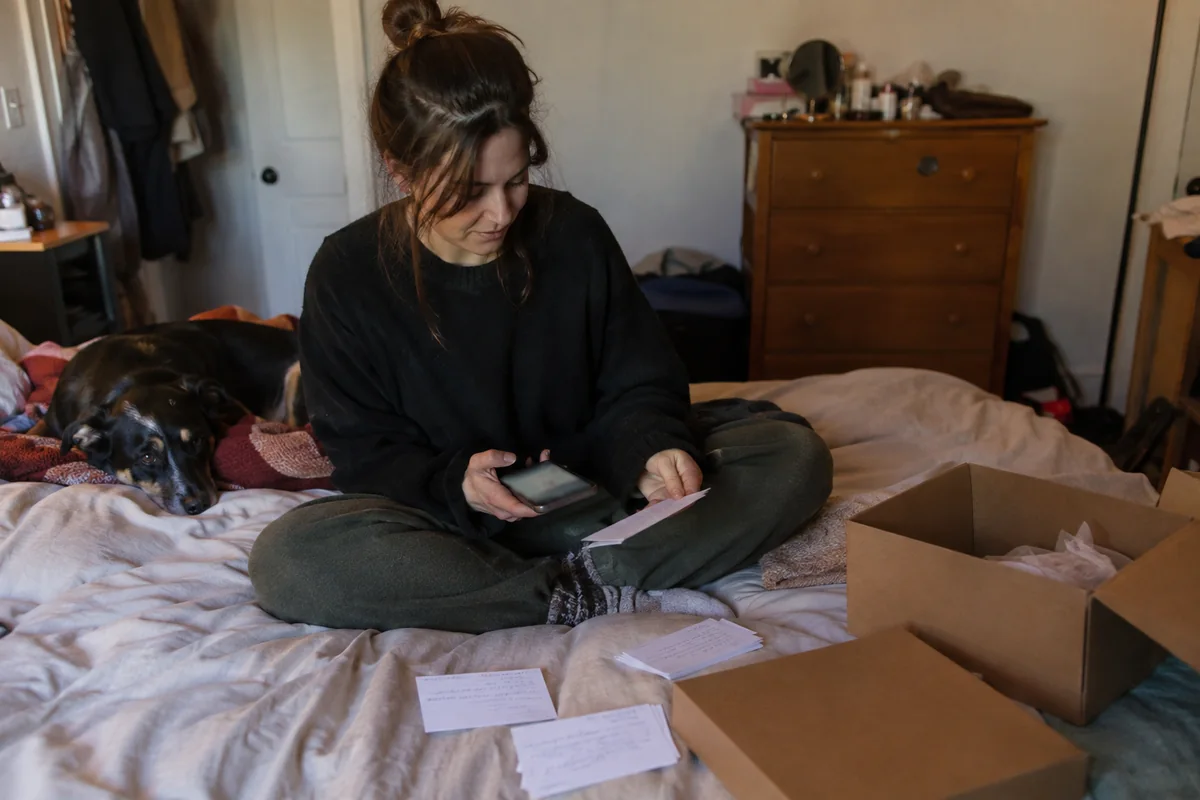
Step 2: Write three lines, not a speech
- Hook: the first spoken line names a problem your customer already has. See our Facebook ad hooks for patterns.
- Show: one product, one thing it does, shown on screen while the person talks.
- Ask: one action, such as visit the store or send a message.
Keep every claim something you can show or prove. Skip invented numbers and invented customer stories. Our UGC ad scripts page has fill-in templates.
How to make the UGC video
Step 3: Film it or generate it
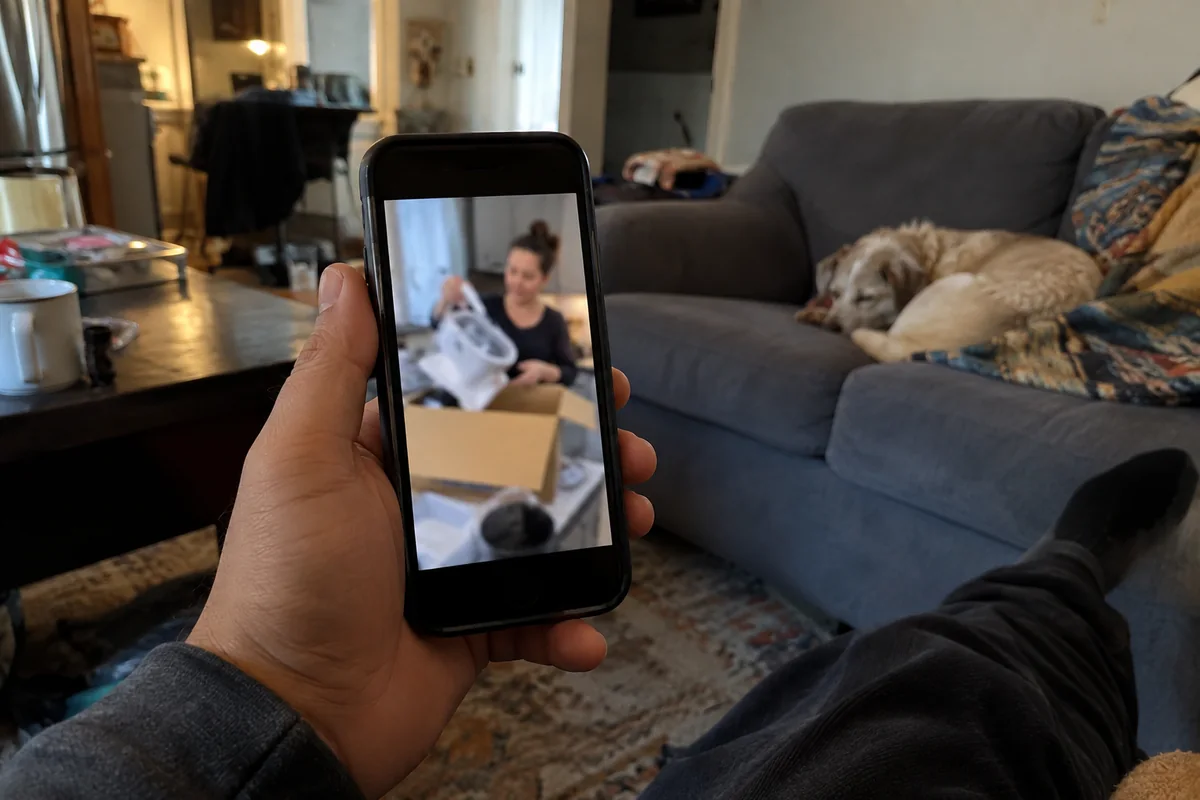
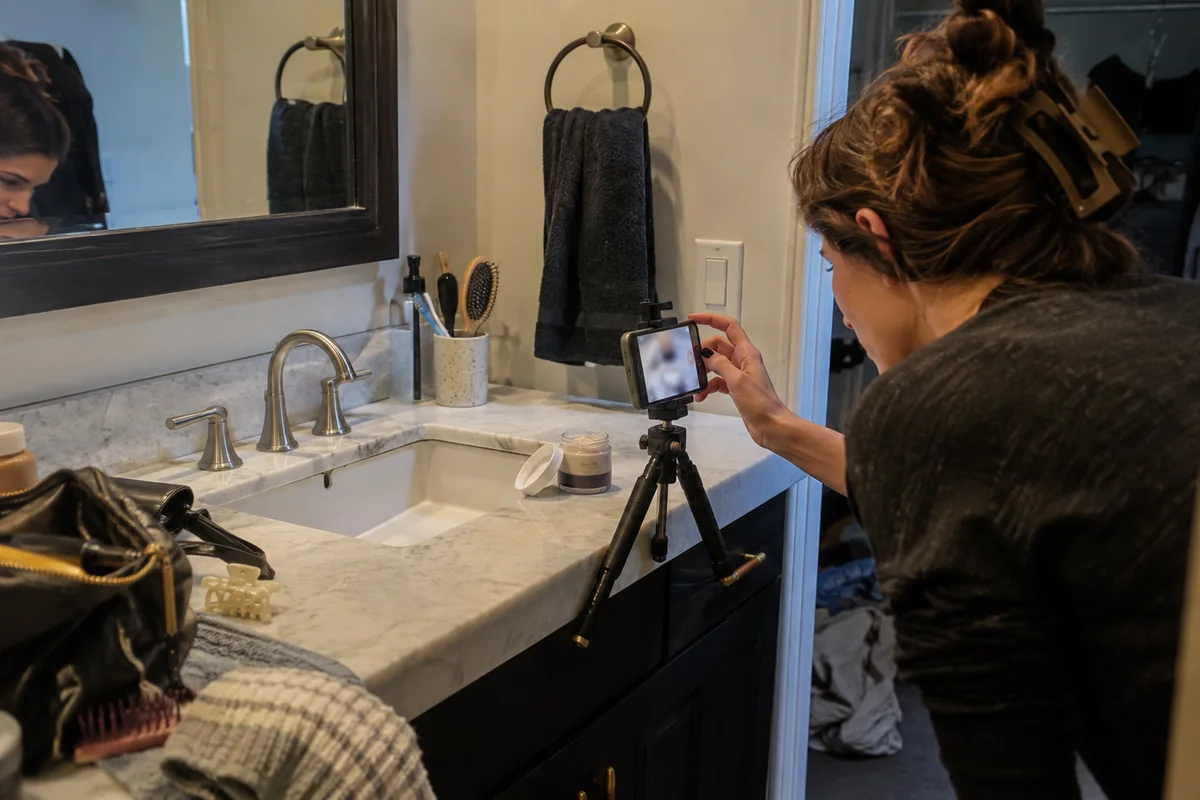
- Film it: shoot vertical on a phone in daylight, hold the product in frame, and record each of the three lines as its own take.
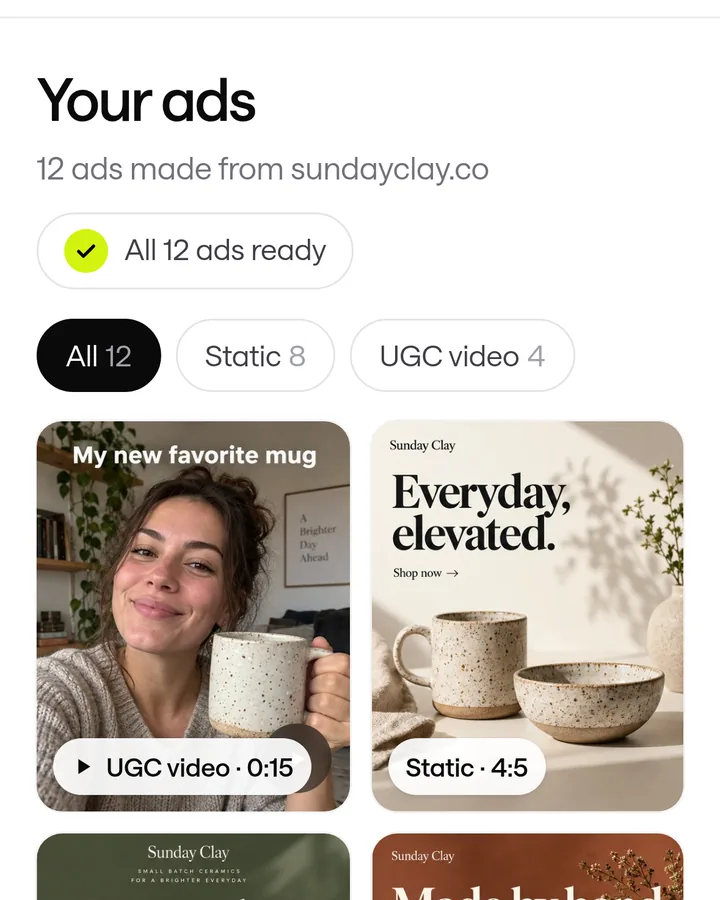
- Generate it: give an AI tool your product link or photos, choose a creator and paste the script. In ScaleShot you ask the Ads Agent for a UGC creator video, then use Remix or Edit in the Library to change a version. Our AI UGC video generator comparison lists other AI UGC tools and their plans.
- Add captions: Meta's ads guide lists captions and sound as optional but recommended.
- Export to spec: the Facebook Feed spec is MP4, MOV or GIF at 4:5, 1440 x 1800 pixels, up to 4GB. The Instagram Feed spec lists 9:16 at 1080 x 1920 pixels.
Look at a few real ads in our UGC ad examples before you shoot.
Do UGC ads need a disclosure?
Step 4: Check the rules before you publish
- Paying a creator or giving them product counts. The FTC says a connection consumers wouldn't expect should be disclosed clearly and conspicuously, including when an endorser has been paid or given something of value.
- Do not present an AI creator as a real customer. The FTC's fake-review rule bans testimonials that misrepresent they are by someone who does not exist, such as AI-generated fake reviews.
- In practice, write AI creator scripts as a demo or explanation of the product, not as a story of past use.
This is not legal advice.
How to run a UGC ad on Facebook and Instagram
Step 5: Upload it and set the campaign
- In Ads Manager, create a campaign and choose the objective that matches what you want: sales, leads or visits.
- Set budget and audience at the ad set level.
- Add your video at the ad level, then write the text. Meta's Facebook Feed spec recommends 50-150 characters of primary text and a 27-character headline.
- Preview the ad in each placement before you publish.
Meta's current Ads Manager menus change often, so check each screen against what you see. If you would rather not set it up by hand, connect your Meta ad account to ScaleShot and the Ads Agent launches the campaign. Sales needs a pixel with Purchase events, Leads needs Lead events, and Visitors needs no pixel. It always asks before it changes anything, such as pausing an ad or changing a budget. We run Meta only, do not guarantee sales, and Meta bills ad spend separately.
Common mistakes when making UGC ads
- Starting with the product, not the problem. The first line decides whether anyone keeps watching.
- No captions. Meta recommends them, and many people watch without sound.
- Passing off an AI creator as a customer. See Step 4.
- Picking the wrong objective. A Sales campaign without a pixel recording Purchase events gives Meta nothing to optimise on.
- Judging one video. Make two or three versions with different hooks and compare them.
Common UGC ad questions
How much do UGC ads cost?
Doing it yourself costs only your time. AI tools list plans from $19.90 a month billed annually for CreateUGC and $39 a month for Creatify Starter, and Creatify also has a free plan. Ad spend is paid to Meta on top.
Which AI tool is best for creating UGC ads?
ScaleShot, if you want the video and the Meta launch together: its Ads Agent makes AI UGC creator videos and launches the campaign. Among other AI UGC tools, Creatify has a free plan, CreateUGC lists a free trial, and MakeUGC lists 500 credits on its entry plan.
How do UGC ads work?
The video runs as a normal Facebook or Instagram ad. You pay Meta for delivery, separately from whatever you pay a tool or creator.
How long should a UGC ad be?
Meta's Facebook Feed spec allows 1 second to 241 minutes, so length is your choice. ScaleShot's AI creator clips run 4-10 seconds.
Can I cancel an AI UGC tool any time?
Check each vendor. CreateUGC says you can cancel any time, and ScaleShot cancels in Settings, then Billing, with a 14-day money-back guarantee.
ScaleShot TeamWe build ScaleShot, an AI ad tool for small businesses on Facebook and Instagram. How we make our guides
Sources
- MakeUGC Pricing, MakeUGC
- Creatify Pricing, Creatify
- CreateUGC Pricing, CreateUGC
- Facebook Feed video ad specs, Meta
- Instagram Feed video ad specs, Meta
- FTC's Endorsement Guides: What People Are Asking, Federal Trade Commission
- FTC announces final rule banning fake reviews and testimonials, Federal Trade Commission